

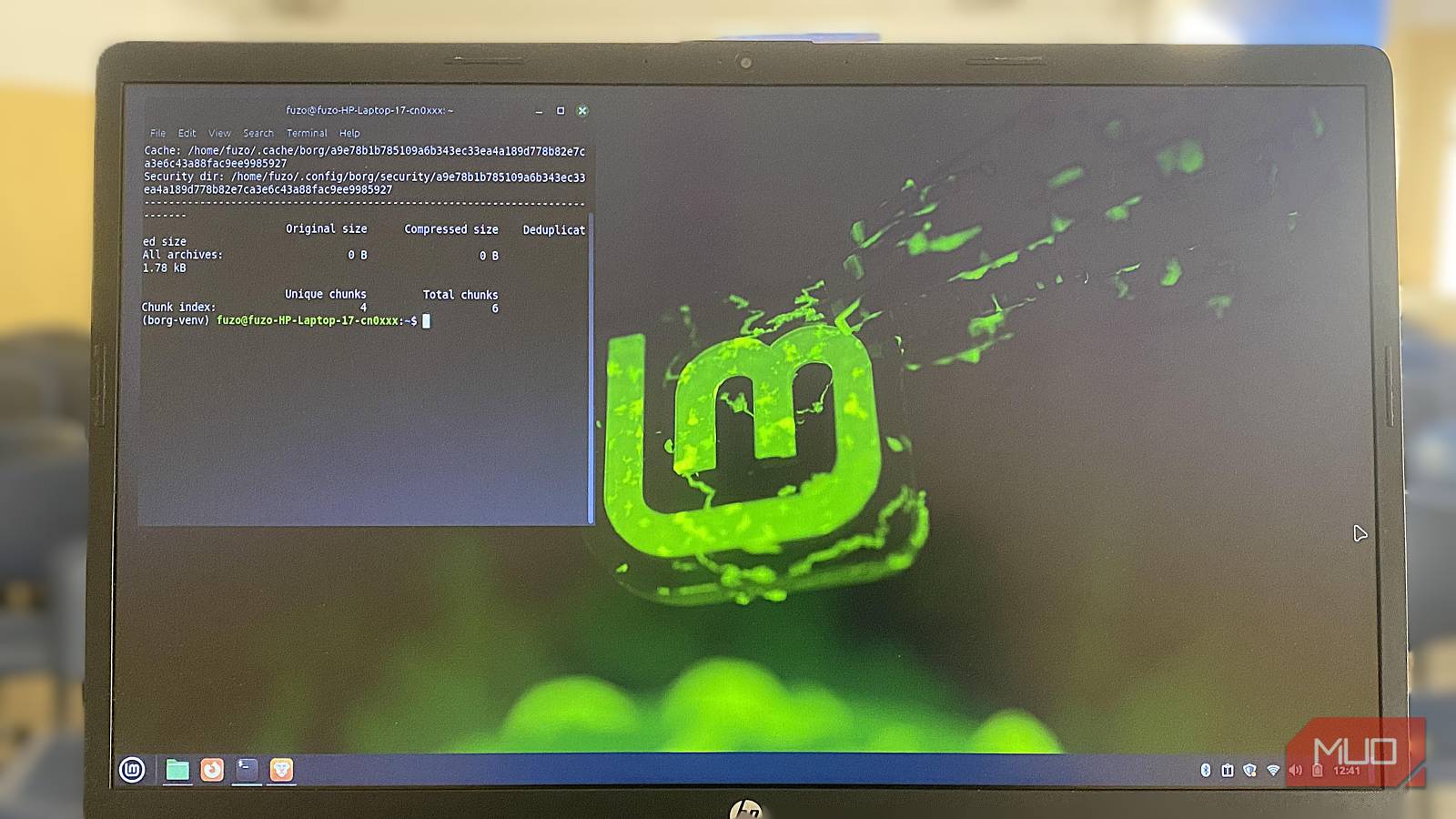

I think I’ve had one of the messiest backup strategies for years. I’m constantly testing out new tools, and it takes a toll. I’ve used backup tools like Restic and mainstream options like Google Drive, Microsoft OneDrive, and Apple iCloud, to name a few. These options are robust but usually not totally under your control and often require paid plans for ample storage.
I finally came across BorgBackup (Borg for short), and it’s one tool that can replace all the backup options I’ve tried. It’s open source, my data is practically under my control, and it’s free. But more importantly, it’s a backup option that’s robust enough for daily use. It replaces every part of my previous setup with a single unified system.
Borg’s global deduplication
Borg eliminates repeated data across snapshots and machines
Of all the backup tools I’ve used, Borg has the most distinctive and effective approach to handling repeated data. It doesn’t back up entire files or scan for differences at a block level. Borg instead breaks data into variable-sized chunks based on its content. This ensures that even if you make a tiny change inside a massive file, only a few new chunks are stored, and the rest are reused. This approach becomes a long-term space-saving machine, going far beyond incremental backup.
The effect is felt most when you back up several machines to a single repository. It’s agnostic about which system produced the data. For example, if you have two computers that share identical system files, the chunks are referenced by multiple snapshots or machines but stored only once. This is called deduplication, and it recognizes just the data itself and not necessarily how it’s arranged or named.
Borg’s deduplication helps keep costs in check even when the number of devices or snapshots increases. Your storage only grows when something genuinely new is introduced. This is especially valuable to me because I maintain multiple computers.

- OS
-
Linux, macOS, FreeBSD
- Price model
-
Free
BorgBackup or Borg is a command-line, deduplicating archiver with compression and encryption. It offers space-efficient storage of backups.
Fortress-grade security by default
Encryption designed for untrusted servers

Encryption is a checkbox feature on some backup tools I’ve tried, but it’s a core part of Borg’s design. The data you store is encrypted and cryptographically protected against tampering, and your repository can be initialized with authenticated encryption. This way, the client will detect tampering or modification of repository data, and you get real protection even if someone modifies the raw chunks behind your back. The cloud provider has no insight into your files and, at best, will only see unreadable blobs.
I also appreciate that Borg implements a zero-knowledge architecture, and the encryption happens on my machine. I can then use off-site storage, a rented VPS, or a third-party provider as a mere location to deposit encrypted chunks. They don’t participate in encryption, hold the keys, or decrypt my data, even if compelled to do so.
I also love Borg’s approach to key management. It offers passphrase-protected keys and standalone keyfiles, which are great for different threat models. However, you must make proper key backup part of your workflow because losing the key also means losing the ability to restore data. This security model means you don’t need to fully trust a machine to host your backups. Borg’s encryption keeps it safe.
Instant restores

The file restore process is one reason I dread backups. On some tools, I have to extract entire archives, then wait for gigabytes of data to be processed. After that, I still have to sift through folders to find the one file I actually need. Borg lets you mount your repository via FUSE, largely eliminating this friction. It exposes backups as a directory, so every snapshot is accessible like a normal local folder.
You have to open a specific file before Borg downloads or decrypts it. Although it feels like lazy-loading, it lets you inspect archives instantly. Instant restores make Borg an ideal tool for backing up your entire digital life.
Backups that never bog down your system
Making Borg fast on everything from desktops to low-power NAS devices

After the initial full backup, Borg became remarkably lightweight. Deduplication does most of the work, so incremental runs are fast, and Borg is ideal for scheduled, high-frequency backups. I can run it for hours, and it barely touches my disk or network because it’s only moving tiny bits that have changed, not entire files.
You can choose between LZ4, ZSTD, or GZip, and this adds another layer of efficiency. For large and frequently changing directories, I use LZ4 because it favors speed. ZSTD will typically shrink storage, but won’t hurt performance on modern CPUs. Even though GZip is slower, it’s ideal for archival snapshots that won’t be touched again. Many other tools, unlike Borg, won’t allow you to tune compression per job.
BorgBackup also excels at network-aware scheduling. You can apply upload throttling to prevent Wi-Fi bandwidth from being overwhelmed during backups. These optimizations are more evident on Raspberry Pi NAS units, small VMs, older laptops, or other low-power hardware.
Even though Borg does a great job of creating backups, its biggest strength is in how it maintains them. Automated pruning, compaction, and verification workflows offer constant oversight that keeps the repository healthy.
Borg keeps my entire archive consistent. However, it is a command-line tool, and if you’re non-technical or prefer a graphical user interface (GUI), backup tools like Duplicati may be better fits.
