

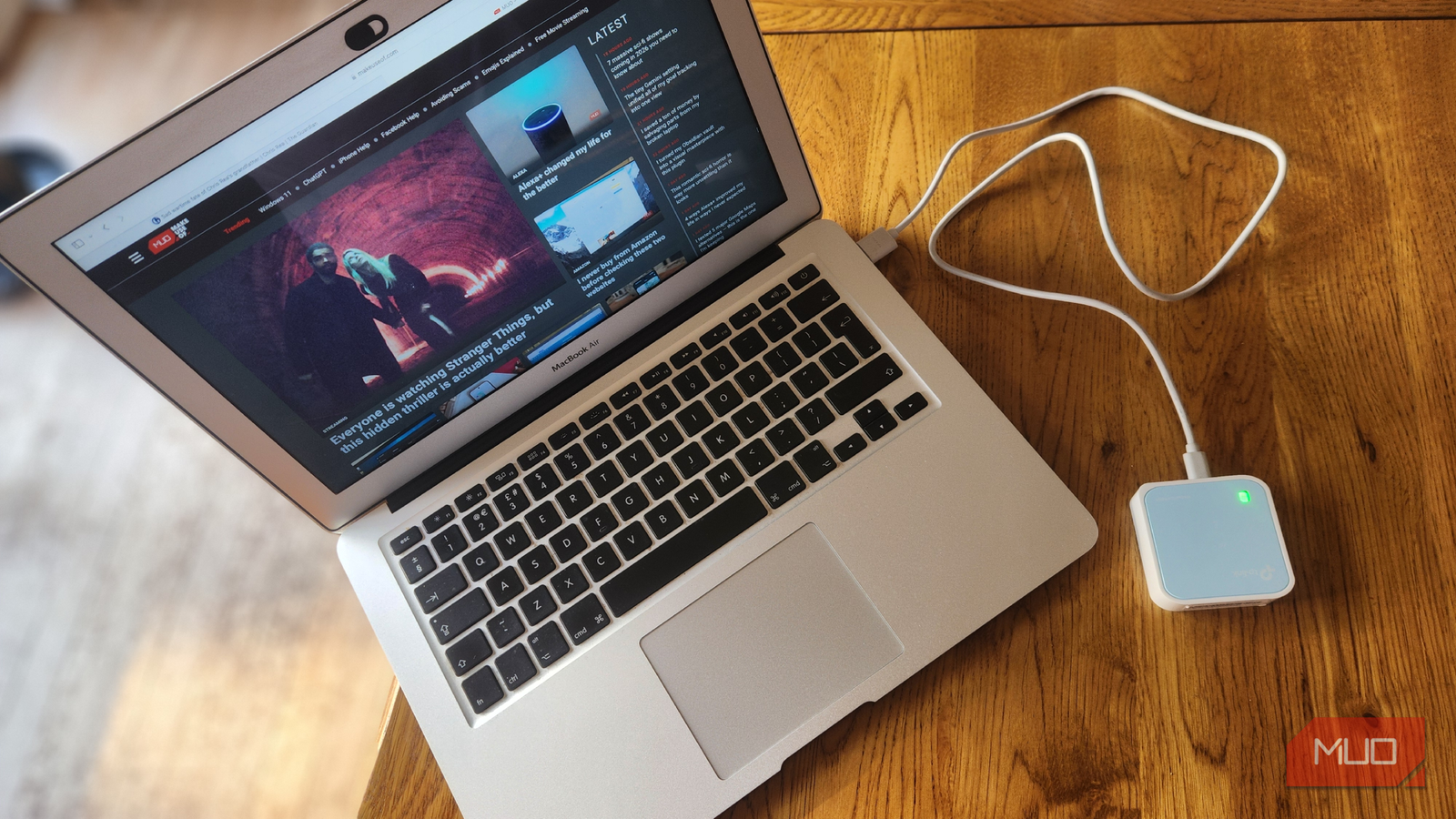

As a regular remote worker, I quickly grew tired of flaky hotel Wi-Fi, crowded coffee-shop networks, and unpredictable coworking spaces. I would often find myself so far from a Wi-Fi source that even saving a document to the cloud became a long and drawn-out process, and I was always wary of insecure public networks.
Thankfully, the solution was straightforward and inexpensive. Small enough to sit in the palm of my hand, the TP-Link N300 USB-powered travel router was a total game-changer, massively improving connectivity and security. For around $30, this essential gadget turns practically any wired or wireless Internet source into my own secure Wi-Fi network, giving me greater control and stability over my connections. It is now a permanent fixture in my laptop bag whenever I work away from home.

- Brand
-
TP-Link
- Wi-Fi Bands
-
2.4GHz
- Ethernet Ports
-
1
- USB Ports
-
None
- MU-MIMO
-
No
- Mesh Network Compatible
-
No
It is as versatile as it is portable
A tiny footprint and USB connectivity make everything effortless

As remote workers, we rely on many peripherals to stay productive. One of the main reasons I opted for the N300 is that it’s so small it fits easily into a laptop bag or even my pocket. Despite its compact size, it packs a lot of functionality, with multiple operating modes, including router, access point, client, repeater, and WISP, allowing me to adapt it to the many networking scenarios I encounter while traveling or working remotely.
Unlike typical hotel or café Wi-Fi, which often requires accepting terms on a web portal for each device, a travel router lets me create my own network once and connect all my devices, including my phone, laptop, and tablet, and colleagues’ devices, without repeatedly logging in.
It provides reliable connectivity on the go
Stability and extended range make remote working easy

A stable connection is essential for remote work, especially when working as part of a team and requiring constant communication. The TP-Link N300 delivers up to 300 Mbps on its 2.4 GHz band, which, while not exactly high-speed, is sufficient for everyday tasks like video calls, file uploads/downloads, and web browsing. Remote workers requiring faster speeds and a dual-band connection can opt for the TP-Link AC750 for an additional $10.
Because it can be powered through a USB port or standard USB wall adapter, I can plug it into a power bank, laptop, or phone charger. It also functions as a Wi-Fi repeater, significantly boosting the signal when I am far from the Wi-Fi source (as is often the case). It’s also compatible with a wide range of devices, from my laptop, tablet, and smartphone to my Fire TV Stick. These benefits are especially useful when staying in hotel rooms and working in isolated spaces.

- Brand
-
TP-Link
- Connectivity
-
Laptop, tablet, smartphone
- Ports
-
2x USB
- Frequency Band
-
Dual-band
- Antennas
-
None
Improved security on untrusted networks
Add another layer of defense to your remote connection
Besides boosting my Wi-Fi range and providing a convenient Wi-Fi hub, the most compelling reason to buy a travel router like the TP-Link N300 was its enhanced security. I often find myself working on unfamiliar and public networks. Whether in a hotel, airport, or café, public Wi-Fi is often poorly secured, leaving users exposed to risks such as packet sniffing, man-in-the-middle attacks, or malicious devices on the same network.
My N300 acts as a protective buffer between my devices and the public internet. Instead of each of my devices connecting directly to an open or shared network, only the router connects, and my laptop, phone, and tablet connect to the N300’s encrypted network. This setup reduces my digital footprint, simplifies firewall and password management, and lets me use a single secure connection across all my devices.
Limited speed for demanding tasks

As I previously suggested, the TP-Link N300 isn’t perfect. Its 2.4 GHz single-band Wi-Fi means it lacks the performance and reduced interference offered by dual-band routers, and its 300 Mbps top speed won’t keep up with heavy streaming or gaming demands.
For remote workers who regularly upload large files or require a smooth connection for HD video streaming, the N300 likely won’t cut it. In this instance, it is advisable to seek a higher-performance model, such as its bigger brother, the TP-Link AC-750. However, I have never felt any limitations when using my travel router for general remote work and even while streaming Netflix.
It is powerful enough for most remote work
The average remote worker will not register a lack of performance

I went into buying the TP-Link N300 with its limitations in mind and knew it could handle the type of remote work I do. Most business apps, video conferencing services, and cloud tools function perfectly well within the N300’s speed range. I mostly use it for Zoom meetings, Google Docs collaboration, Slack messaging, and general web work, and rarely notice any performance bottlenecks.
I have since found out that a 2.4GHz connection penetrates walls better and has a longer range than 5GHz, making the TP-Link N300 a better range extender than its faster alternatives. Besides, it is its many operating modes and practical uses that make this device essential, far outweighing any potential speed-related setbacks.
A cheap solution that does no more than is necessary
My TP-Link N300 Portable Travel Router may not be the flashiest piece of gear on my desk, but it is one of the most essential. Its combination of portability, versatility, and affordability makes it a highly practical tool for anyone who frequently works outside a traditional office.
For around $30, it transforms unpredictable or public networks into my own reliable Wi-Fi, simplifies device connectivity, and cuts down on login hassles and security risks (despite a recent security threat concerning the brand). Sure, it doesn’t offer cutting-edge performance or the latest frequency bands, but for everyday remote tasks, it delivers precisely what I need, without any connection drops.
Anyone who values security, convenience, and affordability should have this essential gadget in their tech bag the next time they step outside the office.
