

Close Menu

    Subscribe to Updates

    Get the latest Tech news from SynapseFlow

    What's Hot

    Volunteers Find Oddly High Solar Flare Rates

    March 14, 2026

    RedMagic 11 Air review: performance over prettiness

    March 14, 2026

    Huawei Enjoy 90 Pro Max and Enjoy 90 Plus get formally teased

    March 14, 2026
    Facebook X (Twitter) Instagram
    • Homepage
    • About Us
    • Contact Us
    • Privacy Policy
    Facebook X (Twitter) Instagram YouTube
    synapseflow.co.uksynapseflow.co.uk
    • AI News & Updates
    • Cybersecurity
    • Future Tech
    • Reviews
    • Software & Apps
    • Tech Gadgets
    synapseflow.co.uksynapseflow.co.uk
    Home»Tech Gadgets»The latest VLC update quietly improves one of its best new features
    The latest VLC update quietly improves one of its best new features
    Tech Gadgets

    The latest VLC update quietly improves one of its best new features

    The Tech GuyBy The Tech GuyJanuary 9, 2026No Comments3 Mins Read0 Views
    Share
    Facebook Twitter LinkedIn Pinterest Email
    Advertisement


    Chances are, if you watch a lot of movies and TV shows on your PC, you’ve heard of or use VLC media player. It’s an extremely popular open-source media player that runs circles around Windows’ default media player, and one of its best features is its ability to play a wide range of media formats, such as MP4, MKV, AVI, MP3, MOV, and more.

    Advertisement

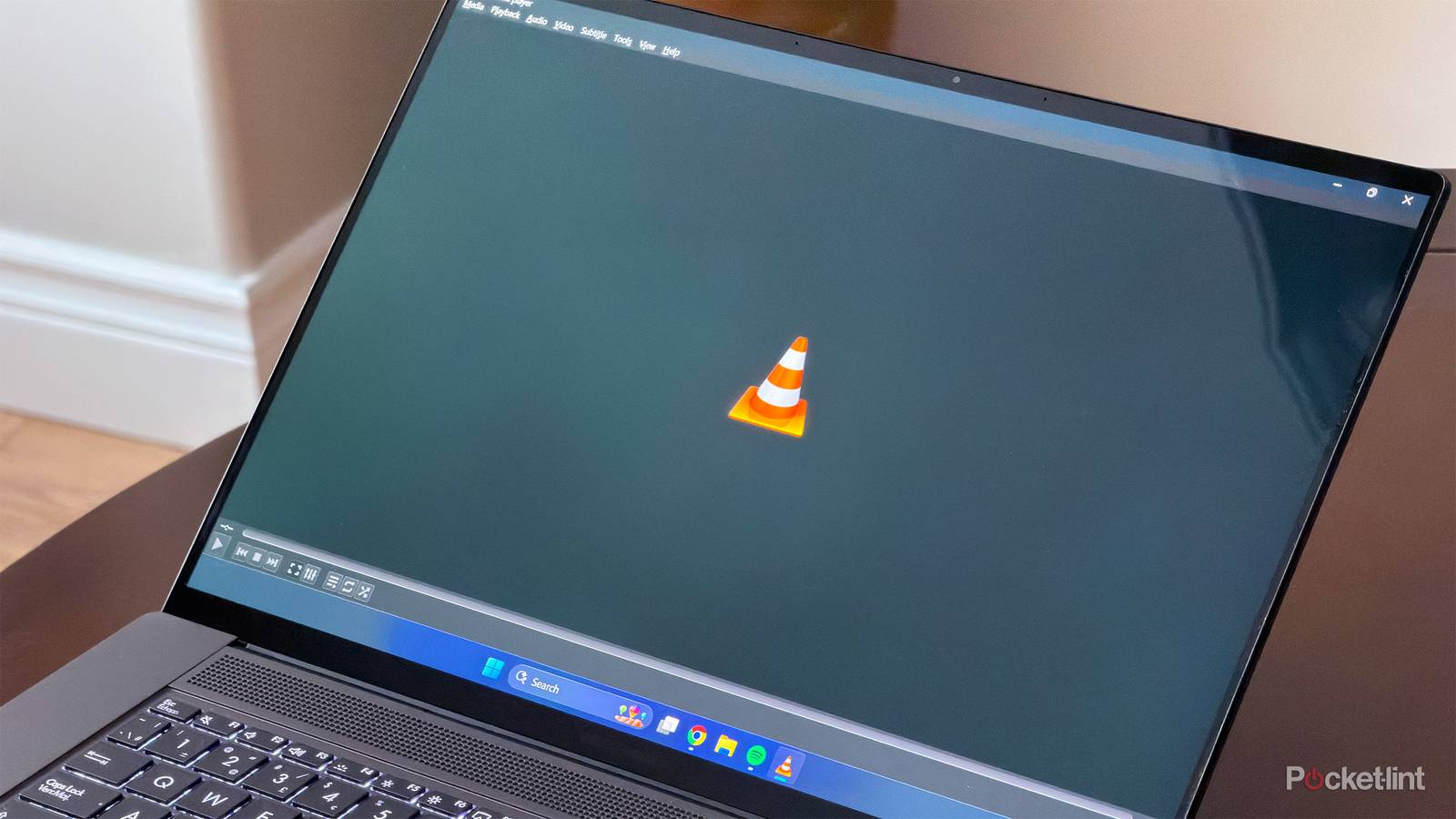
    However, until recently, one of VLC’s biggest flaws was the lack of a dark mode. This meant that if you used your PC in dark mode, when you opened VLC, you’d get slightly flash-banged. Luckily, with its 3.0.22 update last year, VLC finally remedied this and added a dark palette to VLC for Windows and Linux, which turns all its user interface elements, which were previously white, to dark grey or black, like the playback options and menus at the top.

    Now, with its latest 3.0.23 update, VLC’s dark palette has been improved even further, and on top of that, there are a ton of bug fixes, playback improvements, and newly added support for Windows ARM64. So, if you have a Windows PC powered by a Snapdragon chipset, you can now use VLC.

    “Today, we released VLC 3.0.23, our largest bugfix release ever. It also adds a dark mode on Windows and Linux, support for ARM64 Windows, improvements for Windows XP, and much more,” VLC said.

    How to use dark mode on VLC

    You can find it under Tools > Preferences

    VLC dark mode on Windows. Credit: VLC / Disney / Pocket-lint

    If you want to try out VLC’s new dark mode, you first need to make sure the app is up-to-date. At the time of writing, when you try to update VLC through its auto-update feature in the app, it says the app is already up-to-date. To get the latest version, you’ll need to download it from VLC’s official website and run the VLC installer again to update it.

    Once your VLC is on version 3.0.23, go to Tools in the menu bar and select Preferences. Under the Interface option, you’ll see a “Look and feel” section with a checkbox for a setting called “Use a dark palette.” Check that box, then click Save, and your VLC will now be in dark mode. You may need to reopen the app for the change to take full effect.

    After using VLC’s dark mode for the past little while, I think its implementation is great and makes the user interface much less distracting while playing media. My only wish is that the app would automatically switch to dark mode when Windows is set to dark mode. Overall, it’s nice to see VLC finally add a dark mode and already release an update to improve it, in addition to squashing bugs and adding support for Windows ARM PCs.

    Advertisement
    Share. Facebook Twitter Pinterest LinkedIn Tumblr Email
    The Tech Guy
    • Website

    Related Posts

    Huawei Enjoy 90 Pro Max and Enjoy 90 Plus get formally teased

    March 14, 2026

    Which phone-powered PC experience is better?

    March 14, 2026

    How to upgrade your car’s old audio system to work with Android Auto and Apple CarPlay

    March 14, 2026

    How to Make a Killing review: a serial killer story should not be this boring

    March 14, 2026

    iQOO Z11’s design revealed, pre-orders go live

    March 13, 2026

    Google Messages is rolling out a fix for its most annoying oversight

    March 13, 2026
    Leave A Reply Cancel Reply

    Advertisement
    Top Posts

    The iPad Air brand makes no sense – it needs a rethink

    October 12, 202516 Views

    ChatGPT Group Chats are here … but not for everyone (yet)

    November 14, 20258 Views

    Facebook updates its algorithm to give users more control over which videos they see

    October 8, 20258 Views
    Stay In Touch
    • Facebook
    • YouTube
    • TikTok
    • WhatsApp
    • Twitter
    • Instagram
    Advertisement
    About Us
    About Us

    SynapseFlow brings you the latest updates in Technology, AI, and Gadgets from innovations and reviews to future trends. Stay smart, stay updated with the tech world every day!

    Our Picks

    Volunteers Find Oddly High Solar Flare Rates

    March 14, 2026

    RedMagic 11 Air review: performance over prettiness

    March 14, 2026

    Huawei Enjoy 90 Pro Max and Enjoy 90 Plus get formally teased

    March 14, 2026
    categories
    • AI News & Updates
    • Cybersecurity
    • Future Tech
    • Reviews
    • Software & Apps
    • Tech Gadgets
    Facebook X (Twitter) Instagram Pinterest YouTube Dribbble
    • Homepage
    • About Us
    • Contact Us
    • Privacy Policy
    © 2026 SynapseFlow All Rights Reserved.

    Type above and press Enter to search. Press Esc to cancel.

    Ad Blocker Enabled!
    Ad Blocker Enabled!
    Our website is made possible by displaying online advertisements to our visitors. Please support us by disabling your Ad Blocker.