


I have a home server running on an old laptop, which is perfect for so many different self-hosted apps. I’ve been having a great time in 2026, figuring out how it all works and generally making my life easier, smoother, and more private as a result.
One question I frequently receive, though, is “What is Docker?” and why do you use it when you already have a server ready?
But there’s a reason for that, and understanding it makes self-hosting click in a way that’ll change how you think about running software.

- OS
-
Linux, Windows, macOS
- Individual pricing
-
Free (Personal)
- Key highlights
-
OS-level virtualization, immutable infrastructure, rapid deployment, container isolation
- Platforms
-
Docker Desktop, Docker Engine, Docker Swarm
- Developer(s)
-
Docker, Inc.
Docker is a platform that packages software into lightweight, isolated units called containers. It bundles application code, libraries, and dependencies together, ensuring software runs identically on any machine. By sharing the host operating system, Docker eliminates compatibility issues, speeds up deployment times, and maximizes server efficiency compared to traditional virtual machines.
What Docker actually is
Not a virtual machine, and that’s important

The easiest way to understand Docker is to think about a virtual machine. A VM is a full computer running inside your computer; it has its own operating system, its own kernel, its own allocated hardware, and it costs a significant chunk of RAM and CPU just to exist.
Docker containers are similar, but have some specific characteristics that make them different.
They share the host operating system’s kernel rather than running their own, which means they’re way lighter on the resources front, which makes them easier to use on older hardware, and excellent to spin up on modern machines.
|
Docker Container |
Virtual Machine |
|
|---|---|---|
|
Startup time |
Seconds |
Minutes |
|
Memory usage |
Tens of MB |
Hundreds of MB to GB |
|
OS |
Shares host kernel |
Full OS per VM |
|
Isolation |
Process-level |
Hardware-level |
|
Portability |
Single compose file |
Large VM image |
|
Best for |
Running services |
Running different OSes |
The most commonly used analogy for Docker containers is shipping containers… and it really works. Before standardized shipping containers existed, cargo had to be loaded and unloaded manually, then repacked for every ship, every port, every truck.
Shipping containers changed that by creating a standard box that works everywhere, regardless of what’s inside. Docker basically does that, but for software packages, making it simple to run on a huge number of devices, standardizing the process.
This tiny app replaces Google Drive entirely.
Images, containers, and volumes
You need all of these to run your self-hosted Docker apps
Docker has two concepts that are easy to conflate at first: images and containers.
The image is the blueprint. It’s like a read-only template that defines the software, the dependencies, how it should run, and so on.
A container is a running instance of an image. You can run multiple containers from the same image, stop and start them without losing data, and delete them entirely without touching the image itself. When something breaks (and let me tell you, it definitely will) you delete the container, not the server. The image is still there, ready to spin up a fresh instance.
Then, you also have volumes, which are basically the persistent storage of a Docker container. Docker is useful because each instance you open can use persistent storage for the data created and required by the image and your actions.
However, by default, anything written inside a container disappears when the container is removed. But volumes solve that by mapping a location inside the container to a location on the host machine, so data persists regardless of what happens to the container.
So, for example, when setting up a Mealie self-hoster Docker instance, part of the configuration is to create a volume. You input a line in the configuration file that reads:
volumes:
Then, everything Mealie writes to /app/data inside the container is actually stored in a Docker-managed volume on the host. That means that even if you delete and recreate the container, your recipes are still there.
Why Docker is so good for a self-hosted server
Isolation, portability, and updates that don’t break everything
That’s some of the background about what makes Docker so useful. Along with that, nearly all of the best self-hosted apps and tools also run on Docker, which makes it the go-to for everything and anything. You can even start canceling your expensive subscriptions once you get your self-hosted Docker containers up and running.
But it’s more than that, too. Before Docker, self-hosting apps was a much more convoluted process. Depending on the app, you’d have to install a mixture of different dependencies manually, such as Python, Node, PostgreSQL, and Redis, and hope that none of it conflicted with anything else you’d installed.
Then, when it came to updating, hitting the button would hold a certain level of fear; one bad update could break multiple services at once, leaving you with hours of debugging to figure out exactly what clashed and what else it broke.
Part of what makes Docker so great is that it basically just sidesteps all of that hassle. On my server, I currently host Mealie for recipes and meal planning, Immich for self-hosted image backups, and AdGuard for DNS.
But because each of the Docker containers brings its own dependencies, I don’t have to worry about them interfering with one another. If Mealie’s container goes sideways, Immich keeps running. If I want to try a new self-hosted project, I spin up a container, and if I don’t like it, I delete the container, and the machine is exactly as it was before.
I replaced Google Drive with a self‑hosted cloud and the freedom is worth it
A self-hosted cloud is very liberating and surprisingly not as hard to set up.
Docker makes self-hosting ridiculously simple
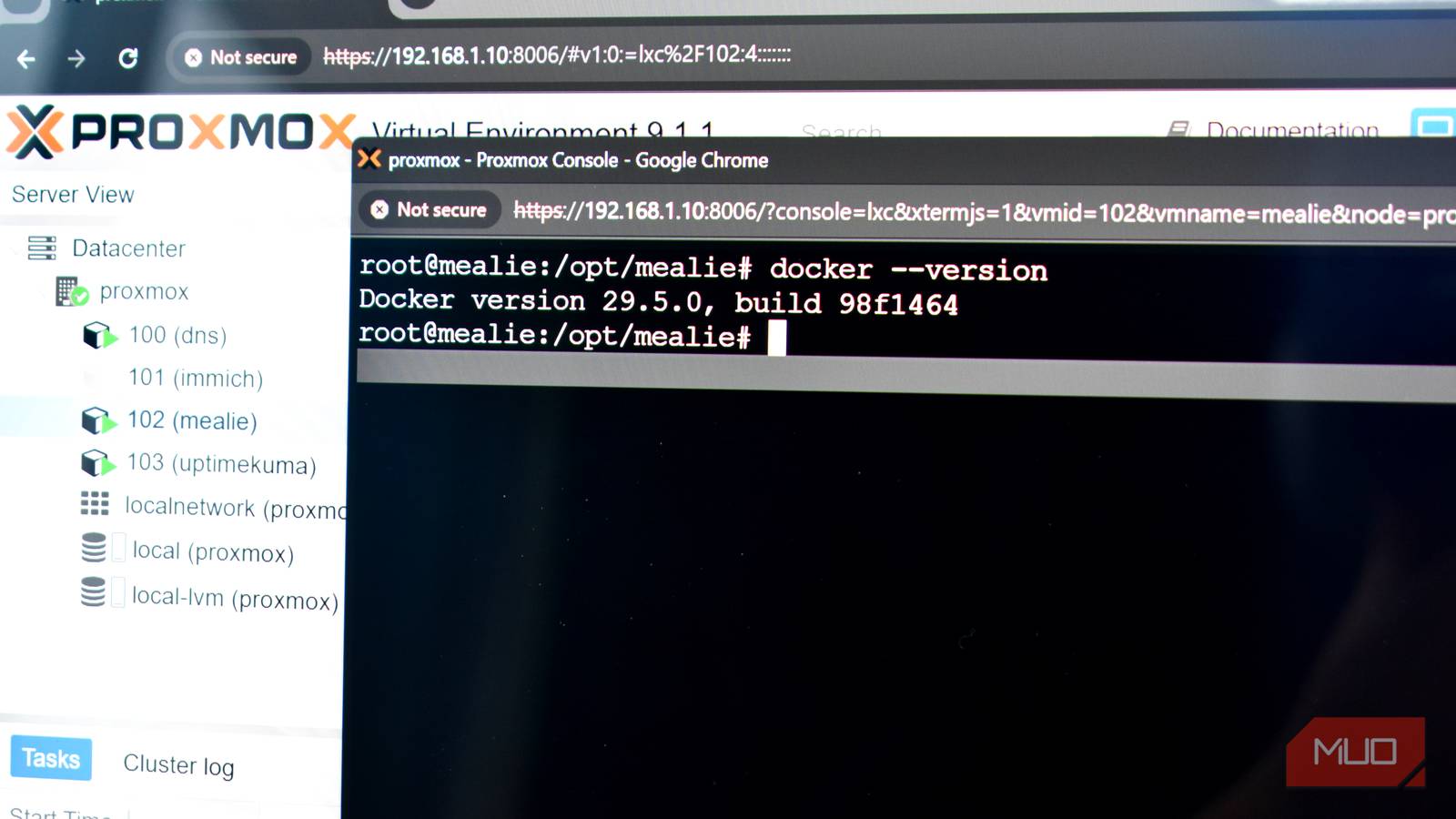
That isolation is also why running Docker inside an LXC container on Proxmox makes sense — you get an extra layer of separation, clean management through the Proxmox web interface, and the ability to snapshot or back up the entire container state before making changes.
It’s also why so many more people are getting involved in self-hosting. Once you have it installed and know some of the basics, you can quickly build up your array of self-hosted apps through its enormous catalog, and the barrier to just trying something out becomes basically zero.
