

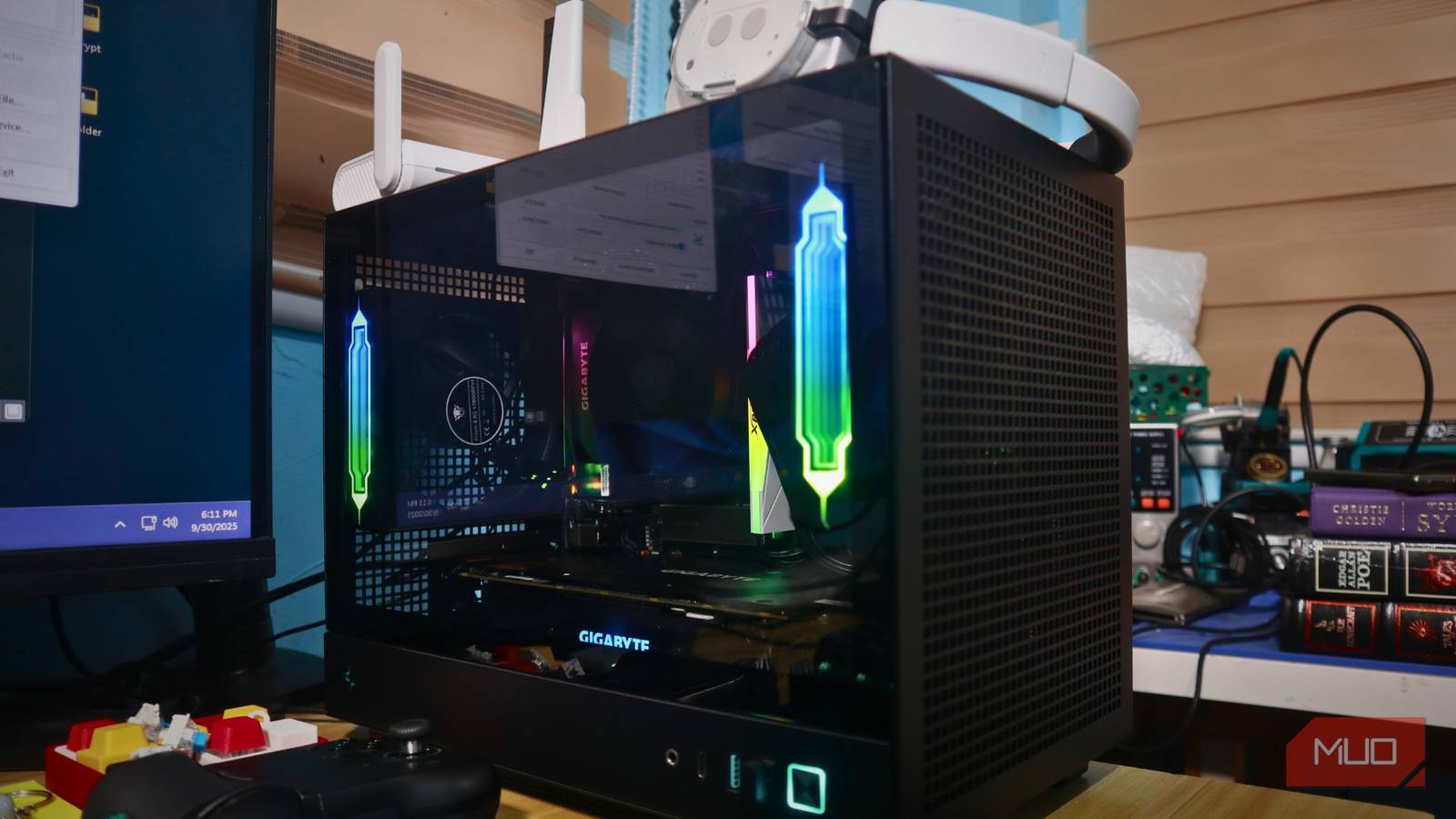

I spent multiple thousands of bucks on my PC, and I don’t regret it — I just love staying up to date with the latest hardware releases, no matter what it takes. That said, upgrading to newer components has taken a heavy toll on my wallet and a slight one on my electricity bill, because the entire desktop draws an average of 600W for 12 hours a day, which accounts for the time I’m working or playing Crimson Desert at the highest settings.
What I didn’t realize, though, was that my electricity bill could be lowered because, even when turned off for the rest of the 12 hours of the day, my PC still draws power: nearly 30W, to be precise. Now, to many, it may not seem like much, but it adds up to a significant amount I could be spending elsewhere.

The Easy Fixes That Slashed My Home Energy Bill
Use these energy-saving strategies to lower energy costs.
Confirm how much power your PC is actually drawing when turned off
Start by checking your power consumption

My PC drew 30W when switched off, but the amount will vary depending on your PC’s hardware. This is why I recommend using a wall power plug that gives real-time readings, or a smart plug to check standby power when your PC’s turned off.
Now, ensure that your PC is actually turned off and not in hibernation or sleep mode. Anything below 5W isn’t too concerning, but ranges above 10W are worth checking out. For me, the 30W amounts to 131.4 kWh of electricity a year, and depending on where you live, the price on the bill isn’t trivial.
ErP mode in BIOS helps reduce standby power
Your PC isn’t resting completely, even when it should be
By now, I’ve made it pretty clear that your PC draws power even after shutting down, but what is that power used for? Well, for starters, your motherboard is still supplying a small amount of current to your peripherals, either to charge them or light them up. I will admit that more often than not, these lights have ruined my sleep when I turn toward my desktop.
If you haven’t cut power to your PC and it’s shut down, it’s in the S5 state, which is considered the soft-off state. In this state, your PC isn’t completely off, as a small amount of power still runs through your motherboard. Nevertheless, you can limit the draw with the ErP mode. ErP is a BIOS setting that limits your PC’s power draw to generally below 1W. ErP mode is an energy-efficiency requirement under the EU’s Energy-related Products Directive. When turned on, nearly all standby power is disabled, including motherboard ports and any lighting. Although it’s important to keep in mind that features like WOL (Wake On LAN) and scheduled wake-up will also be disabled, meaning you wouldn’t be able to turn on your PC via your network.
Almost all newer motherboards support ErP, and to turn it on, follow these steps:
- Enter your BIOS mode at startup — can be done by pressing F2 or Delete.
- Navigate to the Advanced section and find ErP mode there; for some, you might need to enter the sub-setting APM configuration.
- From there, enable ErP.
Once you’re done, save your BIOS settings and exit.
Invest in a smart power strip to cut off phantom power
An actual worthwhile purchase

Buying a smart power strip was one of the best investments I’ve made in quite some time. Regarding energy-saving, some can detect power drops, so they would completely cut off the electricity supply to it. This means my PC is no longer using phantom power, a term for the small amount of electricity devices draw even when switched off.
Besides cutting off this phantom power, there are more uses for a smart power strip. One of the major upsides is that most models come with a built-in surge protector, which can prevent your electronics from getting short-circuited in case of a voltage fluctuation. You can use it for other devices as well and save quite a few bucks in the process. Some models offer surge protection, four USB ports, eight outlets, and compatibility with Alexa and Google Home.
Go Green
In some regions, like the US, wall outlets don’t usually have switches, and if they did, saving power would be as simple as pressing a button. Still, if you can’t go through the steps above, you can always flip off your PSU’s switch, if you have one. Even if your PC isn’t drawing much current as mine did, a complete shutdown or turning on ErP mode is beneficial as it can help clear any charge in your motherboard’s ports, reset any potential hardware glitches, and reduce constant electrical stress.
