


People can, sometimes, be oddly reluctant to invest in their home’s Wi-Fi network. On one level, I get it — other tech investments are often more exciting, or at least deliver more immediate results. Wi-Fi is one of the pillars of your digital existence however, so when it suffers, so does everything else. Skimping on home networking in favor of other tech can be like installing a new shower in your bathroom when the plumbing is about to burst.
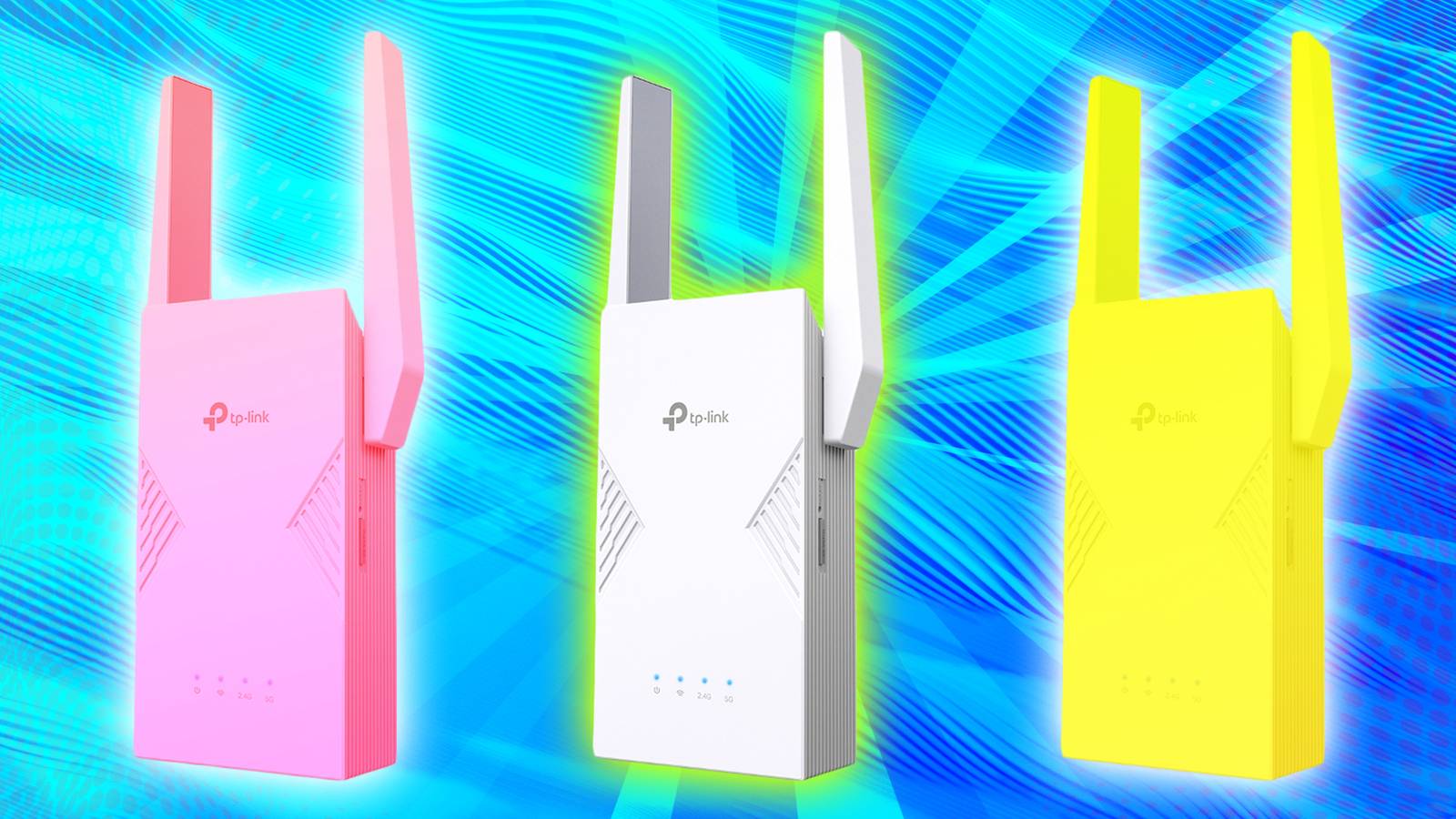
To fill in the gaps without spending a fortune, some people turn to Wi-Fi extenders. At first glance, these might seem like a perfect solution to common issues. In reality, though, you’re often better saving up for a new router, and turning to more creative tactics in the interim. There are legitimate reasons to buy extenders — they’re just fewer than you might expect.
What do Wi-Fi extenders do, and what’s wrong with them?
Too old-school for the new cool

I probably don’t need to explain the tech to you, but some readers may be new to home networking, so I’ll oblige anyway. Just as it sounds, an extender grows the reach of your Wi-Fi network. Typically, people buy one to fix dead zones or flaky connections in the cheapest way possible — whereas a good Wi-Fi 7 router can cost $130 at the low end, some extenders are under $100. If you really want to cheap out, you can spend as little as $20, although I’d strongly recommend against that for reasons that will soon become clear.
Another incentive to buy an extender may be a speed boost. In some circumstances, a signal can be just strong enough to be stable, but weak enough to be slow, in which case an extender will convince your devices not to downshift. A troublesome connection is more likely to be both slow and unreliable, but the point remains.
The primary issue with extenders is performance. To get something with bandwidth comparable to your router, you can easily spend as much on an extender as you would on an entirely new router. Cheaper models will still work, but likely offer subpar speeds, or rely on older WI-Fi standards. That $20 extender I mentioned is based on Wi-Fi 5, which dates back to 2013, and isn’t nearly as efficient as Wi-Fi 6, let alone 7. It may get the job done, but only if the connecting devices aren’t especially demanding. I wouldn’t want to connect an AR or VR headset that way.
Most extenders steer their backhaul through the same bands you use to connect your other devices, drastically limiting their effective bandwidth.
The real killer for performance tends to be backhaul, i.e. communicating with the host router. Most extenders steer their backhaul through the same bands you use to connect your other devices, drastically limiting their effective bandwidth. Even a product that matches your router on paper will probably be slower in practice. There are extenders with dedicated backhauls, but these are usually the most expensive tri-band models.
As if all of the above weren’t bad enough, extenders often rely on separate SSIDs (network IDs). That’s probably not a big deal if you’re connecting a stationary, standalone device like a TV, smart speaker, or kitchen appliance. With something like a phone or laptop however, you’ll have to manually switch SSIDs whenever you want to use the extender — a brief hassle to be sure, but something you’ll have to repeat over and over if you like to wander around the house.
This becomes a more serious problem when devices need to talk to each other, such as smart home accessories. If a security camera is connected to an extender, but a smart home hub is connected to the router, the hub may not be able to see it. Even something as simple as a file transfer may not work if you’re on one SSID but your partner is on another. In theory, your router is supposed to bridge this gap, but settings do sometimes prevent this from working as intended.
An important asterisk here is that some extenders are capable of forming a mesh network, operating under a unified SSID. If it’s multiple SSIDs that give you the most concern, you’ll have to check what mesh standard(s) your router supports and shop accordingly.
What should you use instead?
With luck, the cost can be zero

Before dropping any cash, it’s worth making sure that the gear you have is operating as efficiently as possible. Your router should at least be sitting beyond any cabinets, closets, drawers, or shelves, and without any other large objects nearby that can create interference, particularly anything metal. A router stuck in a cabinet or behind your TV may have its range kneecapped before its signal even leaves the room. For similar reasons, it’s best to keep a router off the floor and away from walls, within reason.
If that doesn’t solve range troubles, you should consider relocating your router wholesale. It could be that the room it’s in has inherent signal obstacles, or that it’s not central enough in your home to maximize reach. Relocating can, of course, be tricky, since most people keep their router next to their modem, assuming the two devices aren’t one and the same. You may be able to solve this though by buying a longer Cat 6 Ethernet cable and stringing it to a better location. The extra distance between your router and modem won’t impact performance, so all you really need to worry about is keeping the cable concealed and out of harm’s way. For those purposes, you may need things like cable hiders and covers.
If you can’t find a standalone router with enough coverage, you may have to bite the bullet and upgrade to a full-scale mesh system rather than one based on extenders.
It’s only at this stage that you should truly be thinking about whether to get an extender, and as I said at the beginning, you may be better served by jumping straight to a new router. That will hopefully dodge any problems with slowdowns or multiple SSIDs, and as a bonus, you may be able to make the leap to a newer Wi-Fi standard. Just be sure to double check the specs of what you’re buying, including coverage as rated in square feet or meters. That figure should exceed the size of your home — a number that’s barely enough will still result in weak links towards the outer limits.
If you can’t find a standalone router with enough coverage, you may have to bite the bullet and upgrade to a full-scale mesh system rather than one based on extenders. These bundles include two or more routers in the box, and are configured to provide a unified SSID by default. You may have to spend a fair chunk of change to get a Wi-Fi 7 system with a dedicated backhaul — an Eero Pro 7 two-pack is $450, as of this writing — but you may also never have to worry about range again.
