

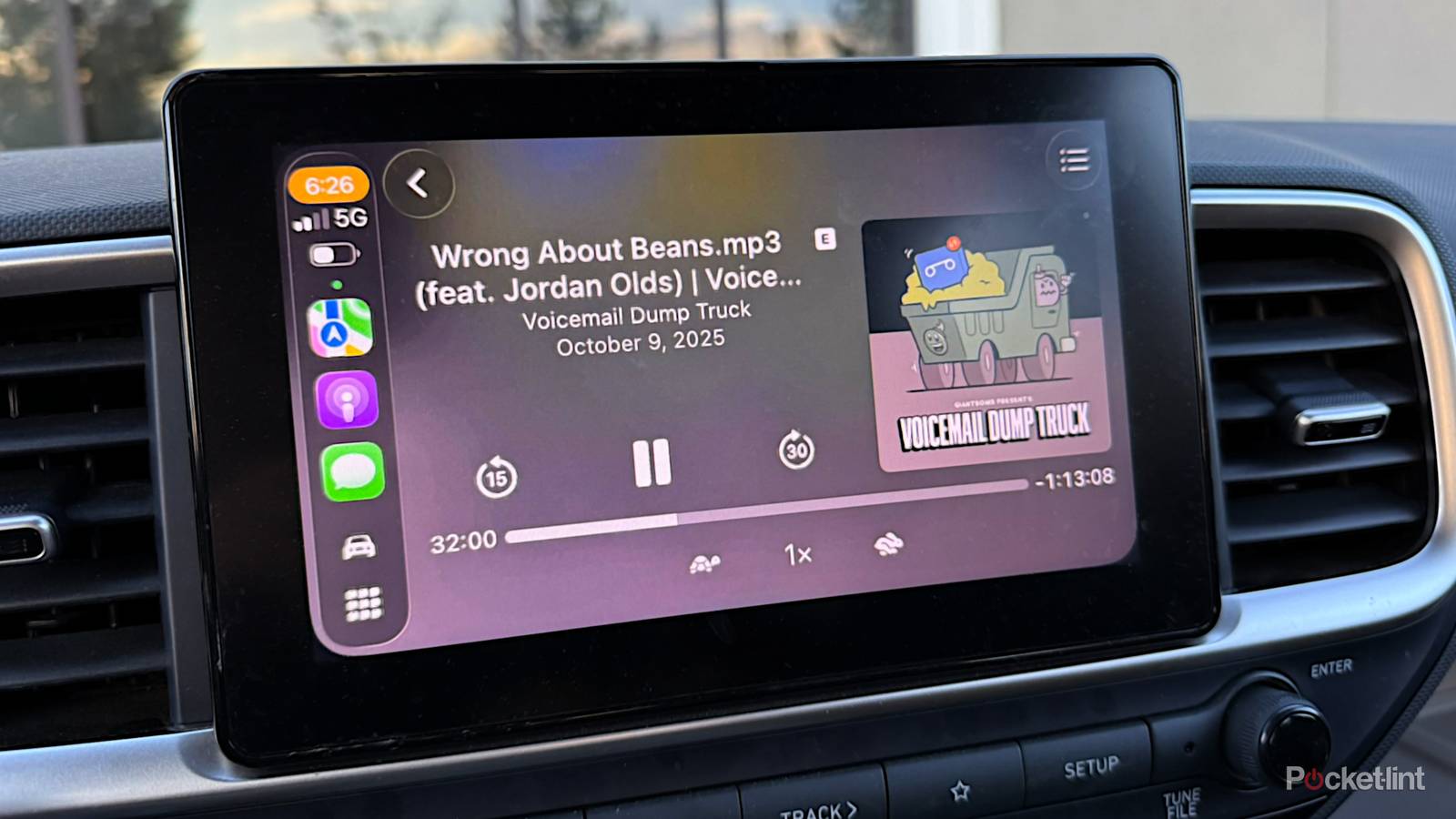

I was an instant convert to CarPlay the moment I could afford a compatible car. Naturally, you can drive with your phone in a mount, or by memorizing the layout of your city (gasp). But my memory has never been that sharp, and it’s just so much simpler (and less distracting) to control everything from an iPad-sized touchscreen. Adopting the wireless version made things even better.
No technology is bulletproof, so it’s essential to learn how to troubleshoot CarPlay if you’re going to depend on it for commutes or roadtrips. There’s nothing insurmountable when you’re dealing with the tech’s most frequent issues.
CarPlay keeps crashing or rebooting
Pay attention to where you are when it happens

Complete CarPlay shutdowns can happen for a variety of reasons. One cause that comes to mind is overheating. If your iPhone is exposed to intense sun for hours at a time, it can absorb enough heat to trigger a self-preservation shutoff. If that happens, you’ll have to move your iPhone to a cooler spot, crank up the AC, and wait a couple of minutes before turning it back on.
The issue I really want to draw attention to is mysterious location-based crashes. You may have encountered a stretch of road where CarPlay seems to die every time, regardless of which apps you’re using. In reality, what’s happening is interference from outside sources such as Wi-Fi repeaters, cellular towers, power lines, or even radar dishes. The only way of preventing one of these faults is to avoid the affected area or turn off your dash system ahead of time. If CarPlay refuses to return, you may have to manually reboot your dash. In my 2022 Hyundai Venue, for example, there’s a button I have to poke with a pin.
You could also be dealing with a CarPlay-related bug that might be solved with an app or iOS update. Wait until you’re home, if you can — the process might take a while, and could be interrupted if you lose your 5G signal.
Apps and icons are hard to read
Avoid Liquid Glass

While CarPlay doesn’t let you load custom wallpapers, it otherwise offers a lot of flexibility in customizing its appearance. The downside is that it can be made tougher to read under some conditions.
To maximize visibility (in iOS 26 or later), I strongly suggest spending a few minutes with the in-car Settings app. You may, for instance, want to toggle Smart Display Zoom on or off under Settings -> Display. When it’s on, CarPlay tries to maximize use of your screen area, but this might make text too small if you have vision problems.
I’d recommend everyone head over to Settings -> Appearance, and force both icons and the rest of CarPlay into Dark mode. While Light can be pleasant during the day, it’s eye-searing at night, and Dark is usable around the clock. The Liquid Glass-based Clear option might be worth trying, but should probably be skipped in the long run — I find it makes app icons harder to recognize at a glance.
Navigation and other apps are unusually slow
A new carrier or phone might be in order

Something I discovered not too long ago is that while 4G should be fast enough on paper, in the real world, you need 5G. Carriers are migrating their best 4G bands. If your iPhone is still limited to that spec, it’s going to have trouble streaming map data smoothly, no matter how powerful its processor is. A weak GPU or low RAM could still be to blame, but I’d put money on the leap to 5G having a greater impact.
You can also try saving offline maps in Apple Maps or Google Maps, or halting any background downloads, such as a Spotify playlist. Be sure to turn off Low Power Mode too, unless you absolutely need it to limp across the finish line. This throttles some features, and completely blocks 5G on most iPhone models.
In some scenarios, simply rebooting your iPhone may do the trick. That clears its RAM and system cache, and forces background processes to start from a clean slate. You might be surprised at how effective this is if it’s been months since your last reboot.
