

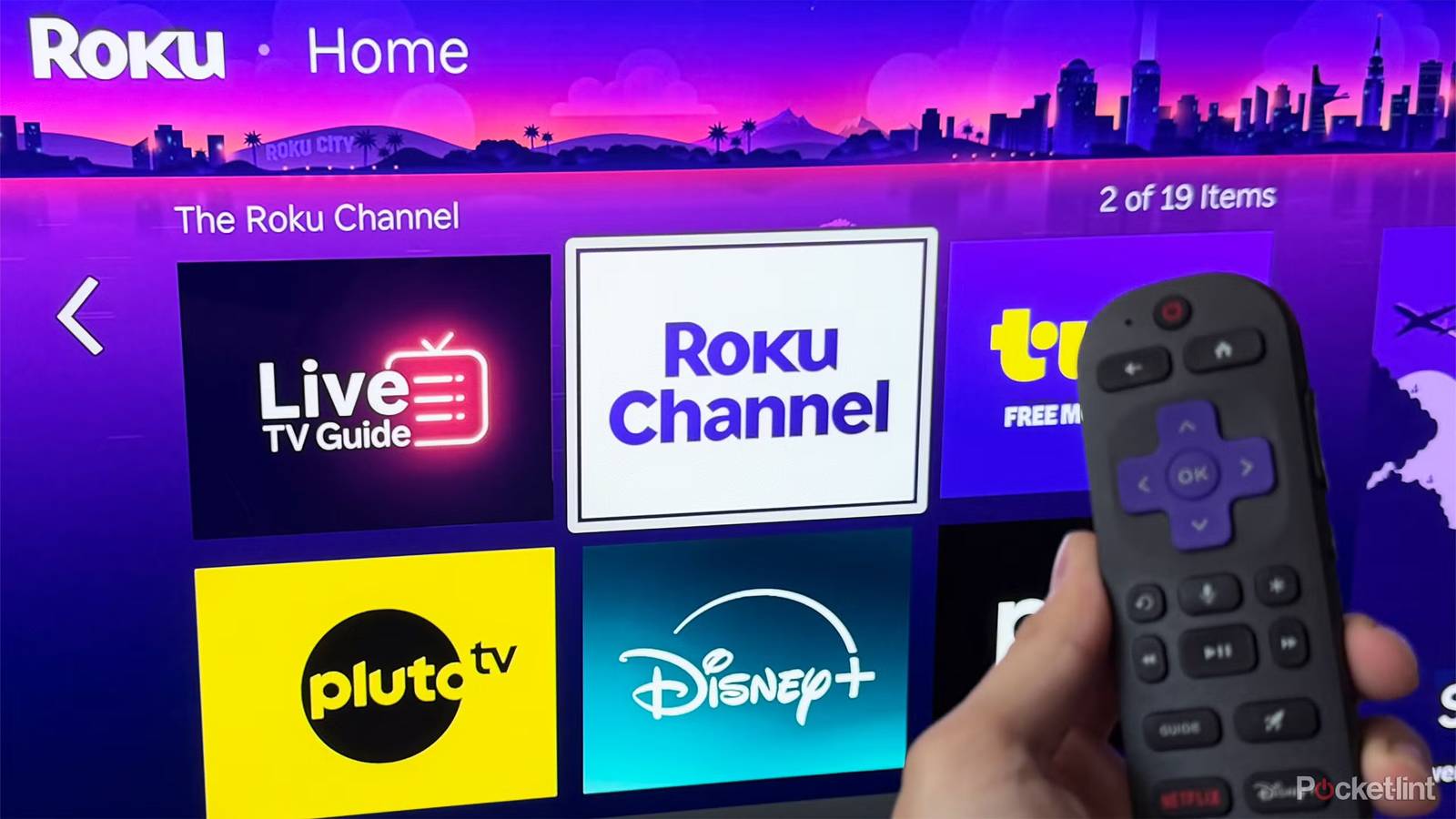

Although I have my misgivings about Roku devices, mostly because an impending Fox takeover, I have to give it to the company — it understands its main selling point, which is simplicity. Roku OS is intuitive, and while there are plenty of ads in it these days, they mostly stay out of the way. I prefer Google TV mostly because of its integration with Gemini and Google Home, which are more useful than you might think.
This simplicity makes it hard to break a Roku TV, at least without accidentally smashing it with a game controller. But you may be doing things that contribute to worsening performance, or will eventually cause a premature failure. I’ll tackle some of the bigger priorities right now.

- Brand
-
Roku
- Display Size
-
55-inch, 65-inch
Going months without a reboot
Consider a factory reset when everything goes south

With relatively little going on compared to your smartphone or laptop, a Roku device can run for months or years without any trouble. But unless you reboot it occasionally, it’s inevitably going to start slowing down.
What gives? The answer lies with file caches and background processes. Just about every digital device you own uses temporary cache files to speed up apps and OS functions, and Roku products are no exception. Redundant, corrupt, or outdated files can gradually build up over time — and if they don’t cause immediate glitches, they can still interfere with performance by eating into broader swap space. As for background processes, those are unlikely to be much of a concern, but it’s still worth giving them a clean slate. They may be taking up unnecessary RAM.
Reboots clear caches and processes simultaneously. To trigger one, go to Settings -> System -> Power -> System restart. If this doesn’t help much, it might be worth trying a factory reset, although you’ll have to reconfigure your Roku as if it were new.
Letting it get hot, dusty, or humid
The three may be connected

I get it — dusting a TV is probably low on your priority list. Yet if you allow too much dust to accumulate on vents and other surfaces, that can trap heat, increasing strain on internal components. Heat in general should be on your radar, so make sure the area around your TV is well-ventilated, as close to room temperature (72F/22C) as you can reasonably get. Your TV shouldn’t be sitting in direct sunlight for hours at a time, either.
Next, let’s talk humidity. It’s important to strike a balance here. An unusually humid room will corrode components, while an extremely dry one will increase the risk of static shock. To reduce humidity, you’ll probably need a dehumidifier or better ventilation. As for dryness, you may need to buy a humidifier, but you can also turn up your AC’s temperature, or turn to natural sources of moisture like houseplants.
Periodically, investigate your TV’s HDMI and USB ports for dust, grime, and other debris. Any material should be cleaned out gently, using an air can or a soft-tipped tool that won’t leave any debris of its own. If ports become too filthy, that may block signals.
Leaving the screen on when no one’s watching
Especially static images

Some people leave a TV on for background noise, as evidenced by the popularity of YouTube channels like Nomadic Ambience. And if you enjoy single-player games, it may be more convenient to leave them on a pause screen than to put your PC or console in standby mode, no matter if you’re going to be away for a couple of hours.
With LCD TVs (including mini-LEDs), leaving a TV unwatched is a terrible idea because it puts excessive strain on backlights. These are the weakest link in any LCD, as they generate a lot of heat, and you won’t see any video at all if they fail. Don’t panic — your TV will probably last for years, regardless of whether you keep it on for eight hours every night. But you are ultimately reducing its lifespan, so bear that in mind if you don’t need rainy visuals to help you fall asleep.
Now that Roku has OLED TVs, there’s another threat to consider: burn-in. While OLEDs don’t use backlights, image elements can leave a permanent trace behind if they’re repeatedly kept onscreen in the same position. And even if pixels are in constant motion, you may be accelerating the color tinting and diminishing brightness that all OLEDs succumb to. TV makers have implemented technologies like pixel shifting and logo brightness adjustment to compensate — but you should still be shutting an OLED off unless you’re going to be coming back to it in a few minutes.
