

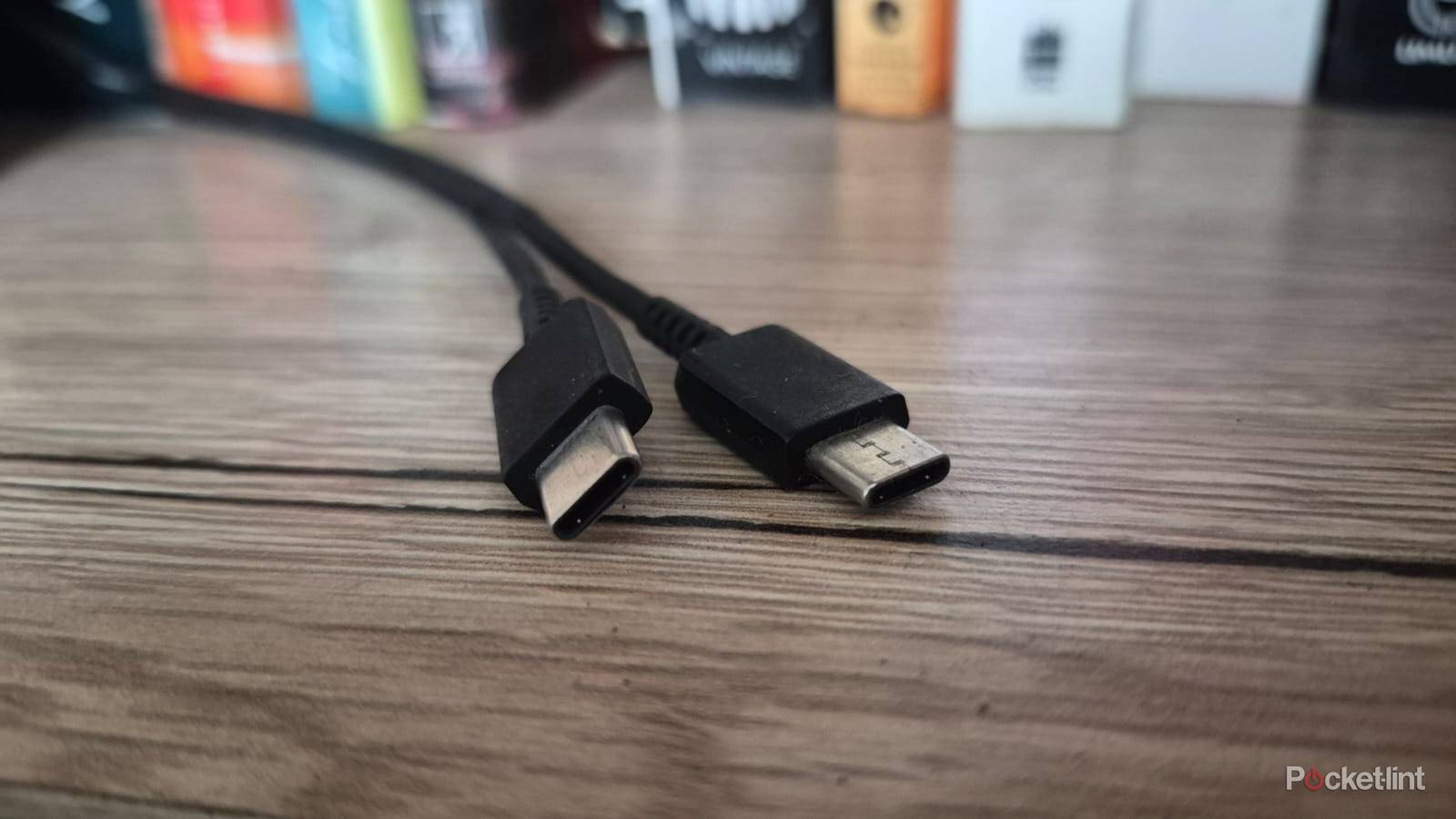

Seeing my new USB-C cable stop working after a few uses is frustrating, especially if I’m out and about and don’t have a spare. This often happened to my USB-C cables until I started taking precautions to keep them working for longer.
I’ve now disposed of all old USB-C cables and I don’t need to waste time and money getting more when I shouldn’t need to. It’s not rocket science and just a few good habits make a big difference to their longevity. Here are xxxxx things I do to save my USB-C cables.
Buy better cables
Quality over quantity

Prevention is better than cure and I find it worth spending a few extra dollars on quality cables from reputable brands. I prefer sticking to braided or flat cables from brands, like Anker or DeWalt, which I know are durable and meet the speeds I’m looking for.
When buying new cables, I also try to stick to short to medium lengths rather than go for longer options which might seem more practical. In the past, I often chose three-meter cables that could reach across a room, but I found they weren’t as fast as they should be due to the voltage loss. This occurs when the electrical signal encounters resistance along the cable length which causes energy loss.
Quality cables have USB-IF certification to provide assurance of its construction and capabilities.
So what should you look for in a USB-C cable? Quality cables have USB-IF certification to provide assurance of its construction and capabilities. It proves the cable has passed testing for things like voltage and signal integrity and ensures it can deliver the speed it’s advertising. Non-certified cables can be a mixed bag, and you never know if it will match its advertised performance.
Coil the cables for storage
No sharp bends

Many cheap USB-C cables come folded instead of coiled and this can damage them. I was guilty of this myself and often folded my USB-C cables as tight as possible to save space in my bag. This method is incorrect and frequently bending the cable into tight angles eventually damages the internals.
This method is incorrect and frequently bending the cable into tight angles eventually damages the internals.
It’s better to loosely coil the USB-C cable into a loop, then fasten it in place with a reusable cable tie. There’s no tight angles or bends to damage the cable and it should last longer. If you’re planning on storing your cable for the long-term, ensure it’s away from direct sunlight or excessive moisture or humidity.
Keep the cable and connector clean
Basic maintenance tasks

Dirt and grime can often build up in the cable’s connectors or the ports themselves, leading to issues. I live near the sea and once had a rust build-up in my phone’s port that stopped it from charging. I had to clean it out with alcohol to get it up and running again.
You can avoid issues like this by regularly cleaning out the accumulated dirt in your cable’s connector and ports.
You can avoid issues like this by regularly cleaning out the accumulated dirt in your cable’s connector and ports. It’s simple and all you need to do is wipe the outside with a clean dry cloth, then use a brush to tackle the dirt that may have built-up on the inside. If you see corrosion or an oxide build-up, you’ll need to dampen a cotton swap with isopropyl alcohol and gently wipe it until it breaks down.
Avoid bending the cable near the connector
Easier said than done

Many of my old USB-C cables would only work if I held them at a certain angle. This is because the area around the connector is the most vulnerable area of a USB-C cable and the most prone to breaking.
I’ve never intentionally bent a USB-C cable near the connector, but it still occasionally happens if I take a call while my phone’s charging. The cable gets tight with no slack, and it puts stress on the connectors. I’ve also had my phone fall while it’s plugged in and the connector gets stressed if it needs to support the additional weight.
I’ve never intentionally bent a USB-C cable near the connector, but it still occasionally happens.
Avoiding these issues is easy. Always ensure there’s some slack on your cable, and it doesn’t get pulled tight. Also, grip the connector to remove the charger, instead of pulling the cable itself. You can also buy cable protectors if you regularly find issues near the connectors. They are cheap plastic or rubber pieces that slide onto the USB-C cable and reinforce it around the connector to prevent it from bending.
