

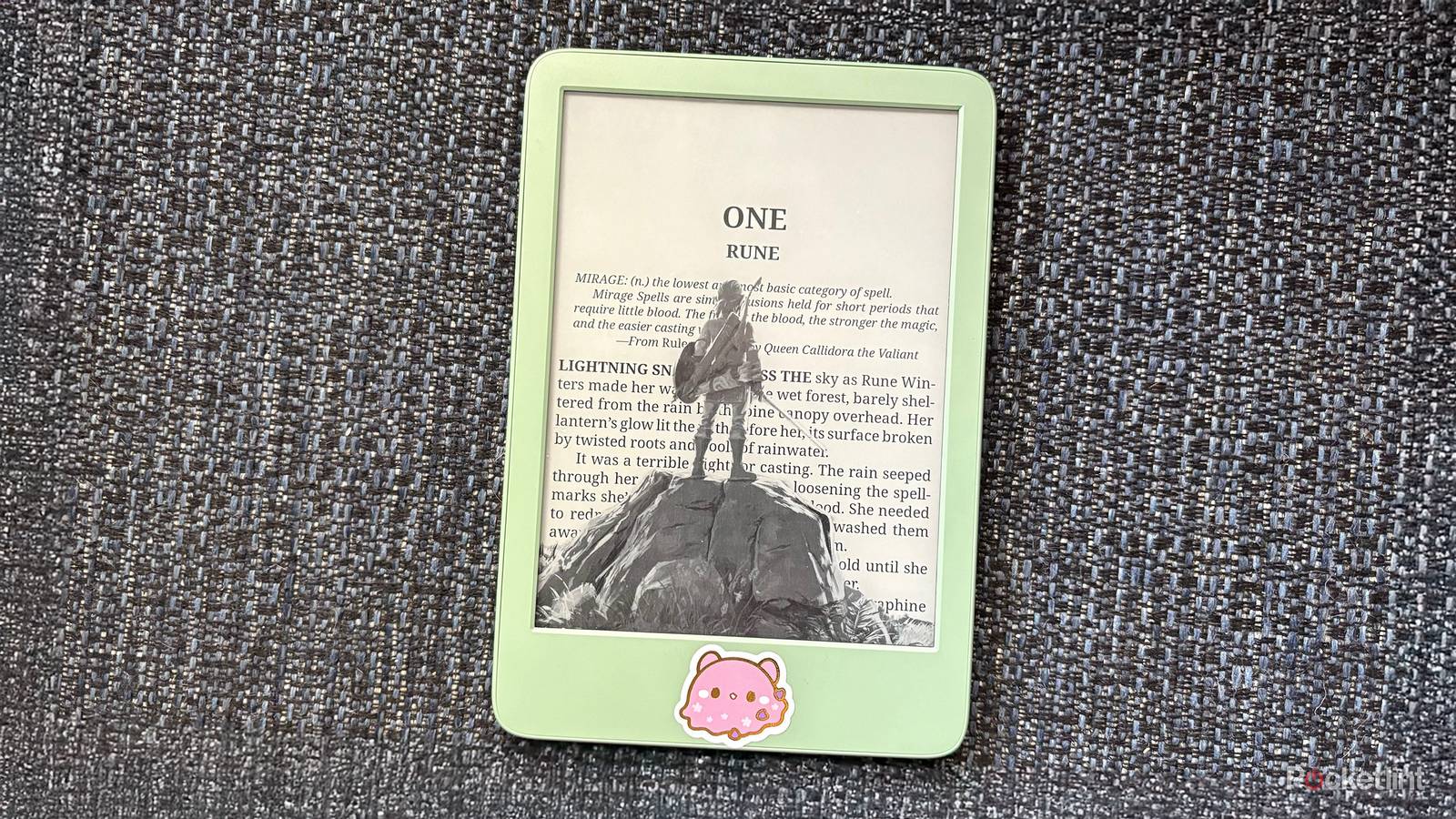

Amazon’s Kindle is basically synonymous with the e-reader. Even though companies like Boox, Kobo, and ReMarkable offer a plethora of alternative E Ink devices that can do a lot more than just read books, Amazon’s chokehold on the E-Reader industry remains unshakable in 2025. The company’s best-selling Kindle line continues to release new annual updates to its devices that don’t really change a lot about this single-use device.
If you, like many others, find yourself frustrated by the limitations of your Kindle, especially when compared with other E Ink devices, jailbreaking can help free you from Amazon’s walled-up ecosystem, not only giving you more control over your device, but also access to features and apps that were previously unavailable on the device. And the good news is jailbreaking a Kindle is surprisingly simple to do.
Though the process is pretty easy, I’ve found that a lot of folks (including myself) have been hesitant to modify their Kindles because of some outdated myths or preconceived notions about what jailbreaking does (and doesn’t do). If that sounds like you, read on.
The process takes about an hour and is actually pretty easy
You may think you aren’t tech-savvy enough to jailbreak a Kindle, but I promise you are

Though I’ve known for a long time that jailbreaking a Kindle was possible, I always assumed it was a long process that would take a day or more to accomplish and would require a lot of specialized knowledge about how the Kindle operating system actually works. However, I was pleasantly surprised that the newest Kindle Jailbreak method, AdBreak, took me about an hour to execute, and required no specialized knowledge at all.
Though there are plenty of explainers out there that will help guide you step-by-step though the jailbreaking process, I found YouTuber Dammit Jeff’s video guide to be the easiest for me to follow, especially as he includes instructions for both Mac and PC users — the jailbreaking process is a little different depending on your OS.
You can still access the Amazon ecosystem when you’re done
If you really love the Kindle store, it’s still there

I don’t buy books very often on my Kindle. However, I do enjoy downloading books for Stuff Your Kindle Day, and I also rent books from my local library using the Libby app quite often. For a long time, I thought my ties to the Kindle store meant that I was just stuck with Kindle’s native OS, because jailbreaking my device would remove my ability to access these core functions of the operating system. Fortunately, I was completely wrong about this. Even though jailbreaking adds new functionality to my Kindle, it doesn’t remove any of the old features I’ve gotten used to.
The only caveat I’ll add here is that part of the jailbreaking process necessarily involves disabling updates. So if new updates come to the Kindle Store, you won’t be able to take advantage of them. But if you don’t mind the way things are now, you can still browse the Kindle Store, download books from Kindle Unlimited, and make purchases as you normally would.
Nothing will happen to your downloaded books
My giant TBR is still there, staring at me

And speaking of things not disappearing, if you’re worried about anything happening to the books you already have on your Kindle during the jailbreaking process, let me put those fears to bed. I had 60 books downloaded on my Kindle before I jailbroke it, as well as two books borrowed from the library. Once the process was finished, I was relieved to see that all 62 of my available titles were still there.
Using alternative app stores is actually really easy
As easy as downloading an iPhone app

In order to get the most out of your newly-jailbroken Kindle, you’re going to need to download an alternative app store. These App Stores appear like books on your Kindle home screen, but actually give you access to apps and features that include things like ad blockers, media players, new settings options, alternative reading apps, and more.
These new apps will download as “books” on your device that you can open with just one tap.
Be prepared to do a lot more with your Kindle
You can play video games, turn your Kindle into an iPod, and more

When I first started messing around with my newly-liberated Kindle, I was a little overwhelmed by everything I could suddenly do with it. From playing Game Boy games via an E Ink emulator to setting up custom screensavers and even creating a media hub that allowed me to stream music from my device to any of the Bluetooth-enabled speakers I have around my home, there was suddenly a lot more I could do with the device. Even though the actual process of jailbreaking my Kindle only took about an hour, I then spent days combing through all the different apps and features I suddenly had access to.
I’ll admit I was hesitant to jailbreak my Kindle because I wasn’t exactly sure what the process would do to my device at first. As someone who accidentally bricked a phone over a decade ago trying to execute a jailbreak, I was (understandably) pretty nervous about potentially ruining my Kindle the same way.
However, I’m happy to report that the Kindle jailbreaking process was far easier than I thought it would be, and I am much happier with my device now and all of its brand-new capabilities. If you’re even thinking about jailbreaking your device, I’d encourage you to take the plunge and do it. I promise you’ll be glad you did.
