

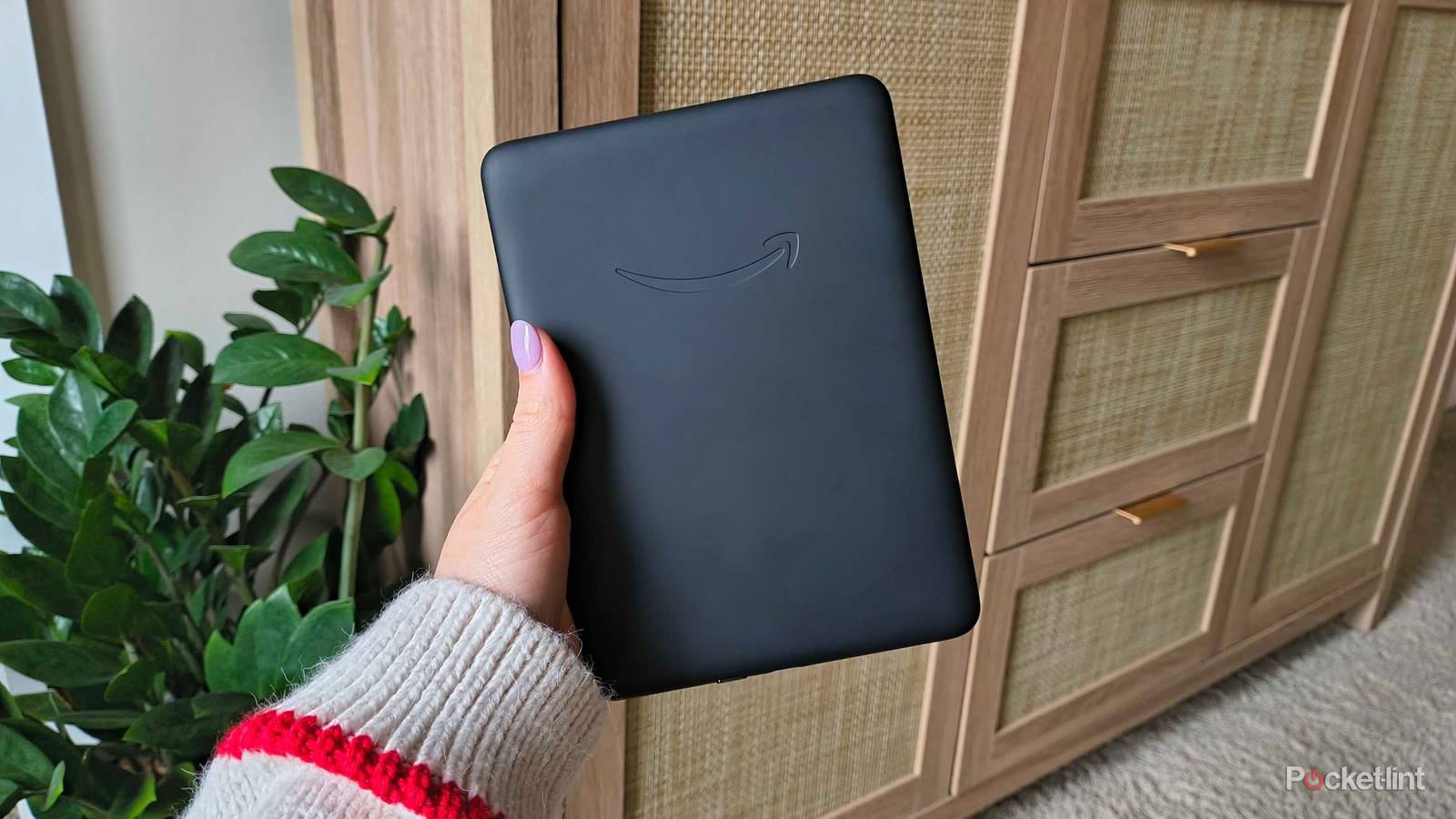

E-readers are some of the most beloved devices on the market. They made single-use tech cool again and completely eliminated the choice paralysis speed readers like myself faced when they had to choose just one book to throw in their bag. Although I’m curious about the various other e-reader brands on the market (like Kobo), I’ve always gravitated towards Amazon’s Kindles. Maybe it’s the way ‘Kindle’ is synonymous with the word ‘e-reader,’ or maybe it’s the thousands of titles I’ve collected via the shopping giant’s e-book store. Regardless, when it was time for me to buy a new e-reader, I knew I wanted a Kindle.
My first instinct was to buy the cheapest Kindle, because what real premiums could more expensive models even offer? It’s an e-reader — its sole purpose is to digitize your library and follow you wherever you go. At first glance, the basic Kindle promises exactly that. However, when I went to compare specs with the Kindle Paperwhite, a few things caught my eye.
My mouse hesitated over Amazon’s checkout button, but I ultimately came to a decision. Here’s which Kindle I chose, how I picked it, and why I didn’t bother to look at the rest.
The only two Kindles I considered
Because further upgrades proved unnecessary

The entry-level Kindle already sets the bar high in the single-use device department: it’s the perfect pocketable e-reader. Its 16GB capacity is enough for thousands of books hidden in the 6-inch display, and the six-week battery life is enough to forget your Kindle even needs a charge at all. It’s wrapped up in a $110 package but almost always on some kind of sale. I genuinely used to wonder what else an e-reader could possibly need.

- Storage
-
16GB
- Screen Size
-
6-inch E Ink (300ppi)
- Connections
-
USB-C
- Battery
-
Up to 6 weeks

Enter the Kindle Paperwhite. It has everything the base Kindle boasts but tacks on an extra inch of screen space, doubles the battery (up to 12 weeks), and adds an adjustable warm light filter for late-night readers. Just the last addition is enough to tempt me, a night owl who’s been reading under the covers until 3AM since she was in middle school. But there was one final piece of the puzzle that had my gaze wandering in the Paperwhite’s direction — an actual IPX8 rating that would protect the e-reader against water and dust, two very prevalent things in my life.

- Storage
-
16GB
- Brand
-
Amazon
- Screen Size
-
7-inch E-ink (300ppi)
- Connections
-
USB-C
There are three more Kindle models that sit above the entry-level Kindle and the Kindle Paperwhite (plus several Kindle Scribe models, but we aren’t focusing on those). It only took a few minutes to decide that they weren’t worth my time, or the whopping amount of cash:
- The Kindle Paperwhite Signature Edition only tacks on useless wireless charging and a ridiculous 32GB of storage.
- The Kindle Colorsoft’s palette is unnecessary for my traditional e-book reading habits.
- And the Kindle Colorsoft Signature Edition has both the useless features and unnecessary color palette.
Plus, all these more “premium” models press above $200, and I drew the line well before then for a single-use e-reader. So, my decision came down to the only two Kindles I would buy: the base Kindle and the Kindle Paperwhite.
The cost-benefit analysis

The entry-level Kindle is $110 and the Paperwhite is $160, both at normal price. Here’s a breakdown of what the additional $50 gets you on the Paperwhite:
- 7-inch display (the base Kindle has a 6-inch display)
- An adjustable warm light filter
- 12-week battery life (the base Kindle has a 6-week life)
- An IPX8 rating, making the Paperwhite dust and waterproof (the base Kindle has no protection)
While these are the biggest upgrades, note that the Kindle Paperwhite does have a faster response rate and more LEDs in the display. These make the reading experience subtly smoother.
Amazon set the bar high for an entry-level device, which only allowed Kindles to get better as the years went on. There’s a place for both — it just depends on what your priorities are and which models aligns closest.
These extra features packed a serious punch in my Kindle debate. Including the response rate and LEDs, each extra perk tagged (very roughly) $8 onto to the base Kindle’s $110 asking price. Some, I decided, were very much worth it. I could do without extra LEDs, but I couldn’t just ask Amazon to leave those out of a Kindle Paperwhite and spare me the $8.
The extra perks were a package deal, so I had to decide between dropping $110 on the base or $160 on the more premium Paperwhite.
Why I chose the Kindle Paperwhite
The writing was on the wall

I’ve said it before, and I’ll say it again: the entry-level Kindle is the best model for most readers. But, I couldn’t resist the two most tempting features for my lifestyle — the adjustable warm light and IPX8 rating.
My favorite places to read are lounging by the pool, lying on a sandy beach, or the tub for an ultra-relaxing spa night. If my preferred reading spot was in the splash zone, waterproofness had to be my number-one priority. Before e-reader days, I was notorious for dropping every elementary school paperback I owned into the bath. Their pages might’ve been wrinkly (after I took a hairdryer to dry them off), but every A to Z Mystery was still in readable condition. I do hope I don’t drop an e-reader in the tub several decades later, but if I did, I don’t want it to cost over $100 to replace.

The extra battery life was a nice plus, but I was more interested in the display size. My eyes preferred the larger Paperwhite (bigger display, bigger device), while my hands preferred the base Kindle. After holding both, I decided that my eyes would win this round — the difference wasn’t too substantial, and they’d both stow away easily into any bag.
In the end, I decided the extra $50 was worth it for the Paperwhite. I’ve had it since the latest model came out in 2024, and I haven’t looked back since. I appreciate the versatility of the base Kindle, and it’ll always have a special place in my recommendations as a Kindle-focused tech editor. Amazon set the bar high for an entry-level device, which only allowed Kindles to get better as the years went on. There’s a spot for both in every reader’s life — it just depends on what your priorities are and which model they align the closest with.
For me, that was the Paperwhite.
