

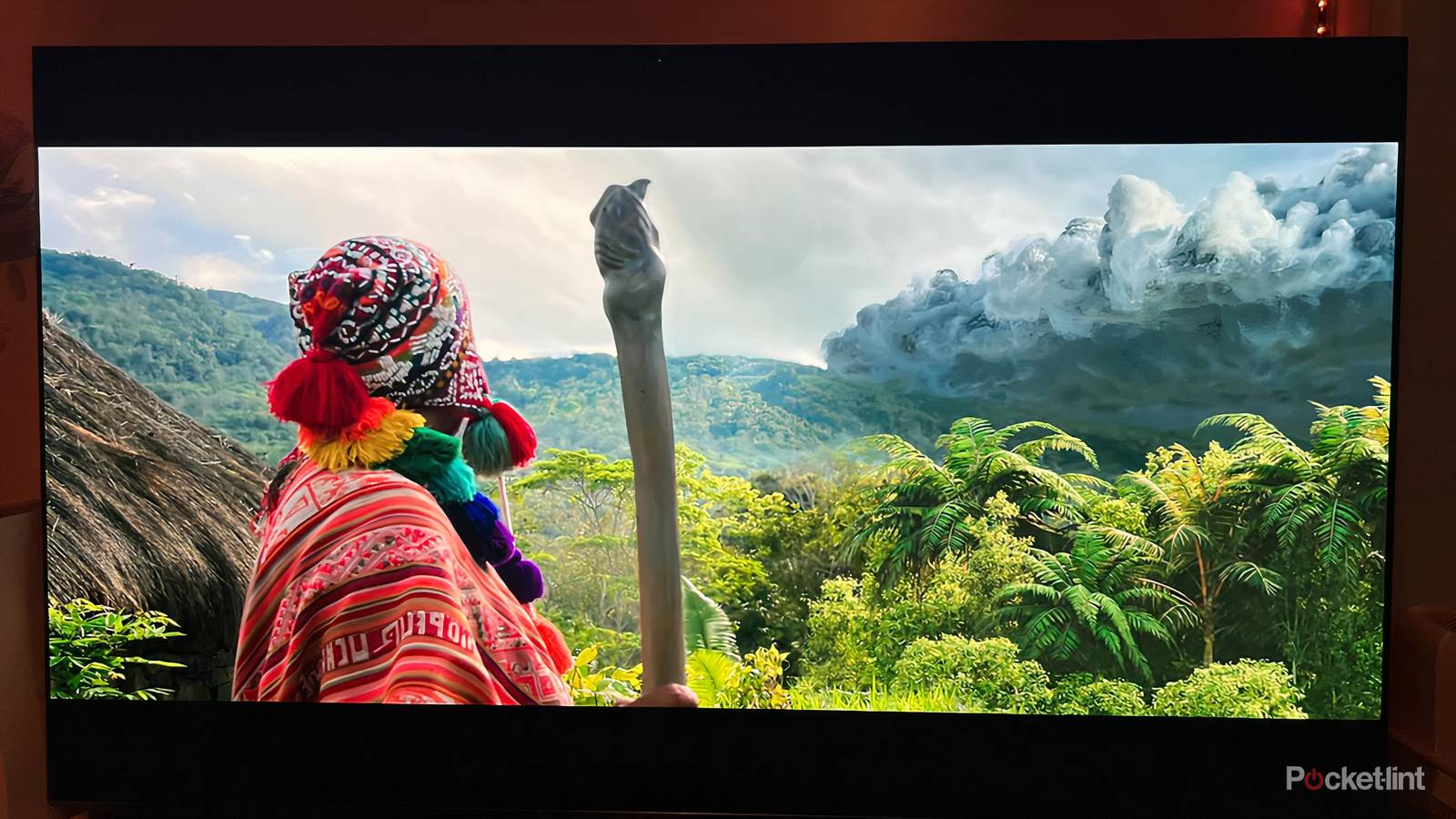

For all the big features and innovative technologies that are packed into new smart TVs, the quality of your viewing experience at home relies on how well you operate everything. Your smart TV provides you with a variety of paths to take: you need to choose the right one.
Finding the best visual experience at home begins with selecting the right picture mode. Most TVs come with a few different options available, and these presets serve as a great starting point. Here’s what you need to know about choosing the best preset.
Filmmaker Mode sets the best cinematic standard
Embrace a faithful viewing experience

The picture mode that stands above all others when it comes to fidelity is Filmmaker Mode, a collaboration between studios, directors, and manufacturers. The goal was to create parameters that best adhered to the director’s cinematic vision so that viewers could enjoy a faithful, immersive visual experience at home.
Filmmaker Mode strips away a lot of extra processes, removing motion smoothing, extra sharpening, noise reduction, and other enhancements. While these artificial boosts can help improve some media in certain situations, they tend to ruin blockbuster and prestige titles. Instead, this preset preserves the frame rate, aspect ratio, and color grading set forth by the creators. If your TV has Filmmaker Mode, this is the setting you should be employing whenever possible.
Cinema and theater settings are more natural
Warm tones and less processing help viewing

If your TV doesn’t have Filmmaker Mode, the next best option will be any cinema, theater, or movie mode available. These presets aren’t quite as faithful as FIlmmaker Mode, but they do a lot to remove extra enhancements. These settings create a warm picture that still offers quality brightness, and generally has a more natural element to them. Shadows provide detail and whites aren’t too overpowering.
These presets also offer a bit more versatility. They are generally worthwhile when watching in dark rooms or spaces with some ambient light. Bright, daytime viewing may prove tricky. Also, the yellowish tint to these presets may take some time to adjust to. If they don’t seem right at first, give these settings 15 or 20 minutes to unfold before your eyes; you’ll likely quickly become adjusted to them.
Avoid vivid and dynamic settings
Saturated colors and blue light are problematic

There are only a very limited number of scenarios in which it’s preferable to use any dynamic or vivid settings. However, these tend to be the most eye-catching and attractive at first. Indeed, if you’re shopping for a smart TV in person, every store model is going to be set to a vivid or dynamic preset because they make colors brighter and more engaging.
Yet these aren’t settings and aren’t ideal for watching most types of content. They can make colors too saturated; in particular, skin tones can come off appearing artificial. There also tend to be too many extremes on the screen; shadows are darker and blurrier, while light sections are sharp and overwhelming.
These settings lean towards cooler temperatures, so there is more blue light on the screen. As a result, you may experience eye strain or fatigue after prolonged viewing. It’s more commonly noticed on tablets and smartphones, but the blue light from your TV can also be disruptive. Some live telecasts may be well-supported by these settings, but they’re best to be avoided whenever possible.
Use sports and game modes selectively
Watch out for the soap opera effect

Two more niche modes that may be available deal with sports and video games. When it comes to sports mode, it’s worth being careful when using this evening when you’re watching sports. That’s because there is a lot of processing that is implemented in this mode, from motion smoothing to increased brightness, that can end up making the image appear much worse. Sports modes can be helpful if you’re watching events in a large, brightly-lit room, but they’re not ideal if you’re looking for a smooth, comfortable experience in front of your TV.
Game mode, meanwhile, should be used at all times when you’re playing video games. In most cases, this mode will be switched on automatically when the TV detects a game being started. Game modes across all manufacturers reduce input lag and remove artificial enhancements. Game modes typically offer a lot of smaller specifications and choices for dedicated gamers. You can also often choose between prioritizing processing power or prioritizing resolution while playing. The former makes sure your game is running fast and smooth, while the latter optimizes the visual quality of the game.
Serious sports fans should try to avoid any sports modes. However, serious games will want to use all the features available within any game mode.
Consider your viewing environment
Be mindful of light when choosing settings

It’s important to keep in mind that where and when you’re watching TV plays a role in the overall quality of the viewing experience. That is, in order to achieve a theater-like experience at home, the space needs to resemble a theater in that it’s dark. Filmmaker Mode, as well as any cinema or movie settings, will be best enjoyed when you’re watching in a dim room without any ambient light.
One situation where dynamic or vivid settings may be helpful is if you’re watching in a bright room. If you’re unable to control how much light is available at the moment, then these settings will increase brightness and help colors stand out. Still, you’ll want to do your best to set up your TV in an area where there is more light control so that you can avoid this situation.
Ultimately, personal preferences play a huge factor when it comes to finding the best look. Use settings that have warmer tones and less processing, and then tinker to find the perfect fit for your TV, space, and own eyes.
