

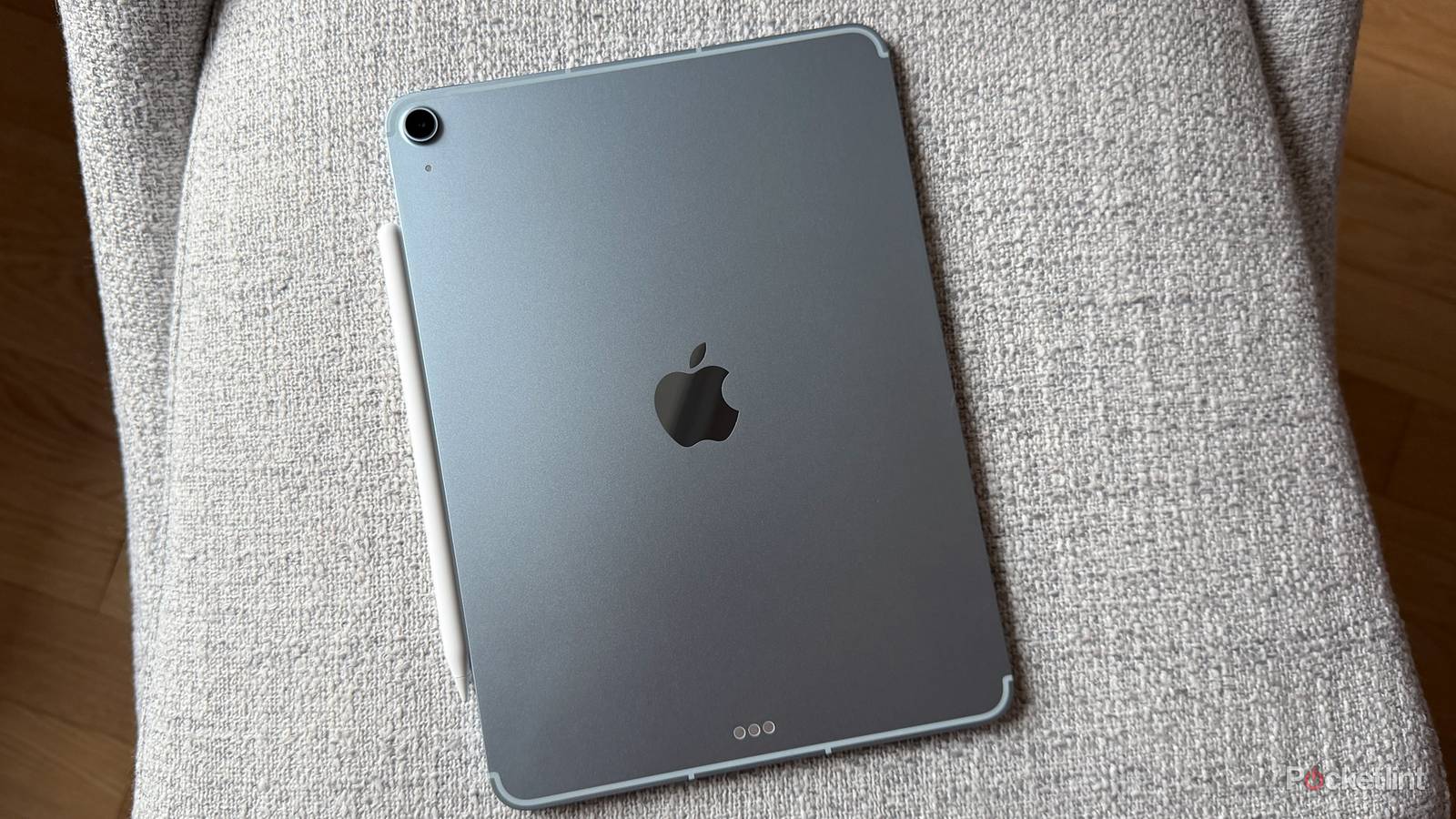

Apple is notoriously clingy when it comes to profit margins. That’s why it prefers to target “premium” (read: richer) shoppers, rather than focusing on cheaper products like the MacBook Neo, the iPhone 17e, or yes, the base iPad. If you’re willing to spend over $1,000 on a tablet, chances are you’re not going to complain too much about being milked for features like extra storage. The company also refuses to engage in traditional sales, keeping devices at full price until they’re replaced.
For us plebes, that makes used and refurbished iPads worth considering, and sometimes the only viable option. You have to be careful, though, because making the wrong decision could result in a return at best, or danger to you and your home at worst. You can improve your odds substantially if you’re aware of the pitfalls.
What are the risks of buying a used iPad?
Outdated specs and software

When you browse sites like Amazon and eBay, you’ll find iPads from many model years, and the prices can make older ones mighty tempting. I should know. A few years ago, my wife and I were shopping for our son’s first iPad, and it didn’t make much sense to spend full-price on a tablet that would mostly be used for educational games and kids’ videos.
The problem here is that apps and iPadOS itself have performance cutoff limits. This fall’s iPadOS 27, for example, will no longer support 2018 iPad Pros, the third-gen iPad Air, the fifth-gen iPad mini, or the eighth-gen base iPad. Those devices will forever be stuck with iPadOS 26 features, and app developers will eventually have to cut off support too, for financial reasons and to modernize code.
In short, if you buy something old to save money, there’s the risk that it will become obsolete a lot faster than you were planning. It might even be obsolete out of the box, unable to run the apps you were hoping for. Check Apple’s iPadOS compatibility list before buying anything that isn’t new, and avoid the oldest models you see there.
Hidden damage and/or battery problems

This is the issue that poses a physical threat. Realistically, the most you’re liable to deal with are tiny scuffs, scratches, and/or dents, as well as reduced battery capacity if you don’t choose a refurbished product. From Apple, all refurb iPads include a fresh battery and outer shell, as well as other replacement parts as necessary.
If a product is explicitly labeled “used” or “open box,” however, that means no repair work has been done. You’ll almost certainly have lower battery capacity, and there could be cosmetic blemishes that annoy you. When you order from an auction site like eBay, there’s no telling for sure whether the iPad you get will have deeper problems, such as a cracked screen, stuck buttons, broken ports, or yes, a battery that poses a fire hazard.
If an iPad’s battery ever starts swelling, power it down immediately. In fact, it’s best to move it into a fireproof location or container until you can figure out safe repair or disposal steps. Lithium fires require specialized extinguishers — you won’t be able to stop one with a conventional extinguisher, and water may not be enough. Worse, the gases released are toxic, and even smothering its oxygen supply leaves a chance of reignition later on.
These are the main reasons I avoid buying from auction sites like eBay. In an age of AI and Photoshop, plausible seller photos can be faked. When images are authentic and recent, irresponsible packaging may still result in damage during shipping. Avoid any auction listing that relies exclusively on official product images, unless perhaps the seller account belongs to a well-known retailer. Apple itself never sells used iPads that aren’t refurbished.
Activation or MDM locks

For a while now, all iPhones and iPads have had a feature called Activation Lock. This is enabled alongside Find My, and closely ties a product with your Apple account, forcing it to periodically verify its status via Apple servers. Whenever you try to erase a locked iPad, reactivate it, or simply disable Find My tracking, you have to re-enter your account login. Combining this with two-factor authentication (2FA) makes an iPad pretty ironclad.
The threat is that if the previous owner fails to disable Activation Lock, a used iPad can become a paperweight. It’s possible to remove restrictions if you can contact the previous owner or prove your purchase with Apple Support, but often, that’s easier said than done. Activation Lock could be a sign that what you bought was actually stolen, just hawked on an auction site in order to make some quick cash. One warning sign is a lack of knowledge about the tablet you’re buying. If someone can’t tell you its year, generation, or how much storage it has, that’s a red flag.
MDM locks are rarer. MDM stands for Mobile Device Management, referring to the profiles installed by schools and other institutions to standardize their iPads. If you’re lucky, you may be able to remove an MDM profile by going to Settings -> General -> VPN & Device Management. Otherwise, for a tablet that’s truly locked down, you’ll probably have to contact the institution itself for help. You might also try a third-party tool for Windows or macOS, but the risk there is that even if an app isn’t a scam, it might only provide a temporary workaround.

- Brand
-
Apple
- Storage
-
128GB, 256GB, 512GB, 1TB
- CPU
-
M4
- Operating System
-
iPadOS 26
