


If you were to ask the average person what matters most on a new TV, two of the first things they’d jump to (after choosing the right size) would probably be resolution and HDR support. 4K is such an ingrained buzzword that it’s hard to imagine anyone settling for less. I supsect HDR hasn’t achieved that level of awareness, but it’s de facto alongside 4K, so people may assume they need it anyway.
For those in the know, however, 4K and HDR don’t count for much on their own. Other specs can actually be far more significant depending on your use case, one example being panel type. Something I gravitate towards is refresh rates, and you might find yourself agreeing once I explain the details.
Why refresh rates are a big deal on your TV
For old and new media alike

As anyone knows, video is a series of still images, just displayed fast enough that your brain interprets it as motion. That’s what refresh rates are about — how many times your TV can refresh the screen per second. This is measured in hertz (Hz), which simply counts the number of cycles.
For perfectly smooth motion, refresh rates have to align with framerates, the speed of the content itself. The standard cinematic framerate is 24fps (frames per second). You’ll also see that used for “prestige” TV shows that want to evoke a similar look. Other shows air at 30fps. When you’re watching something on Twitch or YouTube, you may encounter speeds up to 60fps. That level is also considered ideal for gaming, since the goal is usually to maximize realism and responsiveness, and 60fps is when motion starts to mimic the real world.
Any TV you buy today will be able to reach up to 60Hz, which syncs up with 60fps. You shouldn’t have to worry too much if you’re not picky about visual quality, and all you’re consuming is movies and shows.
If you pay attention, though, you may start to notice issues, particularly with 24fps content. Because there’s no neat ratio with 60Hz, your TV can’t just duplicate frames to match. It has to use a process called 3:2 pulldown, in which some frames linger onscreen longer than others. The result of this is judder — something that’s most noticeable in long panning shots, making some parts of the image look like they’re lagging behind. Your TV may have some form of de-juddering technology to compensate, but that’s largely unnecessary if your TV has a native 120 or 144Hz panel.
In fact, motion smoothing features in general benefit from 120Hz or higher. That’s because their main trick is inserting artificially generated frames, and a higher refresh rate naturally offers more opportunities for that. It’s normally best to minimize smoothing or disable it completely, however. With 24fps content, the technology can often result in the “soap opera effect,” so named because it makes movies look like they were shot on the same videotape cameras used for soap operas in the 1980s and ’90s. A $200 million blockbuster can look like it was shot for $20,000, at least if you look past the expensive set designs and special effects.
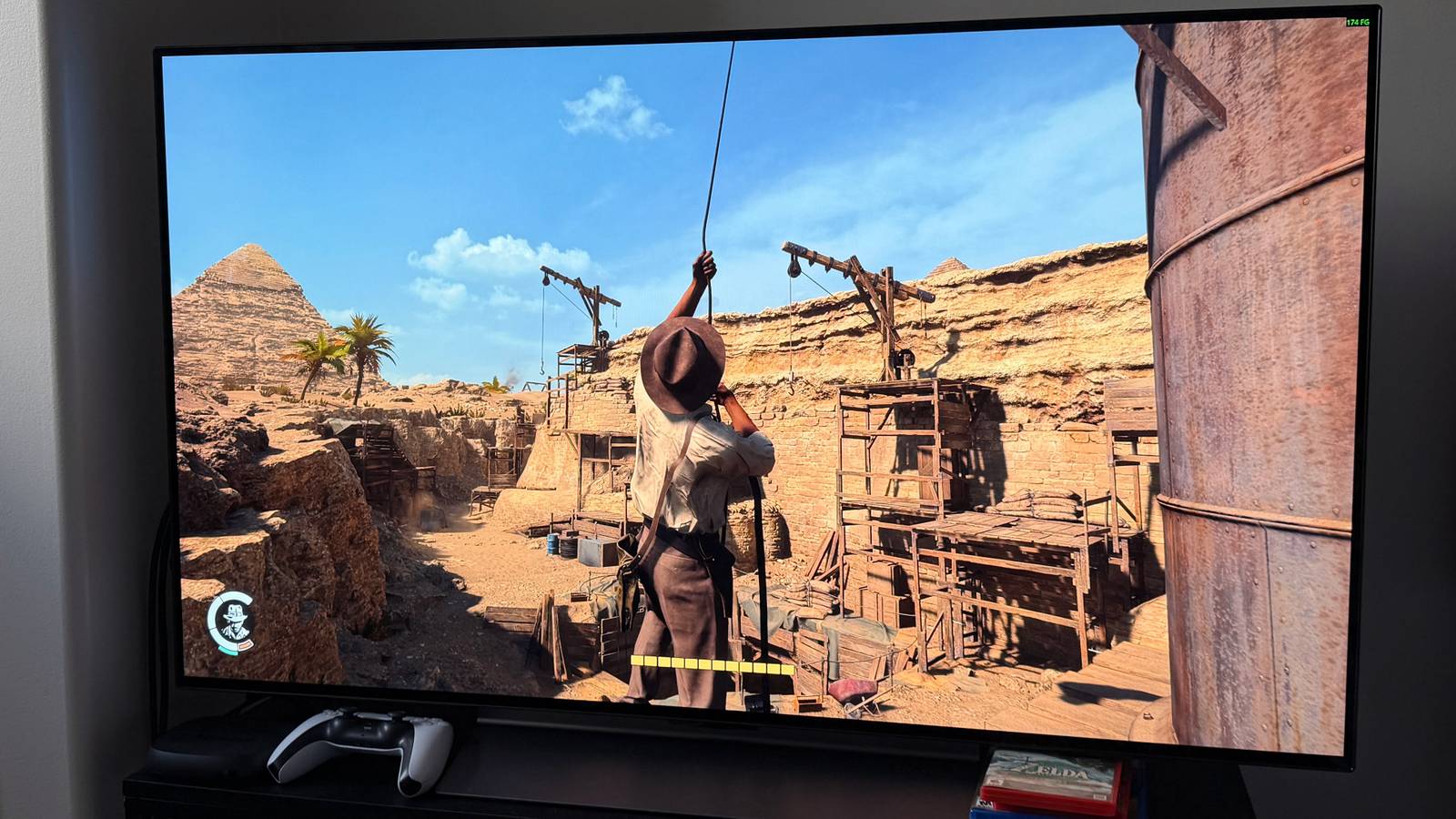
High refresh rates are extremely valuable in an era of connected PCs and game consoles. For these devices, 60Hz is barely adequate. They’re regularly pushing framerates beyond 60fps, even on their homescreens, and if your TV can’t keep up the result is going to be visual artifacts, above all screen tearing. That happens when multiple frames are accidentally merged onscreen at the same time, and I can say from experience that it’s distracting, especially in games where immersion is king. You should demand 120Hz or higher, whether you’re playing Forza Horizon or simply browsing websites in Chrome.
Included in the HDMI 2.1 standard is an important related technology, VRR (Variable Refresh Rate). This syncs with framerates on the fly, preventing artifacts. It might not sound like a big deal if you already have a 120Hz screen, but games rarely stay at a consistent framerate. In a title with photorealistic 3D graphics, such as Cyberpunk 2077, you might be sitting at 62fps one moment, but dip to 32fps the next, then bounce back to 50fps. Needless to say, these sorts of shifts can wreak havoc without compensation.
If you plug a PC or console into an HDMI 2.0 port, you’re crippling it from the get-go. Your apps will still run, but you won’t be seeing their full fidelity. You’ll also have to set Game Mode manually to block the input lag from unnecessary image processing, but I cover that in my guide to ALLM.
A quick hit on 4K and HDR
Why they aren’t always what they’re cracked up to be

20th Century Fox
You can read more about the 4K issue in another piece of mine, but the short version begins with the limits of human vision. Past a certain pixel density, your eyes can’t perceive any extra detail — so the higher the resolution, the larger a screen needs to be for it to make an impact. Sitting at a distance of about 9 to 10 feet (2.7 to 3 meters), you might start to notice the gap between 1080p and 4K on a 65-inch TV. That’s assuming your vision is sharp. If it’s fuzzier, you might not notice anything until you hit 75 inches. That could be beyond your budget, or just the size your room will allow. Only the richest New Yorkers can fit an 85-inch TV in their apartment without blinking.
On top of this, any recent TV should do an excellent job of upscaling 1080p material. That does involve fudging detail by duplicating pixels, but given those limits I just talked about, you may struggle to notice any flaws.
Frequently, both technologies are reserved for Blu-ray discs and premium streaming plans, the latter of which can be exorbitant.
I consider HDR (high dynamic range) more valuable than 4K, since it boosts highlights and shadow detail while extending visible colors. This creates more natural levels of contrast, and can even rescue scenes where detail would go missing. At the same time, current standards sometimes render scenes too dark, particularly Dolby Vision. This should hopefully be fixed in Dolby Vision 2 and HDR10+ Advanced — but since there’s zero content and few TVs with those formats so far, there’s no proof of that beyond tradeshow demos. If I’m lucky, I’ll see it in person later this year.
These drawbacks would be fine if 4K and HDR didn’t come at a high cost, and I don’t mean the price of your TV. Frequently, both technologies are reserved for Blu-ray discs and “premium” streaming plans, the latter of which can be exorbitant. Netflix charges $27 per month for its 4K HDR tier, three times as much as its entry-level option. Given that I’d often rather watch EUC videos on YouTube, I’m not about to drop $324 per year to make Jurassic Park or the latest Patton Oswalt special look a little nicer. Conversely, losing fluid motion in my games and websites is non-negotiable.

- Playing Time
-
3-12 hours
- Brand
-
Valve
- Weight
-
1.41lb (640g)
- Chipset
-
AMD APU
