

Close Menu

    Subscribe to Updates

    Get the latest Tech news from SynapseFlow

    What's Hot

    Mandiant Founder Kevin Mandia Joins Amazon Board

    September 10, 2026

    OpenAI’s Supposed Mathematical Breakthrough Devolves Into Explosive Drama as Mathematician Accuses It of Stealing His Work

    September 10, 2026

    Apple Watch Series 12 vs Google Pixel Watch 5: WatchOS or WearOS?

    September 10, 2026
    Facebook X (Twitter) Instagram
    • Homepage
    • About Us
    • Contact Us
    • Privacy Policy
    Facebook X (Twitter) Instagram YouTube
    synapseflow.co.uksynapseflow.co.uk
    • AI News & Updates
    • Cybersecurity
    • Future Tech
    • Reviews
    • Software & Apps
    • Tech Gadgets
    synapseflow.co.uksynapseflow.co.uk
    Home»Tech Gadgets»Gemini in Chrome gets new ‘Select from screen’ tool on desktop
    Gemini in Chrome gets new ‘Select from screen’ tool on desktop
    Tech Gadgets

    Gemini in Chrome gets new ‘Select from screen’ tool on desktop

    The Tech GuyBy The Tech GuyJune 25, 2026No Comments2 Mins Read0 Views
    Share
    Facebook Twitter LinkedIn Pinterest Email
    Advertisement


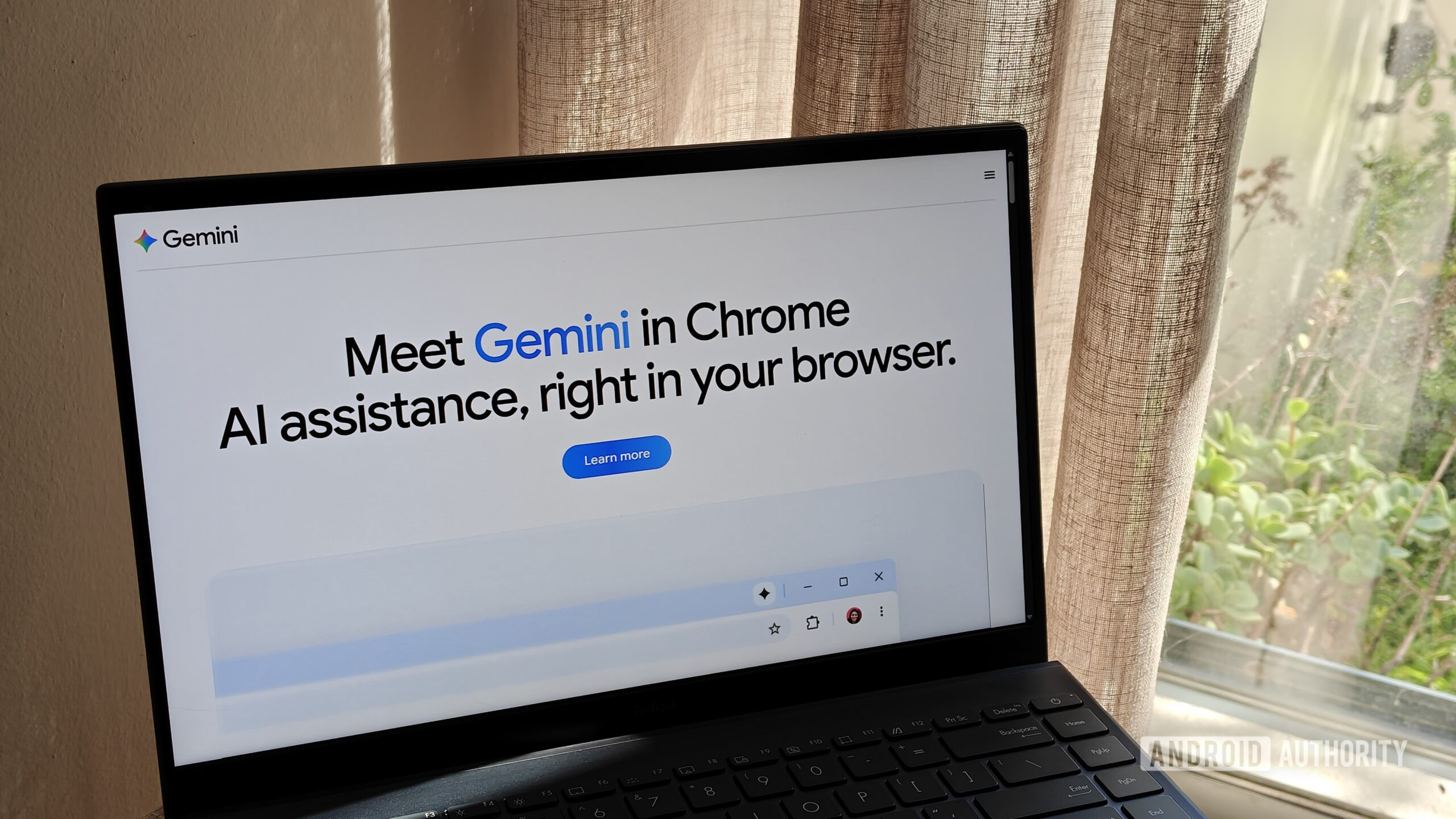
    the gemini in chrome website on a laptop

    Megan Ellis / Android Authority

    Advertisement

    TL;DR

    • Google’s Chrome browser has already let you search with on-screen content thanks to tools like Google Lens.
    • This week, Chrome is adding a new way to incorporate screen input when looking things up with Gemini.
    • Users will find a new “Select from screen” option when providing content for Gemini to see.

    Google is clearly enamored with the idea of using screen content to initiate searches, and over the years we’ve seen variation after variation on this same theme, from Google Lens to Circle to Search. Google’s never been a company to shy away from a little redundancy, and this week it’s sharing its very latest tool for pulling off this same sort of trick.

    Earlier this week, Google updated its Gemini in Chrome support pages to introduce a new “Select from screen” tool for Chrome on the desktop. Accessing it is pretty straightforward, with users needing to first click “Ask Gemini,” then hitting the plus sign for Gemini’s Add menu. Here, you can finally choose “Select from screen” to start drawing a box around the content you want Gemini looking at. That include multiple screen areas at once. When you have them all highlighted, you can go ahead and present Gemini with your prompt.

    That’s all there is to using it, and as you can likely see, this already feels very close to Chrome’s integration with Google Lens, only here leaning harder on Gemini, while Lens takes you to a regular Google Search page — to be fair, one where you can always still engage with AI Mode.

    You obviously need to have Gemini in Chrome enabled to take advantage of this input feature, and that requires being signed in to the browser with a Google account — it won’t work in Incognito. If that’s a concern of yours, Chrome’s Lens support still works without an account, even in Incognito.

    Chrome users should start seeing “Select from screen” available in their browsers as of now. If you’re not getting it (and you’re positive you have Gemini in Chrome enabled in the first place), make sure you’ve updated to the most recent Chrome 149 release.

    Thank you for being part of our community. Read our Comment Policy before posting.

    Advertisement
    Share. Facebook Twitter Pinterest LinkedIn Tumblr Email
    The Tech Guy
    • Website

    Related Posts

    Fake GTA 6 malware is on the rise as release date nears — here are some of the worst scams to look out for

    September 10, 2026

    Samsung Galaxy Tab S12 Ultra appears in leaked renders again, Tab S12+ tags along

    September 10, 2026

    Two phones, one number: Apple just beat Android to a very handy feature

    September 10, 2026

    I never recommend a Roku for a home theater (outside of this one condition)

    September 10, 2026

    Thanks to Siri Recaps, your Apple Watch is always listening as you go about your day — but Apple may be risking a Meta Glasses-style backlash

    September 9, 2026

    iPhone Ultra is apparently called iPhone Duo and will be cheaper than expected

    September 9, 2026
    Leave A Reply Cancel Reply

    Advertisement
    Top Posts

    You don’t need a NAS to self-host — I proved it with hardware from my closet

    June 7, 2026391 Views

    Spotify is giving one of its best playlists a big visual upgrade to give subscribers ‘a closer connection’ to its New Music Friday curators — and I think it could be the update it’s always needed

    June 12, 2026210 Views

    The iPad Air brand makes no sense – it needs a rethink

    October 12, 202517 Views
    Stay In Touch
    • Facebook
    • YouTube
    • TikTok
    • WhatsApp
    • Twitter
    • Instagram
    Advertisement
    About Us
    About Us

    SynapseFlow brings you the latest updates in Technology, AI, and Gadgets from innovations and reviews to future trends. Stay smart, stay updated with the tech world every day!

    Our Picks

    Mandiant Founder Kevin Mandia Joins Amazon Board

    September 10, 2026

    OpenAI’s Supposed Mathematical Breakthrough Devolves Into Explosive Drama as Mathematician Accuses It of Stealing His Work

    September 10, 2026

    Apple Watch Series 12 vs Google Pixel Watch 5: WatchOS or WearOS?

    September 10, 2026
    categories
    • AI News & Updates
    • Cybersecurity
    • Future Tech
    • Reviews
    • Software & Apps
    • Tech Gadgets
    Facebook X (Twitter) Instagram Pinterest YouTube Dribbble
    • Homepage
    • About Us
    • Contact Us
    • Privacy Policy
    © 2026 SynapseFlow All Rights Reserved.

    Type above and press Enter to search. Press Esc to cancel.

    Ad Blocker Enabled!
    Ad Blocker Enabled!
    Our website is made possible by displaying online advertisements to our visitors. Please support us by disabling your Ad Blocker.