

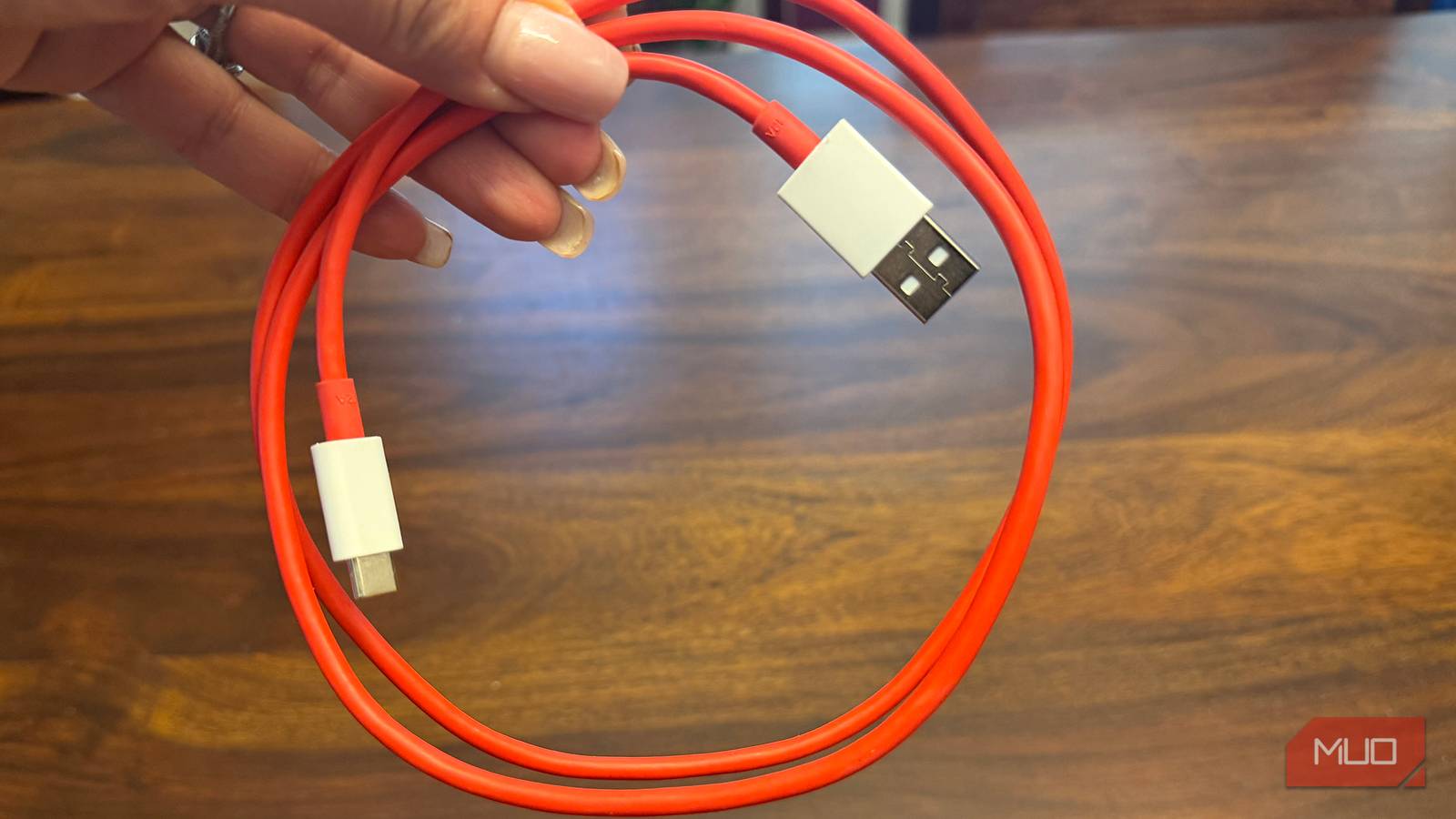

When you plug in a device, you’re usually using a trusted cable. Whether it is USB4 or Thunderbolt 4, you’re expecting blazing-fast transfer speeds up to 40Gbps, as advertised. However, achieving that kind of throughput means the cable has to operate at multi-gigahertz frequencies, and at those frequencies, physics gets pretty unforgiving. It comes down to how electricity and light behave once you push them past a certain distance.

I stopped buying random USB-C cables after learning what three numbers actually mean
USB-C cables are notoriously hard to identify, but these three numbers will help you figure out what they can do.
Fast cables are stuck being short
High frequencies cause the signal to fade out over distance
High-performance passive USB-C cables are stuck pretty short. They usually stay around three feet. Signal loss at these frequencies is mostly due to conductor and dielectric losses. Conductor loss occurs when high-frequency current no longer flows evenly through the wire and instead concentrates on the surface of the copper.
Since almost all the current gets squeezed into that thin outer shell, the wire’s resistance climbs with the square root of the frequency. The longer the wire gets, the worse this resistance problem becomes, leading to signal degradation and data loss over distance.
On top of that, there’s the issue of surface roughness on the copper itself. Once the skin depth becomes smaller than the tiny bumps and imperfections on the copper foil, the current is forced to wind around them instead of traveling in a straight line. That technically makes the wire longer from the signal’s perspective and worsens insertion loss.
Then there’s dielectric loss, which becomes a real problem once you’re above 10GHz. The insulation around the wire starts absorbing some of that electromagnetic energy, converting it into wasted heat rather than letting it pass through as a signal.
The thing is that a high-speed digital pulse isn’t really a clean square wave as you’d think. Instead, it’s like a base frequency plus a bunch of higher-frequency harmonics layered on top. As that signal travels down a longer cable, the higher-frequency parts fade out much faster than the lower ones.
Over a long enough distance, it starts to smear. One bit of data starts to bleed into the next. As it gets longer, that leads to errors. So length hurts the cable a lot more than you would think.
Adding chips or fiber optics comes with major trade-offs
Mixing power with glass fibers is a fire risk

There is a solution when you want longer cables, but it’s not overwhelmingly good. If you want a longer cable without running into this wall, you can’t just use plain copper anymore; you have to build tiny active chips right into the connector, things like redrivers or retimers, that clean up and boost the signal as it travels, so it doesn’t degrade into garbage.
The problem is that those chips make the cable more expensive, bulkier, and more power-hungry to manufacture. If companies want to give people a cable that’s cheap, sturdy, and just works without all that extra circuitry, the trade-off is keeping it short.
Fiber optic cables sound excellent in this situation because they can carry 40Gbps over 50 meters or more without any of these copper headaches: no skin effect, no interference. But you need to remember that USB-C isn’t just moving data; it’s also delivering serious amounts of power. The latest USB Power Delivery standard lets cables deliver up to 240W at 48V and 5 amps.
Glass fiber can’t carry electrical power, so a hybrid cable would need copper power wires running right alongside the delicate glass fibers. That’s just asking for trouble because mixing high-voltage power lines with optical strands creates a fire risk. When you run 48V of current next to glass fiber, the heat from the copper can cause the fiber to expand and contract in ways the glass can’t handle, which can crack or warp the fiber until it stops transmitting light altogether.
On top of all that, having power and optics crammed that close together raises the odds of short circuits, arcing, and other dangerous situations. To make a hybrid cable like that safe, you’d need extra insulation, heavier strain relief, and built-in temperature sensors to shut down if it overheats.
That would easily make a solution more expensive than just using a shorter cable.
Finding a good long cable means spending more money
Buying cheap knockoff cables can fry your devices

Good USB-C cables are almost always limited to 1m (3 feet) if you want a simple passive copper cord. If you actually need a longer cable that handles both high data rates and real power, you’re left with more expensive active copper cables.
Active cables have small chips built right into the connectors. You could go for longer cables online that go for six feet or longer, but doubling the length of a passive cable roughly doubles the signal loss, too, and at that distance, it’s pretty much guaranteed to fail.
Don’t forget that it’s hard to find cheap, high-quality cables. On top of the performance issues, there’s an actual safety risk with these knockoff cables if they cut corners on the wire gauge needed to carry real power.
If you’re pushing 3 to 5 amps through copper that’s too thin for the job, the cable can heat up fast, which is bad news for your laptop or whatever it’s plugged into. This isn’t some conspiracy; it’s just literally how electricity and light behave. You can’t fool physics.
Buy the more expensive cable if you need one
None of this means you’re stuck plugging your laptop into a port six inches away forever. It just means the fix costs more than you’d like. A certified active cable with a built-in retimer will give you real length without sacrificing your transfer speeds, and that’s worth paying for if your setup actually needs the extra distance. What isn’t worth doing is grabbing some unbranded fifteen-foot cable because it’s five dollars cheaper, since you’re trading reliability and possibly your hardware’s safety for a few feet of slack. I’d rather spend the extra money once than replace a fried port later.

- Charging Rate
-
100W
- USB Version
-
USB 2.0
The SOOPII USB-C to USB-C cable is a 100W fast charger with an inbuilt LED display. The small display shows the current charging speed in real time. It sports a premium metal housing with a braided cable. Best of all, it’s under $10.
