

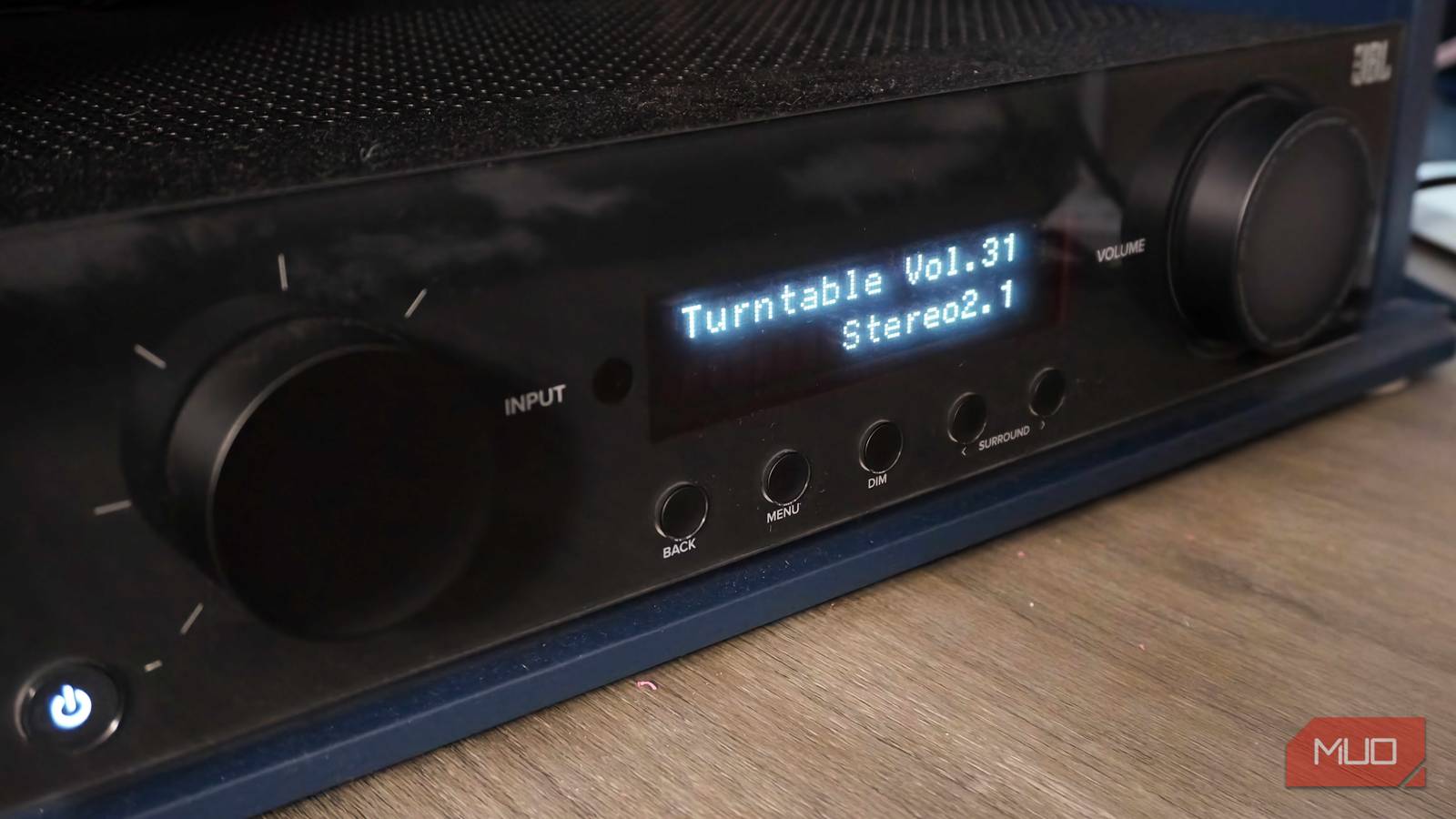

Dolby Atmos adapts to the devices and audio gear you have, and this can be a blessing and a curse. You might fire up Apple Music on your phone and hear Dolby Atmos start playing out of your device’s stereo speakers. It’s a different experience on every platform. The important thing to remember is that every piece of the chain needs to support Dolby Atmos for it to work. The fewer hardware and software points in the mix, the simpler unlocking Dolby Atmos becomes.
This explains why experiencing spatial audio on your TV or home theater setup is so difficult. A single HDMI cable can cause the entire Dolby Atmos chain to break. Use the wrong HDMI cable or port, and you could end up hearing Atmos sound at a lower quality than expected — or not at all. I checked two things on my HDMI cable and TV to guarantee they weren’t blocking Dolby Atmos.
The biggest Dolby Atmos upgrade isn’t a new sound system — it’s this
Blu-ray discs are the key to getting Dolby Atmos music and moves in lossless audio quality, and almost no one realizes it.
You need this HDMI spec to get lossless Atmos

HDMI cables aren’t all the same. Like any cable spec or communication protocol, HDMI has different versions that offer tiers of data transfer support and exclusive features. However, the HDMI standard isn’t updated as frequently as, say, USB. The fact that HDMI cables typically stay parked behind your TV means they could last for decades. The long lifespan of HDMI cables paired with the slow update interval of the specification results in users keeping outdated cables in their setup for too long.
It’s not just the cables you need to worry about — the ports are just as important. Your TV probably has a handful of HDMI inputs each with a number label attached. Most people plug an HDMI cable into the first or last input and stop there, but that decision could break Dolby Atmos. Certain ports have support for features called the Audio Return Channel (ARC) or the enhanced Audio Return Channel (eARC).
These are HDMI exclusives, and they serve a key purpose in your home theater setup. While your TV may support Dolby Atmos through its inbuilt speakers, the spatial audio effect is much better when played through a compatible soundbar or A/V receiver. Adding a soundbar or surround-sound speaker system requires twice the amount of HDMI cables, plus an optical audio cable to send sound from your TV back to the soundbar or A/V receiver. That is, unless you use ARC or eARC.
ARC and eARC allow audio data to be shared in both directions over a single HDMI cable. So, your TV won’t need a separate optical audio cable running to the speakers or soundbar. That’s only if you use the right HDMI port, though. Dolby Atmos content needs to run through HDMI cables with ARC or eARC, and the HDMI cable needs to be plugged into the ARC or eARC port on your TV and/or audio gear.
Older HDMI cables won’t cut it for Dolby Atmos
Using the right port is only one piece of the puzzle — you also need the right cable. There are two main types of Dolby Atmos that use different audio codecs. Dolby Digital Plus is the lossy codec used to handle most Dolby Atmos content, and all Atmos media that comes from a streaming service. Dolby TrueHD is the lossless codec that provides the best Dolby Atmos experience, and it’s most commonly reserved for select 4K UHD Blu-ray masters.
However, Dolby Atmos requires at least an HDMI 1.4 cable, as it needs an HDMI version with enough bandwidth for Dolby Digital Plus and ARC support. HDMI 2.0 and newer cables are often used instead, though. To get the lossless version of Dolby Atmos, the requirements are stricter. In that case, you need an HDMI 2.1 cable with support for eARC and the Dolby TrueHD codec. Aside from the HDMI 2.1 cable, your source, TV, and audio gear must support eARC.
The difference between the HDMI versions for Dolby Atmos playback comes down to bandwidth. You’ll see modern HDMI cables advertised with high data transfer speed ratings, but that’s for the entire cable. The Audio Return Channel or enhanced Audio Return Channel only get a fraction of that bandwidth. Specifically, ARC is allocated about 1Mbps, which is only enough for compressed Dolby Atmos. The eARC feature is allocated an audio bandwidth up to 37Mbps, unlocking lossless Dolby Atmos support.
So, eARC support — for both HDMI ports and cables — is what blocks older HDMI versions from working with lossless Dolby Atmos. You need an HDMI 2.1 cable or newer connected to eARC-compatible ports to use it.
A simple HDMI cable can break your Atmos setup

Dolby Atmos is a complicated format, but it’s easy to see why so many people crave it. The object-based audio format delivers a spatial experience on a wide range of supported gear. Since every part of a setup needs to support Dolby Atmos for it to work, you need to check the tiny details. People invest hundreds or thousands into a home theater without realizing that an HDMI cable plugged into the wrong ports could throw a wrinkle into the entire setup.

- Length(s)
-
1m, 1.5m, 2m
- Materials/Construction
-
CL3 in-wall rated cable with low-EMI construction
- Capacity
-
96Gbps
- Brand
-
Zeskit
The Zeskit Maya HDMI 2.2 cable is one of the first 96Gbps cables on the market. Among other features, it supports eARC and lossless Dolby Atmos.
