

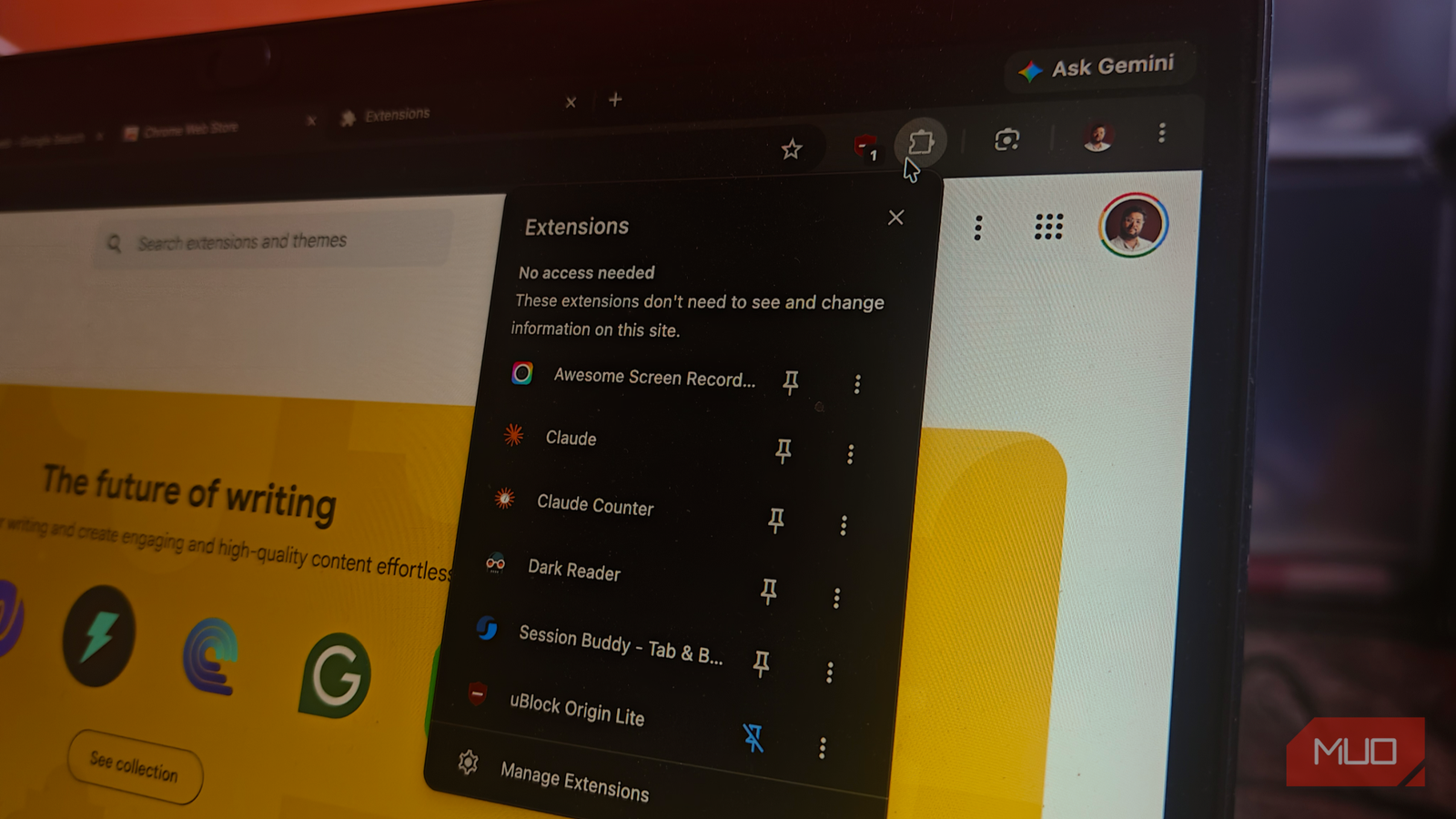

In their original form, browser extensions are additional features you add to a general web browser. You may need one based on your specific tasks or profession. In the case of Google Chrome, however, things are slightly different.
For one, Google Chrome is known for its wider library of browser extensions, readily available through an official store. More importantly, there are some really cool extensions that do things Chrome doesn’t really do on its own.
Here are four browser extensions so good that Chrome should just include them in the next version.
Dark Reader
Every website went dark, and my eyes thanked me

Universal dark mode is still not available as a standalone feature on Google Chrome, but it is something your eyes would thank you for. Fortunately, there is a browser extension called Dark Reader that makes every website go dark, even those that lack a dark mode toggle. Given how much time we spend looking at our screens, this extension ought to be built into Chrome.
Google Chrome has a flag to force dark mode, accessible at chrome://flags/#enable-force-dark. However, in my experience, this flag has had issues, especially while dealing with images.
Dark Reader works rather simply: you install the extension, enable it, and all websites you visit turn to dark mode by default. It also overrides an existing setting. For instance, Dark Mode will make Wikipedia.com display its contents in dark mode even when you have selected light mode on the website. However, compared to other dark mode extensions I’ve come across, Dark Reader for Chrome does a cleaner job.
Dark Reader doesn’t stop at simply darkening a website’s background. Instead, it offers advanced control over features such as brightness, contrast, sepia tone, and grayscale. You can also set up multiple configurations based on websites or other preferences. There is also a site list you can manage, along with advanced settings such as font and dynamic filters.
Overall, Dark Reader offers curated features that enhance Google Chrome when installed.
Session Buddy
Chrome ate my tab groups until I found this
Google Chrome has had tab groups and syncing for a while, but these features do not prevent the loss of everything when you encounter a crash or accidentally force-quit Chrome. While you can open individual tabs from the History page, you might end up losing the browser state that was meant for your research. Session Buddy has been solving this problem for a while.
Session Buddy is a tab and bookmark manager extension for Chrome-based browsers that brings clarity to your chaotic tabs. I use this extension to name my sessions and store them for later. For instance, I may have a window with a dozen Amazon tabs with products I’ve shortlisted. Session Buddy lets me save that session and open everything later with a single button. The best part is that everything happens automatically.
Given that Google Chrome is a go-to professional browser for most people, Session Buddy’s features add significant value. Though it doesn’t sync your sessions via cloud, you can use this extension to protect your research sessions from accidental crashes and quits. It is also one of the more privacy-centric extensions I’ve come across, thanks to the lack of accounts and tracking. At the same time, you get a lot of minute control options.
Consent-O-Matic
I stopped clicking cookie banners a while ago
Since it became mandatory for websites to let users choose how cookies work, I’d lost count of how many times I had to click the right buttons on those cookie banners. While you can find many extensions that hide cookie banners, I believe Consent-O-Matic is a better option and should be built into Google Chrome.
Consent-O-Matic is a browser extension that analyzes cookie banners and makes the right choice based on your preferences. The extension lets you select which types of cookies/trackers you want to allow on the settings page. From that point onward, you wouldn’t have to worry about cookie banners. I tested this extension, and the process takes a second, but Consent-O-Matic hides the banner for good.
I wouldn’t call it perfect, though, because there are times when it makes certain undesired changes to non-standard forms. That is also because some websites offer advanced or customized options that confuse users into granting permissions they would not otherwise grant. Yet, with the right configuration, this extension has been a lifesaver.
This open-source Chrome extension was built by people at Aarhus University, and they do a great job of keeping the filters up to date.
uBlock Origin Lite
Chrome gave up on ad blocking, but I couldn’t
As the internet becomes filled with pervasive and annoying ads, many instances call for an effective ad blocker. For this reason alone, I believe Google Chrome should ship with an ad blocker extension, such as uBlock Origin Lite.
uBlock Origin Lite is a modified version of uBlock Origin, one of the most popular ad blockers. I have used this new version since Google Chrome switched to Manifest V3. Because it is based on the MV3 infrastructure, uBlock Origin Lite does an impressive job of blocking almost every type of ad on the internet. Though I happily pay for YouTube Premium, it is good to know that this Chrome extension can block YouTube video ads as well.
I’d want this extension built into Google Chrome also because of its tracker-blocking capabilities. This becomes important because most web browsers ship with some form of tracking prevention, and some even include uBlock Origin as the default ad/tracker blocker. You can also customize the extension’s blocking preferences. I also love the option to remove specific elements from a website rather than blanket ad-blocking.
Nevertheless, uBlock Origin Lite cannot run all the rules the original version used to run, but we need to blame Google Chrome for that limitation.
But Chrome probably won’t ship these
I don’t doubt for a second the powerful features these extensions bring to Google Chrome, but I’m almost sure Google Chrome will never implement some of them.
For example, I don’t see a future in which Google Chrome implements ad blocking, given how heavily Google relies on advertising and tracking. Similarly, cookie blocker management is a far-off dream rather than a reality. Yet other options, like Dark Reader and Session Buddy, have a fair chance.
Until that happens, you can install these extensions on your Google Chrome or any other Chromium-based browser.
