


Automatic updates are often seamless and generally recommended, until one breaks your setup while you sleep. That was my experience with Watchtower. It was reliable right until a routine overnight pull left one of my containers in a restart loop. I spent the entire morning fixing it.
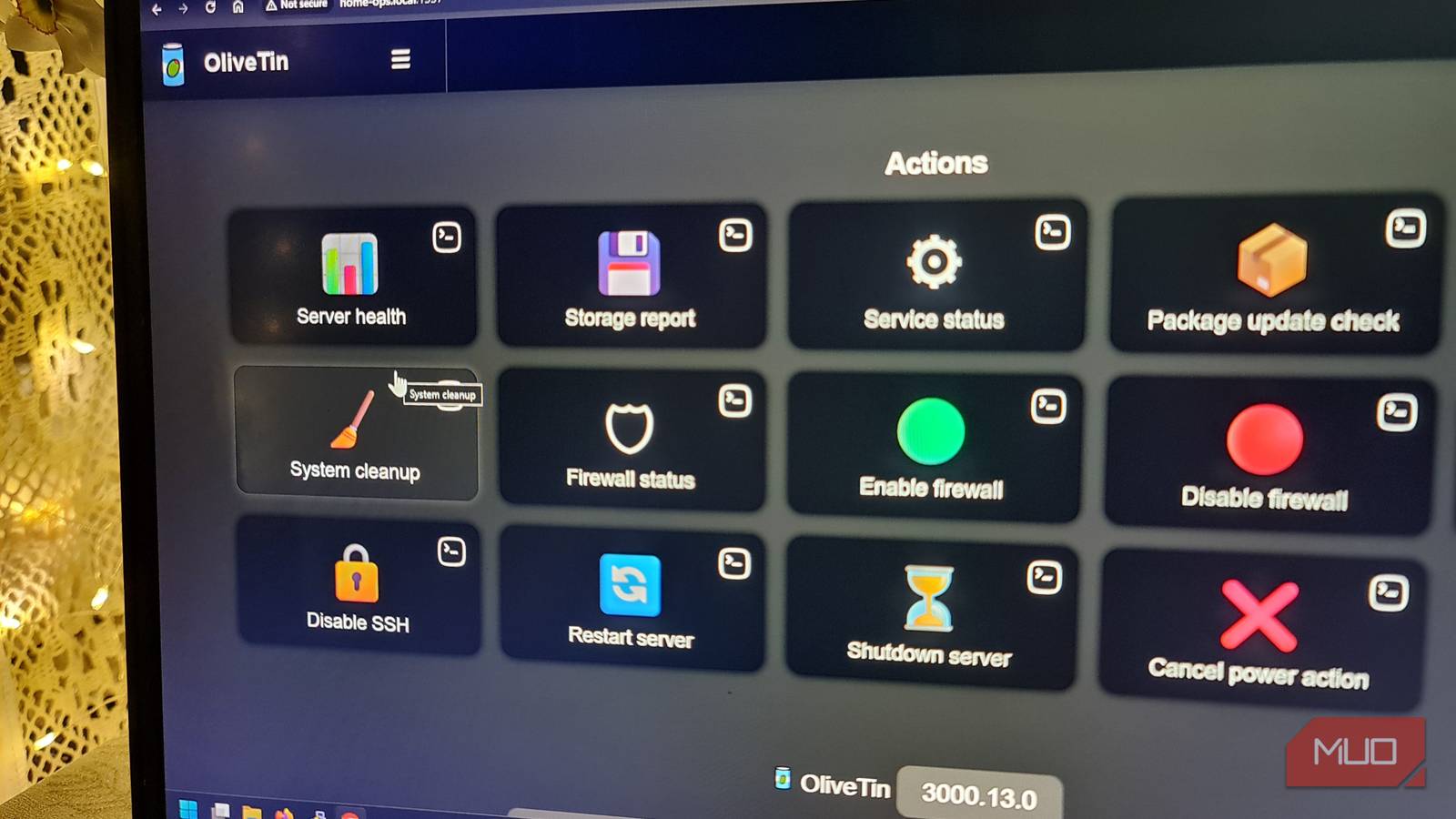
However, the long-term fix was a small scheduler I built using OliveTin that updates only when I trigger it. I haven’t had the same midnight crisis with updates ever since.
Automatic updates weren’t my friend
The real problem was losing control, not bad software

I loved Watchtower because it helped me avoid the personal effort required to keep updates up to date. On a schedule, the tool checks my containers against their registries, pulls any new images, and recreates the matching containers. As long as I set the interval, I can forget it exists and concentrate on other things.
However, I had missed an important detail, which really wasn’t a Watchtower problem. The problem was that even if a container is tagged latest, that tag doesn’t indicate whether the update contains breaking changes. This was the reason why my media server container came back up in a crash loop after pulling an update that introduced a database schema change. I had no practical warning in my workflow, and even though Watchtower sent a notification, I only read it after the damage was done. With the notification, I could see something had happened, but it didn’t ask for my permission before making changes.
I wasn’t, however, looking for fewer updates; I just needed more choice in the process, to choose “not now” or “not yet” or ‘to defer updates. This way, I decide when the change occurs rather than find out after the fact.
|
Automatic updates |
Scheduled updates |
|---|---|
|
Runs unattended |
Runs during a window you choose |
|
Convenient |
Predictable |
|
Problems discovered afterward |
Problems caught immediately |
|
Minimal oversight |
Easy to supervise |
OliveTin changed my workflow
I finally separated updates from scheduling
Before proceeding, it’s important to note that OliveTin isn’t a scheduler. It’s a small self-hosted dashboard that lets me turn shell commands into buttons or API calls I can trigger from a browser. The actual scheduling still takes place through cron on Linux, Task Scheduler on Windows, or even a systemd timer if that’s what I prefer. OliveTin just stays in the middle, serving as the interface that lets me trigger the commands.
End-to-end, it looks like this: a scheduler fires at the time I pick and hits an OliveTin action, the action runs an update script, the script calls Docker Compose to pull and recreate a container, and finally, a webhook sends a notification to show it’s done (Scheduler -> OliveTin -> Update script -> Docker Compose -> Notification).
Separating the trigger from the update logic was what actually mattered even more than OliveTin itself. With the two as separate entities, I could point the trigger at times that made sense for each service. I no longer relied on a single unattended update schedule for everything.
This setup is perfect because it works on Linux, Docker Desktop, or WSL hosts. Neither the containers nor OliveTin care which host they’re on.
The biggest upgrade wasn’t OliveTin
Predictable maintenance changed everything

My update routine is still boring, and that’s a good thing. The updates now run only after a backup completes and during times when services aren’t actively used. I’m usually awake and at my computer when they run, which may seem like a small thing, but if you’ve had to notice broken containers when you wake up, you’ll appreciate this detail.
At each point, I know what changed and when, which makes troubleshooting easier when I need to. Also, since I’m watching services restart, rather than noticing problems a few days later, it’s easier to roll back. This is a process that I can trust much more.
|
Watchtower |
Scheduled workflow |
Manual updates |
|
|---|---|---|---|
|
Update trigger |
Automatic |
Scheduled |
Manual |
|
Human approval |
No |
Yes |
Yes |
|
Per-container control |
Moderate |
Excellent |
Excellent |
|
Notifications |
Yes |
Yes |
Optional |
|
Windows & Linux |
Yes |
Yes |
Yes |
The table doesn’t capture how this setup has helped me stop dreading updates. No single feature from Watchtower would be good enough to replace knowing when something is going to change.
Different homelabs need different update strategies
Although I have shifted to a custom scheduler for updates, Watchtower still has a place in my setup. With dev containers and other disposable resources, I can rebuild and move on if one breaks. For these, I don’t need to be standing over them.
However, the things that family members rely on, like Home Assistant and my media server, must go through my new setup with OliveTin. Also, I ensure that any service that must work when someone else uses it gets scheduled treatment. Additionally, I rely on Diun, which tells me when updates are available without actually running them. Also, consider using Portainer if you prefer clicking through containers in a browser to typing Compose commands. This addresses a different need than my OliveTin setup.
The bigger picture went beyond simply replacing Watchtower. I decided to control when my containers are updated.
