

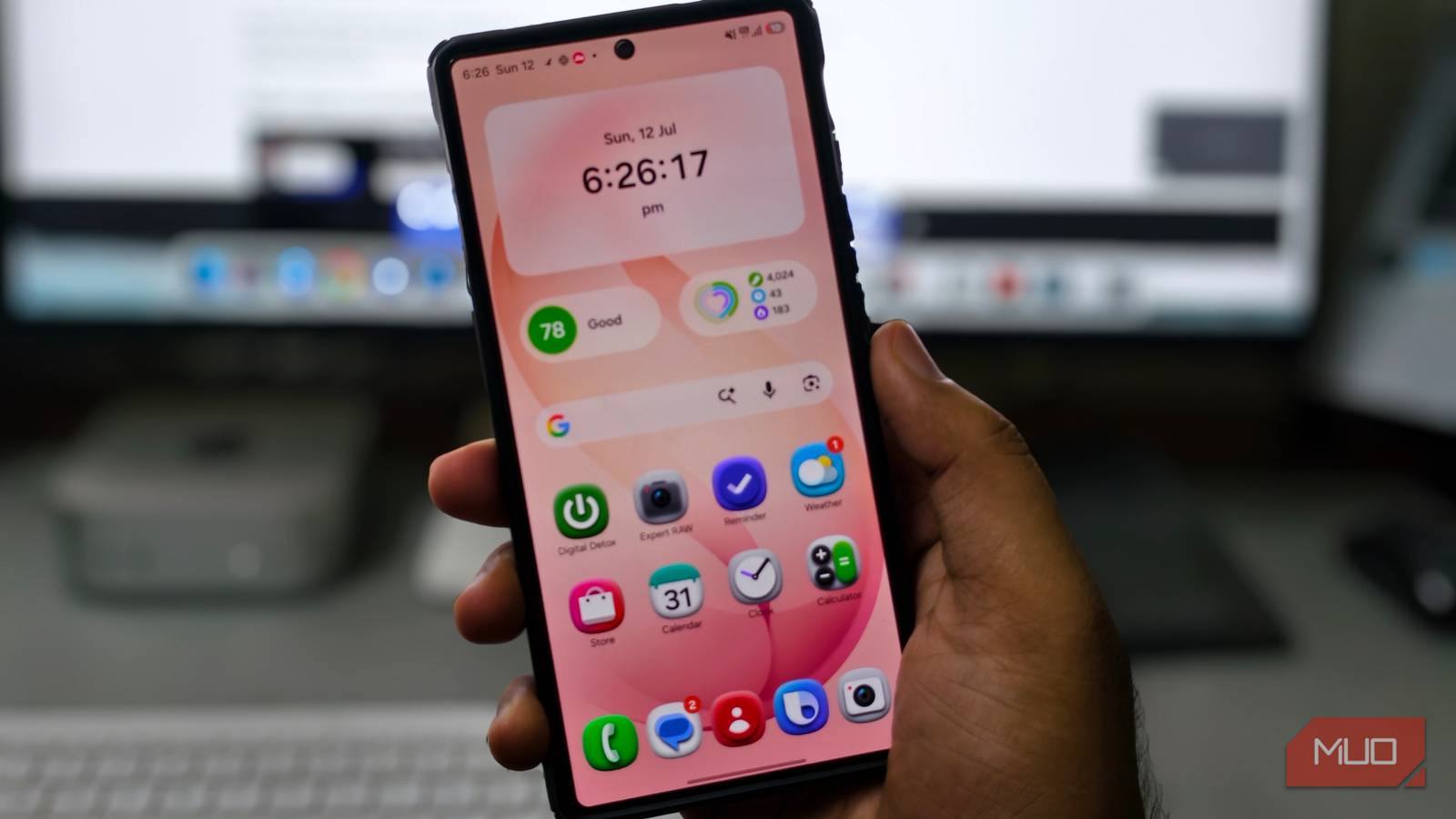

We all have that one video on our phones that has the best view captured, but the audio is a mess. It might have someone talking over the important part, construction noise, and all sorts of different background noise, enough to ruin a perfectly shot video. This situation is worse if you are a vlogger and are recording something important during your travels. Fortunately, if you have a Samsung phone, a fix is tucked behind its hidden editing tools, called Audio Eraser.
It rarely gets the spotlight that other Galaxy AI features do, but once you use it, you will make it a part of your video editing process.
It does what the name implies
Don’t worry, it only helps remove background noises

Audio Eraser is an on-device AI feature that processes the video’s audio track and categorizes it into categories such as voices, music, crowd noise, nature sounds, and general background noise. Once it is done, you get to decide what stays and what goes. Want to keep your voice but not the noise? Done. Want to mute the wind? Done. Want to strip the crowd chatter? Done.
Under the hood, this isn’t just a simple noise gate or a volume slider. According to Samsung, the feature uses AI to differentiate and categorize sound types. Apart from letting you completely mute the background noise, Audio Eraser also gives you a volume slider if you want to keep some background audio.
Samsung is upfront with Audio Eraser and says that it isn’t flawless. Sounds with very short durations may not get detected, and similar-sounding noises can occasionally be misidentified as something they’re not.
In my experience, Audio Eraser has worked flawlessly. However, there were a few occasions when my own voice sounded muffled because of the background noise being muted. In that case, you can always check and tap the Hear original button to see what changes Audio Eraser has applied to your video.
Using it is quite easy
The Audio Eraser feature debuted with the Galaxy S25 series last year, and now the latest models, including the Galaxy S26 series, come with Enhanced Audio Eraser. Samsung has clarified that the feature is now available on all Samsung Galaxy devices running Android 14 with One UI 6.1 or higher.
If your phone supports it, using Audio Eraser takes about 10 seconds to locate and use.
- Open the Gallery app on your Samsung phone.
- Tap Edit (pencil icon) at the bottom menu bar.
- Select Audio from the options that appear.
- Tap Audio Eraser, then choose which sound category you would like to reduce — Voice, Music, Noise, Wind, or Crowd.
- Select the type of sound and adjust the slider.
- Hit the play icon to preview the change.
- Tap on Hear original if you want to compare the output with the original sound.
- Once done, tap on Apply Edits and then Save copy.
The last step, where you get to save a copy of the edited video, is important. Audio Eraser saves the edit in a new file instead of replacing the original. This way, you get to have both the original and the audio-edited file.
The Audio Eraser isn’t locked to your Gallery. You can use it in the video player, Voice Recorder app, in Samsung Notes, and even call recordings in the Phone app. In those apps, it works a bit differently. Instead of letting you manually tweak the audio categories, Galaxy AI automatically suppresses background noise and pushes the voice to the center.
It is genuinely useful for recording lectures, client calls, or interviews. You don’t have to go through waveforms and isolate the voice from the noise. You can simply tap the Audio Eraser feature on your Samsung phone and let the AI extract different types of noise. You can then decide what to keep and what to eliminate.
Audio Eraser has its own limits
While I don’t use this feature that often, it is there when I need it. And the best part is that I don’t have to go through my laptop, open software, and then adjust the audio manually. Everything happens inside my phone, in just a few taps. It is quite helpful, even with the footage from my GoPro. I just need to transfer it to my phone and use an Audio Eraser to remove the background noise. But do note that the Audio Eraser has its own limitations.
It cannot replace a standalone microphone, nor can it replace professional software by any means. The Audio Eraser is meant to provide a quick solution for people to fix their footage right on their phone. If you don’t have a Samsung Galaxy phone or a phone that does not support Audio Eraser, don’t worry. There is a tool that brings the powers of Audio Eraser to any Android phone.


8.5/10
- SoC
-
Snapdragon 8 Elite Gen 5
- Display
-
6.9-inch Dynamic Super AMOLED 2X
- RAM
-
12 or 16 GB
- Storage
-
256GB, 512GB, or 1TB
The Samsung Galaxy S26 Ultra isn’t a massive leap in specs compared to the previous generation Samsung Galaxy S25 Ultra, but it boasts improvements in every aspect. The major differentiators are two features that will appeal to power users and content creators, called Privacy Display and Horizontal Lock.
