

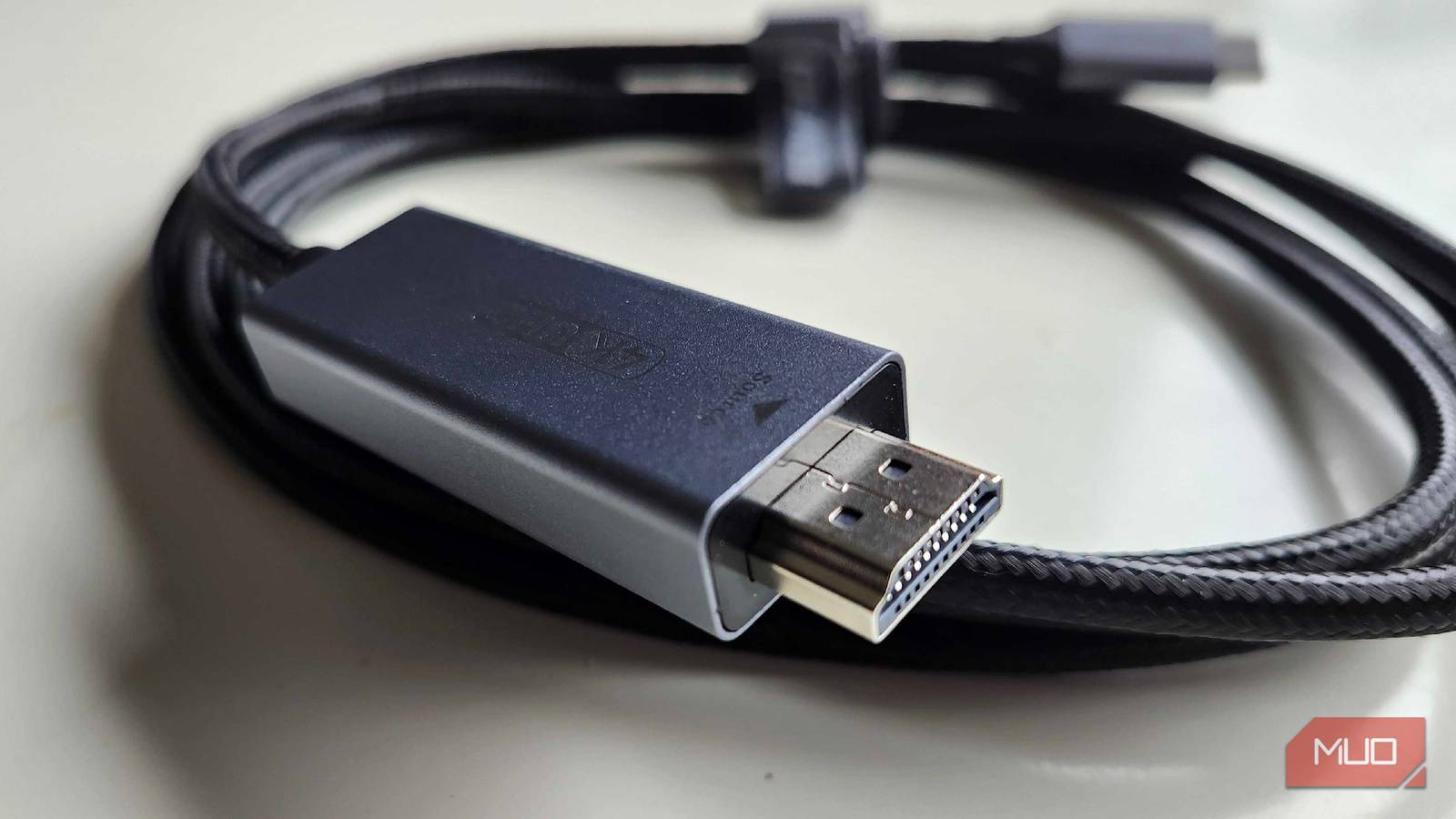

I get it: buying HDMI cables is confusing. First, you need to check what bandwidth the cable supports and whether it’s sufficient for your resolution and required refresh rate. Some marketing tactics for HDMI cables are misleading, and as a result, you might buy the wrong cable that fails to deliver on its promise.
However, when trying to avoid a wrong purchase, most people buy expensive HDMI cables, assuming they’re better.
Most fall for the false advertising that an expensive HDMI cable will magically output a better picture, spending $200 down the drain on an HDMI cable when, in reality, a cheaper cable with sufficient specs will do just fine.
HDMI sends digital data, and the price doesn’t change the code
Those 0s and 1s look identical regardless of what you pay for the cable

Long gone are the days when data was transmitted via an analog signal. When VGA, DVI-A, and AV were the standards, data was carried as continuous electrical signals, and factors like electrical resistance, interference, and noise could degrade the connection. Nowadays, digital data is transmitted in binary code, encoded as 0s and 1s.
This digital data doesn’t degrade in quality, and you’d get the same image with a $10 HDMI cable as with a $200 one; the same is true for audio. However, back in the day, an expensive analog cable mattered because electrical signals could be degraded over distance, resulting in poor image quality.
Gold plating and thick shielding are cosmetic, not functional
You’ll hardly ever need these features

Expensive HDMI cables are sold with marketing ploys, such as gold-plated models, which are meant to make consumers believe the specific model being sold is superior to the rest. However, the gold coating provides no performance benefit and only helps protect the connectors from corrosion, which is hardly ever an issue in the first place.
Other than that, cable shielding is another feature that’s marketed far beyond the situations where it actually matters.
Cable shielding can prevent electromagnetic interference from corrupting digital signals, which can cause issues such as flickering, black screens, and visual artifacts. However, these expensive cables aren’t even long, but still include cable shielding, and unless you have very strong electromagnetic interference, which is unusual for most people, they’re a pointless buy.
Armored cables are just extra protection for your cable and, unless you’ve got a pet or an infant you need to keep away from the wire, a beefed-up HDMI cable is a pointless purchase.
There are other factors that actually determine a good HDMI cable
Match the spec, not the price tag
HDMI has been the standard for connections in most consumer electronics for over two decades now. Over the years, there have been multiple iterations and standards for the connector. Currently, only HDMI 1.4, 2.0, and 2.1 can carry 4k resolution, with newer standards capable of supporting a higher refresh rate alongside that resolution — i.e., HDMI 2.1 can carry 4k@120hz.
As we move higher in the generation, newer HDMI cables have begun to increase their bandwidth, allowing for higher refresh rates and higher resolutions simultaneously. Previously, you’d just have to choose between a high refresh rate and a high resolution.
To buy the right HDMI cable, all you need to do is check what specifications your device supports and match the cable to that. There’s a much simpler way to check cable details without having to look up confusing brand names. On most HDMI cables, there’s a scannable QR code on the box that reveals specs, brand, length, and model. Since the QR codes are only listed on the boxes, I recommend scanning them quickly before making a purchase.
The right $20 cable does everything that these overpriced $200 cables do
If you’re spending $200 on an HDMI cable to get a “clearer picture,” then I assume you don’t have a good display in the first place. Rather than overspending on a cable that gives no advantage beyond cosmetics, I recommend putting that amount toward a better display.
To get an idea of how much HDMI cables cost, an ultra-high-speed HDMI 2.1 cable is the best one you can get for the money right now (that’s actually usable); a standard cable (3–5 feet) will put you around $20–30 and is capable of carrying up to 48Gbps. HDMI 2.2 Ultra96 has just started appearing on the market, promising 96Gbps bandwidth, but that’s also a waste of money since there aren’t any consumer electronics compatible with this newer standard.
