

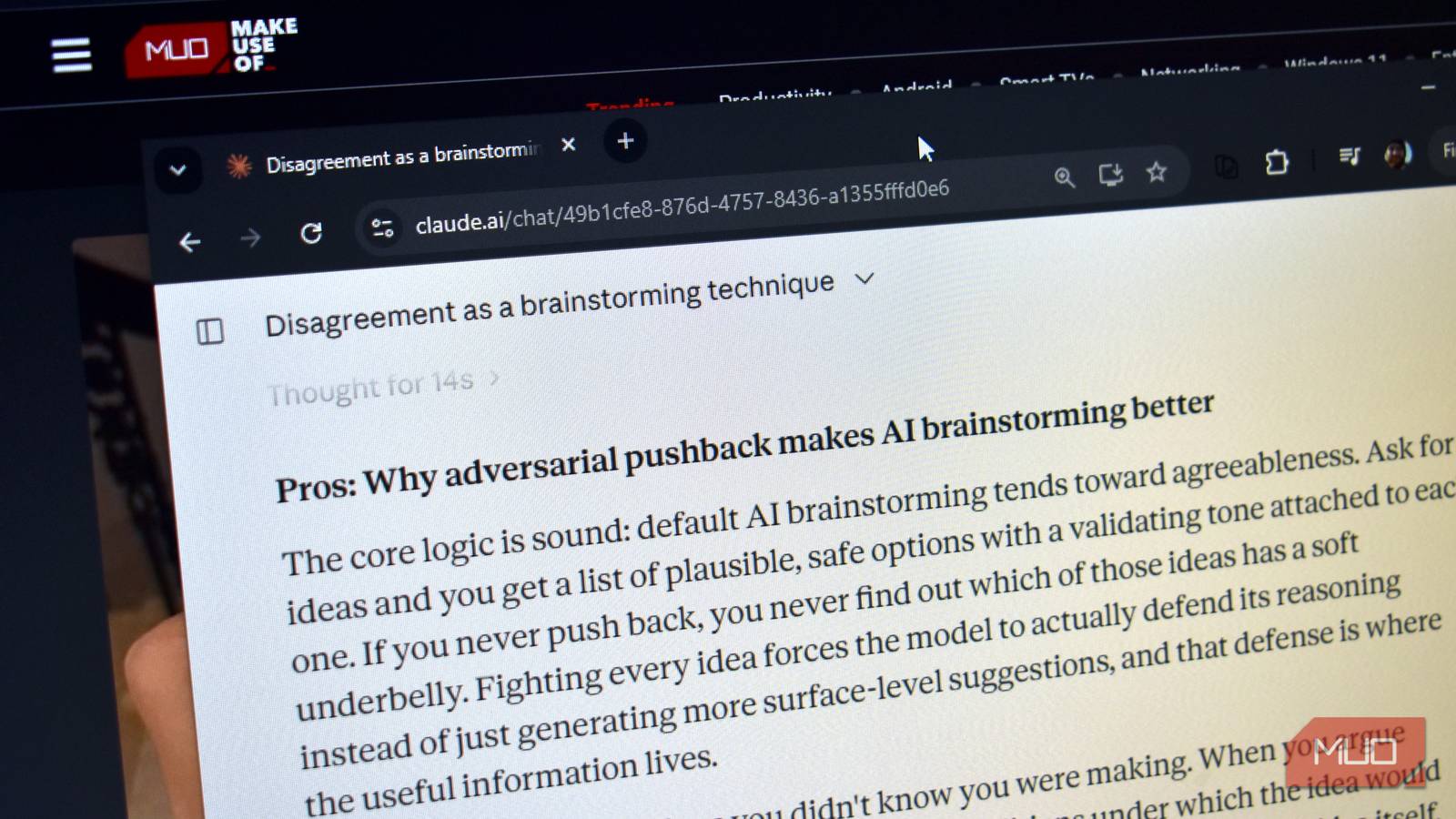

I used to think getting better results from Claude meant writing better prompts. Give it more context, add more constraints, and explain exactly what I wanted, and I would get a better answer. That’s true. But a better answer isn’t always a more interesting one. I’ve found that Claude becomes much more interesting when it gives me questions to think about. Answering it, disagreeing with it, and even challenging it can open unexpected threads. Sometimes the best idea appears several turns after the prompt I started with.
Don’t ask Claude for the perfect answer
Give yourself something to react to

I like to play around with prompts searching for side-hustle and small business ideas. The usual prompt returns the predictable listicle. So, I don’t ask Claude to give me the best possible business. I give it a deliberately broad creative challenge and ask for a spectrum of options, including some that seem strange or impractical. Even AI hallucinations are welcome here.
For example, I might ask:
I’m looking for unusual business opportunities around everyday delight. Give me 10 ideas, including some that initially sound impractical, boring, weird, or commercially questionable.
I don’t expect the first answer to contain a million-dollar idea. I’m looking for something that makes me stop and think — the weirder the better. That feeling is often more valuable than an immediately useful answer. For my query, Claude suggested a business that only makes exceptional pencils/pens for people who write to-do lists by hand.
Claude can say, “It’s a fantastic idea” even for mediocre thoughts. Claude is trained (via Constitutional AI principles) to be polite and helpful. Every AI chatbot’s default instinct is to agree with your ideas rather than push back. To get surprising answers, you have to explicitly give Claude permission to break out of its eager-to-please persona.
Pick the idea you want to fight
Resistance can become creative fuel
My first reaction might be that this is an awful idea. A wide variety of pencils and pens are already available, and the sketchnoting community has a lot to choose from.
Instead of asking Claude to improve the idea, I push back. I might counter with: “I think this is a terrible business. Stationery is already quite varied, and there are thousands of pens and pencils available. Argue against me, but don’t use the usual arguments about convenience, sustainability, or uniqueness.”
Claude now has to investigate the idea, and sometimes it will give you evidence to back up its arguments. And in this example, I get something much more useful than a list of generic business benefits. I get a real brand that has found success in this category. Also, I have an argument to continue the chat with.
Claude understands XML tags. You can wrap creative boundaries in tags like “wildcard_ideas” or “unconventional_angles” to isolate the experimental prompts from standard requests.
Make Claude defend its assumptions
Ask what you’re missing

The most interesting turn can happen when you challenge the underlying assumption behind an idea. Instead of asking Claude to sell me the idea, I can ask:
What if the customer doesn’t actually care about the pens? What else might they be looking for?
Playing the devil’s advocate with an AI could take the conversation somewhere unexpected. Perhaps the pens are merely the excuse in this example. The real product might be a habit, watching visible progress, or experiencing a tiny delight.
Claude can give surprising insights that will perk up your interest. You will get a mix of bad, strange, and good ideas. Then, you have to turn into an editor rather than just accept the easy solution. I discovered a different way of thinking about a mundane everyday object and looking at a physical product from a different perspective.
Follow the unexpected direction
An answer to your original question is never the goal

By now the original chat should have sufficiently branched out. You can follow any strand. Ask what other products could create anticipation, visible progress, or small moments of surprise.
Any strand is now more like brainstorming with a talkative partner. As we know, Claude can be tailored to supply questions, and your answers can trigger more questions. It’s sometimes difficult to gauge where to end the conversation. I suggest you end it when an idea has taken shape.
You also don’t need to accept everything Claude says. In fact, skepticism is useful here. If a response feels cliched, challenge it. If it feels wrong, ask why. One sentence might catch your attention; then ignore the rest and go deeper with that sentence.
Treat the conversation as a creative trigger
The final idea may be several turns away

A conventional AI workflow looks like this: prompt and answer. A creative workflow should look more like this: prompt, answer, reaction, pushback, unexpected response, new question, and eventually an idea I couldn’t have thought of when I gave Claude my original prompt.
This is somewhat like multi-shot prompting. The difference is that it doesn’t have to produce the final idea for me. Its job is to keep giving me material that my own brain can react to. My experiences, preferences, skepticism, and curiosity will go into every follow-up prompt I give Claude.
So when you use Claude creatively, don’t judge a response only by whether it’s correct or useful. Or even if it’s hallucinating a bit. This exercise is fun if you get a nugget to disagree with. Extracting a bit of weirdness from it may hold more surprises than you’d expect. My exercise led me to discover different types of niche pen and pencil uses.
Try arguing with Claude
The next time you want Claude to help you generate ideas, don’t ask for the best answer. Ask for multiple possibilities, pick the one you like least, and spend five turns arguing with Claude about it. You may end up with something you wouldn’t have found through a one-shot prompt.
