

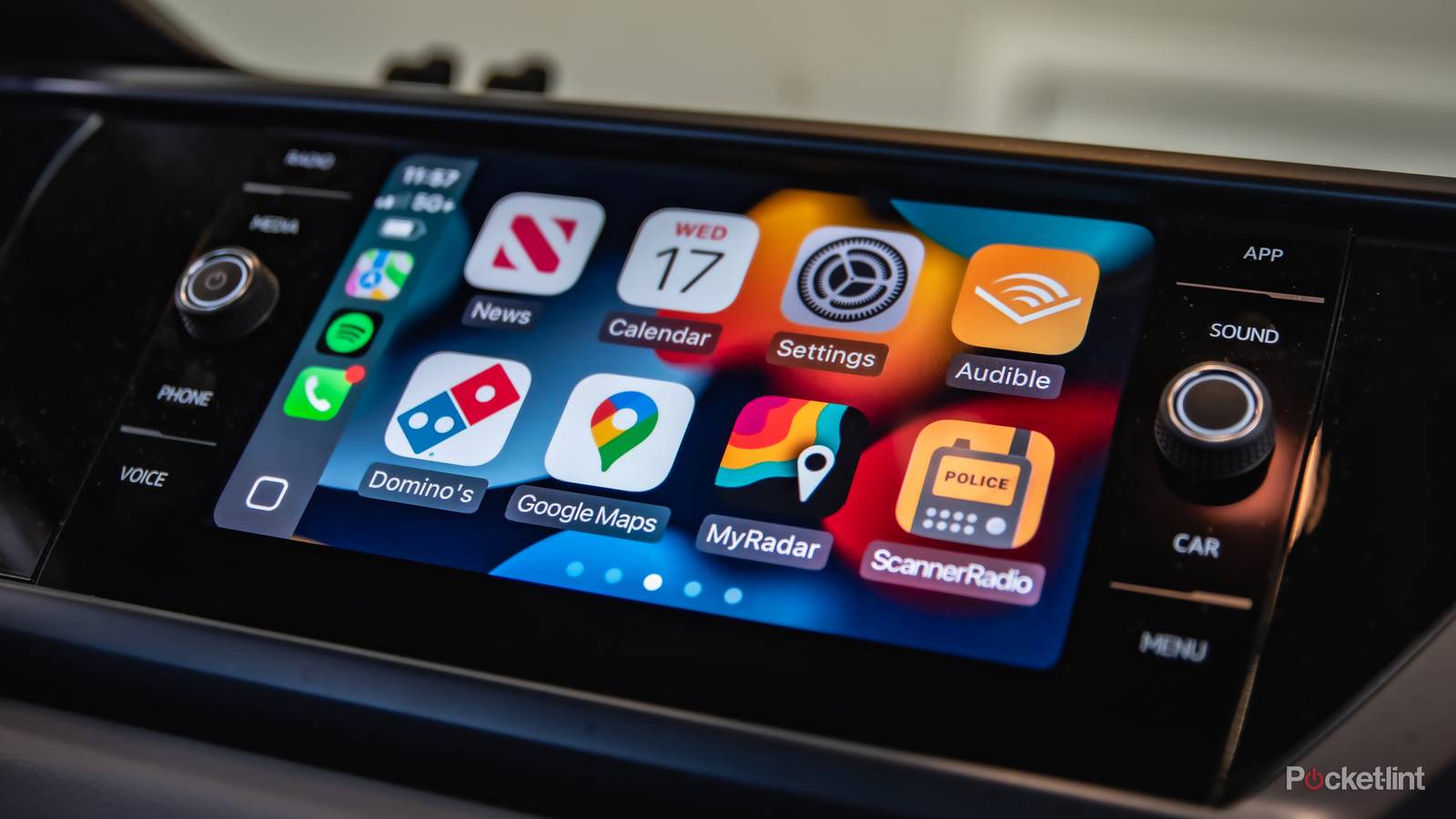

The amount of attention Apple throws at CarPlay can vary wildly. Sometimes, it barely mentions the tech during major press events, if at all. At other times, it’s centerstage — say when executives are trying to pitch CarPlay Ultra to both automakers and iPhone owners alike.
The iOS 27 update might be classified somewhere in between. That makes sense, since while there’s one giant change Apple wants you to focus on, the others are harder to sell as dramatic improvements. They could have a meaningful impact on your commute, however, since they include a few things iPhone owners have long demanded.
Siri AI
Voice commands, now actually useful

I did make ample use of Siri in CarPlay prior to iOS 27, but mostly because it was the only way I could send and receive texts while driving. It wasn’t too useful otherwise, as it was hard to gauge whether a particular command would be understood. Even when an action was supported, you often had to use a narrow vocabulary, which isn’t necessarily convenient when you’re trying to focus on traffic.
Siri AI should solve that, since it’s based on the same generative AImodels found in Google Gemini. It allows for more natural conversations, including direct answers to more knowledge questions, instead of prompting you to check your iPhone when you stop. Apple has also implemented “app intents” — really, shorthand for a deeper level of app integration. Hypothetically, you could ask CarPlay to “play that song Jackson really likes in Spotify” and it would identify the song from your Messages chat. You might also ask how much time is left on a parking meter, or whether the hotel you’re heading to has a continental breakfast — that data could be extracted from a variety of sources, all without violating privacy.
You may need to be patient, though. Developers with CarPlay apps need to build out their intents, and there could be a crush on Apple’s servers for a while. Also, your iPhone needs to support Apple Intelligence, which means an A17 Pro chip or later.
Frickin’ finally

Somehow, it took until iOS 27 for Apple to understand that CarPlay users expect to drag or tap on the progress bar to skip forward and back. That’s how it works when you’re using a native iPhone app, after all. The change might not matter a lot for music, but podcast listeners can finally skip past unwanted ad blocks without asking Siri, or else repeatedly tapping or holding other buttons. For audiobook and podcast fans alike, it should be a shortcut when you inevitably lose your progress.
Some audio apps — primarily Apple Music — now also include built-in mini-players. These present basic play/pause and skipping controls when you’re in other parts of an app, saving you the trouble of having to go back to a “now playing” view while you’re browsing for something. This might actually matter most to parents, say if you’re listening to a soul playlist and not quite sure your kid should be hearing Twin Temple just yet.
Video playback
No, you can’t watch Golden Girls while you drive

Much as on Teslas and some other vehicles, you can now watch videos when you’re parked, even taking advantage of AirPlay. Well, sort of. There are additional limits at the moment. You first need a compatible dash system, meaning one with H.265/HEVC decoding, 4GB of memory, and 1080p resolution. That nixes most older cars, and good luck finding the specs for any dash. On top of that, “select apps” is doing a lot of heavy lifting. There’s no official roster, so you might need to wait a while for your favorite app to join the chorus.
What’s the point of video when you’re parked? The auto industry is slowly transitioning to EVs, and here in North America, that can mean spending 20 minutes or more at a charging station when you can’t charge at home. But really, even people stuck with gas-powered vehicles often want to kill time in a better manner than Wordle or Reddit, and a 10-inch screen with surround sound is preferable to phone playback.
New wallpapers
Why no custom ones, Apple?

When you pop open the in-car Settings app, you’ll notice that Apple has added a bunch of new wallpapers to match what’s on your iPhone. These are all based on the same pattern, but sport alternate colors that might better suit your personality and/or the vehicle you’re driving. Also, different versions pop up if you switch CarPlay’s appearance between Light and Dark.
What’s baffling to me is that Apple still hasn’t enabled support for custom wallpapers, as on iPhones. This may be a matter of quality control. As much as you might love your spouse or dog, that badly-shot living room photo could be in the wrong aspect ratio, clash with app icons, or simply be too small to match your car’s display. With stock wallpapers, there’s no question about whether they’ll meet resolution and contrast standards.
