

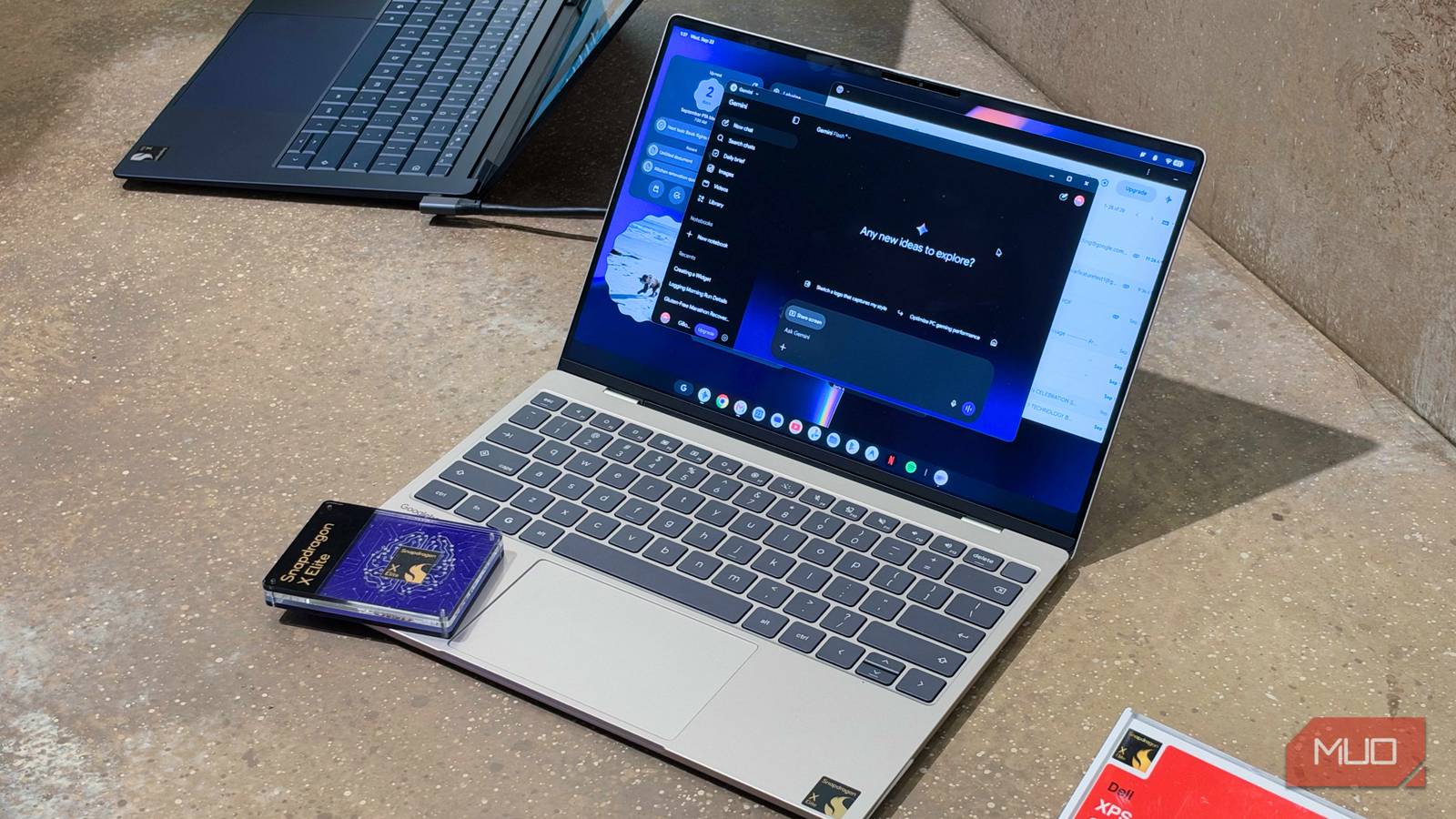

We’re right in the middle of a computing shift. Tasks are completed on phones and tablets instead of laptops, laptops are increasingly featuring Arm-based processors for better efficiency, and desktops, as we know them, are shrinking. It’s all evolving, and Google has a new vision for what the laptop of the future should be.
Crucially, it’s not trying to reinvent the wheel or change the laptop form factor. Instead, Google wants to reimagine the operating system, transforming it into an “intelligence system” with cross-platform experiences and Gemini Intelligence at the core. Googlebooks are a new class of laptops that run this new operating system, called Googlebook OS. They’re premium laptops that sit above Chromebooks both in price and performance, running Googlebook OS software built on the Android tech stack with desktop foundations from ChromeOS and a Linux subsystem.
I tried a few Googlebook laptops to see what it’s actually like to use them — and this new OS. My initial impressions are surprisingly positive. App support will make or break Googlebook OS, and it’ll likely be rough at the start. But Googlebook OS and Android are better integrated than macOS and iOS, and that’s a testament to what Google has built here.
About this article: Qualcomm provided travel and lodging for Snapdragon Summit. The company had no input in this article, and did not see it before publishing.
Googlebook hardware isn’t the problem
Premium chips, premium build quality, premium price
If you’re skeptical about whether Googlebooks are worth the price — the cheapest model is the Acer Googlebook 14 at $899 — the hardware shouldn’t be the reason why.
They are all decidedly premium, as every Googlebook is made out of fancy and durable materials like aluminum, magnesium alloy, and carbon fiber. All the Googlebooks use a touchscreen display, and all but one (the Dell XPS Googlebook) feature OLED panels. They also all have a custom Glowbar, and while functionality is questionable, it’s a stylish and clever callback to Google’s Pixel Chromebook. There are currently five Googlebook models (listed below), but these hardware requirements should apply to new ones, too.
I went hands-on with the Dell XPS Googlebook and the HP Googlebook 14 at Snapdragon Summit, and the XPS Googlebook’s design blew me away. It shares many design similarities with the Dell XPS 13 released this year, and that’s a good thing. It has an aluminum chassis, measures just 12.7mm thick, and weighs only 2.2 pounds. It has an LCD panel and a smaller 13.4-inch screen size, which may be deal-breakers for some. But those specs are also why it’s priced under $1,000 and has such a compact form factor.
As for specs, every Googlebook has a minimum of 16GB of RAM and 256GB of storage. This is double the memory of the MacBook Neo, and RAM is a spec that partly explains Googlebook pricing. The chip is the other half of the story — every Googlebook has a desktop-class processor in the Intel Core Ultra Series 3 or Qualcomm’s Snapdragon X family. It’s notable that the Intel processors are from 2026 and the Snapdragon processors are from 2024, but Snapdragon X Elite chips are still plenty fast.
After using Apple silicon and Snapdragon X chips on countless macOS and Windows PCs, I can’t bear to use x86 chips on my personal devices. All that is to say that I’m glad Snapdragon X Elite chips are available on Googlebooks. However, the looming question is whether Googlebook OS can even make use of the power of Intel Core Ultra Series 3 or Qualcomm Snapdragon X Elite. That’s the question I tried to answer at Snapdragon Summit, talking with representatives from the partner OEMs building Googlebook hardware.
Software is the best thing about Googlebooks
But it could be the worst thing if your apps don’t run on Googlebook OS
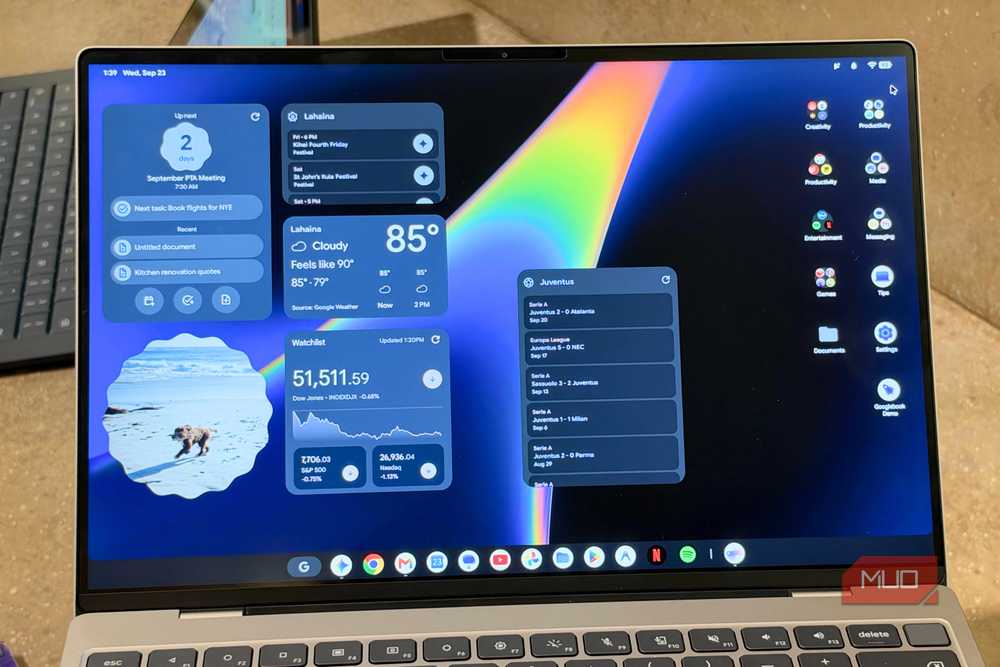
App support will be a question mark in the early days of Googlebook OS, but there are promising signs. For starters, whether an app will run isn’t a major concern. Googlebooks run a full-fledged desktop version of Chrome, support both Progressive Web Apps (PWA) and Trusted Web Activities (TWAs), and have the full power of the Google Play Store. There’s a good chance that you’ll be able to access the apps and services you need via one of those methods. However, whether these apps are desktop-class programs fully optimized for Googlebook OS, Android apps from the Play Store, or web clients will vary — and that’s the problem.
Adobe is working on a version of Premiere made for Googlebook OS, and that’s a good start. But it’s my impression that many apps, including Photoshop and Lightroom, will use Android-based versions in the early going rather than tailor-made variants on-par with macOS and Windows equivalents. I should note that I’m fully aware most laptop users don’t edit photos or video. In fact, many of them could work entirely within a web browser. I could too, if I really wanted to.
So, why is app support a huge deal for Googlebooks? It’s because Chromebooks and ChromeOS were already designed for users who didn’t need desktop-class apps or a lot of performance. If people are going to pay double the price of a Chromebook Plus for a Googlebook, there has to be a reason. And if the reason is extra performance, you need desktop-caliber programs that can make use of it.
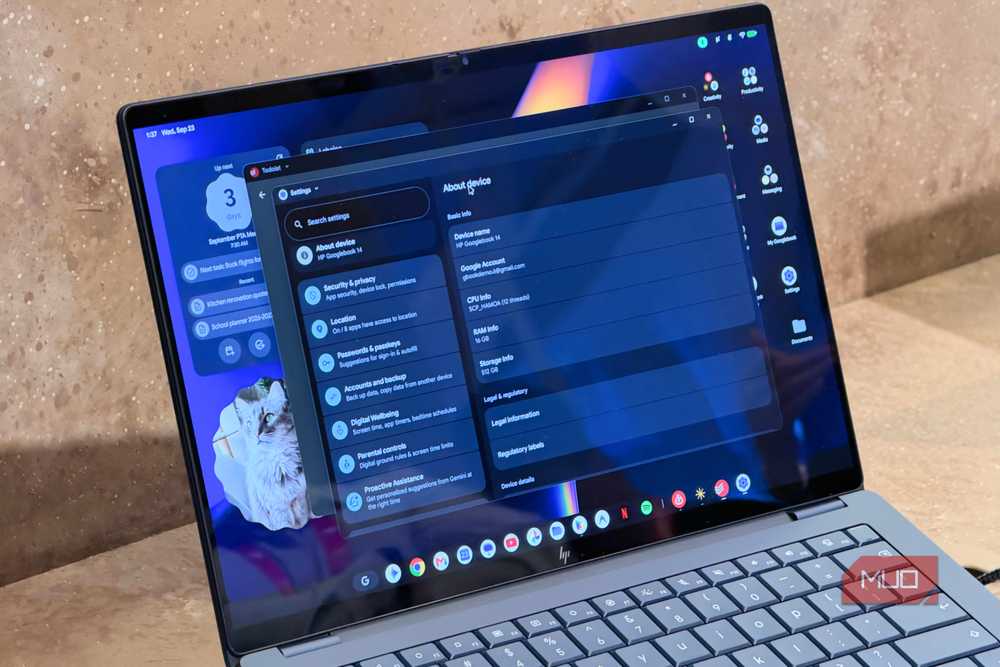
I couldn’t test specific apps or workflows in my limited hands-on time with the Dell XPS Googlebook and the HP Googlebook 14. And yet, I already found a reason to choose a Googlebook over a Chromebook, or macOS and Windows PCs for that matter: software. I’m not talking about the kind of software that lets you run intensive, professional workflows on your laptop. I’m talking about the kind of software that makes people choose a Google Pixel phone over a Samsung Galaxy phone, despite the latter offering objectively better hardware for the price.
Googlebook OS feels like Google’s version of Android, Pixel UI, and that’s quite a compliment. When you start playing around with a Googlebook, things feel familiar. The app drawer, notification shade, and control panel all look like their Pixel UI inspirations. Even the system apps, like Settings and Files, are visually inspired by Android. From a visual and user experience standpoint, Googlebook OS has a design language derived from Google’s mobile OS.
But that’s not exactly new, and nor is it a bad thing. Apple’s macOS added a settings app, notification center, and control center that closely resembles iOS in recent years. Windows design is still stuck in the past in some ways, but Microsoft still has Phone Link as a way to make using your smartphone from your PC easier. Meanwhile, the mobile-inspired and touch-friendly user interface offered by Googlebook OS fits in perfectly with Googlebook hardware, since every model has a touchscreen.
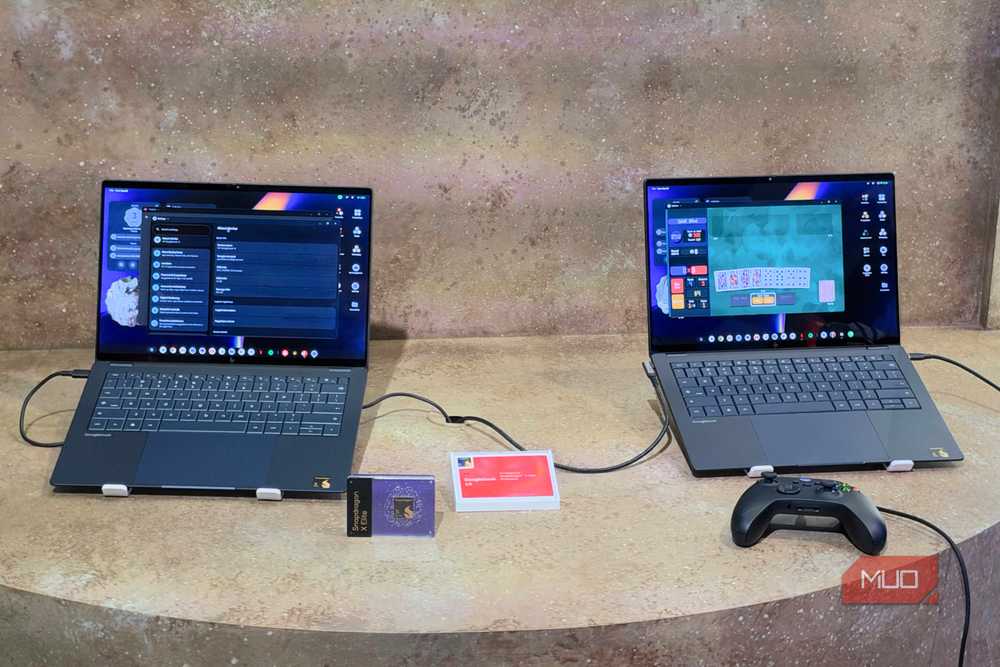
With Googlebook OS, Google did what Microsoft and Apple were already trying to do, but better. The Files app in Googlebook OS is the perfect example. With it, you can access photos and files from your Android phone on your Googlebook — no file sharing or sorting required. You might think iPhones and Macs work the same way, but they don’t. You can store files in iCloud for cross-platform access, or share them via AirDrop. You can’t access files stored locally on your iPhone from your Mac without file sharing or sorting.
App continuity is better, too, thanks to the Continue On feature in Googlebook OS. You can pick something up on your laptop where you left off on your phone. Google isn’t the first company to pioneer this, but it’ll work better on Googlebook OS since both device types use the same underlying tech stack. Cast My Apps is a neat way to control your phone remotely from your Googlebook, but admittedly, this is a carbon copy of similar functionality available on macOS and Windows.
Should you buy a Googlebook?
Only if you’re willing to accept the growing pains
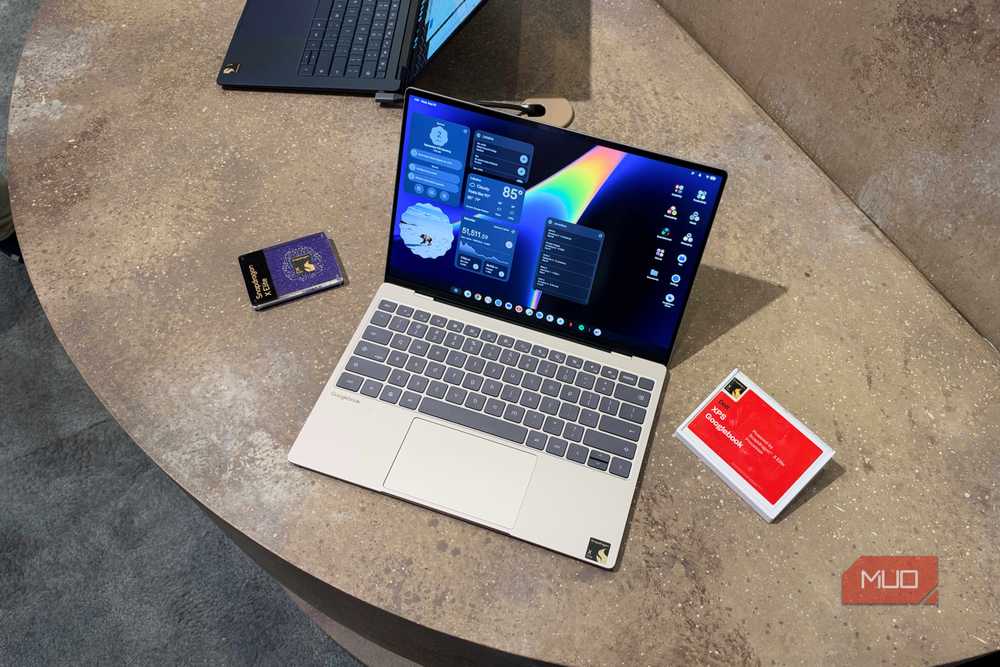
Let’s go back to the user experience and design language of Googlebook OS, which is heavily inspired by Pixel UI. As much as I love Pixel UI, I can’t use it due to the hardware limitations of Google Pixel hardware. In fact, at Snapdragon Summit, I was chatting with fellow journalists about how I’d love to put Pixel UI on a Galaxy S26 Ultra and build the perfect handset. Well, Googlebook OS has that beautiful and intuitive design, but without the hardware drawbacks.
Intel’s Core Ultra Series 3 and Qualcomm’s Snapdragon X Elite are reliable, proven chipsets. With Google’s strict hardware requirements, performance won’t be a problem. You get Googlebook OS software that is stunning with no hardware drawbacks. Instead, the drawbacks will be app support. Based on how few laptop users rely on demanding specialty apps these days, I think this could be a smaller hurdle to get over than, say, Pixel phone hardware limitations.
So, who should buy a Googlebook? If you’re absolutely sold on Pixel UI and ChromeOS, and have been salivating over the idea of Google software on a premium laptop, Googlebooks are for you. For everyone else, they’re still firmly in the “wait and see” phase. I’d caution against pre-ordering a Googlebook, and recommend waiting to see how app support fares before dropping at least $899 on one.
- Operating System
-
Googlebook OS
- CPU
-
Qualcomm Snapdragon X Elite
- RAM
-
16GB
- Storage
-
512GB
- Display (Size, Resolution)
-
13.4-inch, 2560 x 1600
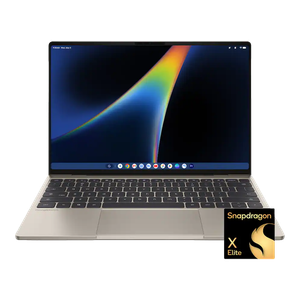
Dell’s XPS Googlebook is a premium Snapdragon X Elite-powered laptop running Google’s new desktop operating system, which neatly integrates with Android and Google services.
