

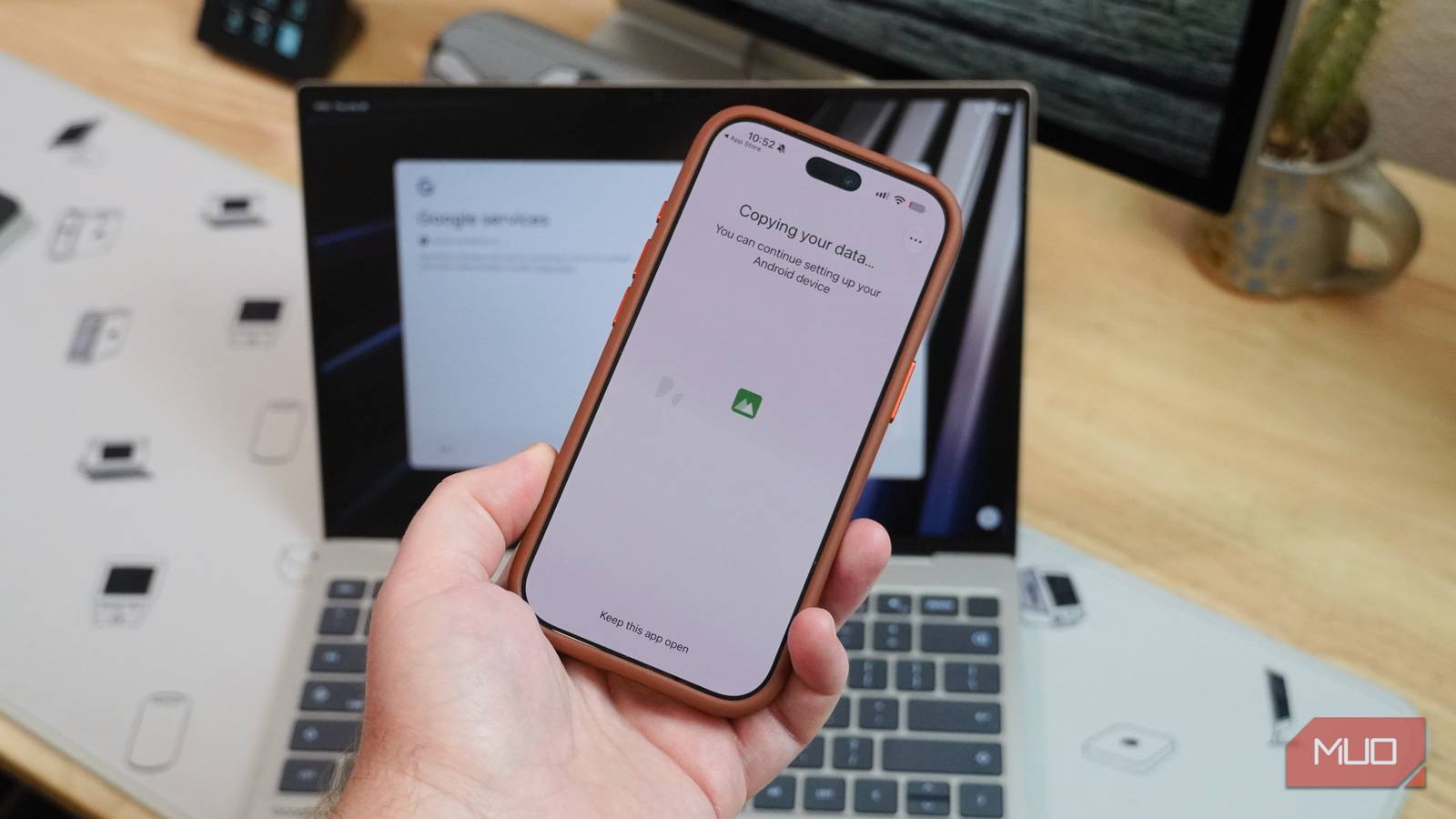

I’ve used Googlebooks on and off for almost a full month, and make no mistake: these are Android laptops. They run an operating system called Googlebook OS — built on the Android stack with a Linux subsystem — but that merely obscures the fact that this is good-old Android 17 under the hood. That doesn’t have to be a bad thing; in fact, it’s a great thing for Android users. Googlebooks have top-notch integration with Android phones thanks to features like Quick Access, Continue On, and Cast My Apps.
If you’re considering a Googlebook laptop, it’s probably because you have an Android phone. However, I know plenty of people that load their iPhones full of Google apps, and not all of them use a Mac for computing. That leaves room for Google to convince iPhone users to use a Googlebook as their next laptop — and I tested how the two devices work (and don’t work) together.
Setting up a Googlebook with an iPhone wasn’t a perfect process, but it proved to be a better pairing than an Android phone and a Mac.
I used my iPhone to set up a Googlebook
Googlebook can copy your contacts, calendar, and photo library
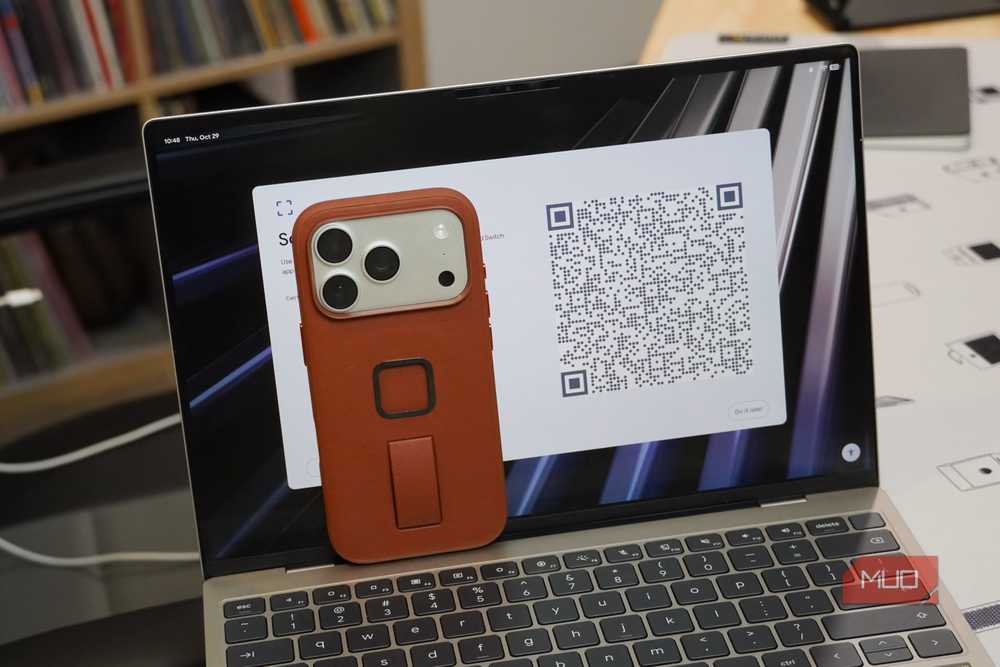
I’ve set up Googlebooks with Android phones a few times now, with Pixel and Galaxy phones. Put simply, the setup process of using an Android phone to get started with Googlebook OS is the best onboarding experience of any desktop OS I’ve ever used. I scan the QR code on a Googlebook with my Android phone to share my Wi-Fi network info and Google account login instantly. The pain points of setting up a laptop, such as remembering passwords and getting two-factor authentication codes, are gone.
There are still options to click and data to transfer, but I can open the box of a Googlebook laptop and get to the desktop in just a few minutes. That’s how it should be, and Apple and Microsoft should take note.
Naturally, it’s a bit more complicated when using an iPhone or iPad to set up a Googlebook. You have to manually enter your Wi-Fi network’s password, and log in to your Google account on your own. Then, you can scan a QR code and use your iPhone to handle the data transfer.
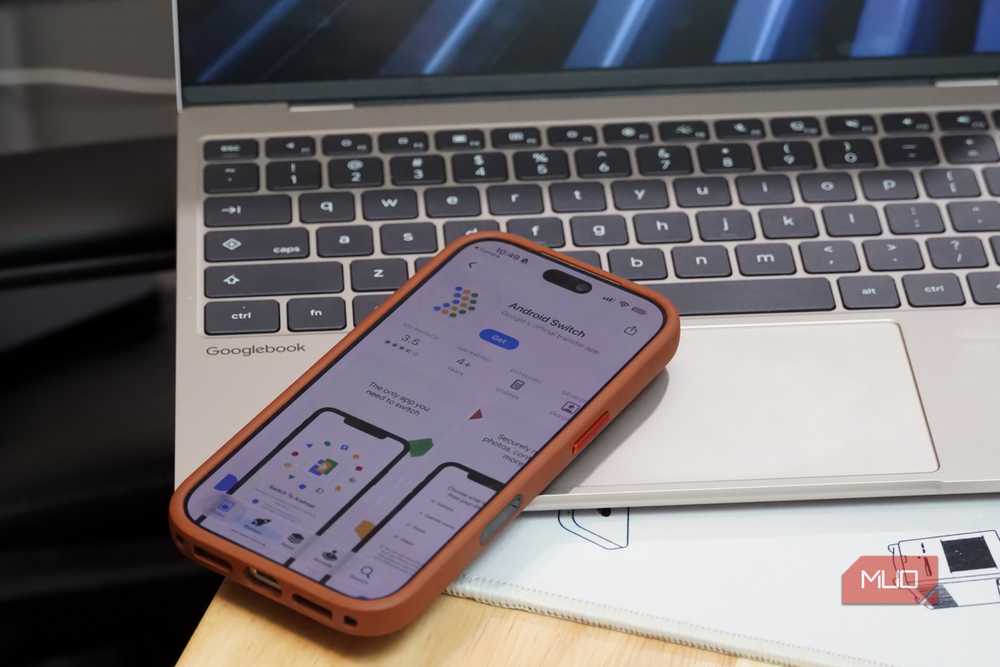
This kind of phone-to-laptop data sharing isn’t common, especially across phones and laptops on different platforms. It’s only possible because of Googlebook OS and its Android foundation. The setup process for iPhone or iPad owners actually involves using the Android Switch app on iOS — the same app you’d use to move apps, contacts, and more from an iPhone to an Android phone. It’s a neat quirk derived from a Googlebook’s Android 17 roots.
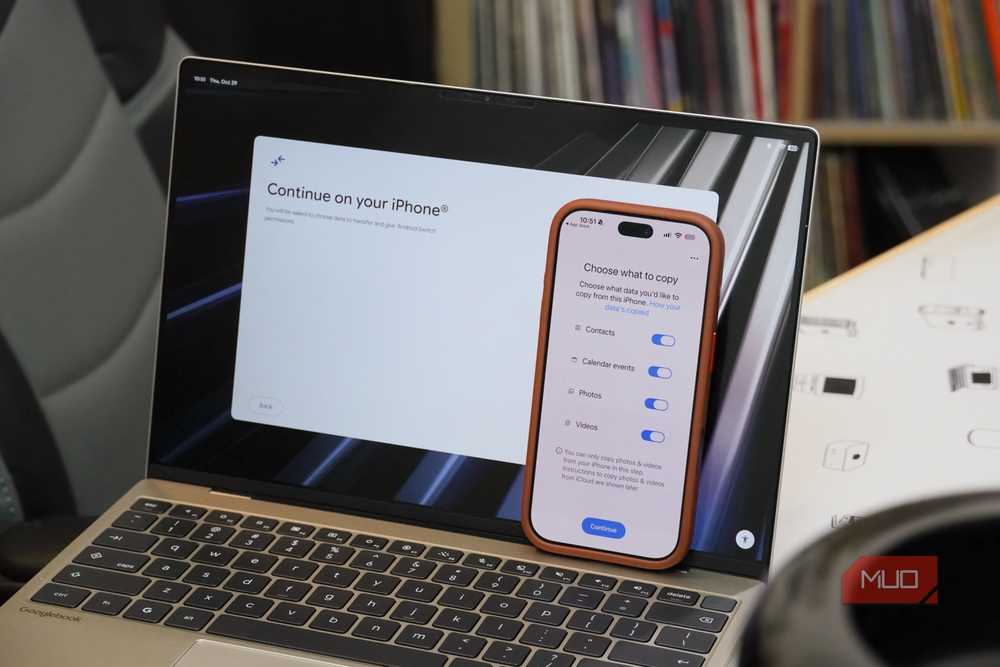
During this step, you can choose to transfer your iPhone’s contacts and calendar events to your new Googlebook. The photos and videos from your iPhone can also be moved over to your Googlebook, as long as they’re downloaded onto your device and not stored in iCloud. There is a way to get those photos onto a Googlebook — more on that later.
I couldn’t get the data transfer to complete over USB-C cables for some reason, but everything went smoothly with a wireless transfer. The issue could’ve been caused by something as simple as using the wrong combination of cables and devices. I tested with an Apple USB-C cable (Googlebook OS told me to use the one that came with my phone), an iPhone 18 Pro, and a Dell XPS Googlebook.
Sure enough, after completing the process, my contacts and calendar events from my iPhone showed up on my Googlebook.
Link to iOS isn’t as handy as I hoped
It’s just for viewing and sending RCS chats from a Googlebook
Beyond the initial setup, the connection between your iPhone and Googlebook is handled by two apps. There’s a Link to iOS app on Googlebook OS and a Link to Googlebook app on iOS. Open the Link to iOS app on your laptop, and you’ll see a QR code to scan with your iPhone. This prompts you to download and open the Link to Googlebook app on your phone. The process is clunky here — it may be easier to install Link to Googlebook yourself and launch it than deal with the QR code installation flow.
The app initiates Bluetooth pairing between your iPhone and Googlebook. For the best results, you need to allow the sharing of message notifications, phone favorites and recents, and system notifications. You can also sync your contacts over Bluetooth, allowing the list to update on your Googlebook when it changes on your iPhone.
Within the Link to iOS app, you can send and receive messages using your iPhone from your Googlebook. This is incredibly neat on paper, and something you’d never even think about doing with an Android phone and a Mac computer. There’s an absolutely massive catch, though. It only works for RCS chats, so you can’t see or reply to iMessage chats from your Googlebook.
It’s fair to say this limitation isn’t on Google’s end, but it is something to be aware of as an iPhone user. Additionally, it makes the Link to iOS almost useless, at least in the foreground. If you don’t text a lot of Android and/or RCS users often, you probably won’t open Link to iOS much. The app does still perform critical functions in the background, like contact and notification syncing.
Apple apps work great on Googlebook
Install the iCloud web app, and you’re all set

Googlebook laptops are made to run progressive web apps (PWAs) and Android apps, and that makes them surprisingly great for interacting with Apple services. Apple Music is available as a native Android app via the Play Store, and it’s listed as “optimized for desktop.” That designation might be a stretch, but it’s good to see my music streaming service supported. Apple TV is there too, but it’s only “compatible with desktop.”
The better play is for iPhone users to sign in to the iCloud web client, and turn it into a web app. Load iCloud.com on my Googlebook, hit the three-dot menu in Chrome, and click Save and share. Then, click the Install and create shortcut to turn the official iCloud web dashboard into a PWA you can run on your Googlebook. It’s saved as an app in your Googlebook app drawer and can be added to the taskbar for quick access.
The iCloud web dashboard houses the Apple services that iPhone users need. Everyday tools like Apple Mail, Apple Calendar, Apple Reminders, and Apple Notes are available. For file management and productivity, you have access to iCloud Drive, Pages, Numbers, and Keynote. Crucially, you can use Find My to track your Apple devices from your Googlebook.
Installing the iCloud web dashboard as a progressive web app on a Googlebook addresses almost all the limitations of Link to iOS, and I’ve loved using it. You can even join a FaceTime web link with a Googlebook. The drawback that can’t be overcome is the lack of iMessage support — Apple isn’t giving up blue bubbles anytime soon.
iPhone and Googlebook play nicer than Android and Mac
Googlebook OS remembers that iOS users exist
It’s not a shock that the experience of using a Googlebook is better if you have an Android phone. Specifically, a key Googlebook selling point is the “Better Together” suite of cross-device services features in Android 17. You won’t get any of those when using a Googlebook with an iPhone, but there are quite a few Link to iOS features that do work. It’s about on-par with using an iOS device with Phone Link on Windows 11 laptops, and that’s impressive.
Apple, on the other hand, is making no effort to make the macOS experience better for Android users. I primarily use a macOS computer for work, but keep an Android phone in my pocket. It’s a frustrating combination at times, and that’s why Google deserves credit for making Googlebook OS play nice with iPhones.
- CPU
-
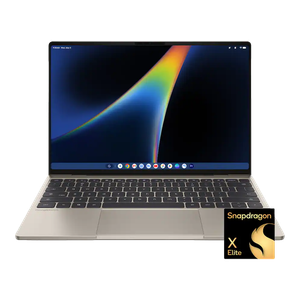
Qualcomm Snapdragon X Elite
- RAM
-
16GB
- Storage
-
512GB
- Display (Size, Resolution)
-
13.4-inch, 2560 x 1600
- Operating System
-
Googlebook OS
Dell’s XPS Googlebook is a premium Snapdragon X Elite-powered laptop running Google’s new desktop operating system, which neatly integrates with Android and Google services.
