

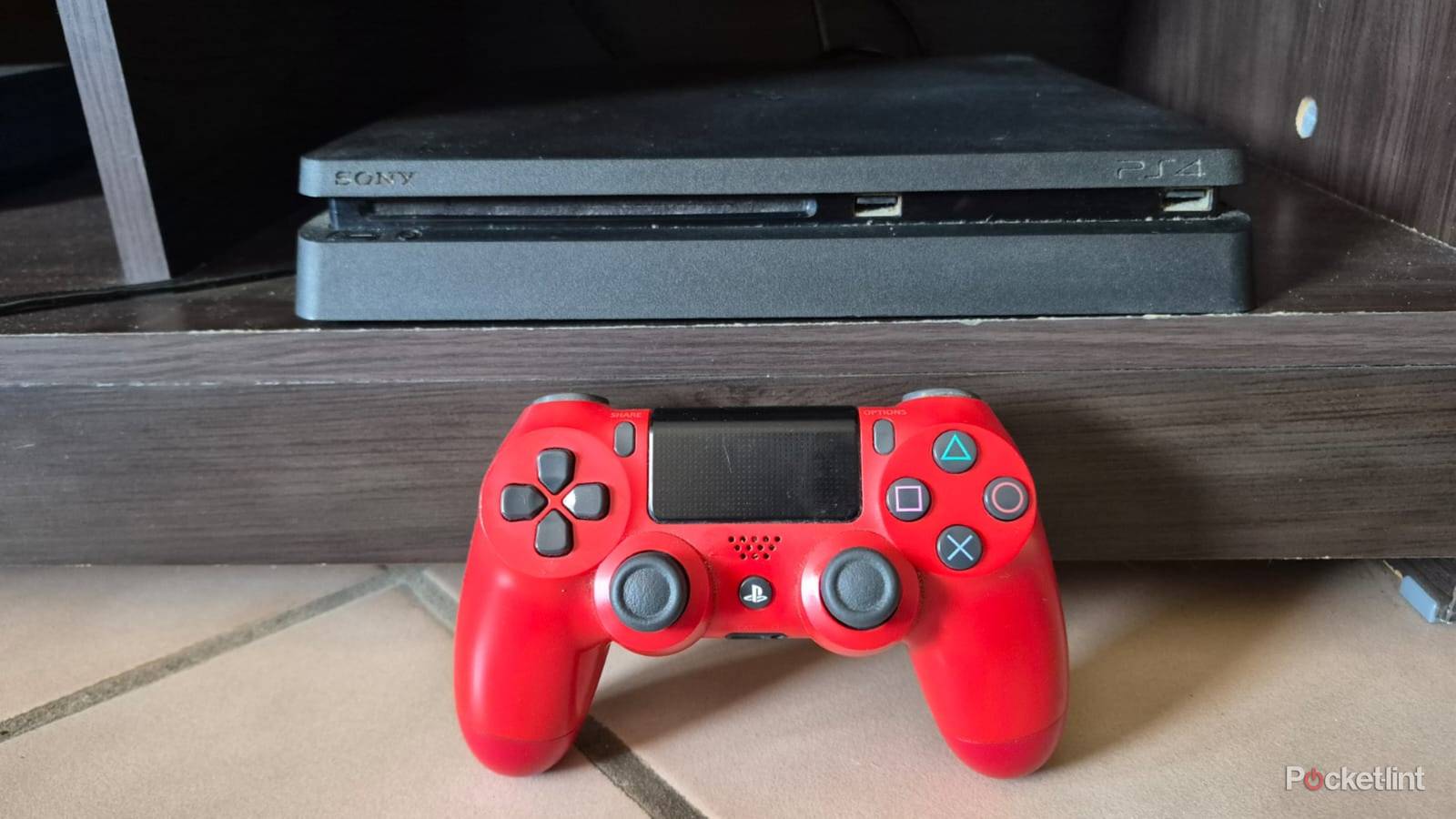

Did you know that adding an old PS4 can give your old TV or monitor a new life with smart capabilities? You don’t need to buy finicky streaming sticks or add a dedicated Blu-ray player because the PS4 does it all.
My PS4 was collecting dust in the cupboard when I decided to convert it into a do-all media center to handle games, movies, and music. The process was easier than expected and only took a few minutes to get going. Here’s how to turn your old PS4 into a media center for for free.
Cleaning
Start with the basics

It might sound petty, but cleaning my PS4 was the first thing I did when converting it to a media center. The console was over ten years old and had never been cleaned. The front USB ports were caked in dust and had a thin layer of rust on the connectors. There was also a thick layer of lint clogging up the side air vents.
Cleaning was simple. I made sure the PS4 was unplugged, then wiped it on all sides with a damp cloth. After removing dust and lint, I cleaned the ports. I gave them a once-over with Q-tips dipped in alcohol, then did the same with a toothbrush to dislodge stubborn dirt. Then I ensured everything was dry, plugged in my PS4 and was ready to go.
Access all your favorite streaming platforms

I began by updating my PS4’s software. Then I downloaded the streaming and media apps I use, like Netflix, YouTube, and Spotify. To do this, I navigated to the PlayStation Store and navigated to apps. Once they were added to my library, I logged in with my credentials and was good to go. The apps I downloaded were all accessible in the TV & Video folder, so I didn’t need to waste time looking for them.
PS4s don’t support third-party browsers, like Chrome or Opera.
PS4s don’t support third-party browsers, like Chrome or Opera. I added my Google credentials to the built-in web browser so I could access my emails and use productivity apps. The interface is clunkier than I’d like, and I had no problem checking my emails. However, the browser has some limitations and I couldn’t get Google Workspace apps, like Sheets and Docs to work.
Add a mouse and keyboard
Better for typing

The standard PS4 DualShock controller isn’t bad by any means, but it will never compete with a dedicated keyboard for typing emails or documents. I added a wireless mouse and keyboard by plugging a dongle into my PS4’s USB port.
For some reason, the PS4 couldn’t detect the mouse and I needed to navigate with the controller.
The console detected the keyboard automatically, and then I had no issues typing. For some reason, the PS4 couldn’t detect the mouse and I needed to navigate with the controller. You can also add wired mice and keyboards, but you’ll need to sit close, and they’ll take up both ports. The PS4 will also support Bluetooth peripherals, but you’ll need to add them manually through the device settings menu.
Add an external drive
You can never have enough space

My PS4 has 500GB of internal memory, and it’s almost full of a handful of game titles. I added an external drive to upgrade my memory and needed to format it using the PS4’s built-in tool. It took a few minutes and I could save apps to the external drive.
My external drives are in NTFS format and the PS4 only supports FAT or FAT32.
I also wanted to play movies and music off my existing external drives. This was more challenging than I’d anticipated, as my external drives are in NTFS format and the PS4 only supports FAT or FAT32. I wasn’t willing to format my drives, so I used a memory stick instead. I formatted it to ExFat, then plugged it in. I downloaded the PlayStation Media Player app and could enjoy the content on my stick.
Install Plex
Access your media library

Installing Plex on my PS4 gave me access to the movies, photos, and music stored on my PC. I first needed to add the content to my media library on my PC. I then installed the app on my PS4 and linked the account via a QR code. After that, I could access my PC’s content whenever I liked using the Plex app on my PS4.
I like that I could also enjoy my physical media collection without needing a Wi-Fi connection or external drive.
I like that I could also enjoy my physical media collection without needing a Wi-Fi connection or external drive. PS4s natively support DVDs and Blu-ray discs, so I don’t need an external player. That said, it has some limitations and won’t play audio CDs or 4K UHD discs.
