


Email addresses really pile up over the years. You’ve probably got a personal one, a work one, and maybe even an old Hotmail account that’s somehow still tied to a bunch of important logins. Juggling all of them is way easier when Gmail lets you handle everything from a single browser tab.
Sadly, Google is retiring three features that made that setup work, and it’s happening in January 2027. I have zero interest in spending my mornings jumping back and forth between different email sites, so Google’s move has me rethinking how and where I manage my inbox.
Gmail’s days as a universal inbox are numbered
Three useful features are heading for retirement

Back in February 2016, Google introduced Gmailify, a clever proposition for anyone who liked Gmail and had an established email address elsewhere. Linking a compatible Yahoo or Outlook account gave you access to Google’s spam protection, automatic inbox categorization, and advanced search capabilities, all while keeping your existing email address. Google was essentially offering to spruce up its competitors’ inboxes with some of Gmail’s best features.
Then there’s “Check mail from other accounts,” which you can find under Settings > See all settings > Accounts and Import in Gmail’s web interface. It relies on a decades-old email protocol called POP (Post Office Protocol) to periodically fetch messages from your other mailboxes and bring them into Gmail. From there, you could sort those messages with Gmail’s filters right alongside your everyday emails.

Rounding out the trio is Send mail as, which lets you send and reply to emails from Gmail using an external email address. If you run a small business with a custom domain, for example, you could correspond with customers from your personal Gmail inbox using your professional email address.
Google had already closed Gmailify and POP fetching to new users after the first quarter of 2026. The announcement regarding Send mail as came in the third quarter, with all three features slated for retirement in January 2027. According to Google, keeping these integrations alive requires a disproportionate amount of resources.

Any emails you’ve already imported into Gmail will remain in your account, so you needn’t worry about losing years of correspondence. You’ll also be able to continue sending messages using other Gmail addresses and Google Workspace aliases, as the retirement specifically affects integrations with email accounts hosted outside Google’s ecosystem.
Gmail itself will remain accessible through third-party email clients using POP and IMAP. You can also perform a one-time import of emails and contacts from another provider, though Gmail will no longer continuously fetch new messages from that account.
Forwarding my emails only gets me halfway there
The return address is the sticking point

One of Google’s suggested workarounds is to set up automatic forwarding through your other email provider. If you have an Outlook.com account, for instance, you can enable automatic forwarding under Settings > Mail > Forwarding and IMAP, enter your Gmail address, and have new messages delivered straight to your existing Gmail inbox.
I’d be perfectly content with that setup for an old email address that receives the occasional receipt or newsletter. But for an account I use to correspond with people regularly, forwarding introduces a logistical headache. Replying from Gmail will usually show your Gmail address to the other person, so you’ll have to go over to the original mailbox to reply from your other address. Forwarding doesn’t synchronize your mailboxes either. If you keep copies of your messages with the original provider, reading, deleting, or sorting them in Gmail won’t update their counterparts in the original mailbox. Over time, your mail can end up scattered all over the place, with incoming messages neatly filed in Gmail while your newer replies sit somewhere else.

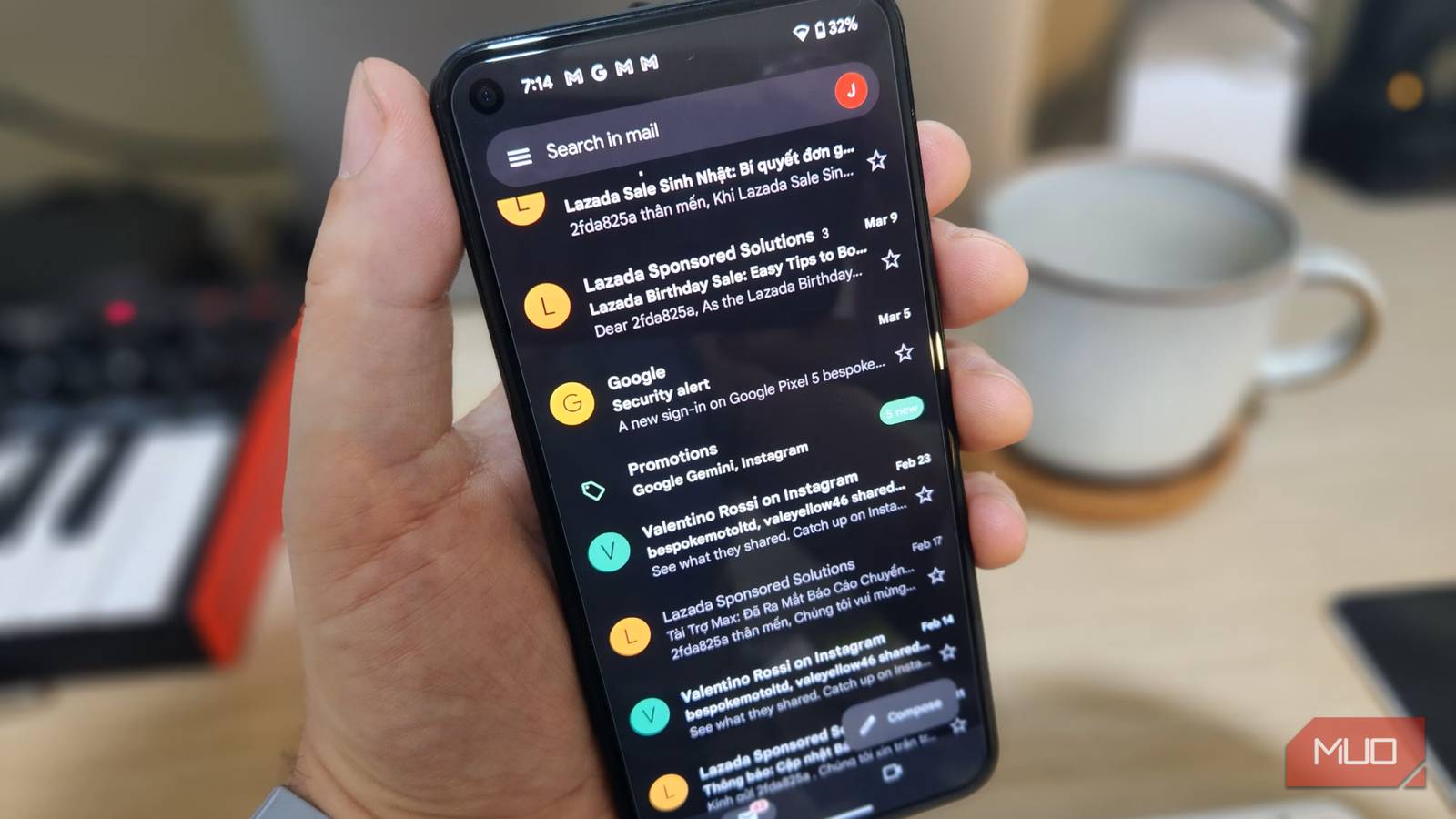
The Gmail app on Android and iOS gets around most of this mess by letting you add outside email accounts directly. Each account retains its own mailbox and sending address, and you can pull up the All inboxes view to catch up on incoming mail across your accounts in one sitting. Given how much of my working day I spend on a Windows laptop, I’m reluctant to build my email routine around a feature that’s confined to my phone. Handing over the reins to a dedicated email client that can manage my accounts across devices seems like a far more sustainable arrangement.
I’m putting the email client back in charge
The humble email client has aged rather well
Of the many dedicated email clients available for Windows, Thunderbird is the one I’m most inclined to settle on. It’s free, open-source, and available on Windows, macOS, Linux, and Android, so I can establish a consistent email routine across most of my devices.
Thunderbird establishes a separate connection with each of your email providers. Through IMAP (Internet Message Access Protocol), it keeps your messages, folders, and read status in sync with their original mailboxes. Outgoing messages are handled through SMTP, typically using each provider’s own mail server. If you read an Outlook email in Thunderbird and respond to it, those actions will also be reflected when you next open Outlook’s website.
Getting started doesn’t usually require much technical know-how. Thunderbird can automatically find the connection settings for many popular email providers, so adding an account is often a matter of entering your email address and signing in. Some providers, including Outlook.com, require you to enable IMAP access before connecting your account.
You can bring all your inboxes together by enabling Unified Folders under View > Folders. You can still access your individual mailboxes whenever you need to focus on work correspondence without getting sidetracked by personal emails.
You’re hardly short of options if Thunderbird isn’t your cup of tea. Outlook and several other desktop email clients have their own spin on managing multiple accounts. Your choice might come down to how closely you want your email integrated with your calendar, whether you need support for a corporate Exchange account, or simply which interface you find most comfortable to work with.
Before you tear down your current Gmail setup, check which addresses you’ve configured under Accounts and Import and make sure you can still log in to their original mailboxes. If you’ve pulled in messages using POP, some of your older emails might only exist in Gmail. Adding Gmail itself to your new email client alongside your other accounts will keep that archive within reach, though you could also download a backup through Google Takeout for good measure. Once you’ve confirmed that you can send and receive mail through each account, you can retire your old fetching and forwarding arrangements to avoid duplicate messages.
You’ll have to give up a few things with a desktop email app. Gmail’s automatic inbox tabs and some Google-only features won’t necessarily come along for the ride, though you can always keep Gmail’s website bookmarked for when you need them. You’ll also want to check whether your workplace allows you to connect its email accounts to third-party apps.
My email address shouldn’t dictate my email app
An email address can follow you around for decades, long after you’ve grown weary of the app you originally used to access it. That’s one reason I’ve grown fond of software built around established, widely supported standards.
There’s a certain appeal to being able to uninstall an app on a whim, try another one, and pick up right where you left off without undertaking an elaborate digital relocation. Email is one of the few internet technologies mature enough to afford us that luxury, and I’d rather take advantage of it.
