



Mishaal Rahman / Android Authority
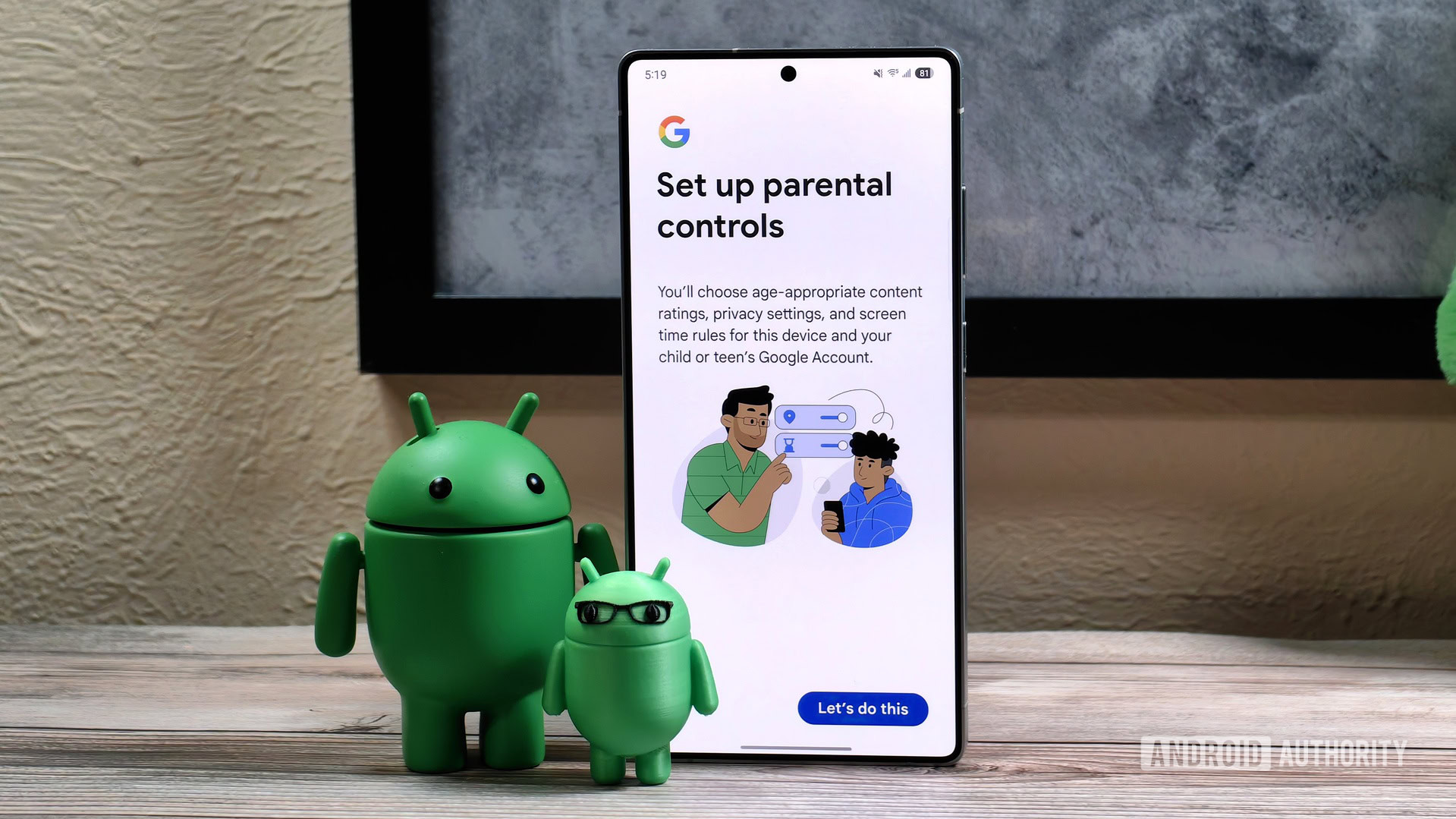
For years now, Android and Google have offered a way to set up parental controls on phones to manage apps, services, and access to information for kids and teenagers before they reach adulthood. It’s a necessary and commendable feature, but it stops short of doing something else that Google needs to be thinking about: parents.
My mom and dad are a little past 70 years old, my aunt is in her mid-60s, and so is my mother-in-law. I’m the one managing all their Android phones, remotely, from Paris to Lebanon, and yet, I can’t manage the things I wish I could manage. I don’t want to take their autonomy away, but I always wished there was a way to lock certain things or require my permission to approve them. Let me explain.
Do you wish there was a way to manage your parents’ Android phones remotely?
0 votes
My dad hard reset his phone 5 times inadvertently

C. Scott Brown / Android Authority
If I’m advocating for the need to have some level of management over the phones of dependent adults in your family, it’s because I’ve been repeatedly burned by my dad’s uncanny tendency to entirely reset his Android phones. It happened four times on his old OnePlus 9, and I blamed it on a OnePlus recovery bug that I saw pretty often in support forums, until it happened again on his Pixel 7 Pro.
Turns out he was sometimes pressing the power and volume up buttons at the same time, for some reason. But long enough to trigger recovery mode? And how did he end up doing a full reset there, knowing that any time he sees a screen he doesn’t understand, he calls me? That’s one of my life’s mysteries. I’ve had to guide him to set up his phone from scratch five times, remotely. I’m just tired.
I just think that people shouldn’t be able to completely reset phones like that. There should be a password requirement or a safeguard that stops someone who doesn’t know what they’re doing from entirely clearing out their phone. (Yes, I know the biggest safeguard is getting into recovery in the first place, but… I’m just going to point at my dad.)
I want to be able to apply an update remotely or stop them from downloading an app they shouldn’t.
That’s not the only problem I’ve encountered with my parents’ Android phones. There’s a gamut of issues that range from them installing bad apps from the Play Store because of ads to not knowing whether they should apply an update or not, moving things on the home screen and not knowing how to get them back, and having to allow or deny permissions for specific apps. Should WhatsApp have access to their mic? Sure. It’s how they send me voice notes. Should their Solitaire game have access to their location? No, of course not.
These are the kinds of things I wish I had remote access to, similar to how Google Family Link works in a way. Send me a request and let me approve it. No, you can’t download a PDF scanner, mom; that looks like a bad app. Yes, Auntie, you can let Withings have access to nearby devices; that’s the point when pairing it with your new ScanWatch. Please, Google, apply this update overnight; I know it has important security fixes. And so on. Stuff like that shouldn’t require a video call with me to deal with, or even a screenshot share with, “What do I do, Rita?”
Screen time management for adults is important too

Joe Hindy / Android Authority
I’ve been living in a different country from my family for five years now, and the few times I visited, it was brief enough that I didn’t notice how much their behavior around smartphones had changed. Back in the early to mid-2010s, they used to scream at me to put my phone aside; now, I’m the one in control of my screen time during personal hours, whereas they’re the ones addicted to it. I noticed this when my parents came over for a month.
Every day, I’d go into the living room and see mom, dad, and my aunt, with the TV on, but with their heads down looking at their screens. I understand boredom comes with this more sedentary retiree life, and that part of it was due to them not being in a familiar environment where they could go out, see neighbors, etc., but the pattern of spending hours scrolling through YouTube Shorts is still disturbing. I discussed it with them, explained screen time management, and decided to put a Digital Wellbeing limit on YouTube, but I’d love it if there was a better way to monitor this, akin to what Google Family Link allows for children.
My parents spend way too much scrolling through YouTube Shorts and haven’t learned screen time management yet.
No, I don’t need to babysit every minute and hour of my parents’ smartphone use, but having general rules that encourage them to put the phone down and do something else instead would be quite welcome. In my ideal scenario, they wouldn’t get access to YouTube unless they’ve walked for 30 minutes each day, but that’s probably asking too much.
I’ve run into a similar situation with my mother-in-law, who, after suffering a stroke, has lost a bit of her impulse control and now spends her days enjoying AI-made Instagram Reels when she used to read French novels. I know this is out of both of our control, but if I could encourage her to read a bit every day before enjoying her silly videos, I’d be quite happy about it.
This isn’t about control as much as it is about help

Joe Hindy / Android Authority
Look, I don’t want this article to ring as ageist against all elderly people. My mom was typing high-education Chemistry exams and answers with all the formulas (multiple levels of superscripts and subscripts) until a couple of years ago. My aunt has become very smart at detecting spam and phishing attempts. My dad is now perceptive enough to spot bad pop-ups and ads. They’ve figured out how to send WhatsApp stickers on their own and how to switch their keyboard to type in Arabic at times. I’m proud of them for that.
There are parents out there who adopted tech early on or maybe got into it later but embraced it fully, and are now very tech-literate. They’re able to manage 100% of their smartphone use on their own without any intervention. Those are not my parents. Mine grew up without computers or phones, and even when computers and phones became a thing, they didn’t need to use them for a long time until they were forced to. I’ve been their go-to tech support for more than two decades.
For these cases, and for other cases of dependency or reduced mental capacities, there should be a solution in Android that lets caretakers also handle the digital and smartphone use of someone else. I shouldn’t have to put my dad’s age as 12 years old in his Google account to have this control — and I don’t want that much control to begin with. I just need to stop him from inadvertently factory resetting his phone for the sixth time.
Don’t want to miss the best from Android Authority?


Thank you for being part of our community. Read our Comment Policy before posting.
