

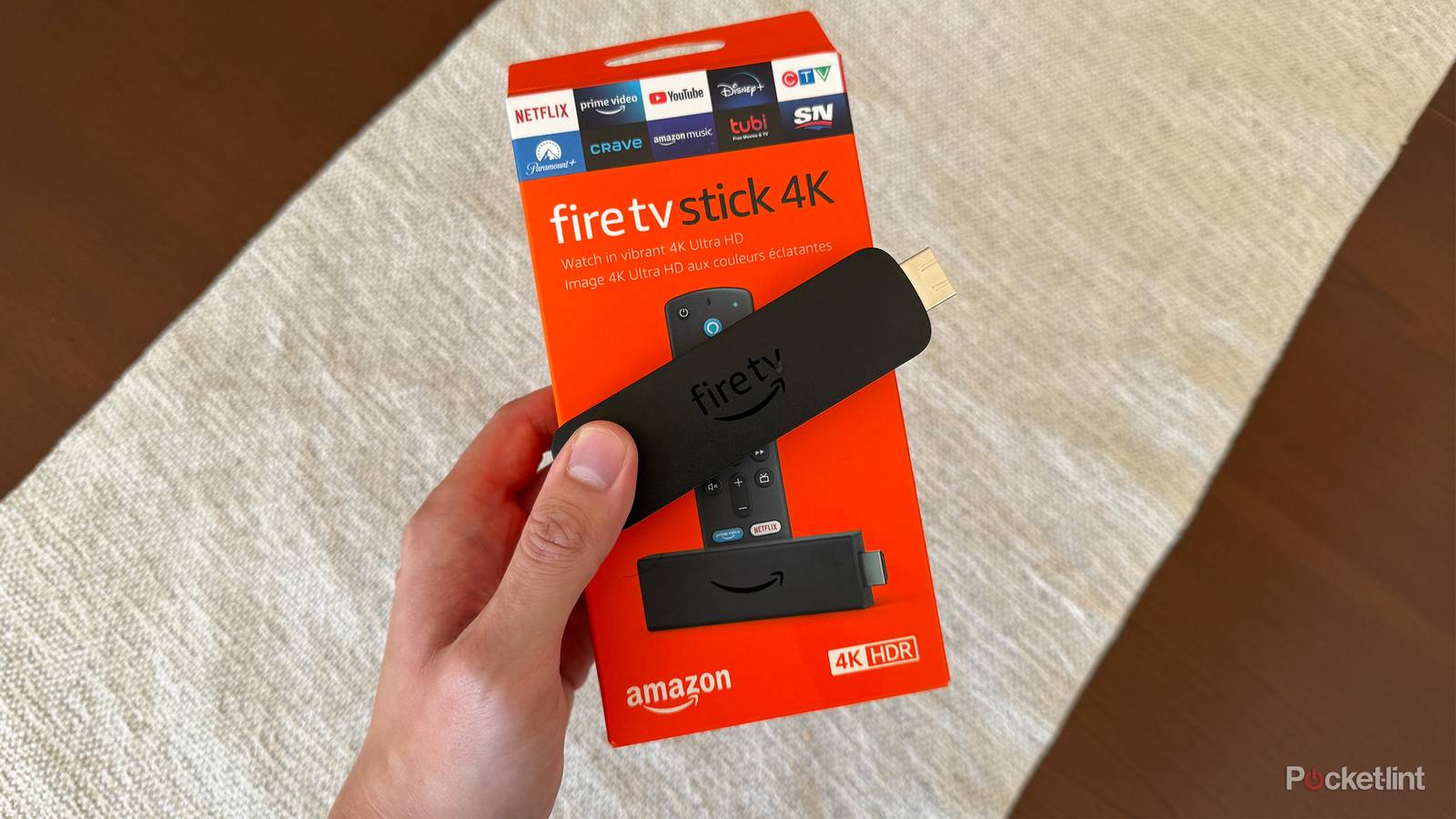

Streaming sticks are small but highly capable devices, and Amazon’s lineup of Fire TV Sticks is no exception. Whether you’re aiming to breathe new life into an older TV or enhance the streaming experience on your current one, a Fire TV Stick might be just what you need.
Fire TV Sticks run an operating system called Fire OS, and when connected to your TV, you can access everything you’d expect in the world of streaming nowadays, whether it be paid services like Netflix, Disney+, and HBO Max or FAST apps (free ad-supported television), such as Pluto TV, The Roku Channel, and Tubi.
If you’re unfamiliar with Amazon’s Fire TV Sticks but are interested in purchasing one to become a cord-cutter or simply dive deeper into the realm of streaming, here’s everything you need to know before clicking the buy button.

- Brand
-
Amazon
- Resolution
-
4K
- Audio codecs
-
Dolby Atmos
Fire TV Sticks depend on HDMI
You’ll also need to connect it to power and Wi-Fi

First things first: like most streaming devices, Amazon’s Fire TV Stick connects to your TV via its HDMI port. If you’re thinking about connecting one to an older TV, make sure it has an available HDMI port. HDMI is a common multimedia interface that’s been around since the mid-2000s. If your TV was made in the late 2000s or later, it probably has an HDMI port. However, if you’re using a much older TV, it’s a good idea to check to see if it has one. If your TV doesn’t have HDMI, you can use an RCA-to-HDMI converter to connect a Fire TV Stick to it.
In addition to an HDMI port, you’ll need to plug your Fire TV Stick into a power outlet. Each Fire TV Stick comes with a wall adapter and a USB cable, so as long as there’s a power outlet nearby your TV, this should be straightforward. Once the Fire TV Stick is connected to HDMI and power, it will turn on, and you’re one step closer to streaming. Fire TV Sticks also depend on Wi-Fi, so you need a stable internet connection for the best experience.
Choose the Fire TV Stick model best for you
There are three models available, with the cheapest being for HD streaming

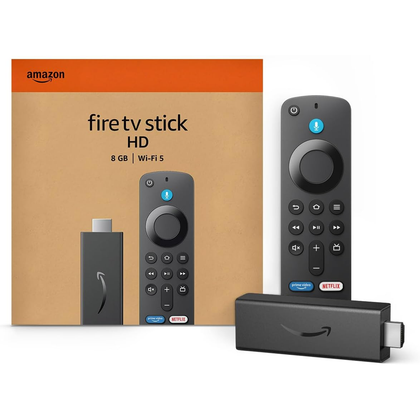
Amazon’s Fire TV Stick lineup includes three models: the Fire TV Stick HD, Fire TV Stick 4K, and Fire TV Stick 4K Max. If you’re hooking up your Fire TV Stick to an older HDTV, the Fire TV Stick HD is probably the best option, as it supports up to 1080p streaming, which works well with 720p or 1080p TVs. It also supports Wi-Fi 5 for internet access, as well as HDR and HDR-10+ content. The Fire TV Stick HD is the least powerful of the trio, featuring a 1.7GHz quad-core CPU, 1GB of RAM, and 8GB of storage.
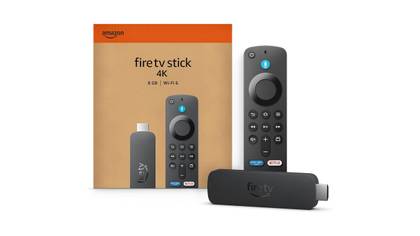
The Fire TV Stick 4K improves the experience with support for 4K Ultra HD streaming — a resolution common with most newer TVs. This results in a much clearer picture with more detail in shows or movies. It has 2GB of RAM (an upgrade from the 1GB in the HD model) and shares the same 1.7GHz quad-core CPU and 8GB of storage. It also supports HDR and HDR10+, adds Dolby Vision if your TV is compatible, and includes Wi-Fi 6 capabilities.
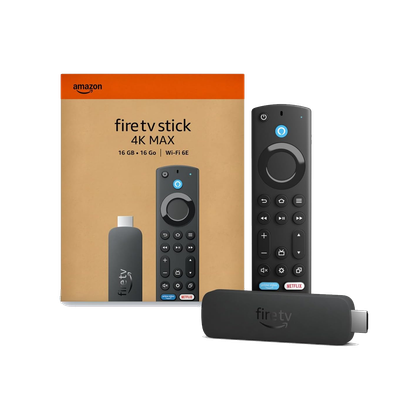
The Fire TV Stick 4K Max is Amazon’s top-tier streaming device, offering all the features of the Fire TV Stick 4K but with double the storage at 16GB, support for Wi-Fi 6E for faster connectivity, and a more powerful 2.0GHz quad-core processor. The best way to sum it up is that if you’re just looking to add streaming capabilities to an older TV, the Fire TV Stick HD is the best choice because it’s affordable and supports 1080p streaming, which is likely all you need. If you want to stream in 4K, I recommend choosing the 4K Max over the standard 4K, as it’s faster and offers more storage, providing a better overall experience.
Amazon has just announced a new Fire TV Stick model called the Fire TV Stick 4K Select, designed primarily as an affordable entry point for 4K streaming, starting at $40 and launching October 15. You can read more about it in my other Pocket-lint story here.
You can use your phone as a remote
Controlling your Fire TV Stick is easier than you think

All of Amazon’s Fire TV Sticks include an Alexa Voice Remote, which you can use to find what you’re looking for by speaking into it, such as asking Alexa (Amazon’s digital voice assistant) to open Prime Video or Netflix. You can also use the buttons on the remote to navigate the Fire TV interface, just like you would with a regular cable box.
However, if you download the Fire TV app on your smartphone, you can use your phone as a remote with nearly the same navigation features and shortcuts as the physical remote. If you often lose your TV remote or like the idea of using your phone as a remote, this optional feature is very convenient, and I now use it all the time with my Fire TV Stick 4K Max instead of the remote it came with. The Fire TV app is free to download and works on both iOS and Android, making it easy to access.
It’s not a complete cable TV replacement out of the box
You still have to pay to use streaming services and popular live TV apps

If you’re a cord-cutter interested in getting a Fire TV Stick, it’s worth noting that while you can access live TV on the device, you still have to pay for it. Apps like YouTube TV, Fubo TV, and DirecTV Stream all require a paid subscription to access their live TV broadcasts. So while yes, you can download the apps for free on your Fire TV Stick, you’ll need to pay to use them. The same goes for subscription streaming services like Netflix, Disney+, HBO Max, and Paramount+.
With that in mind, there is still plenty of free content available to watch on a Fire TV Stick, thanks to apps like Pluto TV, The Roku Channel, and Tubi, which offer a variety of free TV channels, typically referred to as FAST channels (free ad-supported television). So even if you get a Fire TV Stick and don’t pay for any streaming services or live TV, you can still watch tons of shows and movies for free on it. You can also download YouTube on your Fire TV Stick, which in itself has millions of videos available to watch. Prime Video, Amazon’s streaming service, also has a free section of content you can watch, but you’ll need a Prime subscription to view a lot of the newest shows and movies.
Only buy a Fire TV Stick when it’s on sale
Amazon frequently discounts them

Finally, one last thing you should know about Fire TV Sticks is that you should only buy them when they are on sale. Amazon frequently discounts its Fire TV Sticks to the point where it feels like they are always on sale. If you happen to be looking, and they aren’t discounted, there’s a good chance they’ll be on sale again soon, and waiting is worth it. Typically, Amazon reduces the price of each Fire TV Stick model by about $20 when it goes on sale.
At the time of writing, Amazon has all three of its Fire TV Sticks on sale, and you can get a Fire TV Stick 4K Max for $40, saving you $20 off the regular $60 price; a Fire TV Stick 4K for $25 ($25 off its regular price of $50); and a Fire TV Stick HD for $18 ($17 off its regular price of $35).
I bought my Fire TV Stick 4K Max on sale for $40 earlier this year, and I’ve thoroughly enjoyed using it not just on my 4K TV but also on my 4K monitor. I have a Samsung TV, and while I don’t mind Samsung’s Tizen OS, I like Fire OS better, and Prime Video is the streaming service I use the most, so I don’t mind its tight integration with it. If you’re on the fence about a Fire TV Stick, with all of them on sale, now may be the best time to try it.
-
- Brand
-
Amazon
- Resolution
-
4K
- Audio codecs
-
Dolby Atmos
- RAM/storage
-
16 GB
The Fire TV Stick 4K Max is Amazon’s top-tier streaming stick, with 16GB of storage and Wi-Fi 6E.
-
- Brand
-
Amazon
- Operating System
-
Fire OS
- Downloadable Apps
-
Thousands
- Resolution
-
4K, Dolby Vision, HDR10
- Ports
-
HDMI
The Amazon Fire TV Stick 4K can stream in 4K resolution. It offers millions of titles on a variety of streaming services.
-
- Downloadable Apps
-
Yes
- Resolution
-
Full HD
- RAM/storage
-
8GB of storage
- Connectivity
-
HDMI
If you don’t need 4K, look no further than Amazon’s standard Fire TV stick.


