

Close Menu

    Subscribe to Updates

    Get the latest Tech news from SynapseFlow

    What's Hot

    Low Water at San Carlos Reservoir

    June 17, 2026

    Android 17 stable update is rolling out to Pixel phones

    June 17, 2026

    Samsung phones will soon let you check your pet’s health with a photo

    June 17, 2026
    Facebook X (Twitter) Instagram
    • Homepage
    • About Us
    • Contact Us
    • Privacy Policy
    Facebook X (Twitter) Instagram YouTube
    synapseflow.co.uksynapseflow.co.uk
    • AI News & Updates
    • Cybersecurity
    • Future Tech
    • Reviews
    • Software & Apps
    • Tech Gadgets
    synapseflow.co.uksynapseflow.co.uk
    Home»Tech Gadgets»I wish I knew this iPhone camera maintenance trick sooner
    I wish I knew this iPhone camera maintenance trick sooner
    Tech Gadgets

    I wish I knew this iPhone camera maintenance trick sooner

    The Tech GuyBy The Tech GuyMarch 3, 2026No Comments2 Mins Read0 Views
    Share
    Facebook Twitter LinkedIn Pinterest Email
    Advertisement


    A well-plated breakfast deserves a quick iPhone photo shoot, doesn’t it? Sure, but your culinary masterpiece could lose all its gusto when you look back at your camera roll to see a blur on the corner of your avocado toast. There’s a lot of fine-tuning you can do within your settings to snap the perfect picture, but there’s one thing software can’t combat: grime on the lens.

    Advertisement

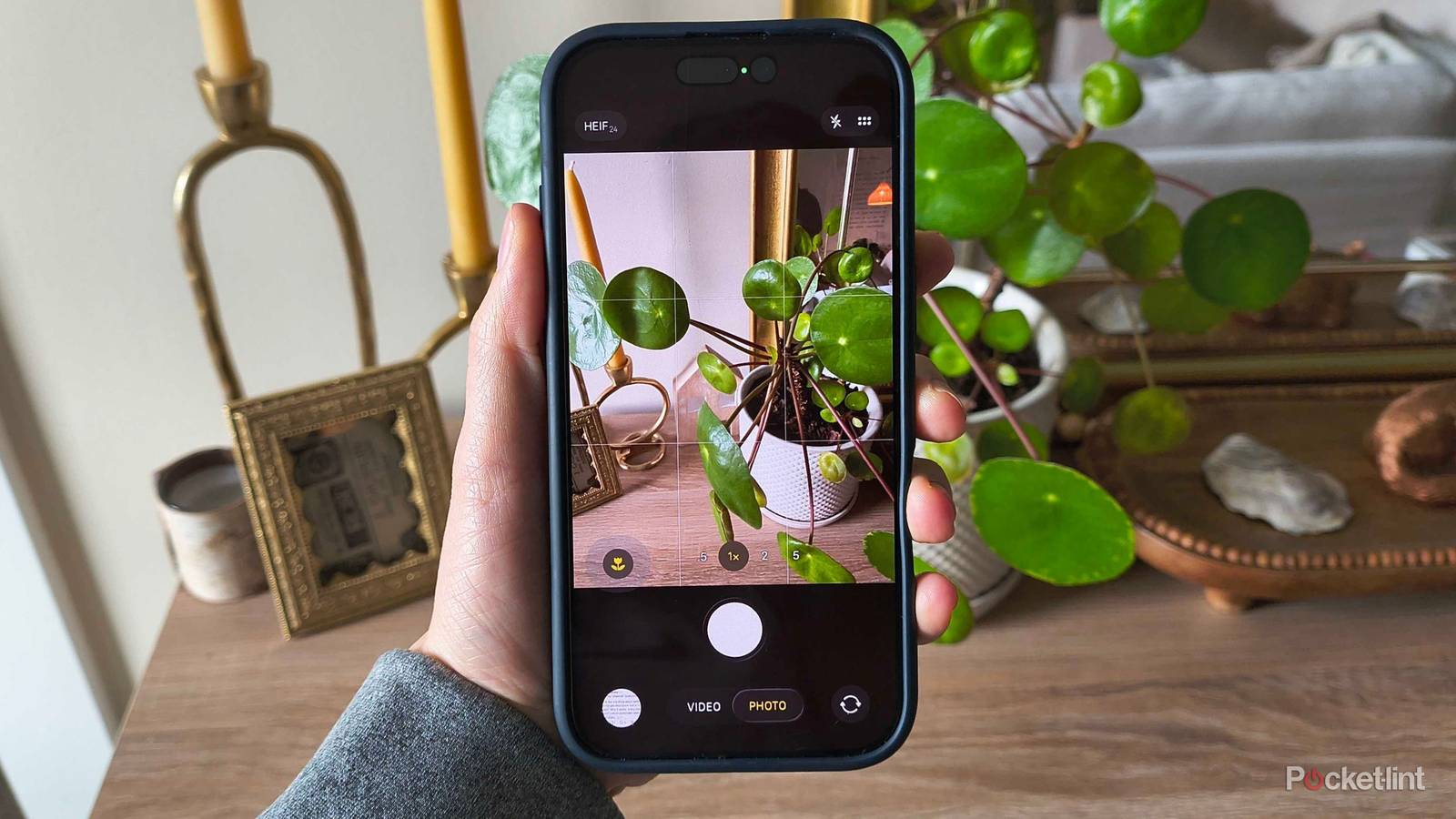
    We take our phones everywhere, and it’s normal to get fingerprints, face oil, and even dirt or food smudged on the camera lens. When you’re in a hurry to grab a picture, you might not always think about wiping the camera lens clean — let alone whipping out a microfiber cloth to make sure it’s spotless.

    Fortunately, Apple wants all your pictures to come out as beautiful as possible. With iOS 26, the company added a new feature in your camera settings to give you a subtle reminder to swipe your sleeve over the lens. Here’s everything you need to know.

    What is Lens Cleaning Hints?

    And how to enable it

    Camera settings in iOS. Credit: Apple / Pocket-lint

    Apple’s Lens Cleaning Hints is exactly what it sounds like: a notification that pops up if your phone suspects that the lens is dirty. It prompts you to clean it yourself, since software can’t do much about a physical obstruction on the lens.

    Let’s get two things straight: it won’t actually clean anything for you — iPhones don’t have windshield wipers — and the pop-up doesn’t appear constantly. So, you don’t have to worry about a notification pulling you away from your photo shoot every time you open the camera app. That is, unless you have particularly sticky fingers.

    The setting should be on by default after you install iOS 26, but here’s how to turn it on if it isn’t:

    1. Open Settings.
    2. Choose Camera.
    3. Scroll down to Lens Cleaning Hints and toggle it on.

    There you have it. Now, when there’s something on your camera lens, your iPhone will prompt you to wipe it off to help you capture the best shot possible.

    Advertisement
    Share. Facebook Twitter Pinterest LinkedIn Tumblr Email
    The Tech Guy
    • Website

    Related Posts

    Samsung phones will soon let you check your pet’s health with a photo

    June 17, 2026

    How I fix the 3 most common problems with an Apple TV 4K

    June 17, 2026

    How to watch Iraq vs Norway: World Cup 2026 Free Streams & TV Channels

    June 16, 2026

    European Oppo Reno16, Reno16 Pro, and Reno16 F battery capacities confirmed

    June 16, 2026

    Facebook is taking a page from Google’s playbook with these new features

    June 16, 2026

    You’re better off with a refurbished Mac than a MacBook Neo

    June 16, 2026
    Leave A Reply Cancel Reply

    Advertisement
    Top Posts

    You don’t need a NAS to self-host — I proved it with hardware from my closet

    June 7, 202672 Views

    Spotify is giving one of its best playlists a big visual upgrade to give subscribers ‘a closer connection’ to its New Music Friday curators — and I think it could be the update it’s always needed

    June 12, 202618 Views

    The iPad Air brand makes no sense – it needs a rethink

    October 12, 202516 Views
    Stay In Touch
    • Facebook
    • YouTube
    • TikTok
    • WhatsApp
    • Twitter
    • Instagram
    Advertisement
    About Us
    About Us

    SynapseFlow brings you the latest updates in Technology, AI, and Gadgets from innovations and reviews to future trends. Stay smart, stay updated with the tech world every day!

    Our Picks

    Low Water at San Carlos Reservoir

    June 17, 2026

    Android 17 stable update is rolling out to Pixel phones

    June 17, 2026

    Samsung phones will soon let you check your pet’s health with a photo

    June 17, 2026
    categories
    • AI News & Updates
    • Cybersecurity
    • Future Tech
    • Reviews
    • Software & Apps
    • Tech Gadgets
    Facebook X (Twitter) Instagram Pinterest YouTube Dribbble
    • Homepage
    • About Us
    • Contact Us
    • Privacy Policy
    © 2026 SynapseFlow All Rights Reserved.

    Type above and press Enter to search. Press Esc to cancel.

    Ad Blocker Enabled!
    Ad Blocker Enabled!
    Our website is made possible by displaying online advertisements to our visitors. Please support us by disabling your Ad Blocker.