

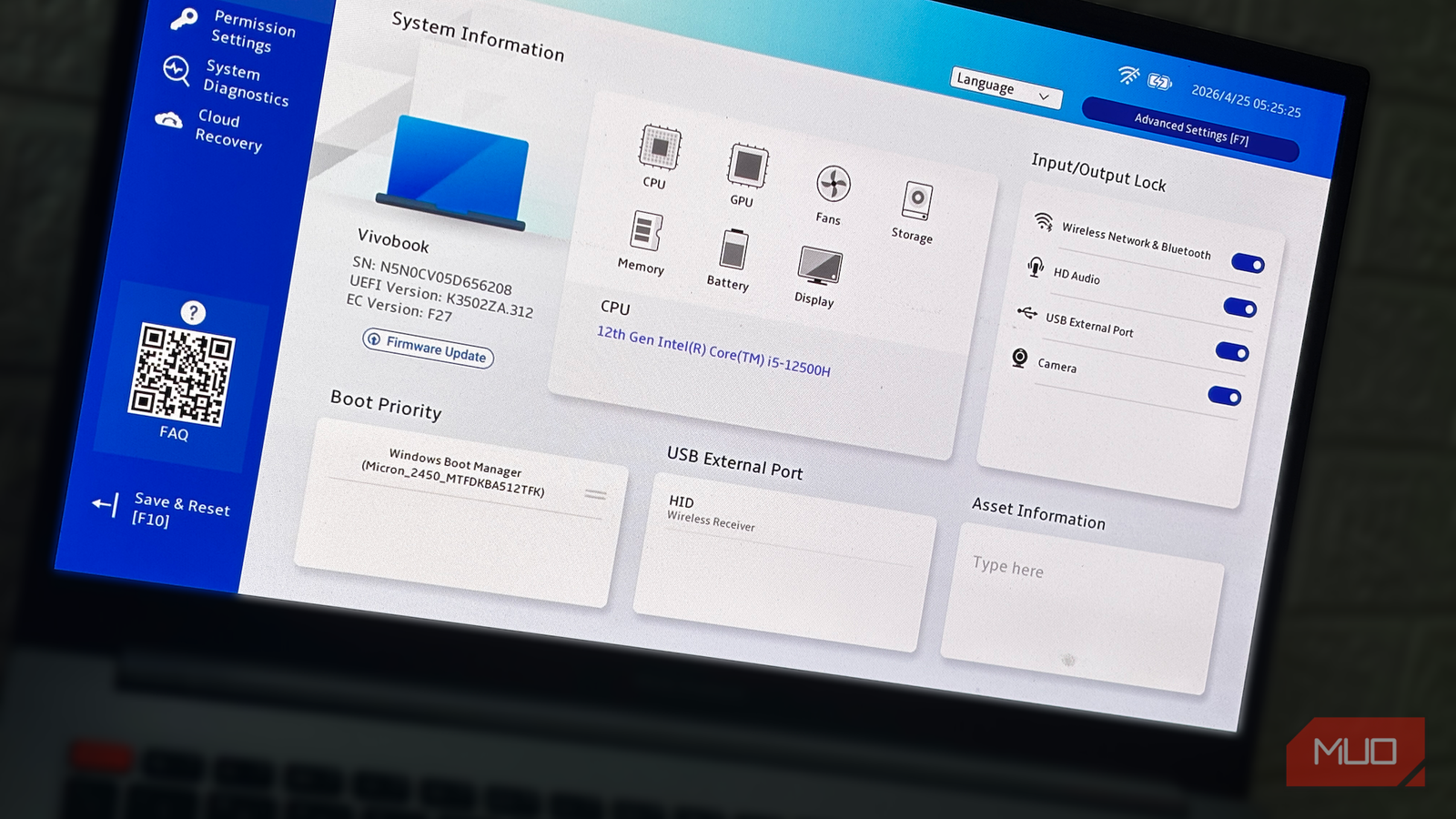

One of the most dreaded tasks of owning a PC is the inevitable BIOS update; until a few years ago, it was optional, but now it’s unavoidable. An average PC owner might think BIOS updates are just for stability fixes, but some updates fix specific, dangerous vulnerabilitiesacross millions of systems. However, BIOS firmware updates come with another big hazard: you could brick your hardware.
But some BIOS updates do something completely different, like Intel’s mandatory BIOS update to fix its 13th- and 14th-gen CPUs, which were being destroyed by the firmware and, unless updated, were quite literally frying hardware.
Intel’s 13th and 14th gen CPUs nearly cooked themselves
Buggy voltage requests turned boost clocks into a liability

Back in 2023, Intel faced one of its biggest post-launch hardware issues with the release of 13th- and 14th-gen processors, and it was a hot mess. These newer CPUs, particularly the i7 and i9 and even some lower-end chips, had major instability issues to the point that they would crash or even burn in some cases.
The reason behind this debacle was that motherboard manufacturers set default voltage settings for these CPUs beyond what they could handle. Higher-end Intel chips have this feature called Enhanced Thermal Velocity Boost (eTVB), which lets these processors reach boost clocks under lower temperatures.
However, the feature itself was buggy and required incorrect voltages, which contributed to CPU instability. That wasn’t the only problem, though. The real issue was aggressive power and voltage limits from the motherboard manufacturers who pushed these settings to squeeze more performance from the CPUs.
Intel wasn’t innocent either, because its power recommendations and guidelines were vague, which is why these manufacturers pushed excessive voltages and power. The main issue was CPU load lines, which help a CPU stay stable under heavy load and keep the processor cool, allowing it to reach boost clocks more often.
These CPU load lines couldn’t ensure stability, so the chip drew more power and generated more heat, eventually degrading its lifespan and causing permanent damage.
It all led to rushed BIOS updates
The thing is that the CPU wouldn’t drop the clock speed unless it reached 100 °C, which is a high threshold. Intel then had to rush several BIOS updates to fix the eTVB problem and stop the CPU from running with aggressive power and voltage settings.
Team Blue also had to release proper default value recommendations for their CPUs to help motherboard manufacturers apply the right settings rather than eyeball and configure for higher performance. The fix didn’t come from a single BIOS update, but from several. Intel had to release nearly 4 different Microcode updates, each fixing voltage problems, before the 0x12F update addressed them all.
The damage had already been done for a few users. In prolonged CPU-intensive tasks, some 13th- and 14th-generation users suffered permanent silicon damage to their CPUs, which had visibly been burnt and had damaged the motherboard socket alongside. This mostly affected higher-end chips, but those under warranty could RMA them.
For others, a degraded CPU requires a higher minimum voltage after being exposed to higher voltages. For instance, a healthy CPU that required 1.10V beforehand might then need a 1.15V base voltage to stay stable, which is why this phenomenon was called Vmin shift.
AMD isn’t immune either
EXPO-hungry SoC voltages are still frying CPUs to date

Similar to Intel’s Vmin shift, AMD had a similar power issue that remains prevalent today. The AMD 7000 release was hot, quite literally. Some AMD CPUs suffered from excess SoC voltage, which caused the CPUs and motherboard sockets to burn until they stopped working.
Upon testing, it was discovered that some motherboards were raising SoC voltages beyond what the CPU could handle, to around 1.4V or more, while the safe limit was 1.30V.
Most notably, enabling EXPO partially caused this problem, since raising voltage for higher memory also raised SoC voltages and led to CPU damage. AMD subsequently released multiple AGESA firmware updates to set the maximum SoC voltage limit and other specified limits for different CPUs.
Unfortunately, CPU-burning cases are still reported to date, including a recent one where a Ryzen 7 7800X3D swelled and burned, damaging the motherboard as well due to the same SoC voltage issue.
BIOS bugs are fatal security flaws, too
Malware like BlackLotus hijacked PCs before the OS even booted
While the aforementioned CPU-overheating issues are one reason to stay up to date with the latest BIOS version, updates bring more than hardware stability. The BIOS/UEFI sits very close to the CPU, and an exploit could let malware infect the PC from the UEFI itself.
Malware impacting the BIOS doesn’t even have to wait for Windows to start, and cases like the infamous BlackLotus attack from 2023 could bypass even Secure Boot for the same reason. BlackLotus could disable BitLocker and Microsoft Defender and establish control over the PC.
Similarly, LogoFAIL and Sinkclose also affected the BIOS and CPU, not just Windows, giving attackers access to your PC and sensitive data. However, these issues were fixed only with BIOS updates, and older firmware still leaves you vulnerable.
Why the “if it ain’t broke” mentality just doesn’t work anymore
Beyond the obvious advantages of new CPU support and extended RAM profiles, BIOS updates are now mandatory. Some security and BIOS flaws can lie dormant until they permanently damage your PC physically or give an attacker access. However, updating the BIOS isn’t as simple as it seems, so take a few precautions beforehand.
For starters, I always recommend updating the BIOS via USB rather than over the internet, and keeping power steady so your PC doesn’t shut down midway and brick your motherboard. Then, if you have any custom configurations, I highly recommend backing them up, since updating will reset them to default for compatibility.
