

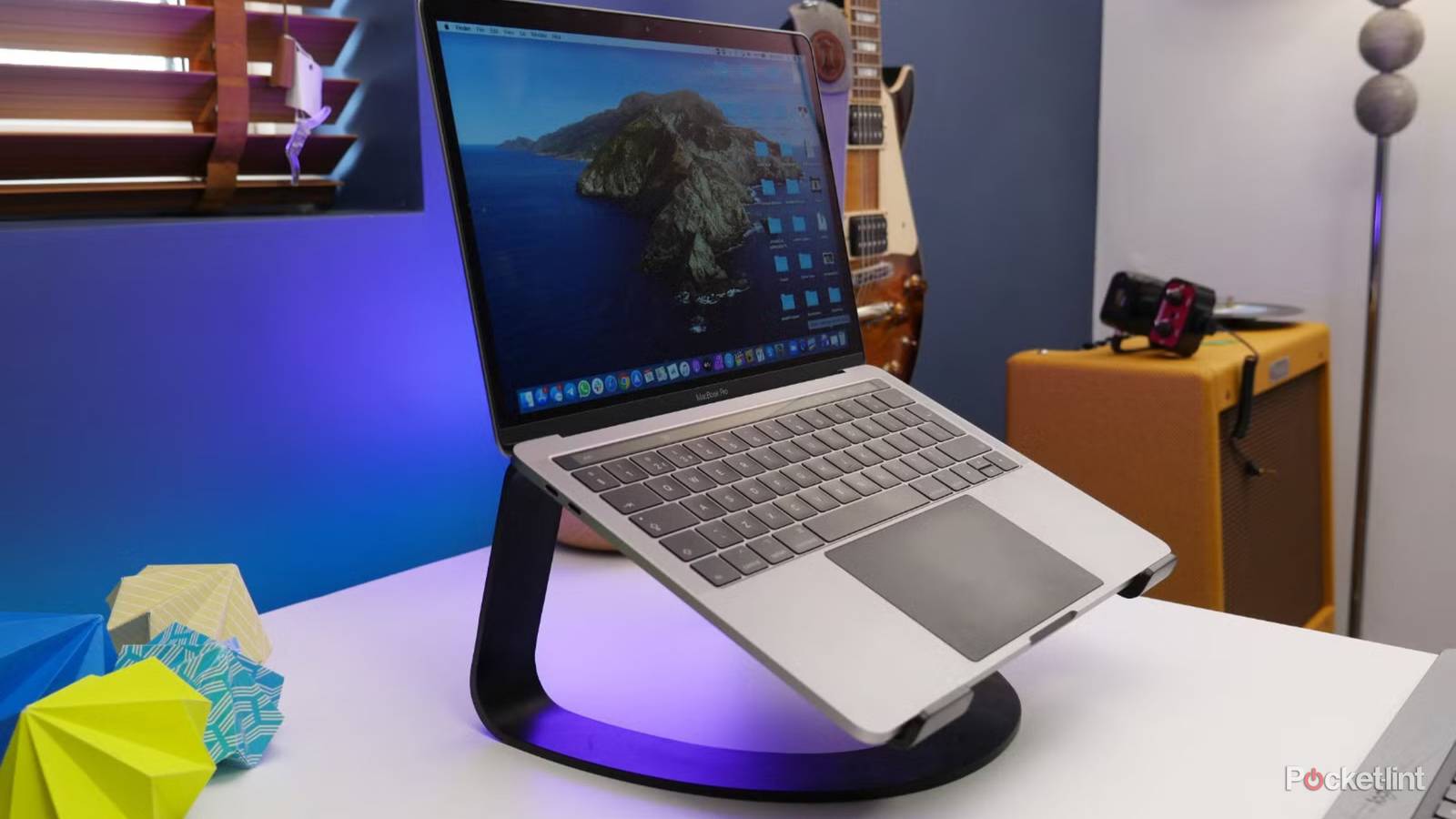

If you’re not a hobbyist or a tech-oriented professional like I am, speccing out a laptop can be baffling. Even I’m intimidated sometimes. Typically, PC makers don’t go out of their way to explain the newness or value of parts and features, working on the assumption that you’re already familiar, or else have the time and patience to do your own research. You probably should be doing some, given that most laptops worth owning cost over $1,000.
Actually, I should use stronger language than that — research is essential, owing not just to the usual pitfalls of buying tech, but the specific limitations of going portable. It’s possible to make serious mistakes that you’ll only become aware of past a vendor’s return window. In this piece I’m going to explain why that is, as well as detail those pitfalls in a way the average person can understand.
Why you need to get the specs right on your new laptop
Do the evolution

Laptops aren’t made the way they used to be. A couple of decades ago — depending on the model and brand — laptop cases were still relatively spacious, and the parts standardized, making them easier to swap out. Do-it-yourself RAM, storage, and battery replacements were common, and if you were really lucky, you could even replace the CPU.
Since then, however, business interests, consumer demands, and technological progress have all conspired to lock laptops down. The die sizes on chips and circuit boards are so small now that some components are difficult to work on, even if you understand what you’re looking at. Companies have taken advantage of this miniaturization to fit more and more power into smaller and lighter frames, which of course most laptop buyers are going to be interested in. In an attempt to take this as far as possible, many if not most laptop makers are now gluing or soldering components together in a way that makes them difficult or impossible to change out.
The gist is that unless you buy an intentionally upgradable laptop like the Framework, about the only post-purchase upgrade options you can expect are either external ones, or inserting an M.2 SSD for expanded storage. Your CPU, GPU, RAM, and default storage are liable to be unalterable without the help of a technician, and that person may still have to gut the entire motherboard, in some scenarios.
Don’t go too small – or too big

For basic functions, it’s hard to go wrong these days when picking your laptop’s CPU. Most new processors are speedy enough to handle any task without heavy graphics rendering, whether it’s music, video, browsing, or most productivity tools. That said, be careful — the cheapest laptops may still have processors that struggle under load, and chips based on phone processors can run into compatibility problems. Mainly I’m thinking of Qualcomm’s Snapdragon chips, which don’t always handle Windows apps as well as they should (or vice versa, more accurately).
When it comes to activities like video editing or 3D gaming, a lot of the burden shifts to the GPU (graphics processor), which makes this one of the most important specs to get right. Many laptops rely on an integrated GPU, meaning it’s effectively part of the CPU. This tech can be enough for some lightweight apps, including older games. Frequently, however, trying to run anything more intense on an integrated GPU will bring your system to a crawl, if an app launches in the first place. MacBooks are an exception to this, since Apple’s M-series processors are extremely efficient — but not many games are available for macOS, and you’re still going to find better performance on a Windows PC with a dedicated GPU from AMD or Nvidia. It’s why gaming laptops are more expensive. Their GPUs are inevitably way more powerful than the CPUs they’re paired with.
When you’re shopping, it’s important to lock in a GPU that can handle not just the apps you’re running today, but ones you might use two or three years down the road. Let’s say you’re buying a family laptop, and your current demands don’t extend far beyond browsing, light photo editing, and your kid’s Fortnite habit. An integrated (or otherwise low-end) GPU may cut it at the moment, but if you get into pro image editing, or your kid ages into games like Call of Duty or Clair Obscur, you may be forced to upgrade your laptop prematurely — which can be more expensive in the long run. Try to surpass the recommended (not just required) specs of apps you’d like to download eventually.
It is possible to go too far in the opposite direction, mind. Powerful CPUs and GPUs increase battery consumption, which is why gaming laptops often revert to their integrated GPUs when they’re not actually in-game. Even then, they may not get as much battery life as machines built for efficiency from the jump. Road warriors who need every last drop of juice might want to consider alternative ways to play, like handheld PCs, or a desktop system if they only ever play at home.
With RAM, you can never have too much, and having too little can be crippling. The minimum acceptable these days is 16GB unless you’re buying a MacBook Neo, which benefits from macOS’s hyperoptimization to make 8GB feasible. If you can afford it, I’d suggest bumping up to 32GB, which is plenty for all but the most demanding apps. In fact, there’s not much incentive to buy 64GB or more at the moment unless you’re handling professional video or modeling work — and you won’t need me to tell you if that memory is worthwhile.
Hard drive storage is a trickier topic. Many people rely heavily or exclusively on cloud services, in which case even 256GB of storage might last you several years. There’s no guarantee of that, though. Apps often grow in size as they gain more features and content, as do operating systems. It’s entirely possible that by 2030, 512GB will feel cramped. Moreover, a lot of people prefer offline file and game libraries, sometimes reaching into the hundreds of gigabytes. You can expand file storage with external SSDs, but that’s not always practical if you need to take files with you, and it’s best to avoid installing apps on external drives regardless — they’re going to run slower that way, and disappear if you unplug.
I’d say most users shouldn’t invest in anything more than 1TB of internal storage. That’s plenty for a large app library, and your most important files should have copies in the cloud and/or external storage so they never end up trapped or lost. As with RAM, you’ll probably have plenty of forewarning if 1TB isn’t enough.
On a final note, consider USB ports. A USB 3.0 port is versatile enough for most peripherals, but I’d strongly suggest buying a machine with at least one USB 4/Thunderbolt connection. USB 4 is far faster — upwards of 40Gbps — and Thunderbolt docks are almost inevitable if you want a true workstation with a monitor, mouse, and keyboard that connect using a single cable. Video pros might actually chuckle at the idea of trying to work without storage operating at Thunderbolt speeds. If you do go the dock route, it may not matter that much if your laptop maker was stingy with the number of ports they installed.

- Operating System
-
macOS 26
- CPU
-
M5 Pro
- RAM
-
24GB, 48GB
- Storage
-
1TB, 2TB, 4TB
