

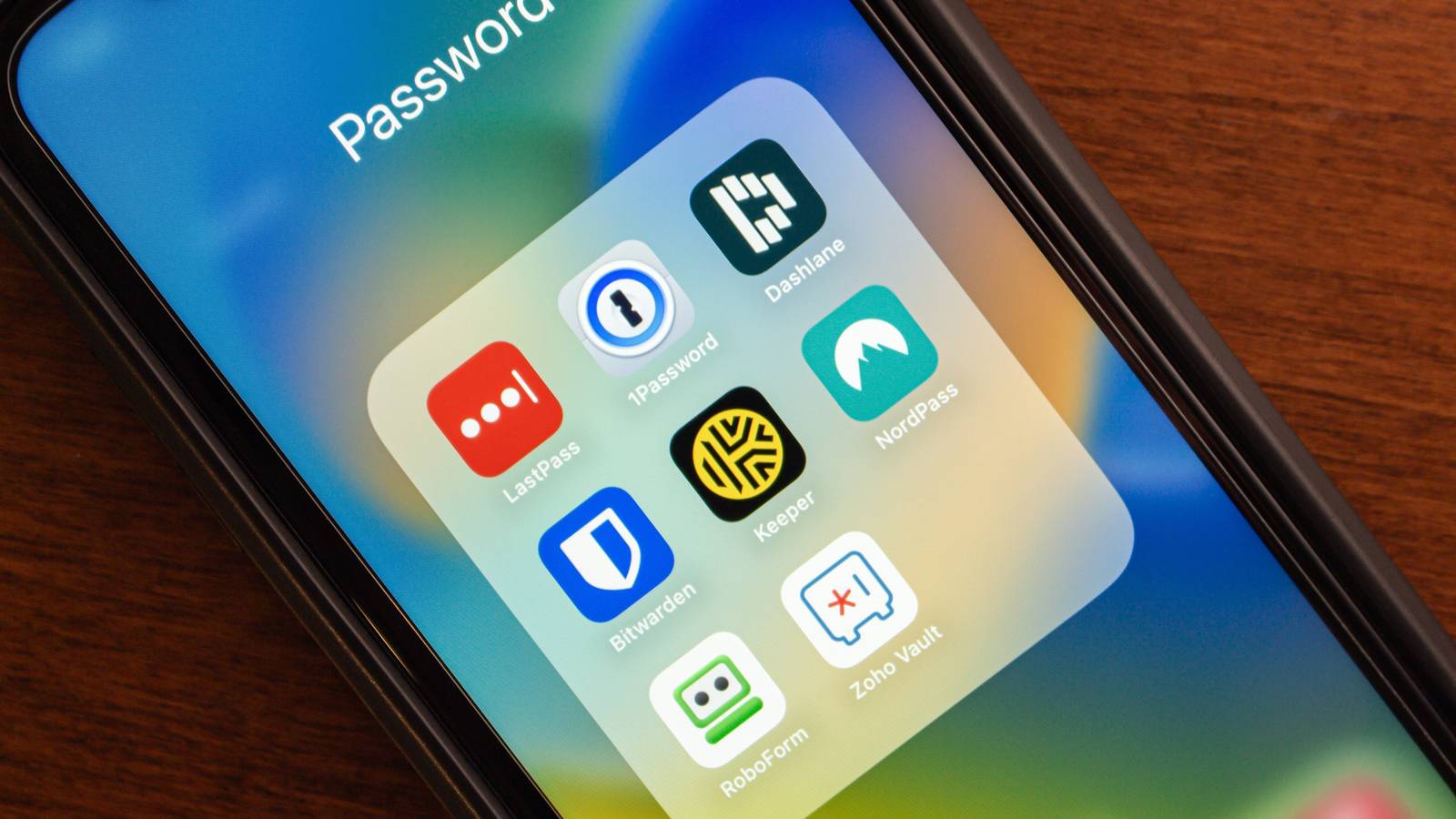

Security is the obvious starting point when choosing a password manager. I want strong encryption, a credible zero-knowledge architecture, independent audits, and a company with a track record I’m comfortable trusting. Once several options meet that standard, though, comparing cryptographic terminology starts to offer less useful separation.
From there, the everyday experience matters more to me. Does autofill work reliably on both my phone and PC? Can I recover from losing a device without turning the process into a scavenger hunt? Can my wife access important accounts in an emergency? And if I decide a couple of years from now that I want to switch services, can I take my data with me without rebuilding half of my digital life by hand?
A secure vault can still be a pain to live with
Because autofill has plenty of ways to test your patience
A password manager is one of those apps I can use all day without ever opening the main window. Most of the action happens inside a browser login field, an Android autofill prompt, or a passkey dialog, so a tiny compatibility problem can become far more aggravating than some missing feature buried in a comparison table.
Before I move hundreds of logins into any service, I’d install it on the devices and browsers I already use and give it a short audition with accounts I can afford to mess up.
- Save a fresh login through the browser extension.
- Autofill it on both desktop and mobile.
- Change the password and see whether the vault notices.
- Create and use a passkey on a supported site.
- Go offline and check whether an already synced vault still works.
- Restart the device and see how much friction the unlock process adds.
A finicky extension or unreliable autofill prompt can seem minor during setup, then become the digital equivalent of a drawer that jams every time you need a fork. If you move between platforms, it’s worth understanding why some people replace Google Password Manager with a dedicated alternative or leave Apple Passwords for a manager that works across a broader mix of devices.
Passkeys make that test run even more worthwhile. Proton Pass and Bitwarden both support storing and using passkeys through their browser extensions and mobile apps, although the exact experience still depends on the operating system, browser, app, and website involved. That becomes harder to ignore as more services adopt passkeys and give them a larger role in everyday authentication.
Sharing is another area I’d test before committing. At home, I’d much rather keep a streaming, utility, or household login inside a proper shared vault than drop the password into a chat and hope everyone remembers which message has the current one. Those little day-to-day interactions end up shaping the experience far more than the setup screen ever does.
Plan for the day you can’t unlock it
Getting locked out is a terrible time to read the manual

Password managers have a slightly uncomfortable balancing act when recovery comes into play. Your vault should be brutally difficult for anyone else to crack open, but you still need a realistic plan for the day you lose your phone, forget your master password, or need someone you trust to get into a critical account on your behalf. That recovery plan is worth sorting out while everything is still working normally.
With a zero-knowledge service, support usually can’t hand you a forgotten master password because the provider doesn’t have the information required to decrypt your vault in the first place. Bitwarden, for example, can’t recover an individual user’s master password. Premium users can prepare Emergency Access ahead of time, which lets a trusted contact view or take over the vault according to the permissions and waiting period you choose.
Dashlane handles recovery a little differently. You can create a 28-character recovery key in advance and pair it with identity verification if you later get locked out. Reach that point without an available recovery method, though, and an account reset can mean saying goodbye to the vault data stored inside.
Two-factor authentication needs the same kind of planning. Keeping TOTP codes inside the password manager is quite convenient, especially when the app can fill both the password and verification code for you. Using a separate authenticator gives you an extra layer of separation if the vault itself is ever compromised. I can make a case for either setup, but I’d avoid putting my password, second factor, and only path back into the account on the same phone and calling it disaster recovery.
The surrounding ecosystem can influence the decision too. There are solid reasons people stick with Bitwarden after moving from simpler built-in password managers, and recovery tools, platform support, emergency access, and the amount of control you get over your vault are all worth weighing before you entrust a service with years of credentials.
I want an exit door before I move in
Check the moving costs before unpacking your passwords

I also want to know how I’ll leave a password manager before I spend years filling it. Lock-in is easy to ignore when your vault contains 30 logins. It becomes a much uglier problem after passwords, passkeys, secure notes, custom fields, and attachments have accumulated for years.
Most migrations still lean on CSV files because nearly every password manager knows how to read them. The downside is that those exports can contain usernames and passwords in plain text. Dashlane CSV exports are unencrypted and you should delete the file after a migration, while Proton Pass offers CSV and other unencrypted formats alongside a PGP-encrypted JSON export that makes far more sense if you plan to keep the file around as a backup.
Credential Exchange is beginning to make migrations less clumsy. On supported mobile platforms, compatible managers can transfer credentials directly through FIDO’s Credential Exchange work, which helps avoid dumping an entire vault into an unencrypted file first. Support still depends on the operating system and the password managers involved, so I wouldn’t assume a vault will move cleanly from one service to another just because both advertise export tools.
The details of those exports also vary. Passkeys, attachments, secure notes, and custom fields may survive a migration differently depending on the file format and the manager receiving them. That alone is enough reason for me to build a tiny test vault, export it, and see what survives before paying for a long subscription.
Anyone who wants tighter control over where the vault itself lives has options outside the usual hosted services too, including self-hosting a Bitwarden-compatible vault with Vaultwarden. It takes more work, but it also shows how different the ownership question looks when portability becomes part of the buying decision instead of an afterthought.
There’s more to choose than the safest vault
Once the security fundamentals are covered, I want the password manager that slips into my routine without creating daily friction, gives me a realistic path back in when something goes wrong, and lets me take my data elsewhere without a hostage negotiation. Passwords may be what goes into the vault, but choosing the vault is the decision I’ll be living with.
