


When I bought my first smart TV, way back in 2011, the industry was pretty fragmented. There weren’t any standard platforms, and add-on media streamers were rare, so you were often stuck with your TV maker’s proprietary software. Chances are, it wasn’t good — in fact my TV’s apps never performed that well, and updates for them were short-lived.
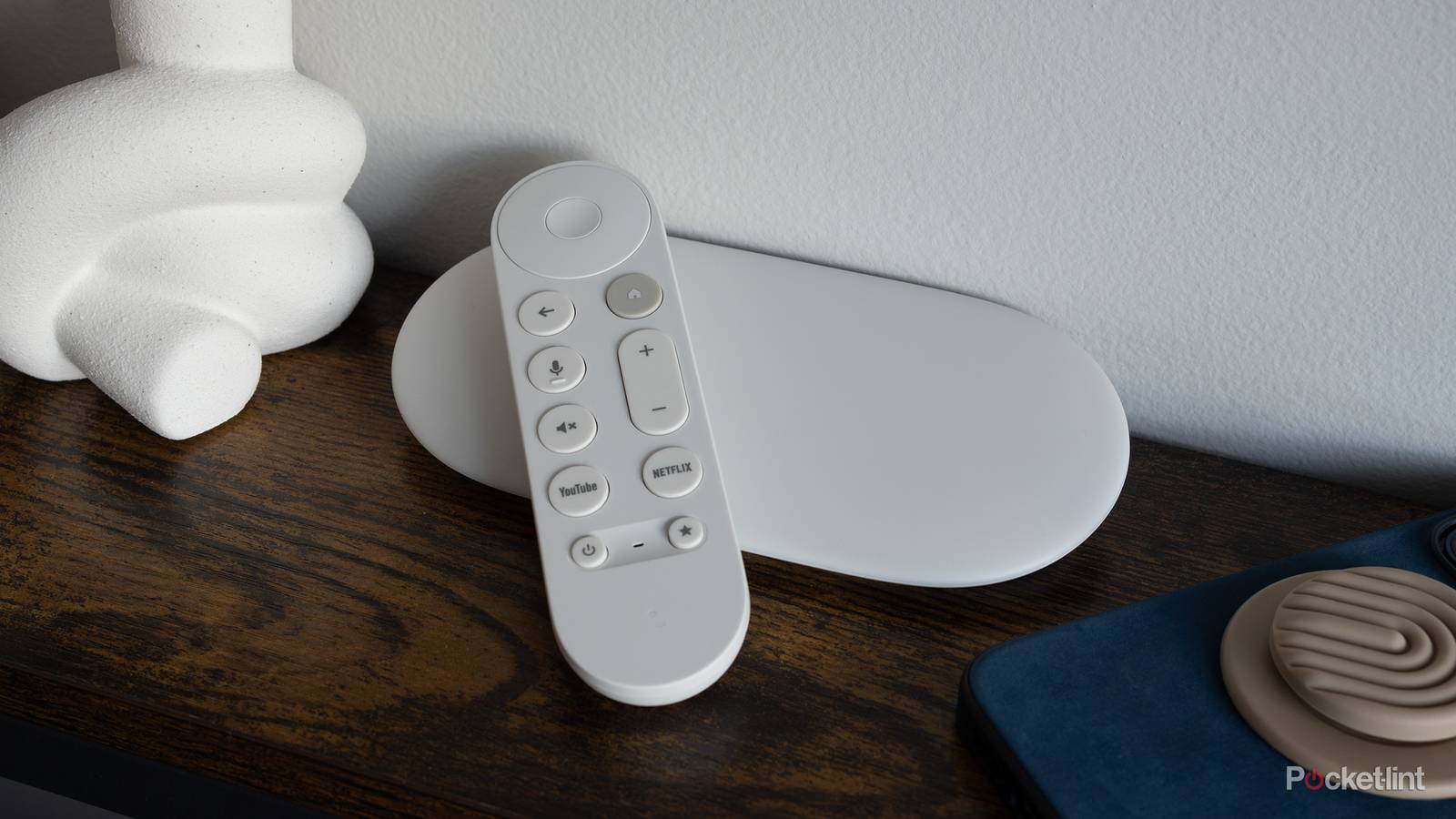
In 2026, two platforms reign supreme if you’re not buying a TV from LG or Samsung: Roku OS and Google TV. If you don’t own a TV with Google TV preloaded, you may have a Chromecast or Google TV Streamer. The OS may be essential to your daily life, especially if you have connected smart home accessories like lights or security cameras.
If you’re here, you’re presumably wondering if there are any downsides to leaving a Google TV device running non-stop. The good news is that there aren’t many, especially if you leave it in standby most of the time. In fact, there’s a strong incentive to avoid shutting down unless you absolutely have to.
What are the cons of leaving a Google TV device plugged in?
Convenience versus consumption

The foremost worry people tend to have is power consumption. With a Chromecast or Google TV Streamer, this is minimal — FlatpanelsHD notes that a Streamer tops out at 3.5W with video, and 4.3W with games, dropping to just 1.2W on standby. A Chromecast isn’t going to consume any more than 3.5W, and its standby drain is only 0.9W.
Time for some math. To simulate a typical use case, let’s say you’re streaming video for four hours a day, and on standby the remaining 20 hours. At a rate of 18.05¢ per kWh, you’d be paying less than $3 for an entire year, regardless of the add-on you have. You might end up paying more in some states, like Hawaii, but still below the $7 mark at worst.
As for a TV with Google TV preloaded, the exact cost is going to depend on the size of the set and the technology it uses. The 65-inch Hisense U68KM mini-LED I own consumes about 190W when active, so in the same scenario as above, you’d be paying over $52 annually. Larger TVs are bound to cost more, as are ones that run brighter. This is one of the reasons you shouldn’t max out your TV’s brightness settings, apart from shortening the screen’s lifespan and burning your eyes out.
Speaking of lifespans, any level of power consumption will in theory harm a Google TV device due to waste heat, but this is mostly negligible. The Google TV Streamer is designed to operate at ambient temperatures around 32 to 95F (0 to 35C), and Chromecasts are actually good up to 104F (40C). Your device may feel warm to the touch, but unless the heat in a room is already out of control, lifespan shouldn’t be substantially affected.
Full-scale TVs do of course generate more heat, but their operating temperatures are liable to fall in a similar range. If you’re really worried, just be sure to keep your room well-cooled, and allow some space behind your TV for air to circulate.
What are the pros of leaving a Google TV device plugged in?
Witness the full power

The biggest advantage, for most people, is rapid access. When a device is left in standby, it can potentially be ready in 2 seconds or less, since it’s just hibernating the OS until you give the launch signal. Conversely, if you power down completely, the OS has to load everything again from scratch, which can take up to a minute or more. That may not be a big deal at first — but you’re going to be irritated if you have to play the waiting game every time you want to watch Netflix or YouTube.
Another perk is access to Google Cast and/or Google Gemini. If your device is in standby, it should still show up as a Cast option on nearby phones, tablets, and computers, making it possible to turn on your TV and begin casting at the same time. Likewise, if your device is properly equipped, it may be able to respond to voice commands while the screen is still off. One of the things I like most about my U68KM is the ability to say “Hey Google, open YouTube” and have the TV both power on and switch to the right app.
When a device is left in standby, it can potentially be ready in 2 seconds or less. Conversely, if you power down completely, the OS has to load everything again from scratch.
For some of you, the most important thing may be Google Home integration. If Google TV is offline, it can’t play a part in any automations you’ve created, which is a shame. A “movie night” command, for instance, might be used to not just turn on your TV, but open an app, dim the lights, and close your blinds, all at the same time. A bedtime automation might simultaneously turn off your TV and lights, lower the thermostat, and check that your door is locked.
Let’s return to Gemini for a moment. It’s not limited to turning your TV on or off, or launching apps. You can ask it to search for specific content, such as action movies, or shows starring Kyle MacLachlan. You can also ask it knowledge questions, say if you want to explain a black hole to someone in Grade 2. In the case of those questions, it can track down relevant videos. All this is much less useful if you have to wait for a TV or streamer to finish booting, since you could of course do the same things on a phone or tablet.
Lastly, leaving Google TV running allows it to fetch app and OS updates during expected downtime. If you only switch on when you’re about to watch something, you might end up having to wait for an update to finish before you can get going. This is because updates are sometimes required to maintain compatibility with features and services.
The final verdict
A few final thoughts

As you may have gathered, you should almost certainly leave your Google TV devices running around the clock. Heat and power concerns are minimal, and in exchange, you get faster access to apps, casting, and voice commands. Not everyone likes the idea of automatic updates, but you can force those off in Settings if you still want to enjoy the other benefits. Leaving a device running is almost mandatory in a smart home environment.
Heat and power concerns are minimal, and in exchange, you get faster access to apps, casting, and voice commands.
Honestly, the only time unplugging is really worth it is when you’re about to head out on an extended trip. In that scenario, there’s no sense racking up a higher power bill (however marginal), and you can use this to give your hardware a brief break. You might actually consider taking a Streamer or Chromecast with you, if the place you’re staying has a TV with a free HDMI port.

- Dimensions
-
6.4 x 3 x 1-inch
- Connective Technology
-
Wi-Fi, Bluetooth
