

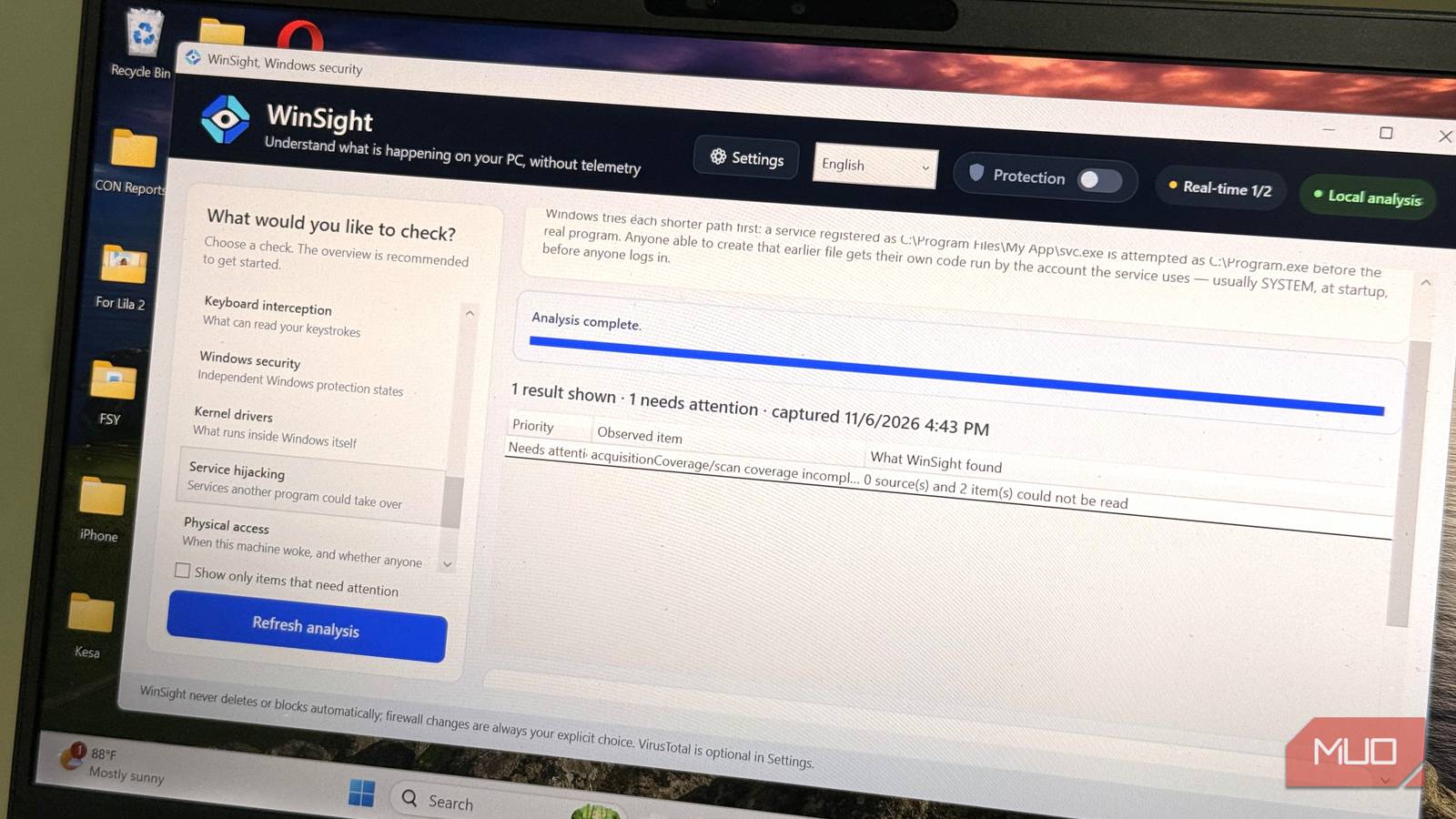

Even when you’re not touching your computer, it remains busy. Certain apps may launch, connections may open, and some of them may even access your camera. Yet the best you get out of Task Manager is a mere hint.
You can get a picture of this entire activity from a Windows PC using a free, open-source tool called WinSight. After running it on my PC, I found very revealing results, and also a few limitations.
Beyond Task Manager
22 startup apps vs. 628 results in WinSight
The startup apps list on my Task Manager included 22 apps. When I ran WinSight’s startup scan, it revealed 628 results. This doesn’t necessarily mean Windows was hiding about 600 applications from me, since both tools count different things. However, WinSight was looking in more places.
Each WinSight result included the full file path. This came in handy, because just having the HP Scanjet Assistance label, for instance, doesn’t tell you as much as knowing where that program lives.
From the WinSight results, HP Scanjet Assistance (HPScanjetTray.exe) and ShareX were unsigned. This doesn’t mean they are malicious, but if a program is unsigned and I can’t place it or remember installing it, it may be a cause for concern or further investigation. However, several small, open-source programs skip paid code-signing certificates.
In addition to these two, the process scan also flagged WinSight’s own dashboard as unsigned. Flagging itself as unsigned was oddly satisfying.
I probed the ShareX result a bit more, opening its details. WinSight showed its full file path, parent process ID (PID), and signature (unsigned in this case). It also showed that it had a “-silent” command-line argument, suggesting it was launched with a quiet-start option. This can be typical of apps that live in the system tray.
There were also 19 startup locations that WinSight couldn’t read. Hence, 628 isn’t the full picture.
The open connections result
Every row tied to a process, and the fine print behind the flags

The network scan returned 152 results. Looking through the results, I could see what was communicating with whom. Each row showed the process name, remote IP address, port, and the connection state.
You may see connections using the Windows netstat command too. However, by default, it gives you PIDs and addresses, leaving out the process names. WinSight flagged six rows, all of them coming from svchost and Tailscale. These were established TCP connections to port 443.
This makes sense because port 443 is commonly used for encrypted web traffic. But it doesn’t give any clues as to intent, and the signature warnings behind the flags don’t either.
Seeing Tailscale wasn’t surprising. I installed it as a replacement for a legacy VPN and as a means of reaching my home server. svchost also wasn’t a surprise; it hosts several Windows services.
After running the DNS scan, I got 205 results, but the DNS scan didn’t spot any suspicious domains. However, it warned that WinSight couldn’t read three items in the Windows DNS resolver cache.
After reading these results, the rule I maintained was simple: inspect any unusual port or unfamiliar process holding a connection to an address I can’t explain. The best you get from the results is who is connecting; it’s left to you to work out why.
I tested the camera and mic
The alert everyone wants

After running the camera and mic scan, WinSight returned 25 results, but didn’t flag anything. At this point, I hadn’t opened any camera app, so there was nothing much to see from a clean scan.
I needed to see what WinSight was actually capable of reporting, so I ran a live test. When I opened my camera app, WinSight reported the webcam switching on and off. I repeated the test with Sound Recorder and got similar results.
In both alerts, WinSight identified the apps using their Windows package names: Microsoft.WindowsCamera_8wekyb3d8bbwe and Microsoft.WindowsSoundRecorder_8wekyb3d8bbwe. For each one, there was a note stating that mapping by package family isn’t implemented. Although WinSight knew which apps were involved, it didn’t show a process or PID I could follow up on.
On Windows, there’s a built-in way to view recent camera and microphone access in Windows Settings > Privacy & security. There you may find the apps which used each device recently.
WInSight shows plenty but stops nothing
One of the biggest insights from WinSight’s findings was that visibility and protection are different things. Even though Microsoft Defender’s real-time protection was enabled, I still had Memory Integrity, Secure Boot, and Controlled Folder Access disabled on my system.
These security settings don’t prove an infection, but they’re worth reviewing. Throughout my testing, WinSight’s Protection mode remained disabled, so this evaluation was more of what I could observe than what it could block. It helped me investigate rather than make security decisions.
