

Close Menu

    Subscribe to Updates

    Get the latest Tech news from SynapseFlow

    What's Hot

    Legacy Systems, Real-World Impacts: The Reality of OT Security

    July 16, 2026

    SpaceX Leader in Installed World’s AI Chips – New AI Deals Soon

    July 16, 2026

    TobenONE UDS060 11-in-1 USB-C docking station review

    July 16, 2026
    Facebook X (Twitter) Instagram
    • Homepage
    • About Us
    • Contact Us
    • Privacy Policy
    Facebook X (Twitter) Instagram YouTube
    synapseflow.co.uksynapseflow.co.uk
    • AI News & Updates
    • Cybersecurity
    • Future Tech
    • Reviews
    • Software & Apps
    • Tech Gadgets
    synapseflow.co.uksynapseflow.co.uk
    Home»Tech Gadgets»3 TV settings I change to make sure my discs look the best they can
    3 TV settings I change to make sure my discs look the best they can
    Tech Gadgets

    3 TV settings I change to make sure my discs look the best they can

    The Tech GuyBy The Tech GuyJuly 16, 2026No Comments3 Mins Read0 Views
    Share
    Facebook Twitter LinkedIn Pinterest Email
    Advertisement


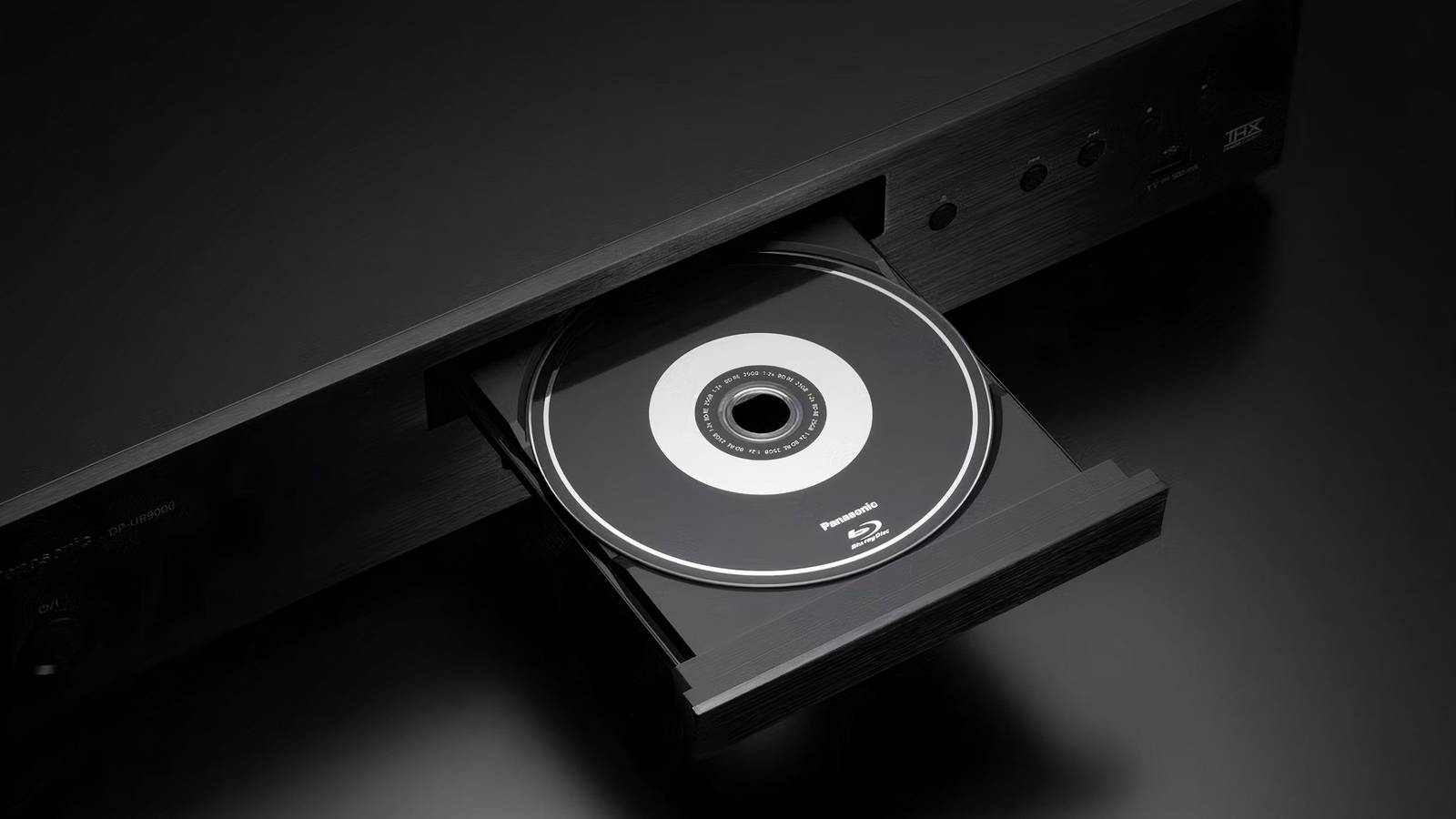
    It’s an open secret that modern optical disc formats like Blu-ray and its 4K UHD successor provide better picture quality than contemporary streaming services. Streamers may be convenient, but they employ heavy-handed use of compression techniques to keep internet bandwidth in check and to reduce network congestion.

    Advertisement

    Local disc playback doesn’t suffer from this drawback. It provides a consistent picture quality baseline that isn’t impacted by internet connection stability, nor does it require ponying up for a higher-tier subscription package in order to benefit from higher resolutions, improved bit-rates, and other niceties.

    Of course, even if you’re fully invested in optical disc-based media, the picture quality of your films and shows will vary greatly based on which display panel you’re interfacing with, as well as which settings you have enabled and disabled. Here are three TV settings I personally always tinker with in order to ensure the best quality results whenever I slot a new disc into my Blu-ray player.

    LG C6

    Brand

    LG

    Display Size

    42, 48, 55, 65, 77, or 83 inches

    Operating System

    webOS

    Display Type

    OLED

    Display Resolution

    4K

    Refresh rate

    165Hz (with VRR)

    A premium mid-range 4K UHD OLED smart television set from LG that ships with the webOS operating system, HDR10/Dolby Vision/HLG support, and up to a 165Hz refresh rate.


    Select the right picture mode

    Calibrate your picture for improved visuals

    LG TV Picture Mode settings.

    Most modern television sets come with a variety of preset picture modes to choose from right out of the box. Many TVs are set to Vivid Mode or equivalent by default, which is designed to pop on a showroom floor, but which also reduces true-to-life colors when viewed in a living room environment. Thankfully, TVs usually offer a Natural Mode or a Filmmaker Mode as well, which can go a long way in making content look more realistic and closer to the filmmaker’s original artistic vision.

    Dial back motion smoothing

    Say goodbye to the soap opera effect

    LG-TV-energy-motion-smoothing

    Motion smoothing is a feature found on most smart TVs that artificially inserts extra frames within content in order to create a smoother visual image. Unfortunately, motion smoothing is often heavy-handed from the get-go, creating the dreaded soap opera effect (uncannily smooth). On most models, it’s easy to disable motion smoothing altogether, or to reduce its impact via an intensity slider.

    Turn off energy saving features

    Unleash your flat panel’s full potential

    LG TV energy saving features

    Energy saving features are often enabled by default on television sets, which is a good thing for the environment, as well as for your wallet. However, such modes can also negatively impact picture quality, most notably when viewing high dynamic range (HDR) content. Energy saving often involves dimming the display panel, which dulls the impact of HDR on the whole. Luckily, it’s super easy to temporarily switch off energy saving measures when watching HDR films and shows, and to re-enable them after the fact.

    Advertisement
    Share. Facebook Twitter Pinterest LinkedIn Tumblr Email
    The Tech Guy
    • Website

    Related Posts

    Ann Droid is the new Diane Morgan comedy series on BBC iPlayer this week that you can’t miss — but don’t overlook these 3 underrated gems on the streamer either

    July 16, 2026

    Another report confirms OnePlus’ imminent demise, reveals it’s going to exit India too

    July 16, 2026

    Google’s got a fix for recent wave of Android Auto glitches

    July 15, 2026

    I thought my Roku couldn’t get any better, then I paired it with my iPad

    July 15, 2026

    New Windows 11 update is a big one — these are my top 4 features, including the ability to pause updates indefinitely

    July 15, 2026

    Poco M8 Power is on its way as a rebranded Redmi

    July 15, 2026
    Leave A Reply Cancel Reply

    Advertisement
    Top Posts

    You don’t need a NAS to self-host — I proved it with hardware from my closet

    June 7, 2026282 Views

    Spotify is giving one of its best playlists a big visual upgrade to give subscribers ‘a closer connection’ to its New Music Friday curators — and I think it could be the update it’s always needed

    June 12, 2026171 Views

    The iPad Air brand makes no sense – it needs a rethink

    October 12, 202516 Views
    Stay In Touch
    • Facebook
    • YouTube
    • TikTok
    • WhatsApp
    • Twitter
    • Instagram
    Advertisement
    About Us
    About Us

    SynapseFlow brings you the latest updates in Technology, AI, and Gadgets from innovations and reviews to future trends. Stay smart, stay updated with the tech world every day!

    Our Picks

    Legacy Systems, Real-World Impacts: The Reality of OT Security

    July 16, 2026

    SpaceX Leader in Installed World’s AI Chips – New AI Deals Soon

    July 16, 2026

    TobenONE UDS060 11-in-1 USB-C docking station review

    July 16, 2026
    categories
    • AI News & Updates
    • Cybersecurity
    • Future Tech
    • Reviews
    • Software & Apps
    • Tech Gadgets
    Facebook X (Twitter) Instagram Pinterest YouTube Dribbble
    • Homepage
    • About Us
    • Contact Us
    • Privacy Policy
    © 2026 SynapseFlow All Rights Reserved.

    Type above and press Enter to search. Press Esc to cancel.

    Ad Blocker Enabled!
    Ad Blocker Enabled!
    Our website is made possible by displaying online advertisements to our visitors. Please support us by disabling your Ad Blocker.