


In today’s world, HDMI cables are vital. I couldn’t do much of anything in my living room without one. My audio receiver would be useless, I couldn’t play any games, and I couldn’t enjoy my Apple TV 4K. It would be a big shift in my day-to-day life if HDMI cables vanished overnight. With that said, I could find ways around this problem and still get some use out of my TV.
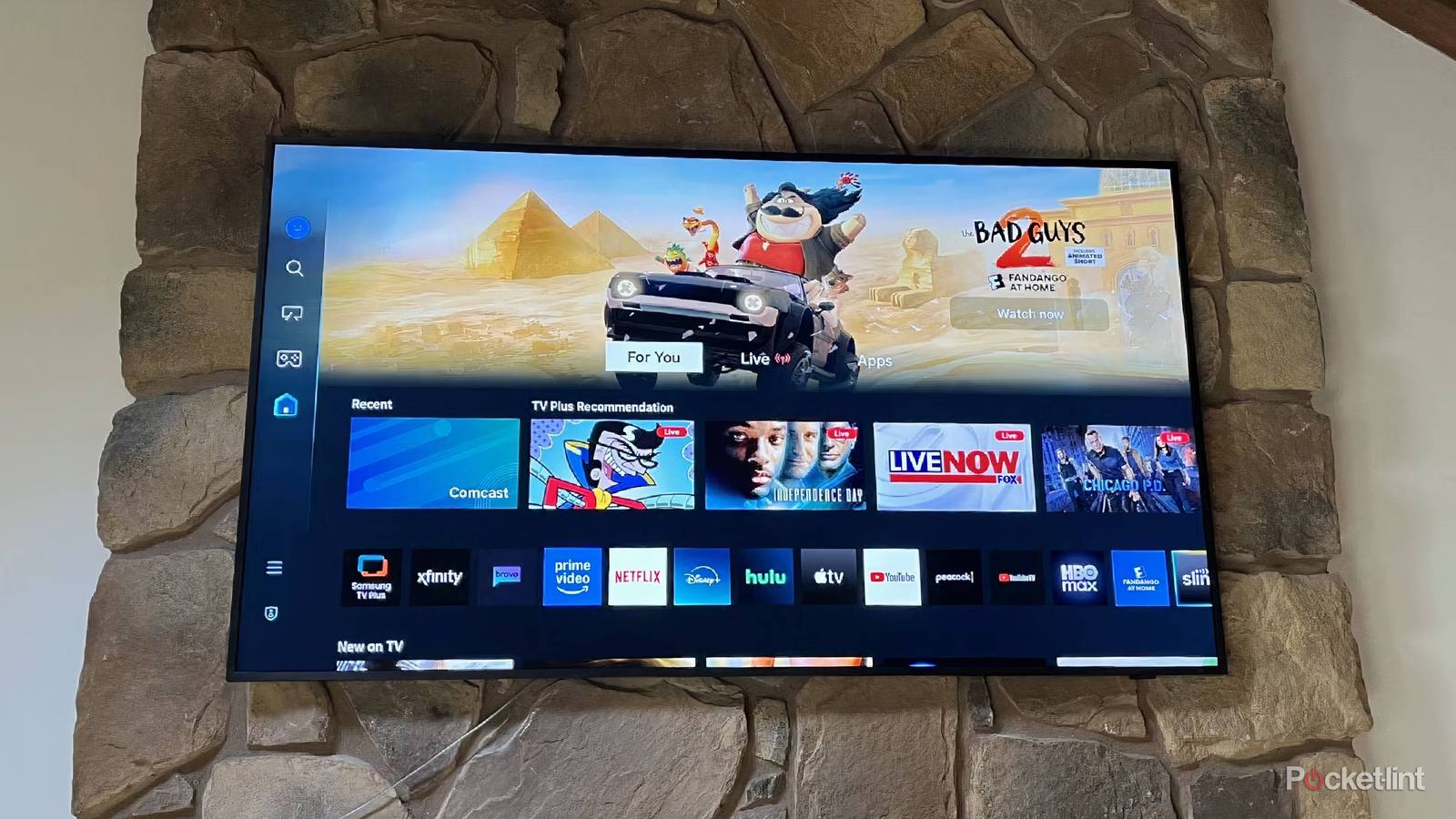
TVs aren’t entirely reliant on cables, and there’s a lot built into the TV itself that lets it fend for itself just fine. While I have mine loaded up with cables, that’s not the case with everybody. In fact, if you’re looking to cut back on devices, ditching the cables isn’t a bad idea. Since most TVs today are of the smart variety, it’s not even like you’d be missing a ton. The nice thing about these TVs is that the streaming apps are right there on the TV.
You can still watch everything you want
It just might be a little slower

Any smart TV can install Netflix, HBO Max, Disney+, and other streaming apps. This means you don’t need something like an Apple TV 4K or Roku Ultra to plug in, so there’s no need for a cable. I like using an external box myself because it’s a lot snappier than my TV, especially as my TV ages. I still use a first-gen Apple TV 4K, and it feels a lot faster than my Sony Bravia X90J’s Google interface.
On the other hand, I have a Fire TV Omni QLED in a spare bedroom that I had a Fire TV Stick plugged into, but I actually unplugged the stick and went with the TV’s UI. It has hands-free Alexa, and I feel like it’s quite easy to navigate. All of this is done without a streaming stick or box, so there’s no cable making anything happen here. The TV is still relatively new, so that could be part of why it doesn’t feel sluggish at the moment, but I’m going to keep riding this wave as long as I can.
You can get superior audio from a different port
It’s strange, but true

This feels like a cop out, but you can utilize your TV’s digital audio out port if you have one. On my TVs, these are the glowing red ports on the back, and you can hook up a receiver or soundbar to them. Now, why you’d want to do that is another thing entirely. Modern TVs have ARC and eARC ports, so you will get the best audio by plugging into one of those with an HDMI cable instead of using the glowing red port.
The only reason you should use this port is if your receiver or soundbar is old enough to not even have an HDMI hookup in the first place. I’m all for getting the most out of your TV, and if this is the way you have to do it, then go for it. Just keep in mind that a port like this won’t give you access to modern formats such as Dolby Atmos, but it’ll still be an upgrade over what your TV speakers offer. I would just recommend using an HDMI cable if you have the means to. I believe you’ll find an HDMI cable is a lot easier to find than an optical cable as well.
Don’t forget to cast and screen share
A nice way to watch things

I can’t tell you how many times I use my phone to cast a video to my TV when I don’t feel like opening up the YouTube app to do it. Since I have a Google TV as my living room TV, casting from my Google Pixel 9a is a seamless transition from just about any video. When I’m done watching what I want to watch, I can just unlink my phone and go about my business. It’s an excellent feature, and it’s one of the things I lament about having an Apple TV 4K, as I can’t cast to it from my Android device. Of course, iPhone users won’t have this problem. I blame myself in the end, as the Apple TV is the only Apple product I have, and that’s a company that definitely rewards investing in the ecosystem.
What’s nice about casting is that you can circumvent your TV or streaming box not having a specific app. If you’re watching a video on a webpage, for example, casting or screen mirroring might be your only way to get the picture onto your TV. If that’s the case, consider giving that icon in the top-right corner of your phone or tablet a tap the next time you’re watching a video and want a bigger screen.
Use that USB port
It’s more useful than you’d think

For years, I wondered what my TV’s USB could be used for, and that was finally answered when I decided to watch the despecialized edition of the original Star Wars. I saved the movie to a portable solid-state drive and plugged it into my TV. This automatically opened up my TV’s media player app, and the file was right there. The entire process was easy, and I’m kicking myself for not trying to do this earlier.
You can load up quite a bit on an SSD, so if you want to watch videos, movies, shows, or just scroll through some pictures, this is a great option. Unfortunately, storage prices are on the rise, so you might have to spend more than you’d like on a hard drive. I was fortunate enough to have an old one lying around.
