

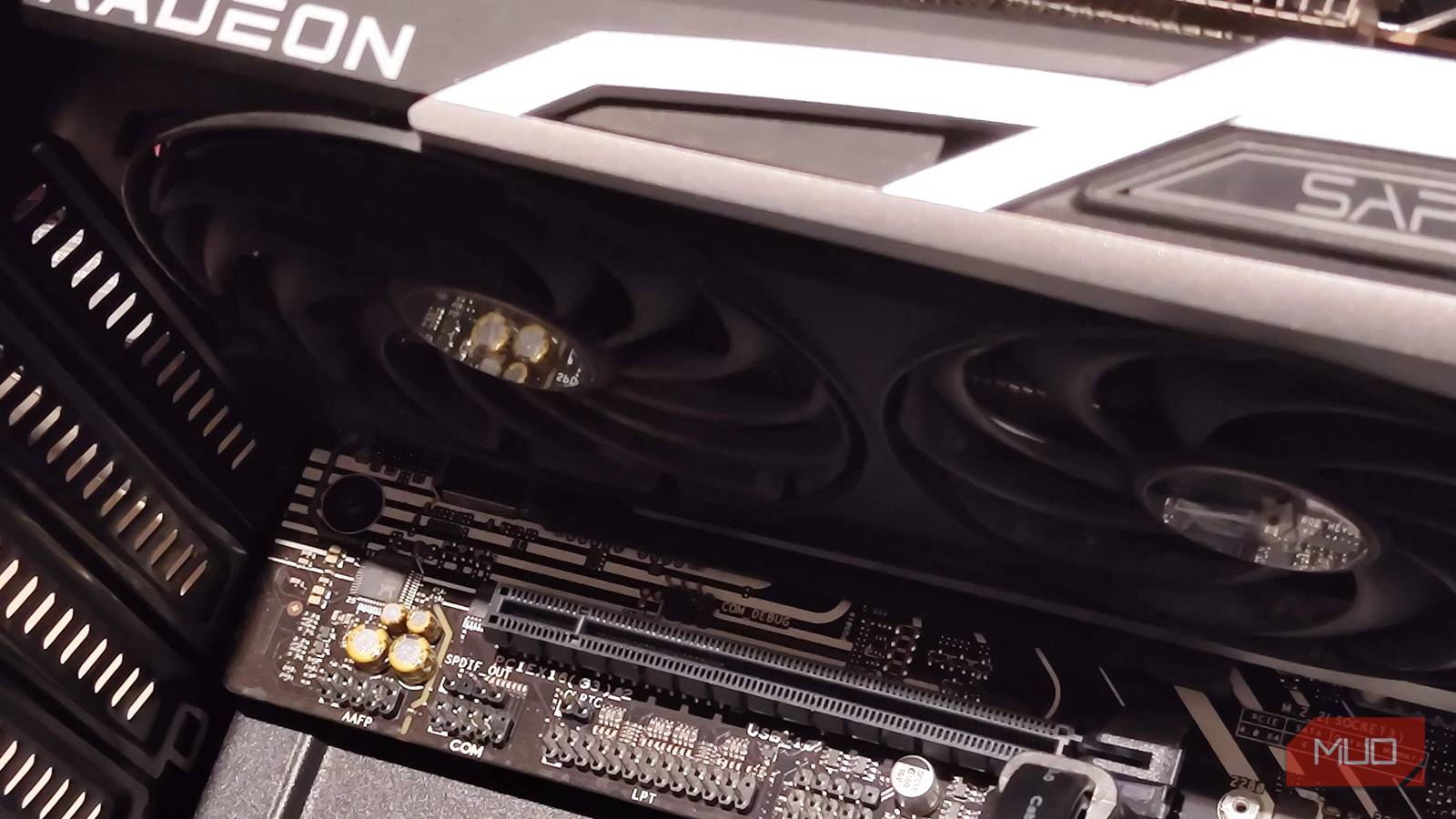

I spent years thinking of PCIe slots as GPU real estate and nothing else. The big one holds the graphics card, and the rest just sit there collecting dust behind the tempered glass. Then I actually ran out of USB ports one afternoon, went looking for a fix, and fell down a rabbit hole. Turns out those spare slots are some of the most useful bits of your motherboard, and most of us ignore them completely.
Here are five things worth slotting in that have nothing to do with pushing pixels.
Add more storage with an NVMe adapter card
When your M.2 slots run out, but you’re not done adding drives

Most boards have two or three M.2 slots, and if you hoard games as I do, you fill them fast. Especially with modern games such as Forza Horizon 6 reaching about 155GB. An NVMe adapter card lets you mount one or more M.2 drives directly into a PCIe slot, and because NVMe drives run over PCIe lanes anyway, you lose nothing by going this route.
The cheap single-drive adapters are everywhere, but the ones I like are the four-drive cards, such as the Asus Hyper M.2, which take four NVMe drives on one card. You can run them as separate drives or throw them into a RAID setup if your board supports bifurcation.
One thing to check before you buy. Your board needs to support PCIe bifurcation for the multi-drive cards to see every drive; otherwise, you’ll only get the first one. It’s a BIOS setting on most modern boards, but budget motherboards sometimes skip it entirely, so read the manual first.
Get better audio with a dedicated sound card
The upgrade everyone tells you is dead

Suggest a discrete sound card in 2026, and people look at you like you’ve asked for a floppy drive. Onboard audio has gotten good, a decent DAC and amp combo covers most people, and I went in half-expecting to feel a bit silly.
What actually won me over is the practical stuff. If you run a proper surround speaker setup, a dedicated card gives you outputs that just work, instead of the fiddly onboard jacks that you have to coax into behaving. And if you use demanding headphones, a card with a real amp drives them properly, whereas your motherboard would leave them sounding weak and quiet.
I’ll be honest, though, for everyday gaming and YouTube on regular headphones, my onboard audio was fine. This is a niche pick, and if you’re in the niche, you already know it.

- Type
-
PCIe Sound Card
- Color
-
Red
Fix your internet with a network card
Because onboard Wi-Fi and Ethernet only take you so far

This is the one that quietly solved a real problem for me. Plenty of budget boards ship with either no Wi-Fi or a weak one, and even the ones with Ethernet cap out at gigabit. A PCIe network card fixes both.
On the wireless side, you can slot in a card that takes a swappable M.2 Wi-Fi module, which means you get a proper antenna and an upgrade path down the line. It’s far more reliable than the flaky USB Wi-Fi dongles I kept losing. On the wired side, a 2.5G or 5G network card is borderline essential the moment you start moving big files around a home network, and they’ve gotten genuinely cheap.
If you’ve ever thought about running a home server or a NAS, this is where a network card stops being a nice-to-have and starts being the thing that keeps your transfers from crawling.
Capture gameplay properly with a capture card
For streaming console gameplay without the compromises

A capture card records video coming in over HDMI, and for most people, the real draw is streaming. If you want to go live with console gameplay from a PS5, an Xbox, or a Switch, your PC has no way to see that footage on its own. The console sends its output to the card, the card feeds it into your PC, and OBS treats it as a source you can stream to Twitch or YouTube. The same goes for a two-machine setup, where your gaming rig hands off to a separate streaming PC so your games and your stream aren’t fighting over the same hardware. It’s also how you’d run a proper camera as a clean, high-quality webcam on stream.
Going the PCIe route gets you a direct, high-bandwidth line straight into the motherboard, which means lower latency and higher bitrates than an external box hanging off a USB port. For live-streaming, that latency headroom matters because you want the delay between your console and your stream as small as possible.
Recording is a nice secondary benefit here. The same card that feeds your stream can also capture high-quality local footage for later editing. And to be honest, if you only ever capture games running on the same PC you’re on, you don’t need one at all, since OBS grabs those frames directly. But the moment you’re streaming from a console or a second machine, a capture card earns its slot.

- Brand
-
Elgato
- Max Passthrough Resolution
-
1080p60
- Max Capture Resolution
-
1080p60
- Interface
-
PCIe
- OBS Compatible
-
Not Provided
- Mic In
-
No
The Elgato HD60 Pro is an internal PCIe capture card designed to record and stream console or PC gameplay in full HD resolution.
Reclaim your ports with a USB expansion card
When your case simply has nowhere left to plug in

Here’s the one that sent me down the whole rabbit hole. I own too many accessories, my case front panel is filled up, and one day I simply had nowhere left to plug things in. A USB expansion card drops straight into a spare slot and hands you a fresh bank of ports on the back.
They’re brilliant for adding USB-C too, which is a connector a lot of older or budget boards skimp on. If you’ve got a peripheral that wants Type-C and your board doesn’t have one, this is the cheapest fix going. Some cards even bring internal headers, so you can feed a case front panel that your motherboard can’t.
It’s the least glamorous card on this list and probably the one you’ll get the most daily use out of. Not everything needs to be exciting to be worth doing.
The slots were never just for graphics cards
I put off learning any of this for years because I’d filed PCIe under “GPU stuff” and left it there. The moment I actually looked, I found these genuinely useful upgrades sitting in front of me the whole time. You don’t need all of them, and some are far more niche than others, but there’s a decent chance at least one solves a problem you’ve been putting up with. Have a look at what’s spare in your case before you write off those slots.
