


I prefer open-source tools when I can find good ones, and I prefer not installing apps when a browser version works just as well. Finding both in one package is rare, but a few open-source web apps manage it.
Whiteboards are something I reach for constantly to map out article structures, sketch flowcharts, and explain concepts visually. They make it easy to get my rough ideas out there before I forget them. I’ve used Miro and Draw.io before, but when I went looking for open-source alternatives that run entirely in my browser without signups or downloads, I found Excalidraw, tldraw, and Whiteboard Online—each with distinct strengths.
Excalidraw
Hand-drawn diagrams that look deliberately informal
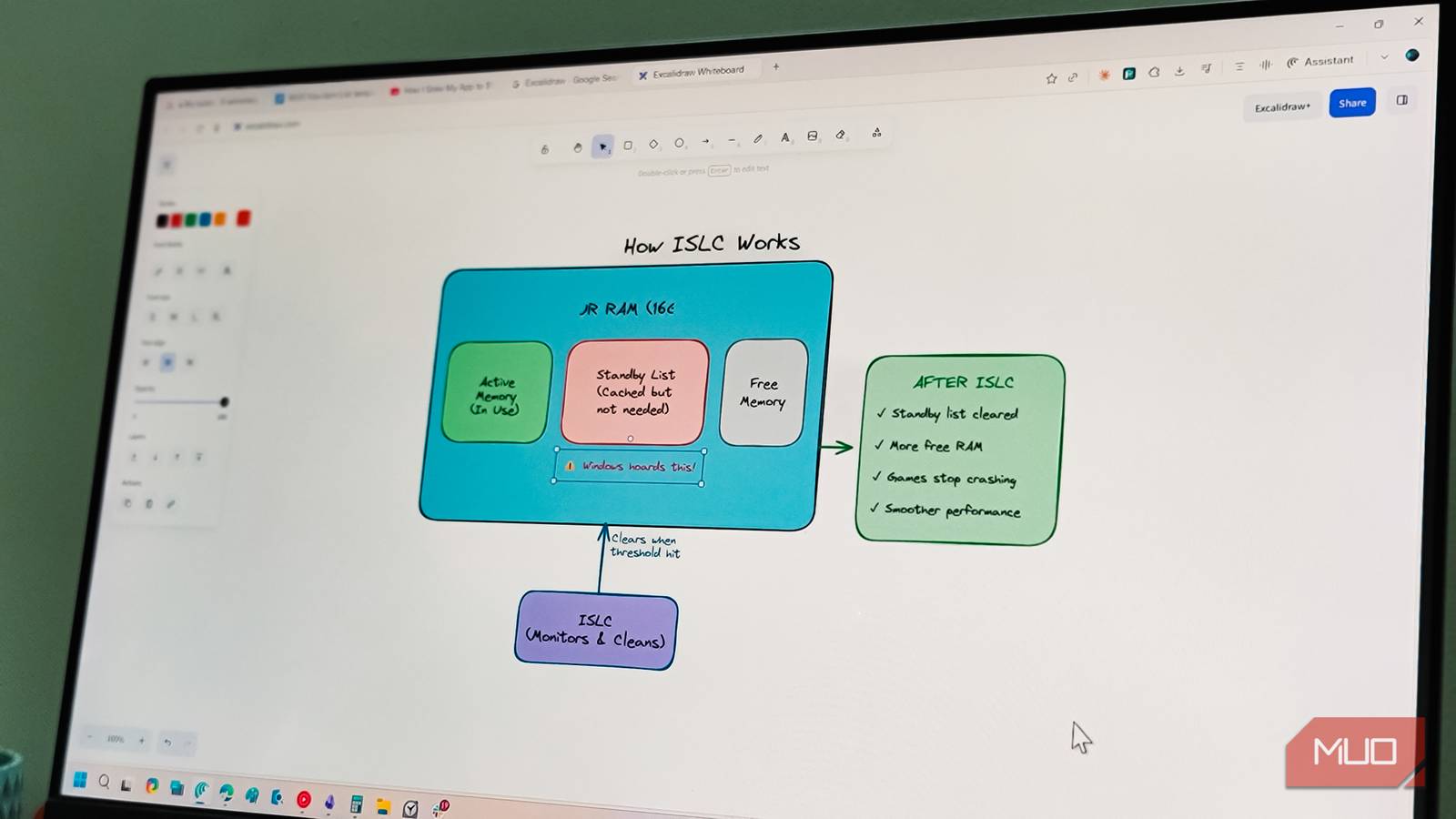
Excalidraw is probably the most well-known of the three, and for good reason. Everything you create has a hand-drawn, sketchy look that makes diagrams feel approachable rather than clinical. I first came across it as an Obsidian plugin, but the web version at excalidraw.com works independently without any account or download.
The core tools are nothing fancy. You have shapes, arrows, text, and a freehand pen. However, what makes it click for me is how arrows snap to objects and stay connected when you move things around. Text auto-centers inside shapes without fiddling. You can also adjust the Sloppiness slider to make elements look more or less hand-drawn, which helps when you want visual consistency across a complex diagram.
I use Excalidraw for brainstorming article structures and explaining technical concepts. The frames feature is useful to group elements, label them, and export specific sections as images. During presentations, you can search for frame labels to jump directly to the section you need instead of scrolling through a massive canvas.

The community library has pre-made icons for common use cases like AWS architecture and flowchart symbols. It’s hit or miss, though, as popular icons are easy to find, but others require digging. When I can’t find something, I just drag and drop PNGs from external sources directly onto the canvas. One notable limitation is the lack of layers, which means you can’t progressively reveal parts of a diagram during presentations the way you might in Draw.io.
Excalidraw Plus, the paid version, adds cloud storage, team libraries, and link sharing with password protection. But the free web version handles most of my solo diagramming needs without issues.

- OS
-
Web
- Price model
-
Free, Premium
Excalidraw is a browser-based, open-source whiteboard for sketching diagrams, wireframes, and ideas collaboratively, featuring hand-drawn visuals, real-time collaboration, export options, and offline support with end-to-end encryption and simple sharing links.
WBO (Whiteboard Online)
A minimal canvas for quick sketching

If Excalidraw feels too feature-heavy for what you need, WBO (Whiteboard Online) strips things down to the essentials. There are no frames, no icon libraries, no collaboration rooms with fancy permissions. All you get is a canvas, basic drawing tools, and a URL to share.
The interface is about as minimal as it gets. A vertical toolbar on the left gives you a pen, line, rectangle, ellipse, text, and eraser. You pick a color, adjust the stroke width, and start drawing. WBO is useful if you just want to sketch something quickly during a call without planning to retain your diagrams, nor do you need the import features.
WBO offers three board types: a public board that anyone can join (but it stores content temporarily), a private board with a random URL that only people with the link can access, and a named private board where you choose a custom URL. For quick whiteboarding sessions that don’t need to be saved permanently, the random private board works well. You share the link, sketch together in real time, and move on.
On the flip side, you don’t get undo history beyond the immediate action, no export to image without taking a screenshot, and the drawings look basic because that’s all it supports.

- OS
-
Web
- Pricing model
-
Free

tldraw
A polished canvas with an asterisk on “open source”

tldraw sits somewhere between Excalidraw and WBO in terms of complexity, but with a more polished feel. The canvas is infinite and zoomable, the tools feel responsive, and the UI borrows design cues from apps like Figma. You get shapes, arrows, text, sticky notes, and drawing tools with proper snapping and alignment.
What sets tldraw apart is how it handles real-time collaboration. You can share a session link and work with others without signing up, and changes sync instantly. The Make Real feature is interesting too: you sketch a UI wireframe, and it can generate working HTML/CSS using AI, though results vary and usually need cleanup.
However, the catch is that tldraw’s source code is public on GitHub, but it uses a custom license that isn’t a standard open-source license. You can use it freely as long as you keep the Made with tldraw watermark visible on the canvas. Which means removing the watermark requires a business license. For personal use, this doesn’t matter much as the watermark is small and unobtrusive. But if you’re evaluating tools based on licensing principles, this is worth knowing.
tldraw feels more like a proper design tool than a casual whiteboard. The multi-page support is handy for organizing different diagram sections, and exports come out cleaner than WBO’s basic drawings. However, if you don’t like the watermark, it won’t float.

- OS
-
Web
- Pricing model
-
Free, Preium
A free, open-source web whiteboard with infinite canvas and real-time collaboration, letting teams draw, sketch, and brainstorm instantly in the browser — no setup, install, or login required.
Excellent open-source whiteboards that work in your web browser.
Each of these tools cater to a different set of people. Excalidraw works best when you want diagrams that look intentionally informal but still structured like flowcharts, architecture sketches, and concept maps. WBO is ideal for those moments when you just need to draw something with someone else without any setup friction. tldraw lands somewhere in the middle, offering polish and collaboration features for when you want your whiteboard to feel like a lightweight design tool.
But if you want a whiteboard that’s fully open-source, Excalidraw and WBO are your only two choices. But the fact that none of them require downloads, accounts, or payments to get started makes them easy to recommend.
