

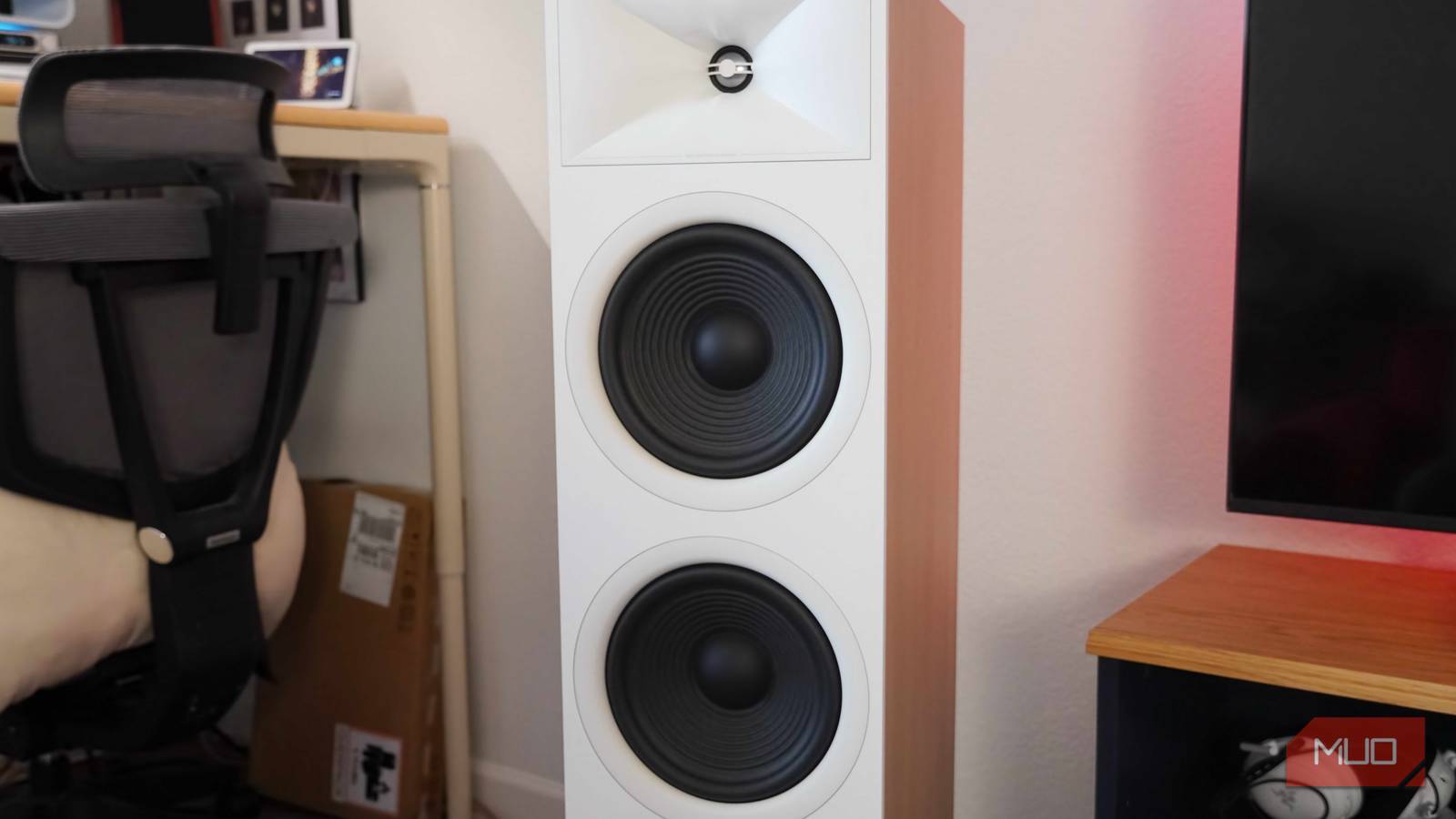

Audiophiles are always searching for better sound quality, but you don’t need to upgrade your gear to enjoy a sharper listening experience. Optimizing the audio gear you already own is more important than discovering the products you’re planning to buy next. Acoustics and speaker placement are crucial elements of any great listening room — and they can be the hardest to master. I made a handful of speaker placement mistakes while building a Dolby Atmos home theater in my living room, and you can learn from these five pitfalls.
The speakers are too close to your wall
Speakers move air to create sound, and they need breathing room

It’s tempting to place your speakers right up against the wall furthest away from your main listening position. Especially in tight rooms, you might think about putting your speakers further away to separate the left and right channels better. This is the simplest mistake you can make when placing your speakers in a room. Putting a set of speakers too close to the wall immediately causes reflections. The audio bounces off the wall, particularly low-frequency sounds emitted by the speakers.
The bass reflects off the wall and is sent right back in the direction of the prime listening position. This is undesirable because it’ll disrupt the acoustic timing of your system. The speakers are firing sound directly at you, but the audio reflections bouncing off the wall arrive slightly afterward. It’ll also blend the lows and mids together, resulting in clarity and detail loss.
Additionally, some speakers are rear-ported by design. These speakers use a vent on the back to regulate internal air pressure, but this requires extra space between the speaker cabinet and the back wall. With front-ported or sealed speakers, there doesn’t need to be as much room between the speaker and the back wall. That said, as a general rule of thumb, you want speakers to be spaced out in your room — ideally two or three feet off the wall.
The speakers aren’t positioned at ear level
Speakers too high or low will have a poor soundstage and imaging
Often, the desire for aesthetically pleasing speaker placement comes at the detriment of sound quality. Speaker height is as important as the speaker’s physical position in your room. This is easy for floorstanding speakers, as they’re designed to fire sound directly at ear level when seated on a typical couch or chair. However, if your speakers aren’t firing at ear level due to their size or the height of your listening position, you need a riser or stand to compensate.
This speaker placement mistake most commonly affects desk or bookshelf speakers. To put a pair of bookshelf speakers on your desk, you will need speaker stands that raise or angle the audio drivers toward your ears. Using a pair of bookshelf speakers in a listening room is convenient for smaller spaces, but you should use speaker stands to adjust the height to your specific setup. Ideally, if stands or risers are required, they should have anti-vibration pads or be made out of a sound-dampening material, like foam.
Specifically, the speaker’s tweeter — the small driver handling high-frequency and treble sounds — should be at ear level. It’s not uncommon for the woofer(s) to sit a bit below ear level. To find the right height for your speakers, remove the speaker grille, identify the position of the tweeter, and adjust the speaker position accordingly.
The speakers are firing straight ahead
You should toe-in your speakers just a tad for ideal sound

Speakers should send sound toward your ears, and our ears on the side of our heads. If a speaker is placed to fire straight ahead, the sound isn’t going straight into your ears. It’s easy to align speakers with a TV or monitor by mistake, but they should really be “toed-in.” In other words, each speaker should be slightly angled off-center so that the drivers fire sound toward the ears of the person seated in the main listening position. Speaker toe-in is easy to get wrong, because angling speakers too aggressively can create a worse listening experience than leaving them straight.
Speaker toe-in affects the soundstage and stereo imaging of your speakers. A set of speakers positioned properly creates what is called a “phantom center” speaker. You only have left and right stereo channels, but correct speaker placement causes your mind to think sound is coming from directly in front of you. It’s an auditory illusion, but it’s one that widens your perception of the soundstage. This trick can make live recordings sound like the band is really playing inside your room if the speakers are positioned right.
Toe-in your speakers too much, and your stereo imaging and the phantom center effect will become more noticeable at the expense of your soundstage. Position your speakers closer to parallel with each other, and the soundstage immediately widens, this time at the expense of stereo imaging. The only way to get speaker toe-in right is to check your speaker manufacturer’s guidance and test out speaker angles for yourself. Listen to the same track, moving your speakers by five or 10 degrees between rounds. When you enjoy the phantom center illusion created by great stereo imaging and a wide soundstage simultaneously, your speaker toe-in is perfect.
The speakers aren’t on an isolated surface
Putting them in a cabinet or on the same surface as your turntable is a mistake
Speaker placement isn’t just about the physical location of your speakers. It’s also important to carefully choose the surfaces you place your speakers on. There should be some anti-vibration or sound-dampening materials between your speakers and their surface. Depending on the setup, this could be as simple as rubber feet. It also could be as complex as speaker isolation pads made out of acoustic foam. In my setup, I have rubber feet on the bottom of my floor speakers, and a rubber isolation pad between my up-firing Dolby Atmos speakers and the floor cabinets.
If your listening station includes analog sources, like a turntable, do not put your speakers on the same surface as your record player. The vibrations from your speakers will be sent through your turntable. At best, the stylus will pick up the vibrations and incorrectly record them as part of the music. At worst, the vibrations can cause the stylus to skip or jump inside the record’s grooves, causing worse sound quality and possible damage.
Finally, avoid the temptation of putting speakers inside a cabinet, shelf, or other enclosed space. Remember the drawbacks associated with placing speakers too close to a rear wall. Physical barriers near your speakers add reflection points, causing the sound to become muddied and distorted before it even reaches your ears.
The speakers aren’t properly distanced
Speakers too close or too far away from the primary listening position sound worse

Another speaker placement mistake is failing to follow the equilateral triangle rule. Many budding audiophiles know that the angle and distance between the speakers and the primary listening position is important. However, it’s easy to forget that the distance between the left and right speaker channels is also important. The left speaker, right speaker, and prime listening position should all be placed so that they form an imaginary equilateral triangle. This is necessary for proper soundstage and imaging, which greatly affects sound quality.
Let’s say your speakers are six feet apart from each other. The distance between the left channel speaker and the primary listening position should also be six feet, and the speaker should be angled so that an imaginary straight line could be drawn between the two points. The same goes for the right channel speaker and the primary listening position. The imaginary equilateral triangle not only tells you how far the speakers should sit away from each other and the main listening spot, but it also gives you an idea of the ideal toe-in angle for your speakers.
How to properly place your speakers
Once you know the speaker placement mistakes to avoid, you know how to get it right. Position your speakers off the wall, creating an equilateral triangle with proper speaker distance and toe-in angle. Make sure the speaker’s tweeter is firing at the ear level of the primary listening position, and ensure it is on an isolated surface. If you follow those rules, you’ll get the best sound from your audio system.
