

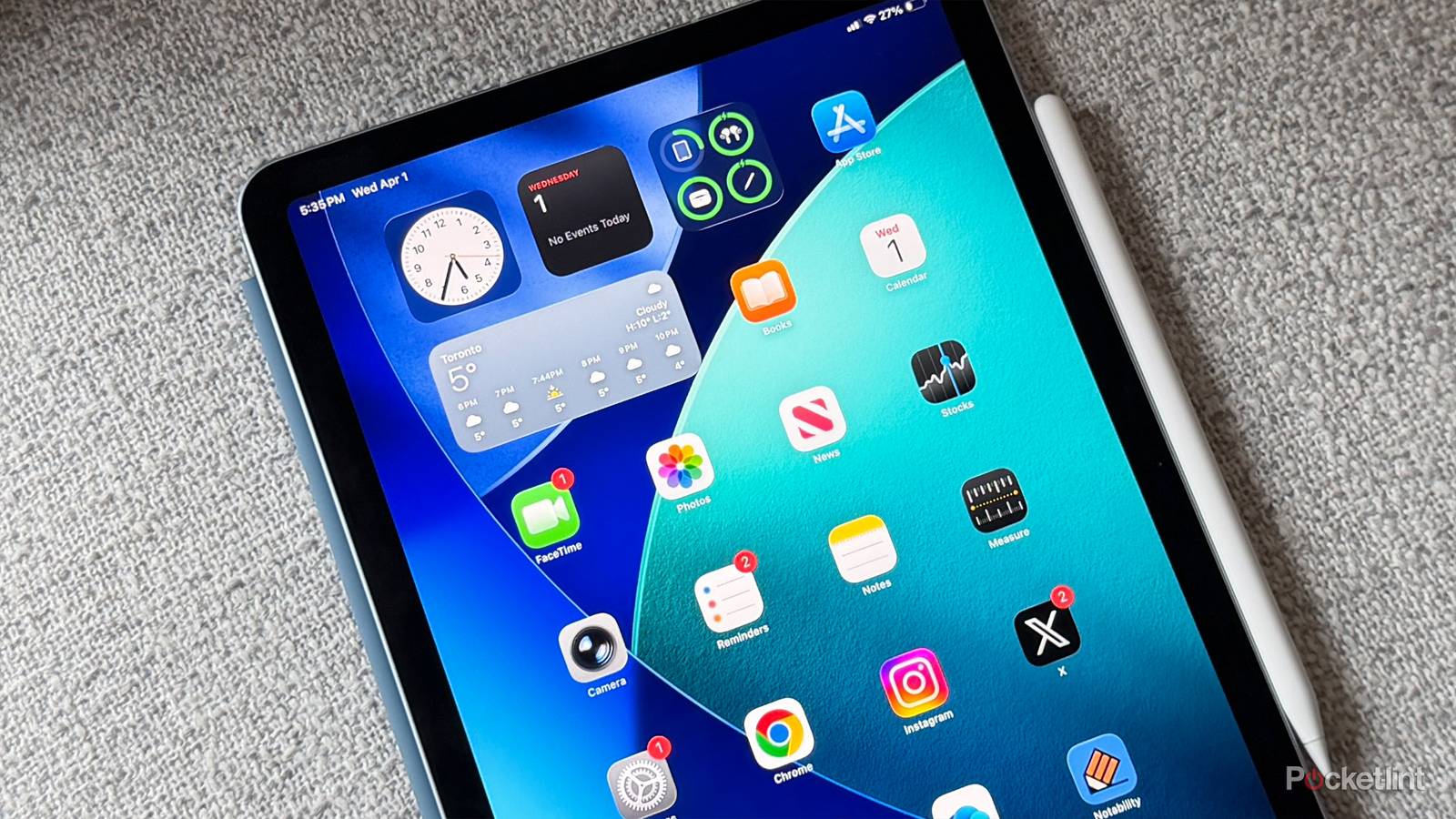

You’re probably familiar with the concept of bloatware, but in case you’re not, it refers to apps that come pre-installed on a device, yet serve no purpose for the majority of users. On a smartphone, some examples might include apps by paid carrier partners trying to hawk their goods, but which end up shoved onto your very last homescreen instead.
Apple is usually decent about avoiding this problem, mostly because the only services it wants to push are its own. But there are some apps that are largely useless to most iPad owners, and you might consider deleting them if you’re fighting for every last gigabyte.

- Brand
-
Apple
- Storage
-
256GB, 512GB, 1TB, 2TB
Tips
Shepherding users from 2016 (or maybe 2006)

This one is going to be controversial. I’m sure some people do benefit from this app, which attempts to coach you through basic iPad functions using short descriptions and images. It might be invaluable if you’re a complete newcomer, and even I sometimes find it handy for reminders that certain options exist.
Thing is, while the app is comprehensive enough, you often have to wade through its table of contents to find what you’re really interested in. It’s not great about proactively suggesting info past your first few days, either, so you’re probably better off searching YouTube or Apple’s Support website when you need help. Or talking to Siri AI, if your iPad supports it via iPadOS 27 or later.
Apple Fitness
A strange middleground

As with Tips, I don’t mean to be too harsh here. I’m a big believer in the value of smart fitness tech, both at advanced and beginner levels. If an app, tracker, or video can help someone get stronger or healthier without introducing pseudoscience, I’m all for it.
On an iPad, though, you can’t directly pair your Apple Watch, so there’s usually only one purpose for the Fitness app: accessing Apple Fitness+. And therein lies its downfall. Based on what I’ve seen, you should be able to get genuinely fit using the service’s workout programs. They’re heavily cardio-focused, however, and you’re paying $10 per month (or $80 per year) for the privilege. You can get similar or better help elsewhere for free — I didn’t pay a dime for the info that helped me reach a 400-pound deadlift. Fitness+ boils down to coaching and motivation, plus integration with compatible wearables.
Stocks
You know someone’s getting rich, but it ain’t you

If there’s any app that signals who Apple wants its main audience to be, it’s this one. I don’t begrudge Apple for creating a stock tracker — but loading this on every iPad assumes that many of your customers are not just wealthy enough to own a stock portfolio, but to care so much about it that they need to track it 24/7. If you’re an indebted college student using an iPad as your only computer, Stocks might feel like a sick joke.
To be fair, the app can teach you how the market works if you pay attention to trends and read its news stories, which will help you if you’re ultimately blessed by the whims of capitalism. But I think a lot of iPad owners would rather have some version of Pixelmator or Final Cut installed so they can make the money to start a portfolio.
Freeform
A fantasy of work life

I confess, a part of me would love to live in this app. Apple’s promo images depict incredibly elaborate mood boards and flow charts. In an alternate reality, there’s a version of me brainstorming breakthrough art and science projects using nothing more than an iPad Pro and an Apple Pencil.
I don’t think Freeform reflects how most people organize ideas, however, especially if their drawing skills are as primitive as mine. It’s kind of chaotic, so I’d suggest an app like Notability instead, or simply Apple Notes if you want to keep things free. It’s not even the best app for workplaces that rely on this sort of tool — collaborators have to own an Apple device, and communicate via Messages or FaceTime. The odds of being in an all-Apple workspace that doesn’t have a contract for an SaaS platform are pretty low.
