


If you used a PC in the 1990s, there’s a decent chance green felt and pixelated card backs are burned into your muscle memory. Microsoft Solitaire became the default way to kill a few minutes at a computer, then a few more, until it was practically shorthand for office procrastination.
What you may not know was that the game had another purpose. Microsoft didn’t bundle Solitaire with Windows just to give people something to play. The card table also gave newcomers a low-stakes way to get comfortable using a mouse.
Windows had a mouse problem
DOS users had spent years doing almost everything from the keyboard
To understand why a card game became so useful to Windows, you have to go back to the early history of Windows and its evolution into a graphical operating system. When Windows 3.0 arrived in 1990, plenty of DOS users were still accustomed to text prompts, keyboard commands, and software built around keeping your hands on the keys.
There were exceptions, of course. Microsoft Word was already older than Windows, and its DOS version supported a mouse. But that was still far from the way most people interacted with their PCs.
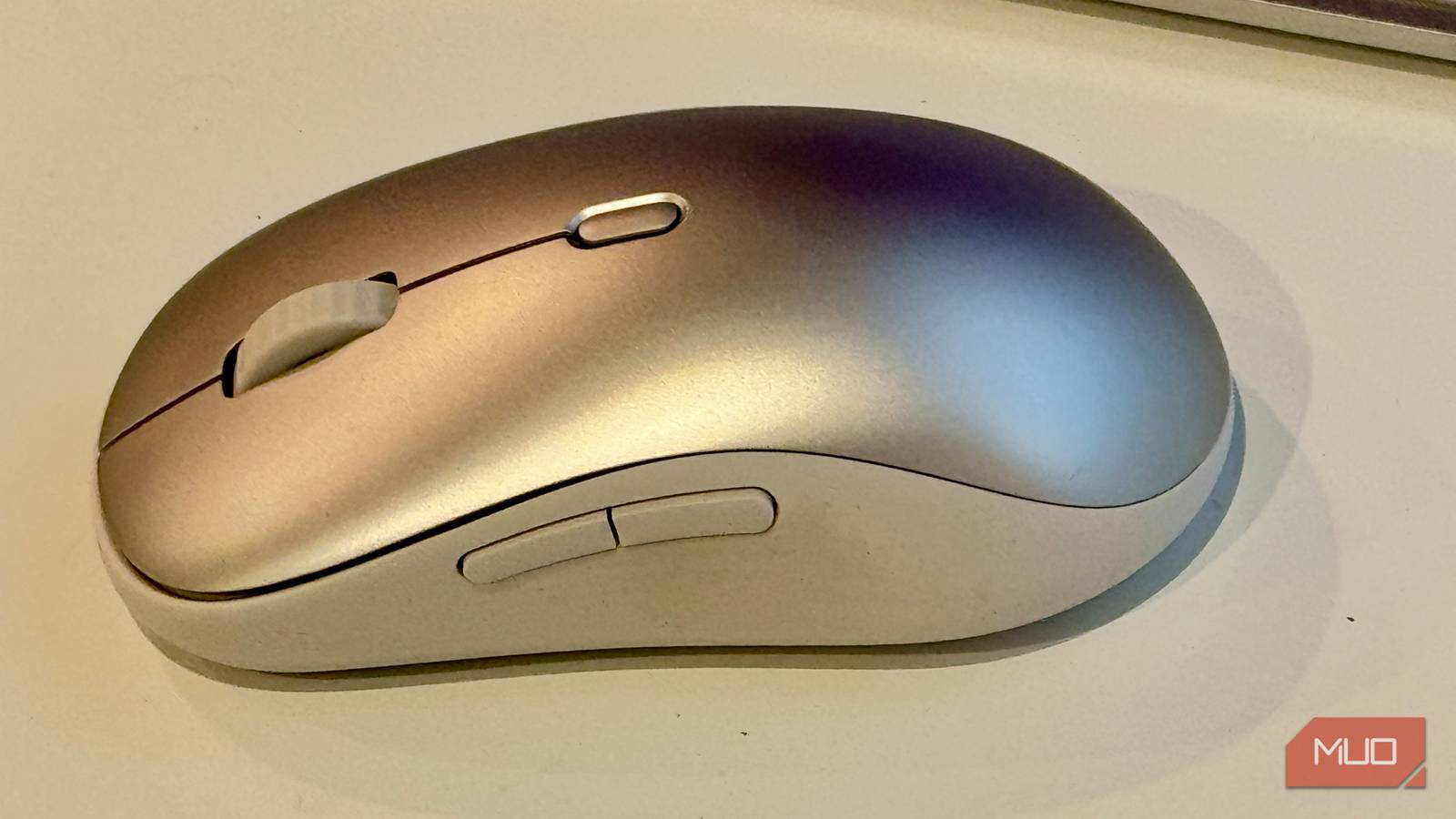
The mouse felt foreign to a lot of experienced users. You had to pull a hand away from the keyboard, grab a plastic brick, and move it around just to do something a shortcut or command might handle faster.
Windows 3.0 asked people to work very differently. Pointing, clicking, and dragging became central to navigating its graphical interface, which meant users had to become comfortable with physical movements that DOS had rarely required.
The challenge was that those movements didn’t become instinctive overnight. Picking something up on screen, dragging it across a desktop, and dropping it somewhere else might be reflexive now, but a first-time mouse user still had to develop the coordination to do it reliably.
Solitaire turned practice into procrastination
Dragging cards taught the same motions Windows expected everywhere else

That was where Solitaire fit unusually well. Plenty of people already knew how Klondike worked, so they could focus on using the mouse without having to learn a new game and interface at the same time.
Moving a card from one column to another meant clicking, holding, dragging, and releasing, which mirrored the same basic motion Windows uses for actions like moving a file into a folder. Clicking the stock and selecting individual cards also forced you to build the kind of pointer accuracy a graphical interface demanded.

Solitaire also provided immediate, low-stakes feedback. If you didn’t drag a card correctly, it snapped back. If you missed what you were trying to click, nothing happened. Doing that over and over inside a card game was a lot less boring than practicing mouse movements for their own sake, and you could spend quite a while building coordination while telling yourself you were just killing a few minutes.
That training role wasn’t some clever interpretation people invented decades later. Microsoft itself described Solitaire as a way to make Windows less intimidating while helping newcomers get comfortable with the mouse.
A bored intern accidentally built the perfect tutorial
Wes Cherry was just trying to put Solitaire on his PC

However, if you think Microsoft Solitaire was born from a high-level corporate strategy meeting about user experience, you’d be giving Microsoft too much credit. The game already existed before anyone decided it could double as mouse training, and it came from a much humbler source: a bored intern named Wes Cherry.
In 1988, Cherry was an intern at Microsoft, tinkering with Windows during his downtime. “I came up with the idea to write Solitaire for Windows out of boredom, really,” Cherry said in a 2017 Great Big Story interview on YouTube. There weren’t many games for Windows at the time, so he decided to write his own Windows version inspired by the Solitaire game he’d played on a Mac.
There weren’t many games right at the time, so we had to make them.
The code eventually found its way onto an internal server known as “Bogus Software,” where Microsoft programmers shared games and experiments they had written while learning the Windows API. The game eventually caught the eye of a program manager who saw its potential for the upcoming Windows 3.0 release.
To give the project a professional polish, Microsoft brought in Susan Kare, the designer already famous for her work on the original Macintosh interface, to create the card faces and help define the game’s distinctive pixel-art look. Several of the memorable card backs were designed by Leslie Kooy, Cherry’s then-girlfriend.
In a twist that perfectly captured the era’s corporate priorities, Cherry had also coded a “boss key,” a shortcut that could instantly replace the card table with something that looked like work if a manager happened to walk past. Microsoft made him remove that feature before shipping. The company was happy to put Solitaire in offices, apparently just not with built-in evidence destruction.
The game outlived the lesson
By the time Solitaire was still shipping with Windows 7, its original training value had long faded. The mouse was ordinary, but Solitaire had become one of those classic Windows 7 and XP games people still bring back on modern Windows, surviving multiple interface redesigns and generations of PCs.
It’s still very much around today, only in a form that Wes Cherry probably wouldn’t recognize at first glance. Microsoft Solitaire Collection now includes several Solitaire variants alongside achievements, daily challenges, cloud saves, ads, and a Premium membership. Microsoft Solitaire eventually made the jump to smartphones too, taking a game designed around mouse practice onto devices that didn’t need a mouse at all.
Cherry never received royalties, though he has said he was fine with the arrangement. Microsoft gave him an IBM XT so he could fix bugs while he was back at school, and he later worked at the company before eventually moving into cider making. For a side project written out of boredom, Solitaire had a ridiculous afterlife: a small game tucked into Windows became one of the defining rituals of using a PC.
