

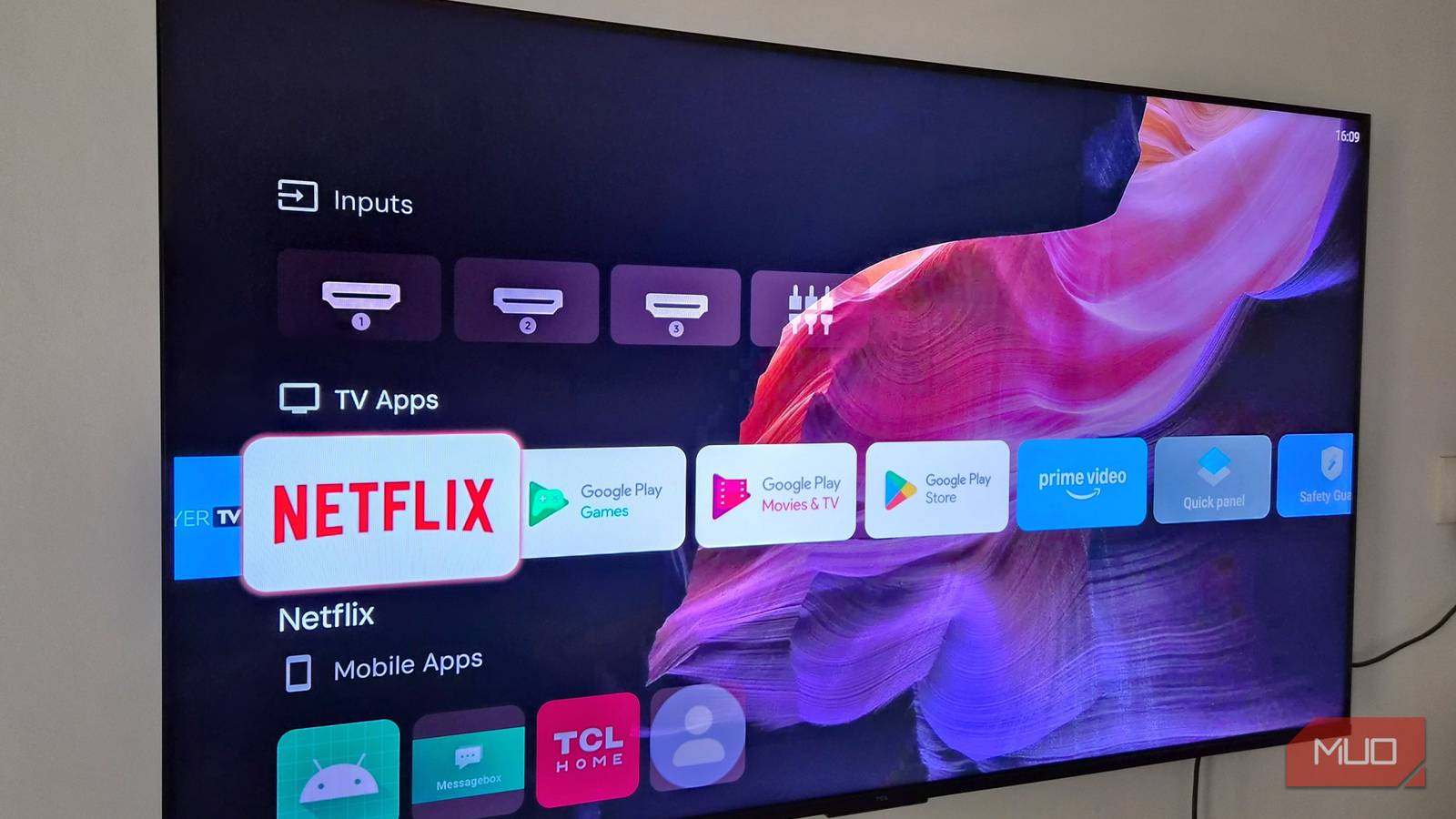

Google TV is one of the best operating systems around, but I can’t say the same for its home screen experience. It’s cluttered, and half the time, you’re just scrolling through sponsored content or watching suggestions from services you don’t even subscribe to. The worst part here is the lack of control. There’s no real way to fix any of this from within Google TV’s own settings.
The good news is that there are enough third-party launcher apps that solve this problem. I’ve tried almost all the popular options, but these four are the only ones worth your time.
FLauncher
Simplicity done right
FLauncher solves the biggest issue with Google TV, which is its cluttered interface. It’s a free, open-source app that’s all about simplicity, and there’s no algorithm trying to suggest content or autoplaying trailers at you.
FLauncher strips things down to just your apps in a clean, customizable grid. By default, it categorizes apps into TV Applications and Non-TV Applications, but you can create more as needed. This organization is far better than scrolling apps in a long horizontal strip or using Google TV’s all-or-nothing Apps-Only Mode.
Another thing I like about FLauncher is that it lets you hide apps from the home screen. This is great for anything you want to keep out of sight, including those pre-installed apps that can’t be removed.
There aren’t a ton of customization options beyond that, but the app does let you change the background, and you can even pick free wallpapers directly from Unsplash.
Arc Launcher
FLauncher’s more stylish cousin

Arc Launcher is similar to FLauncher, and there’s a good reason for that. It’s actually a custom fork of LTvLauncher, which itself is based on FLauncher. So yes, Arc Launcher gives you everything FLauncher does. You get that same ad-free home screen and that same freedom to organize your apps however you want.
What makes it different is customization. Instead of a simple static backdrop, Arc lets you use a short video clip as your wallpaper, and you can even set it to change automatically depending on the time of day.
Another highlight of Arc Launcher is the status bar. Instead of just seeing the date and time, you get a Wi-Fi toggle and a live data usage indicator. You can even go as far as changing the app card animation and clicking sounds.
AT4K Launcher
The Apple TV alternative

AT4K Launcher is probably the closest thing to an Apple TV experience you can get on your Google TV. It brings a grid-style app layout to the home screen, but instead of sorting things into categories like FLauncher, it lets you group them into folders. You can also adjust how many apps show up in a single row, so the grid can look as dense or as spaced out as you want.
Unlike FLauncher or AT4K Launcher, it does show feature cards on the home screen, but they’re not ads. They’re designed to show stuff you’re already watching so you can jump directly to the next episode. And in case you still don’t want them, it’s possible to hide them too.
You can move apps around, hide them, and even change their icon if that’s your thing. It also lets you change the background to a photo or video. The one caveat is that AT4K Launcher isn’t entirely free. Some of its features are locked behind the paid version, though it’s not going to break the bank. It’s a one-time fee of $5, and honestly, the free version is perfectly usable on its own too.
Projectivy Launcher
The one that does it all
If I was ever forced to pick a launcher for life, I’d go with Projectivy Launcher. It’s easily the most feature-packed launcher you can find. It can do everything that FLauncher, Arc, and AT4K can, and it’s also faster than all three.
It has a slightly different layout. Instead of a simple grid, it organizes everything into sections like Inputs, Apps, Settings, System, and more. Besides launching apps, this makes it quick to change inputs and certain settings.
You’re not locked to this layout, though. If you don’t like it, you can hide sections entirely and switch to a plain grid layout for apps instead. And, of course, there are no ads or banners anywhere on the home screen. It does show a Watch Next section, but even that can be hidden if you’d rather not see it.
Customization-wise, Projectivy Launcher is the most flexible. You can adjust everything from the spacing between elements and thumbnail sizes to the accent color. My favorite thing about it is all the little details. For instance, there are parental controls if you want to lock specific apps or sections. The same restrictions can be applied for launcher settings too.
You can even create custom profiles for different things, like gaming, browsing, streaming, and casual use. It’s also big on privacy and claims to collect no data whatsoever. But like AT4K, it’s not entirely free either. You need to pay $7 to unlock all the features, but that’s a one-time thing.
