

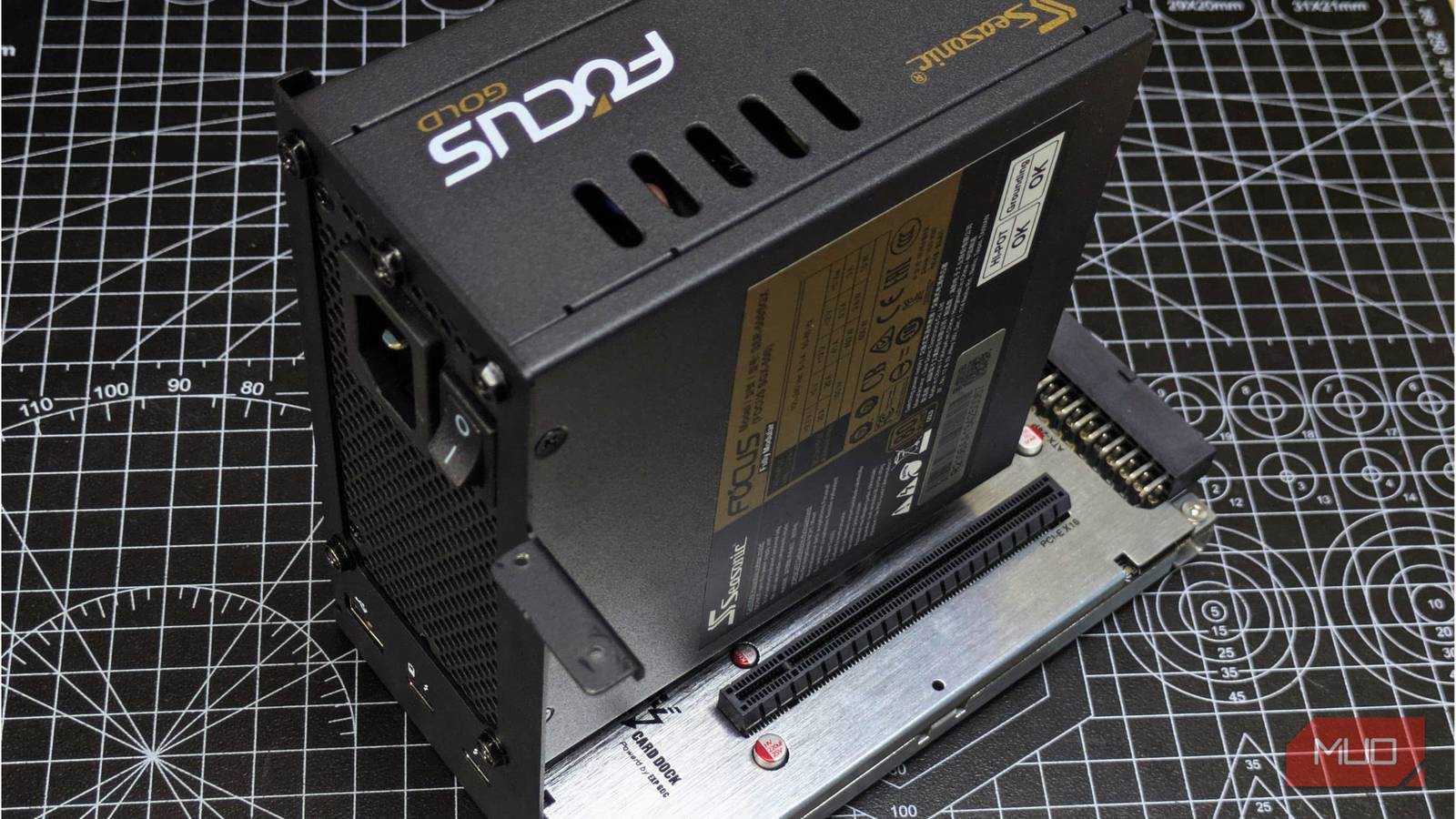

In times like these, buying a gaming PC seems impossible due to the absurd component prices, thanks to the AI-led memory and storage shortage. Unfortunately, it’s not just that memory prices are being impacted; the snowball effect has raised prices for all components, including parts that don’t even use memory, like the CPU or motherboards.
With prices where they are right now, I’d absolutely recommend going with used parts to build a PC. That said, not every part needs to be new, and that’s something I’ve learned from personal experience, blowing up a PC I built nearly a decade ago because I bought a cheap, worn-out PSU.
I wouldn’t want to make the same mistake twice, which is why I always recommend buying a new PSU unless I want my PC to turn into a literal ticking time bomb.
Used PC parts are fine unless the PSU is involved
Used CPUs, RAM, and GPUs are easy to verify
Now, this isn’t to say that there’s no risk involved with buying used PC parts; you have to be very careful. A CPU is probably the safest used part one can get, since there are no moving parts and a processor rarely gets degraded unless abused with overclocking or physical damage.
For RAM, you can run a few tests like MemTest86 to ensure that it’s free of errors. For the GPU, the testing is a bit extensive since you’ll have to check benchmarks and temperatures, but for the most part, used GPUs are good to buy if the tests pass.
For the PSU, there are many wear-prone parts, and buying a used supply is dangerous because you can’t really tell at a glance, unless through thorough testing, which is impractical for a normal PC user to do to determine its history.
A used PSU hides its wear
A clean exterior says nothing about the capacitors inside

You might glance at a used PSU and think it’s fine if it’s free of dust, but the internals might be damaged, and there’s no proper way to know unless you have an oscilloscope and a load tester. The capacitors inside a supply actually degrade over time with heat and age. The switching transistors also suffer from electrical stress, and thermal cycling can loosen solder joints over time, making the PSU unstable and less reliable.
Other than that, a PSU’s connectors can also get oxidized to the point that they become a fire hazard for connectors to the GPU/CPU if they produce enough resistance and heat.
Then, there’s the cooling problem. With so many internal components and circuitry, it can trap dust and heat up to the point that fans work overtime, and the entire supply heats up. Ignored long enough, the PSU can choke on its own dust, and the lint can become combustible material that can make your entire unit blow up or catch on fire.
When a PSU fails, it doesn’t fail alone
Even a protected unit can pass bad voltage to a GPU or motherboard

Even with all the protections like OVP, OCP, and UVP, PSUs can still damage your PC. In the worst-case scenario, your pre-built PC or the second-hand supply is a cheap one without these protections, and your PSU takes your entire PC with it, blowing up. In other cases, the PSU will simply fail and won’t allow current to pass through, so you’ll end up with a dead supply, but your PC is safe.
However, there’s more to this story. A weak PSU, despite the regulations and protections, can still send ripples and inadequate voltages to your PC, which can shorten your components’ lives or even kill them prematurely, and the cause will be hard to trace.
Instead, I recommend putting the saved money from the rest of the used components to good use and buying a new power supply.
What to look for when buying a new PSU
Cybenetics and 80 Plus ratings narrow down trustworthy models

Even with a new PSU, you won’t be completely safe from the risk of your PC being damaged. For starters, I always recommend buying a PSU from reputable brands like NZXT, Cooler Master, Gigabyte, Seasonic, Corsair, and be quiet!
Even when buying a new generic/off-brand PSU, it is a huge risk on its own because it has poor build quality, lacks necessary safety features, and has poor-quality internal components that wear out fast.
To buy a good PSU, I recommend keeping an eye out for the 80+ badge, so you’re not wasting any electricity in converting AC to DC. Also, you would want to look out for whether the PSU you’re buying has a good warranty length (at least five years) and features like OCP, OVP, and UVP that shut down the supply in case of abnormal current, keeping the rest of your PC safe.
Before finalizing your purchase, do check out your PSU at Cybenetics, which is a certification body for PSUs and ranks them based on their noise (LAMBDA) and efficiency (ETA) ratings.
Where you can still save money on a PSU
A PSU is still one of the cheaper parts for a PC, and finding a good model doesn’t mean having to spend a big portion of your budget. You can still save on a PSU by opting for non-RGB variants and getting non-sleeved, semi-modular models. However, never compromise on quality or safety features, because the PSU is essentially the lifeline of your entire PC.
