

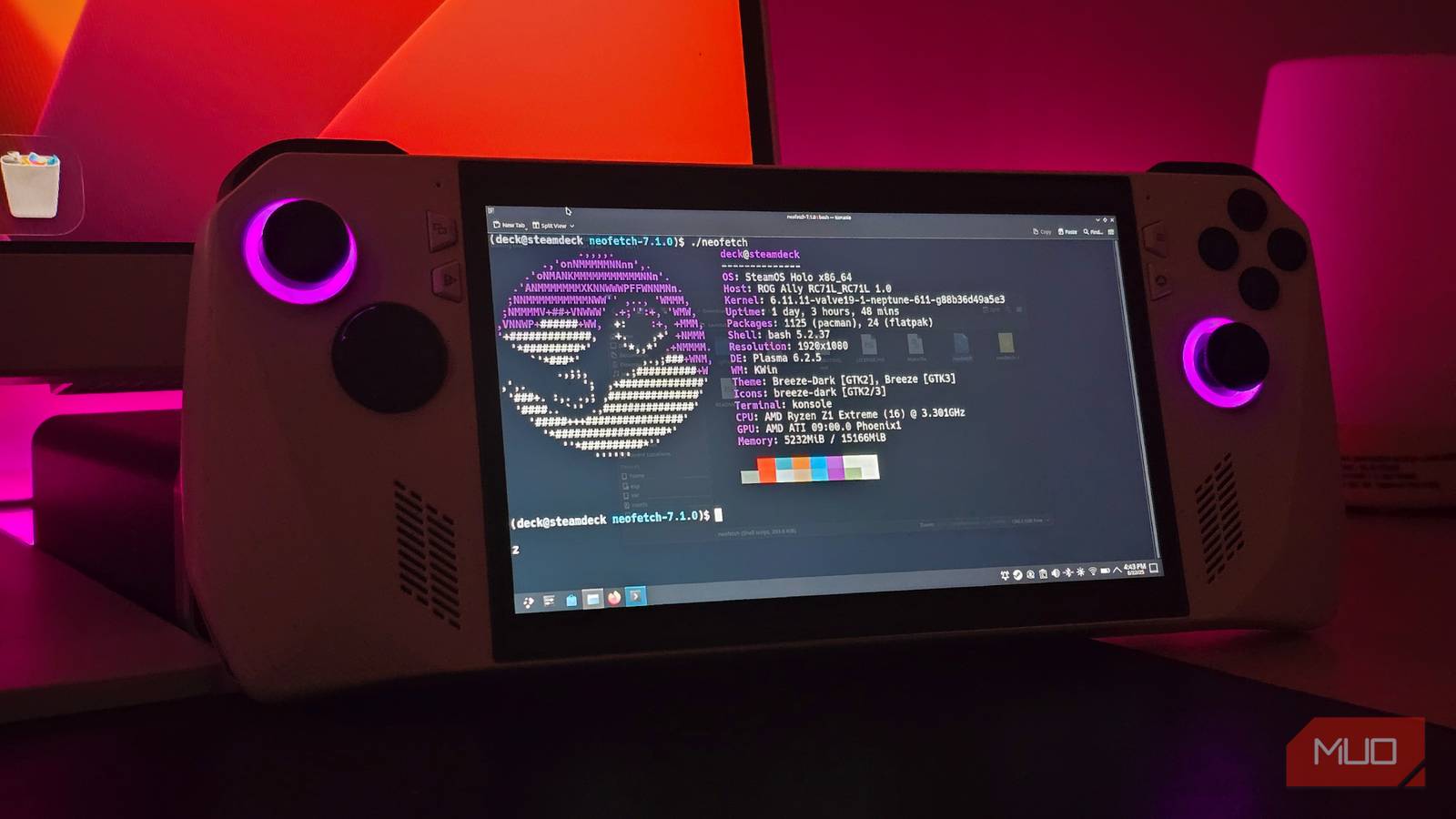

Gaming on Linux is better than it’s ever been before, with most titles just working out of the box with the defaults. That said, there are a lot more settings you can tweak to further fine tune your experience.
Simple things like changing the Proton version or adding in some custom schedulers to the mix can often make for dramatic improvements. These “fixes” don’t take too much time to complete, and are persistent across reboots.
Use a custom Proton version
Use an app to download and manage them for you

By default, Steam uses the Proton Experimental layer for running games on Linux. It’s not as obnoxious a choice as you’d think — the default Proton Experimental channel still gets frequent updates and is enough for most games out there.
That said, there are moments when you’ll find yourself wanting a more updated, custom fork. The two most common forks I recommend are Proton-CachyOS and DW-Proton. Proton-CachyOS further builds on the default Proton, adding in a few extra compatibility and performance patches. In most cases, the difference is minimal, but Proton-CachyOS does have support for a few additional codecs. It’s what I recommend as the default.
DW-Proton, on the other hand, is a compatibility layer that works best with the many anime-styled free-to-play titles on Steam. I’ve used it with Zenless Zone Zero, and it seems to work better than Proton Experimental.
As for installing the Proton versions, I’d recommend using ProtonPlus. It’s available through the FlatHub repository, as well as the AUR. ProtonPlus is easy to set up and automates most of the process for you.
Update your system
Always grab the latest Mesa and GPU drivers
It goes without saying that you should always keep your system up to date. Unfortunately, Linux distributions deal with updates in their own way, which complicates things. For starters, there are different package managers, which aren’t compatible with each other.
Next, we come to the release update policy of the distribution that you’re using. CachyOS and other Arch Linux-based distros follow a rolling release model — ensuring that you get the latest, bleeding edge updates. This comes at the cost of system stability at times.
On the other hand, distributions like Ubuntu (and other Debian-based alternatives) stick to a more stable, Long Term Release (LTS) format. The packages on these are a lot more out of date, which can have a significant impact on performance. Some games also require the latest mesa drivers, which is a pain point for most Debian systems.
Which is why it’s always recommended to use a rolling release distro for gaming, especially if you want to play the latest releases.
If you’re on an Nvidia GPU, you’ll also want to update to the latest stable drivers. Nvidia’s drivers are a bit of a mess to untangle right now, but RTX GPUs should work just fine with the standard open drivers.
Use Gamescope to create a wrapper around your games
HDR, frame rate caps and more

Gamescope is a compositor developed by Valve, and can wrap around games to launch them with a few custom tweaks. Think of it like a borderless window for your games. It’s also desktop agnostic, meaning it’s not locked down to something like KDE or GNOME.
As for the options, Gamescope has plenty. All the basics are here, like being able to set a custom resolution and refresh rate for your game or just being able to toggle effects like HDR on or off.
It’s a very capable program, and one that I consistently keep using with Niri.
Install the gamemode package
Noticeable boosts on older systems

One of the other packages to try out is Feral Gamemode. The program is available from the AUR, and must be set up first.
sudo pacman -S gamemode lib32-gamemode
sudo usermod -aG gamemode $USER
Following the two commands listed above in the terminal should be enough to get gamemoded set up and running, which you can confirm with a simple gamemoded -t. If you want to use it with Steam, make sure to append the gamemoderun command to your launch parameters.
The program can also be configured and fine-tuned, but I’ve found the defaults to be good enough.
Gamemode works by running a small daemon (gamemoded) that activates once you start a game. In short, it auto-applies a bunch of optimizations to help boost game performance. The daemon auto-closes once you quit the game and is surprisingly effective at what it does. Gamemode can be a legitimate way to boost performance on older systems, but do know that not all systems will benefit from it.
Set your laptop to the Performance profile
Set your GPU to maximum performance as well
This is mostly applicable for laptops. Like Windows, Linux also supports multiple power profiles for your device, and the defaults can often be puzzling. If you seem to keep running into stutter, try switching the laptop to a Performance preset.
The changes should be immediately noticeable, although I’d recommend plugging in the system for maximum performance (and to not have the battery die out mid-game).
You can also consider using GPU tuning software such as LACT to unlock additional performance. Not all GPUs are configured for max performance out of the box, and tweaking a few settings in LACT can make for a significant uplift.
The anti-cheat and DRM problem
Linux is entirely incompatible with most modern anti-cheat solutions, making it a poor choice for those wanting to play competitive multiplayer games like Valorant. Simply put, the anti-cheat does not work on Linux, and any attempts to port it over might incur the wrath of the publishers, resulting in a ban. Linux is entirely unsupported for these games.
This isn’t true for all titles though, and there are a healthy number of games that still support multiplayer on Linux. You’ll learn to live with this compromise, and adjust your game library to that end.
Another issue is DRM. Particularly, Denuvo’s DRM, which has a 5-machine per day limit. If you flip around the Proton versions a bit too much, you might find yourself locked out for a day, since the DRM considers each Proton swap a different installation of its own.
Gaming on Linux is still not perfect, but it’s still pretty usable — to the point where I’d recommend it over Windows 11 entirely (assuming your game works on Linux).
