

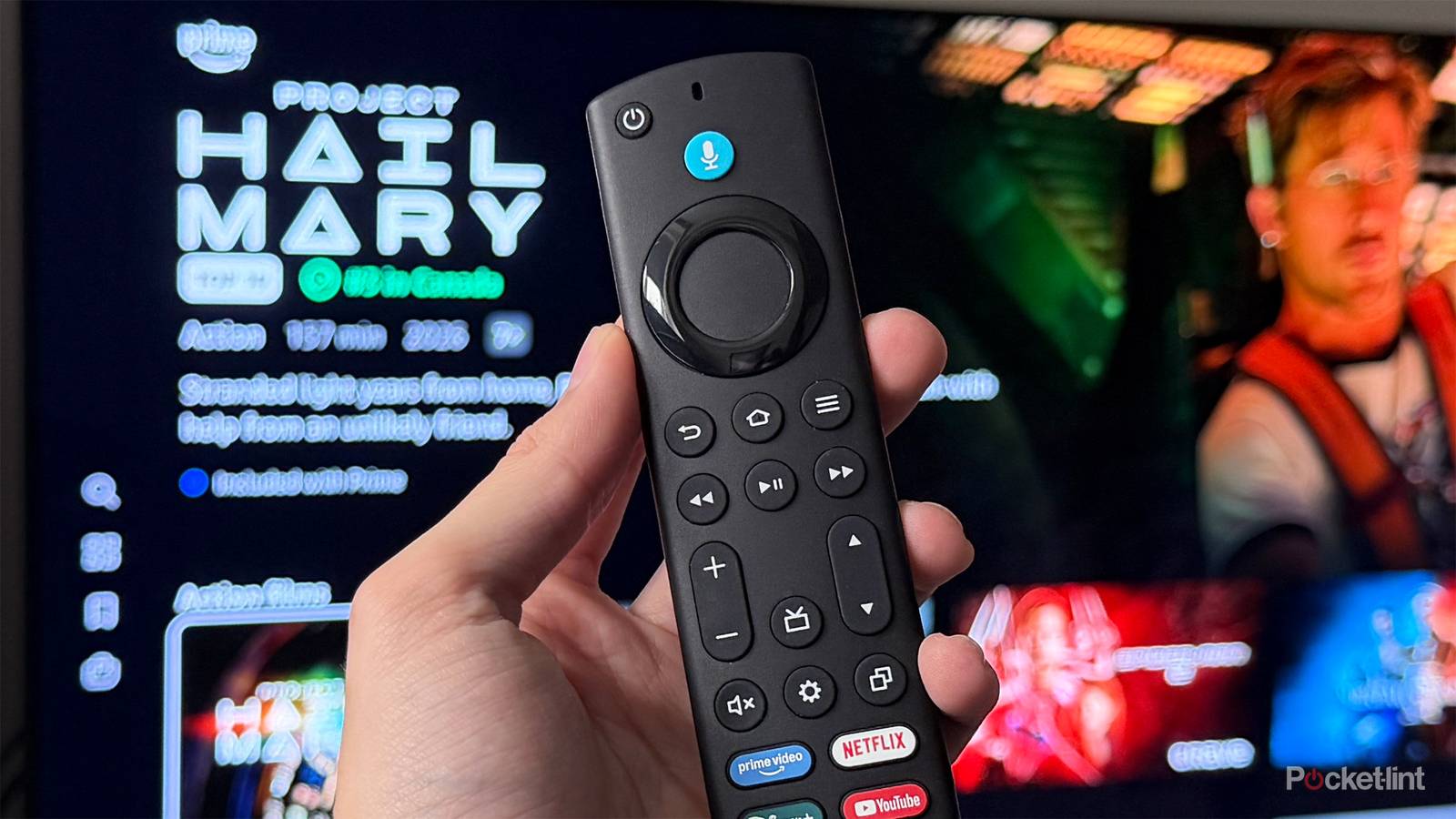

TVs have so many settings to change, and sometimes you run into the issue of one needing a little bit more out-of-the-box calibration than you’re used to. I picked up a Fire TV Mini-LED back in September, and while I’m a huge fan of it, I had to tweak a lot to get it to where I wanted it to be.
Fortunately, it didn’t take a ton of time to get things set right, but it did require finding the right picture setting I wanted to change, because they’re not all created equal. Some settings don’t let you change certain settings, so I kept going through them until I could find the most customization. This was typically the Movie setting, so start there if you want to change the most settings that you can. From there, it’s just a lot of trial and error. In the end, it’ll feel like a big upgrade for your TV versus its out-of-the-box settings.

Quiz
Fire TV Stick history
Trivia challenge
From its 2014 debut to 4K streaming dominance — how well do you really know Amazon’s Fire TV Stick?
HistoryHardwareStreamingFeaturesAmazon
In what year did Amazon first release the original Fire TV Stick?
Correct! Amazon launched the original Fire TV Stick in November 2014, initially as an invitation-only product before making it widely available. It was designed as a budget-friendly alternative to the full Fire TV box released earlier that same year.
Not quite. Amazon launched the Fire TV Stick in November 2014, following the debut of the larger Fire TV set-top box earlier that year. It quickly became one of the best-selling streaming devices on the market.
Which port does the Fire TV Stick plug into on your television?
Correct! The Fire TV Stick connects directly into an HDMI port on your TV, making it incredibly simple to set up. A separate USB cable is also included to provide power to the device.
Not quite. The Fire TV Stick uses an HDMI connection to plug directly into your television. This design keeps the device compact and ensures compatibility with virtually any modern TV.
Which Fire TV Stick model was the first to support 4K Ultra HD streaming?
Correct! The Fire TV Stick 4K, released in October 2018, was the first stick-form-factor Fire TV device to support 4K Ultra HD, HDR10, Dolby Vision, and Dolby Atmos. It was a significant upgrade over the standard stick lineup.
Not quite. The Fire TV Stick 4K, launched in 2018, was the first in the stick lineup to offer 4K Ultra HD support along with HDR10, Dolby Vision, and Dolby Atmos audio. Earlier stick models were capped at 1080p Full HD.
What is the name of Amazon’s voice assistant built into the Fire TV Stick remote?
Correct! Amazon’s own voice assistant, Alexa, is integrated into the Fire TV Stick remote, allowing users to search for content, control smart home devices, check the weather, and more using just their voice.
Not quite. Amazon built its own voice assistant, Alexa, into the Fire TV Stick remote. Alexa lets you search for content hands-free, control compatible smart home devices, and access a wide range of skills beyond just streaming.
What is the name of Amazon’s own free streaming service that comes pre-installed on Fire TV Sticks?
Correct! Amazon Freevee (previously known as IMDb TV) is Amazon’s free, ad-supported streaming service that comes pre-loaded on Fire TV devices. It offers a wide library of movies and TV shows at no subscription cost.
Not quite. Amazon Freevee, formerly called IMDb TV, is Amazon’s free ad-supported streaming service that comes built into Fire TV Sticks. While Prime Video requires a subscription, Freevee is completely free to watch with ads.
Which budget-focused Fire TV Stick model was introduced in 2020, featuring a simplified remote without TV controls?
Correct! The Fire TV Stick Lite launched in 2020 as Amazon’s most affordable streaming stick. Its remote omits the dedicated TV power and volume buttons found on standard Fire TV remotes, keeping costs down for budget-conscious buyers.
Not quite. Amazon introduced the Fire TV Stick Lite in 2020 as its entry-level streaming stick. The Lite version’s remote drops the TV control buttons to reduce the price, making it an attractive option for first-time streamers.
Before being rebranded, what was the original name of the Fire TV Stick’s operating system?
Correct! The Fire TV Stick runs Fire OS, Amazon’s own operating system that is based on Android but heavily customised with Amazon’s own apps, services, and interface. It has been the backbone of all Fire TV devices since launch.
Not quite. Fire TV Sticks have always run Fire OS, Amazon’s forked version of Android that replaces Google’s services with Amazon’s own ecosystem. Despite its Android roots, Fire OS looks and behaves quite differently from standard Android TV.
Which connectivity standard did the Fire TV Stick 4K Max (1st Gen, 2021) introduce to the Fire TV Stick lineup for the first time?
Correct! The Fire TV Stick 4K Max launched in 2021 as the first Fire TV Stick to support Wi-Fi 6 (802.11ax), offering faster and more reliable wireless connectivity compared to previous models. It also featured a more powerful processor than the standard 4K stick.
Not quite. The Fire TV Stick 4K Max, released in 2021, made history as the first Fire TV Stick to include Wi-Fi 6 support. This newer wireless standard delivers improved speeds and better performance in homes with many connected devices.
Your Score
/ 8
Thanks for playing!
Use your local dimming options
You pay for them, so use them

Local dimming is one of the big appeals of a Mini-LED TV, especially one with plenty of local dimming zones. The Fire TV Mini-LED doesn’t have as many zones as other Mini-LED TVs on the market, but it still has enough to make the feature worth using. Local dimming ensures your blacks stay black by dimming certain sections of the screen when they’re supposed to be dark. No, it doesn’t match the black levels of an OLED, but it can come very close.
My Fire TV has a pick of High, Medium, Low, and Off. Naturally, I selected the High option just so I can get the most out of my display, and it does not disappoint. I recommend messing around with these settings and finding one that fits you. There’s no right answer here, as a lot of it comes down to viewing conditions, but if you can get a controlled environment, I’d recommend cranking up those local dimming settings.
Lower the brightness on your TV
By a lot

I watch a lot of 4K Blu-ray movies, but it’s not the only thing I watch. In fact, I’d say that most of my viewing time is watching SDR content on YouTube, YouTube TV, or regular Blu-ray discs. What you might not realize is that most SDR content is mastered around 100 nits, so having a high brightness isn’t going to help the image pop off the screen. My TV defaulted to 50 brightness, and I felt that a lot of things looked a bit washed out.
After looking up a calibration guide for my TV, I started to lower the brightness lower and lower until I finally got to zero. It hasn’t made my screen difficult to see at all, and now the colors all look the way they should. I never would’ve guessed that I had to do this, so I’m glad I stumbled across a guide that told me to do so. Again, this is a largely personal thing, so tweak the brightness as you see fit, but I don’t see any reason you should keep it high in SDR content.
Turn off any tone mapping
It is the weapon of the enemy

Many TVs, Fire TV included, come with options that automatically change the settings on your TV to adapt to your room conditions. If the sun is shining, your TV automatically brightens, and if it’s dark, it’ll naturally dim the picture. On paper, this sounds like a useful feature, but it comes at the expense of all the picture setting tweaks you manually did. If I have my brightness and contrast set at specific settings, why would I want that hard work to go to waste as the TV takes control?
Sure, this probably isn’t much of a factor if you’re watching something on basic cable and don’t care about how it looks, but it’s a disaster for movies. I don’t want to have scenes ruined by an ever-shifting brightness slider. The same thing goes for HDR tone mapping, which essentially does the same thing. I don’t want my TV doing anything like this while I’m trying to pay attention, and that’s why one of the first things I do when I get a new TV is turn all of that off.
Voice controls feel magical
Especially the hands-free ones

I’ve raved about Alexa+ in the past, so I won’t go too into the weeds with it, but I’m a big fan. It’s free now for everybody, so you can tell your TV exactly what you want it to do, and it’ll make it happen. Some modern Fire TVs have hands-free Alexa built in, and that’s a real game-changer. Yes, it means you have to have a microphone always listening in, but I’ve used it quite a bit since I got a Fire TV.
When I walk into a room, I ask Alexa to turn on my TV and go to a specific HDMI input, and it’s done by the time I sit down on the couch. When I’m playing a video game, I can just ask my TV how to solve a puzzle. It’s really nice to not have to pick up my remote or use my phone in these scenarios, so I consider it to be a massive upgrade.
