

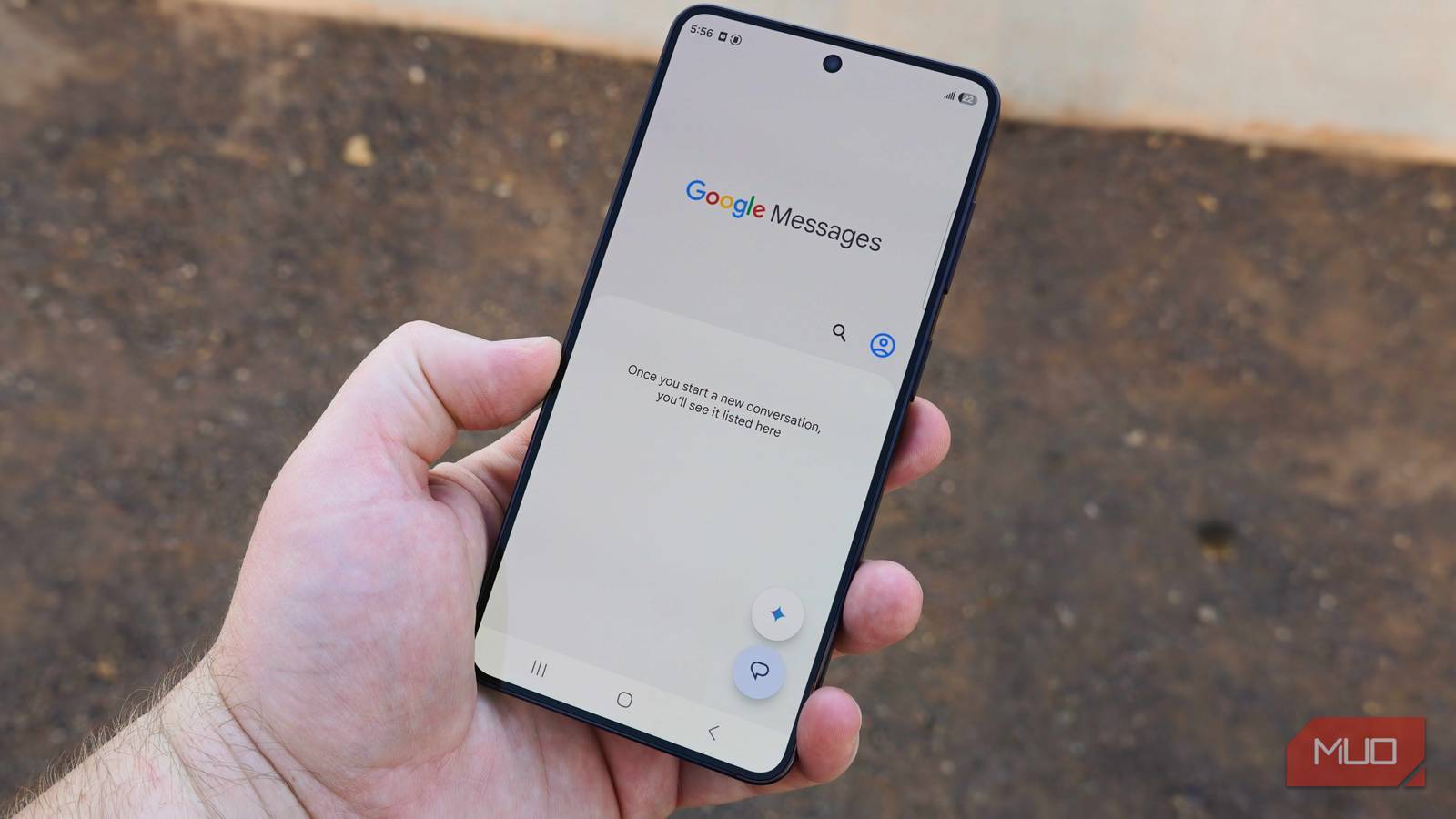

Google Messages is the default Android messaging app, whether we like it or not. Samsung Messages is shutting down, and that means more Android users will be switching to Google Messages or finding another alternative. Unfortunately, the messaging app is far from perfect. It’s missing a critical iMessage feature. Google Messages still won’t work without an active SIM or save conversations to your Google account. Setting the practical drawbacks of Google Messages aside for a moment, there’s one feature I absolutely cannot stand.
It’s called Expressive animations, and it’s the catch-all name for screen reactions and effects in Google Messages. They were added in 2023, and I’ve been annoyed ever since. The most frustrating parts of the Expressive animations suite are Screen Effects. Use the right words or phrases in your Google Messages conversation, and your entire screen will be consumed by distracting animations. Somehow, this isn’t optional. The visual effects appear automatically by default, but I finally turned them off — and I should’ve done it sooner.
I changed 6 Google Messages settings and my Android texting experience got so much better
Settings I should’ve changed on day one.
Expressive animations hijack your screen for no reason
I want to send a text, not see air dancers all over my conversation
If you are a regular user of Google Messages, you already know what I’m talking about. Screen Effects activate automatically on both the sender’s and receiver’s Google Messages screen when a trigger word or phrase is sent. Here are a few common triggers that turn your Google Messages screen into a visual party:
- Going to the beach
- Summer sun
- Rise and shine
- Booo
- Hahahaha
- Lololol
- Happy 4th
- Happy Birthday
- Congrats
- Sweet dreams
I promise, I don’t hate fun. These expressive animations are neat, but having them enabled by default gets old fast. When I’m texting someone in Google Messages, I don’t want to see a full-screen visual effect take over for a few seconds simply because one of us used a trigger phrase.
Some of these words or phrases are pretty common. If you’re the kind of person that says “Hahahaha,” “Lololol,” or “Lolll” regularly, get ready for your Google Messages conversation to feel like a used car dealership. All three phrases kick off a Screen Effect with waving inflatable tube men, just like the ones you’d see at a car wash. They essentially put your conversation on hold for a few seconds while the air dancers take over your screen.
Early on, expressive animations were actually worse. Google Messages used to have “I love you” and “sounds good” as trigger phrases for Screen Effects, which was a terrible idea. I use those phrases quite often throughout the day, and I can only image how annoying it was to see a full-screen animation every time I sent or received one. Luckily, Google removed those common triggers, but there are still dozens that can hijack your conversation.
Expressive animations aren’t limited to Screen Effects. They also appear in smaller form when you react to a message with an emoji, or receive a message reaction. These might be more annoying than Screen Effects if you use emoji message reactions often. Throughout a quick conversation, I might see tens of expressive animations appear in Google Messages. That’s simply too many.
You can turn off expressive animations with one toggle
But a feature this annoying should be opt-in, not opt-out

By default, expressive animations are enabled in RCS chats. When you figure out what these annoying screen effects are called — expressive animations — they’re easy to turn off. Open the Google Messages app on your phone, then tap your Google account profile picture. This will open the Messages settings page. Here, you’re looking for the Show expressive animations toggle in the list. Tap the toggle to flip it off, and you’re all set.
With expressive animations disabled, my Google Messages conversations immediately calmed down. I didn’t have inflatable tube men or the rising sun interrupting my Google Messages chats. When I sent an emoji reaction, I saw the emoji land atop the message I reacted to — I didn’t get an obnoxious air dancer. This is exactly how the Google Messages experience should look by default.
Expressive animations are neat, and I’m sure some Google Messages users love them. But they should be opt-in, not opt-out.
Google can fix expressive animations
Make them optional, like iMessage’s screen effects

Google Messages can take a page out of Apple’s book by copying how iMessage handles screen effects. It’s true that a select few trigger words or phrases can automatically activate screen effects while using iMessage. However, they’re few and far between, used for special occasions like birthdays and holidays. Additionally, the visual effects aren’t as intense as expressive animations in Google Messages.
There’s one thing iMessage gets right that Google Messages should borrow. Instead of using hidden trigger words to activate expressive animations, Google should let you activate them manually. Apple users can hold down the Send button in iMessage to manually activate a bubble or screen effect, which include the same visual effects you’d get automatically with the right word for phrase. Both Google Messages and iMessage should lean into manual control of screen effects.
I might choose to send a screen effect here or there, but I don’t want them taking over my Google Messages screen daily. I definitely don’t want to see expressive animations every time I send or receive a message reaction. Now that I’ve disabled them, my Google Messages chats are more peaceful.

- OS
-
Android
- Released
-
November 12, 2014
- Publisher(s)
-
Google
Google Messages is the official messaging app for Android, powered by Rich Communication Services (RCS) to offer an enhanced chat experience. It supports high-quality photo and video sharing, dynamic group chats, and end-to-end encryption for privacy. Features include spam protection, AI-powered suggestions, and seamless device integration, making conversations expressive and secure across Android and the web.
