


Summary
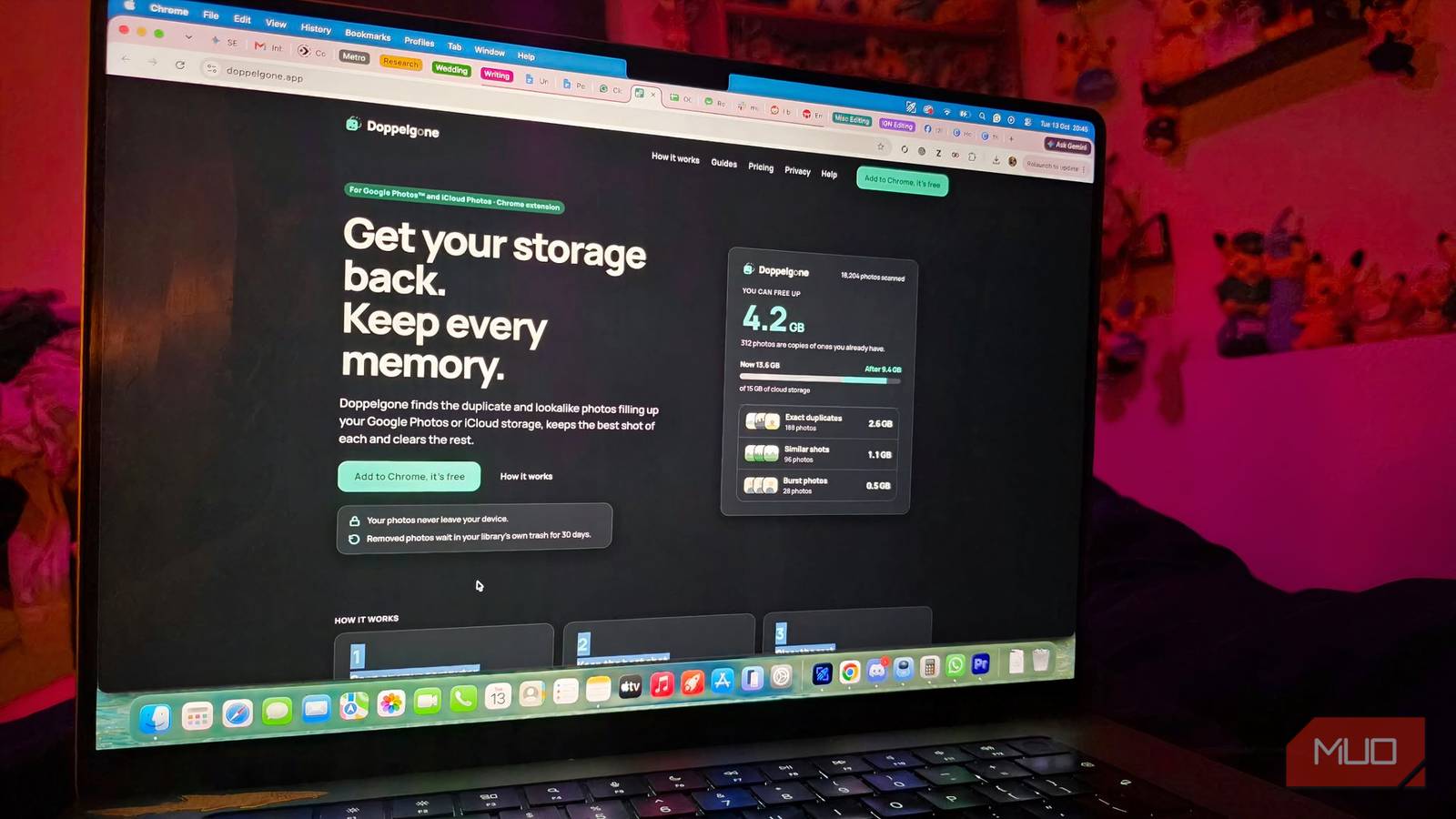
- Doppelgone finds and groups exact duplicates, near-duplicates and burst photos in Google/iCloud.
- It auto-picks the best shot (open eyes, sharp focus, good light) but you approve deletions.
- Works locally in Chrome, keeps photos private, moves removals to Trash for 30 days.
An independent software developer just launched a browser-based tool called Doppelgone that solves a massive pain point Google Photos users know all too well: finding and deleting duplicate photos.
With Doppelgone, the entire process is simplified in your Chrome browser and works directly with either your Google Photos or iCloud Photos library. It quietly goes through your collections to identify exact duplicates, blurry retakes, and extensive burst shots without making any premature changes.
How Doppelgone works
I can’t believe it’s taken this long for such a simple feature
Doppelgone scans your images to find similar shots and automatically picks the best photo from each group, preferring sharp faces, open eyes, and good lighting. Of course, you are still in control: just tap to save any other photos you want to keep.
Once you’re ready to get rid of the clutter, approving the cleanup action will safely move the photos you didn’t select into your library’s built-in trash bin (this being either Google Photos’ Trash or iCloud’s Recently Deleted). Since files aren’t permanently deleted immediately, they remain in a suspended state for 30 days, so you can undo the whole batch with one click.
While Google Photos and iCloud have basic features that sometimes group similar images or recommend deleting screenshots and blurry photos, Doppelgone actively searches a user’s entire cloud library for exact duplicates, near-duplicates (lookalikes), and burst photos. Because it uses local processing on the user’s computer, it doesn’t send photos to third-party servers, so your images stay private.
Doppelgone combines similar photos and then applies an algorithm to suggest the best picture from each group, preferring photos with open eyes, sharp focus, and good lighting. Users can manually choose which images to keep, giving them full control over their photo collection. Importantly, Doppelgone doesn’t remove images completely; instead, it moves approved images to the user’s trash or recently deleted folder, where they can be recovered for 30 days. Photos marked as favorites, videos, and photos shared by other people are not affected.
Doppelgone includes a free version that allows up to 200 clean-ups, after which users can get unlimited use with a one-off payment. The launch price is $9.99, paid once. Later buyers pay $14.99. With either, you get unlimited clean-ups on up to 3 accounts across Google Photos and iCloud. AI checks every group for the best shot. Best of all, no subscription!
The company stresses transparency by providing full trader details via the Chrome Web Store and handling all payments securely through a third party. None of the photo data is stored on external servers and users have to confirm each deletion. Check out the full privacy terms here!
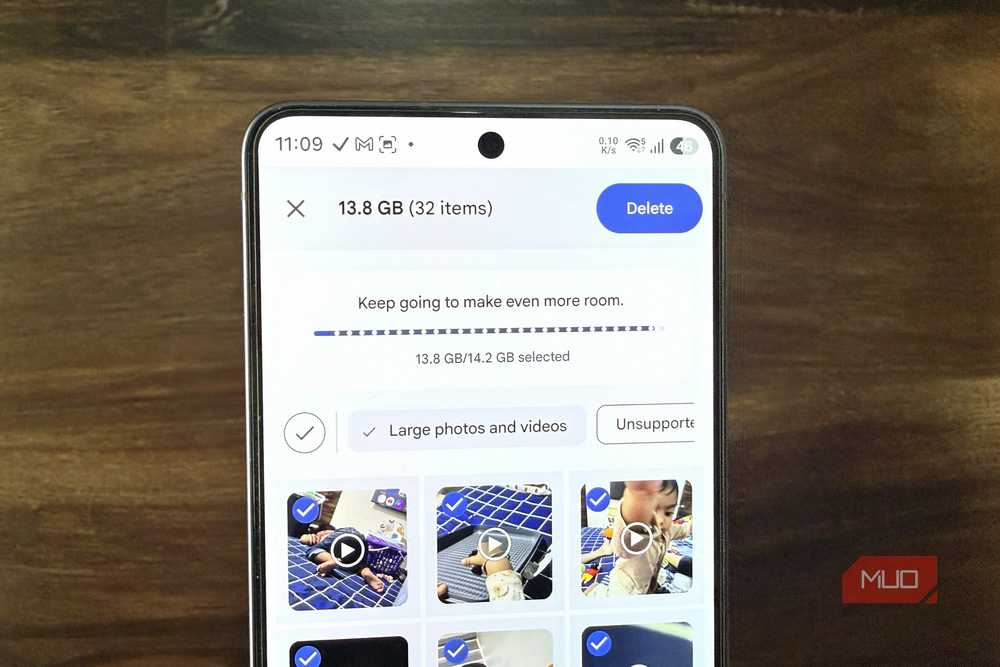
This method differs from Google Photos’ built-in features, which lack an automatic way to detect and remove duplicates from cloud libraries. Although Google Photos can advise users to clean up blurry screenshots or images, users usually have to search for and manually delete duplicates. It’s about time somebody made a specific, user-controlled tool that lets users quickly sort through their photos!
