


Privacy software has caught the subscription bug along with everything else. A VPN wants a few dollars every month, your password manager wants its share, and before long you’re paying enough recurring fees to wonder when keeping your data private became another household bill.
I don’t mind paying for software when I’m actually getting something I need. But after going through the apps on my phone and PC, I realized I was often paying for higher limits, extra controls, and convenience features while the privacy protections I cared about were already available for free. So I started canceling. Some apps disappeared without much ceremony, a few were harder to replace, and these are the free ones that ended up surviving the purge.
Proton VPN
It really made a paid VPN optional
Free VPNs have a bad reputation, and frankly, a lot of them earned it. Servers cost money, bandwidth costs money, engineers cost money, and somebody still has to answer support tickets, so when a VPN offers all of that for free, I immediately want to know where the money is coming from.
Proton VPN is one of the few free options I’m actually comfortable recommending. The free plan gives you unlimited data, no ads, no artificial speed cap, and the same no-logs policy Proton applies to paying users. It also completed its fifth consecutive annual no-logs audit in June 2026, which gives me a lot more confidence than the usual “trust us” paragraph buried on a pricing page.
You do give up control. Free users get one connection at a time and access to fewer countries, while Proton picks the fastest available free server for you by default. You can switch, but the next location is randomly assigned and repeated changes come with cooldowns. Features such as P2P support, Secure Core, guaranteed streaming support, and the full server network are reserved for paid plans.
For the way I use a VPN most days, I can live with that. If I’m on hotel or airport Wi-Fi, I mainly want an encrypted tunnel between my device and the VPN server, and I’d rather my ISP not have a direct view of every site I connect to. That doesn’t make me invisible online, of course. If I sign into Google, Amazon, or any other account, the website still knows who I am, and a VPN isn’t going to wipe out every tracking method on the web.
If Proton’s limits don’t work for you, we’ve also compared free VPN services and how they stack up, which is worth a look before committing to one.
Bitwarden
Keeps my passwords out of the subscription pile
Bitwarden’s free plan covers pretty much everything I need from a password manager on a normal day. You can store unlimited passwords across unlimited devices, generate new credentials, sync your vault, use autofill, and jump between platforms without running into a device cap. Your vault is encrypted on your device before it ever reaches Bitwarden’s servers, and because of its zero-knowledge design, Bitwarden doesn’t have the keys needed to read what’s inside.
That’s already enough for me to use it across my phone and PC without feeling nudged toward a subscription every now and then. Free accounts can even share vault items with one other person through a two-person organization, which covers a lot of the basic household use cases too.
Password management obviously sits a little closer to security than tracker blocking or anonymous browsing, but I still count it as part of my privacy setup. Keeping passwords and other sensitive data in an encrypted vault, rather than scattering credentials across browsers, is a pretty easy win.
Bitwarden Premium does add features I’d actually consider paying for, including the built-in TOTP authenticator, encrypted file attachments, emergency access, and extra security reports. Those are useful upgrades if you need them, but the core job of storing unique passwords, syncing them everywhere, and filling them when I need them is already covered for free.
If you’re coming from passwords saved in Chrome or another browser, our guide to using Bitwarden is a good place to start. You can also self-host a password manager with Vaultwarden if you want to take control even further, though at that point you’re also volunteering to maintain the server yourself.
DuckDuckGo
It lets me stop handing out my real email
My email address used to get handed out with almost no ceremony. Need an account for a store I’ll probably visit once? Sure. Downloading a random PDF? Have my email. Signing up for a newsletter I may regret in two business days? Why not. That was really my thing until my inbox started paying the price.
DuckDuckGo Email Protection gave me a way out without making me move to another mailbox. I can generate effectively unlimited random @duck.com addresses and have everything forwarded to the inbox I already use. If one of those aliases starts attracting garbage after a signup, I can burn it without torching my real address. DuckDuckGo also strips supported email trackers before forwarding the message, which gives the alias another job beyond simply absorbing spam.
I now use them for stores, newsletters, downloads, loyalty programs, and websites whose future relationship with me is, frankly, aspirational. Each signup gets its own address, so my main email isn’t being copied into every marketing database I happen to wander past. I recently wrote about doing exactly this when I stopped giving random websites my real email address.
DuckDuckGo says messages are processed long enough to remove trackers and forward them without the emails or their headers being stored. This isn’t an encrypted mailbox, and an alias obviously can’t hide information you voluntarily type into an account or message.
NextDNS
It blocks tracking before my browser gets a vote
Browser extensions are great until the tracker you want to block lives somewhere that has never heard of a browser extension. Phone apps, smart TVs, game consoles, and assorted internet-connected contraptions all get to participate in the tracking economy too, which is where NextDNS comes in.
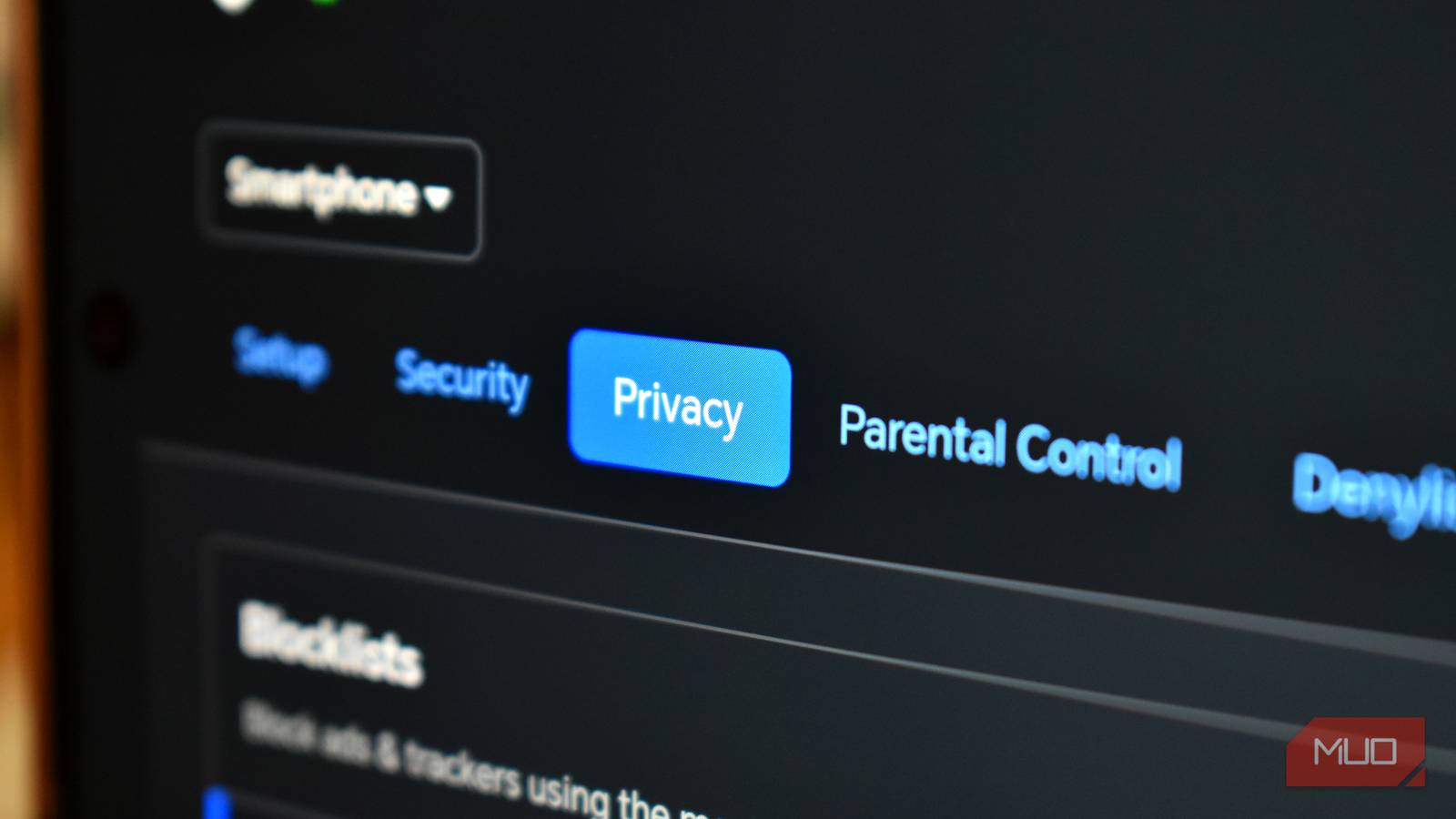
It works as your DNS resolver and can block requests to domains tied to ads, trackers, malware, telemetry, and other categories you choose. Because the filtering happens before those domains are reached, one NextDNS setup can cover a lot more than whatever happens inside your browser.
The free tier is pretty generous too. You get all the features, unlimited devices, and unlimited configurations, with a monthly cap of 300,000 DNS queries. Once you burn through that allowance, NextDNS keeps resolving domains but stops filtering until the counter resets. How quickly 300,000 queries disappears depends a lot on how many devices you have, so you should keep an eye on the analytics page before pointing an entire household at it.
You also get control over logging, including the option to turn logs off completely or decide how long they’re kept and where they’re stored. DNS filtering still has obvious limits. It can’t neatly strip out first-party ads served from the same domain as the content, and it doesn’t make your traffic anonymous.
I’ve found it especially useful on Android because it can cover apps that a browser extension will never see. We’ve already done a walkthrough on how to use NextDNS instead of AdGuard on Android if you want to see how that setup works in practice.
Brave
It turned tracker blocking into a browser setting
NextDNS handles a lot of the broad filtering across my devices, but the browser still gets a front-row seat to whatever a website is trying to pull. Brave takes care of that part for me.
Brave Shields blocks third-party ads and trackers, cross-site cookies, and several fingerprinting techniques without asking me to spend an afternoon assembling the setup myself. It also includes protections against tricks such as CNAME cloaking and bounce tracking, so the default configuration already goes quite a bit further than the privacy settings most people ever bother digging into.
I used to think a serious privacy browser setup meant building a small Jenga tower of extensions, filter lists, permissions, and obscure settings I’d forget touching six months later. Brave lets me import my Chromium bookmarks and extensions, then start browsing with a pretty aggressive set of protections already baked in.
Of course, websites can still identify me when I sign in, fingerprinting is an ongoing cat-and-mouse game, and stricter Shields settings can occasionally make a site misbehave. Brave lets me tweak Shields for individual websites when that happens, which is usually enough to calm down the occasional compatibility tantrum without weakening everything else.
Brave also ships with a decent amount of optional crypto baggage that has very little to do with the browser protections I actually care about. If that side of Brave does nothing for you, you can disable its crypto features and keep the privacy features that made the browser worth installing in the first place.
Cryptomator
It puts encryption in front of the cloud
I like cloud storage. I use it constantly, and I’m not about to abandon Google Drive, Dropbox, or OneDrive just to make a point about privacy. Cryptomator gives me a much easier option. I keep the cloud service, and the provider gets a pile of encrypted data instead of readable copies of my files.
Cryptomator creates encrypted vaults and handles the encryption locally before anything gets synced. The contents of my files are encrypted, the filenames are scrambled, and the original folder structure is obscured too. So if I drop documents, photos, or spreadsheets into a vault, the cloud provider never gets the nice, readable version I’m looking at on my PC.
The desktop app is free on Windows, macOS, and Linux, and I can create as many vaults as I want. Mobile is where the free ride gets a little shorter. The free Android and iOS versions are read-only, so editing and managing files from a phone requires the paid version.
Cryptomator also knows exactly what job it has. It isn’t a backup app, and it can’t save you from malware that already has access to your PC while the vault is unlocked. I use it because I want sensitive files in the cloud without handing the cloud provider readable copies, and for that job, it does exactly what I need.
If you want to take a similar approach with another setup, you can also encrypt files before uploading them to cloud storage.
Free until I find a reason to pay
Privacy software is one of the areas where I’ve finally stopped assuming the paid version must be the serious option. I kept finding that the protection I actually wanted was already sitting in the free tier, while the subscription mostly bought me extra storage, nicer controls, or convenience features I could live without.
So that’s my rule now. I start free and keep using it until I can point to an actual problem that money would solve. If that day comes, fine, I’ll pay. Until then, I’m not adding another subscription just because privacy software has discovered recurring billing.
