

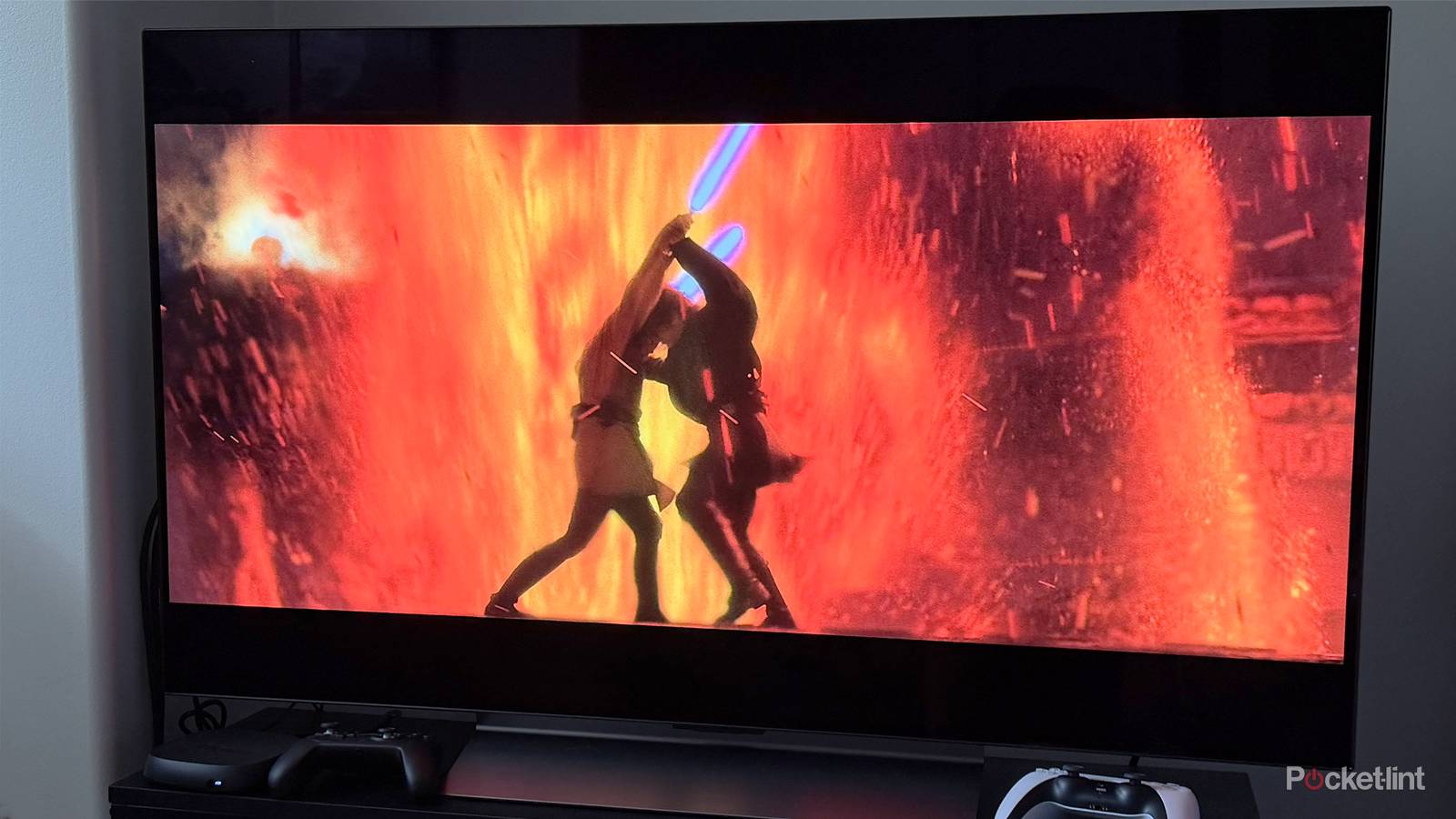

TV makers and film studios are always pressuring you to watch the latest version of a favorite movie or show. That’s often worth it — a movie like Blade Runner looks fantastic in 4K HDR — but there are many reasons to clutch onto older media. For one, it can be an expensive proposition to replace a large collection. In some cases, there are titles that haven’t even made the leap from DVD or VHS, whether because of rights issues, a lack of interest, or diminishing quality returns. DVD resolution is about as good as The Golden Girls can possibly get, since it was shot on tape.
You can’t just plug a VCR or (older) DVD player directly into a modern TV. You’ll need some way of converting that into a format that will display properly, which is trickier than you might think.
How to connect a VCR or DVD player to a smart TV
Orders of complexity

Let’s get this out of the way: if you want to play DVDs, it’s ridiculously easy to find new models that are fully compatible with smart TVs. They’re equipped with HDMI ports and integrated upscaling technology. If you want a high-quality option, I’d recommend Sony and Philips models, which still cost less than $100. You might also step up to a 1080p Blu-ray drive, which will be backwards-compatible with your discs.
If you’re here, though, it’s presumably because you’ve noticed that the ports on your VCR or DVD equipment don’t match the ones on your TV. Older players typically rely on component connections, or even composite, and those are rare to non-existent on newer TVs. Slicing out ports that few people use is an obvious way to reclaim both profit margins and design space.
At a minimum, then, what you need is a component-to-HDMI or RCA-to-HDMI (composite) converter. If your player has both component and composite outputs, always choose component. That not only tops out at 1080p resolution versus composite’s 480i, but eliminates artifacts like dot crawl by splitting video into separate red, green, and blue channels. More rarely, you’ll find devices with S-Video, a format that’s inferior to component but still a notch over composite. Search for an S-Video-specific converter in that situation.
Don’t just buy the cheapest converter you can find though, especially if you’re connecting a VCR. You’re not just converting analog signals to digital, but often dealing with major gaps in resolution and aspect ratios. A basic adapter might distort 4:3 content by stretching it out to fill your TV’s native 16:9, or cope poorly with interlaced resolutions, resulting in artifacts like comb teeth. You might also encounter unnecessary input lag, although that’s only a serious concern for game consoles.
Preferably you’ll buy a converter that not only fixes these problems, but refines its upscaling as much as possible, for instance reducing noise, smoothing edges, and better matching the resolution, color depth, and refresh rate of your TV. Expect to pay to play at higher quality levels. A device like the RetroTINK-4K CE can actually upscale to 4K at 60Hz, in 10-bit color — but it’s also $475. In all probability you’ll be buying a converter that tops out at 1080p SDR, and counting on your TV to make the leap to 4K. It might not bump up resolution at all beyond fixing interlacing.
Setting some expectations
The limits of upscaling

It’s vital to understand that even if you buy a converter that outputs at 4K, it can’t perform miracles. To start with, it can’t add detail that wasn’t there to begin with. DVD resolution is 480p, over 20 times smaller than 4K. To compensate, all upscalers rely on pixel-doubling, so characters and objects will inevitably look more featureless versus upscaled 1080p — let alone native 4K. VHS resolutions are worse, and neither DVD nor VHS support technologies like HDR or Dolby Atmos. You may be lucky if a converter has any special audio features, such as its own optical input.
Tapes are also prone to degradation that’s difficult or impossible to compensate for. If that tape of your baby steps is already wobbling, desaturated, and/or prone to lines or static, there’s nothing any converter can do. As far as an upscaling chip is concerned, the tape’s data is as pristine as it’s going to get. The only way to fix these issues would be complex manual editing on a computer.
